Playground guide
4 free browser games like Geometry Dash
For Geometry Dash fans, the appeal is reading hazards, committing to a jump and trying a difficult section again. These browser games focus on rhythm, spikes and precise movement. Pick a practice-friendly course first, or move to the more demanding Neon Dash: Impossible.
About these picks
Selections use creator information, existing catalogue evidence and public source/link checks on 23 November 2026. These are discovery descriptions, not full-playthrough reviews. Device support is documented rather than a physical-phone test. These independent alternatives are not official Geometry Dash releases.
FIND YOUR FIRST GAME
Start with these
A few starting points, with different reasons to play.
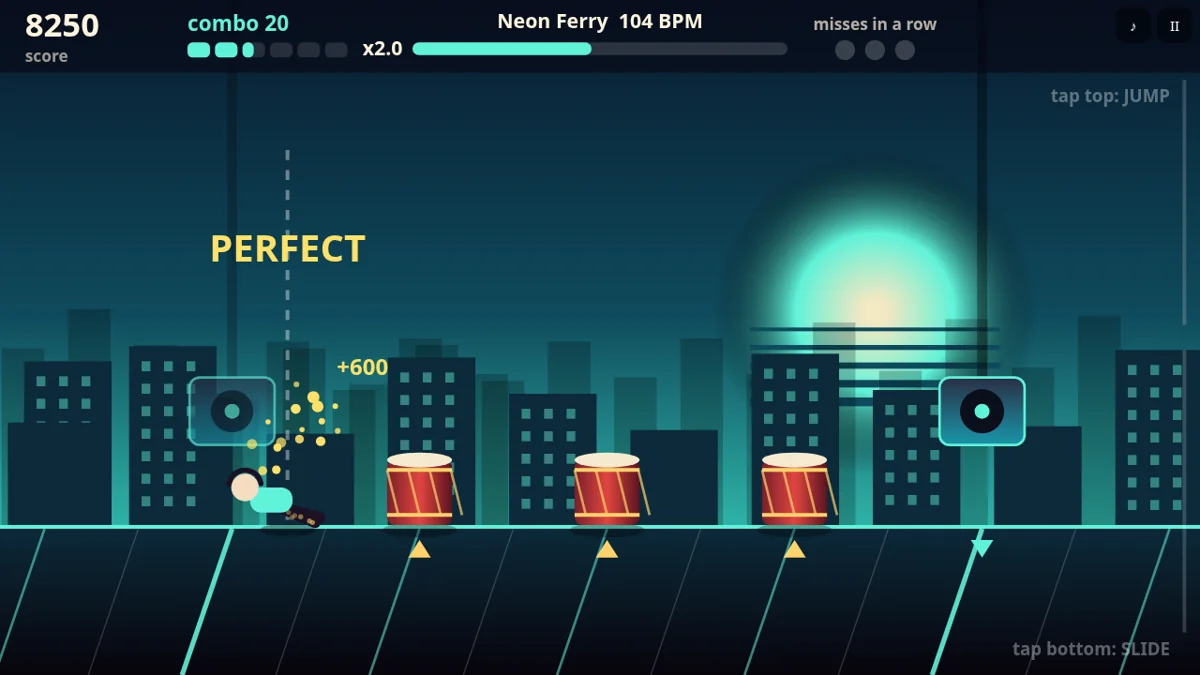
Jump and slide to the beat
Thrumstep: Rhythm Runner
By PN Scripts
Computer · Phone & tablet
- Touch controls
Play opens the creator’s game in a new tab. No Playground account is needed.
4 games
Recommended balances the guide’s theme, player interest, ratings and known limitations. Most played counts game opens, not time played.
Playing on your phone? Playing on a phone? See the touch-control guide ↗
Compare all 4 games
| Game | What to expect | Documented devices |
|---|---|---|
| Neon Rhythm Dash | A neon cube, gravity changes, practice mode and a level editor make this a close match for precision rhythm-platforming. | Desktop |
| Thrumstep: Rhythm Runner | Six tracks pair drum jumps with speaker slides; practice mode lets you work on the timing. | Desktop + touch |
| Neon Dash | A rhythm-platformer with neon hazards and gravity changes, rather than a general music score game. | Desktop + touch |
| Neon Dash: Impossible | Six demanding courses and an endless mode suit players looking for tight gaps and repeated attempts. | Desktop + touch |
Learn spike courses in practice mode
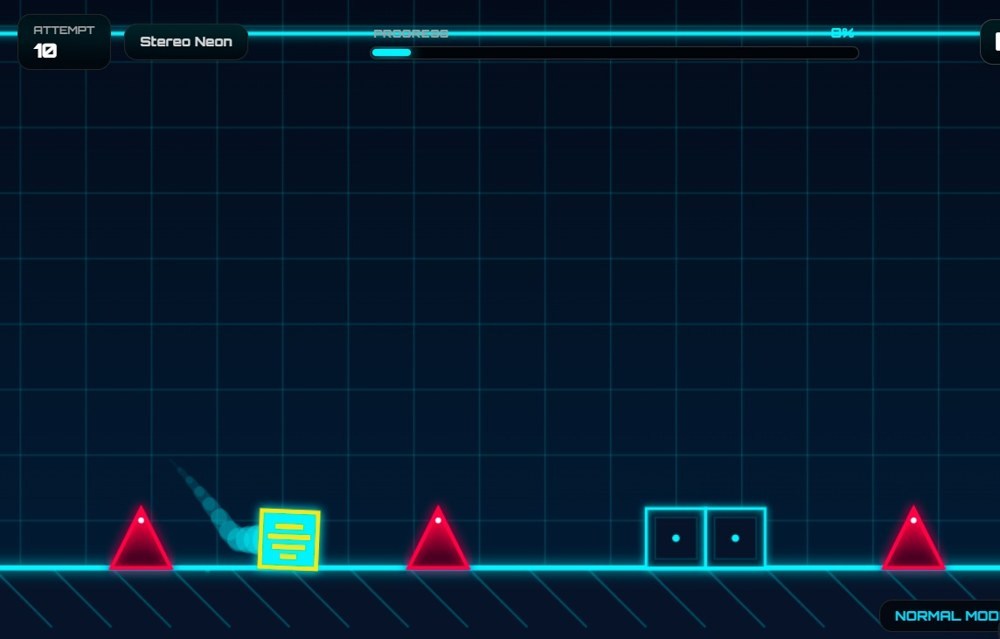
Neon Rhythm Dash
By realgame ↗
Guide a neon cube through spike-lined rhythm levels, gravity changes and precision jumps. Practice mode and a level editor offer more ways to tackle the courses.
Why try itA neon cube, gravity changes, practice mode and a level editor make this a close match for precision rhythm-platforming.
Computer browser
Jump and slide to the beat
Thrumstep: Rhythm Runner
By PN Scripts ↗
Jump drums and slide under speakers exactly on the beat across six neon tracks, building combos or practising at a gentler speed.
Why try itSix tracks pair drum jumps with speaker slides; practice mode lets you work on the timing.
Computer · Phone & tablet
- Touch controls
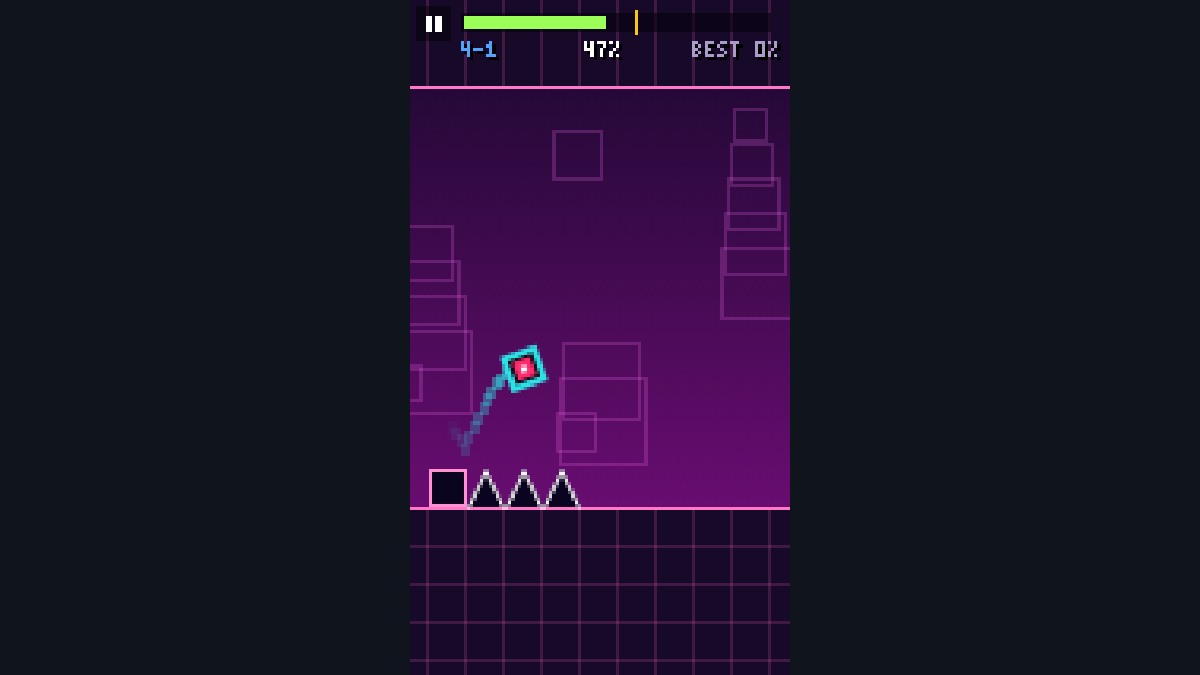
Read jumps and gravity changes
Neon Dash
By Arcade Lab ↗
Time jumps and gravity changes through a neon obstacle course. A rhythm platformer with increasingly demanding stages.
Why try itA rhythm-platformer with neon hazards and gravity changes, rather than a general music score game.
Computer · Phone & tablet
- Touch controls
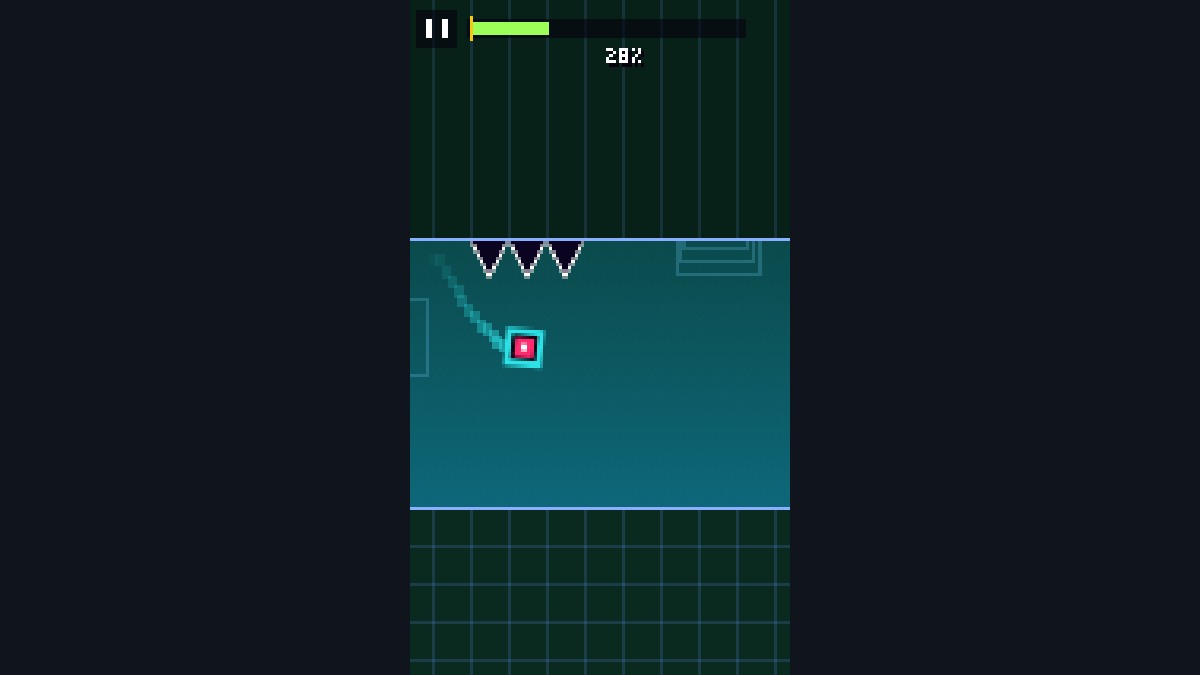
Tackle the tougher courses
Neon Dash: Impossible
By Arcade Lab ↗
Tackle six demanding neon obstacle courses and an endless mode. Time jumps through spikes and tight gaps in this harder Neon Dash follow-up.
Why try itSix demanding courses and an endless mode suit players looking for tight gaps and repeated attempts.
Computer · Phone & tablet
- Touch controls
Games like Geometry Dash for phone browsers
For phone and tablet play, start with these 3 touch-friendly picks. No app download is needed. Larger 3D worlds may run better on a newer device.
Before you choose a game
Which should I start with if I am learning?
Neon Rhythm Dash and Thrumstep document practice modes. Use those to learn the timing before trying the harder courses; difficulty is not a quality ranking.
Do I play these on Playground?
The Play button opens the creator’s browser game. Details opens the Playground listing, where you can read the credit, save the game and leave a rating. Demos and limited previews are identified; check the game’s own instructions before starting.
Found your favourite?
Leave a rating on its game page. Or send a friend somewhere new to play.
OVER TO YOU
Comments
Got a thought, a favourite or a recommendation? Join the conversation.
Loading comments…