Playground guide
6 free two-player games on one computer games to play in your browser
Two people, one computer and a choice of co-op or competition. These browser games document shared-keyboard or same-device play. Some use simultaneous controls; board games pass turns. Check the setup before squeezing two sets of hands onto a laptop.
About these picks
Selections use creator information, existing catalogue evidence and public source/link checks on 23 November 2026. These are discovery descriptions, not full-playthrough reviews. Device support is documented rather than a physical-phone test.
FIND YOUR FIRST GAME
Start with these
A few starting points, with different reasons to play.
Ricochet shells in a tank duel
Duelbarrow: Tank Duel
By PN Scripts
Computer · Phone & tablet
- Touch controls
Play opens the creator’s game in a new tab. No Playground account is needed.
6 games
Recommended balances the guide’s theme, player interest, ratings and known limitations. Most played counts game opens, not time played.
Playing on your phone? See the mobile-friendly picks below ↓
Compare all 6 games
| Game | What to expect | Documented devices |
|---|---|---|
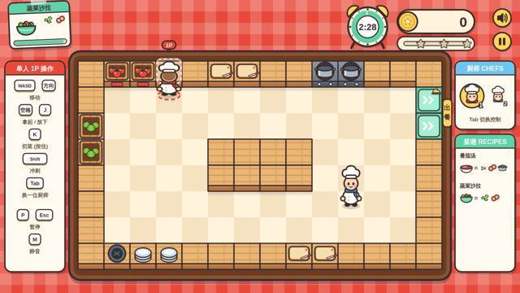
| Kitchen Rush | Two players share one keyboard to chop, cook and serve under pressure. | Desktop |
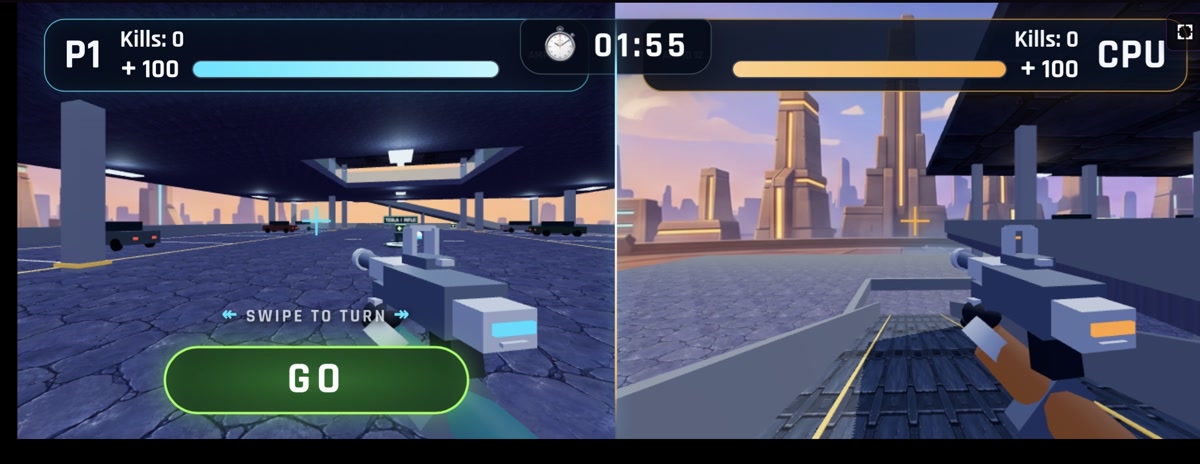
| SplitShot | Shared-keyboard controls use WASD for player one and arrows for player two, with versus and co-op modes. | Desktop + touch |
| Duelbarrow: Tank Duel | Two-player battles are documented on one keyboard; solo duels are also available. | Desktop + touch |
| Shovecrag: One-Button Sumo | A shared keyboard or touchscreen supports a simple head-to-head setup. | Desktop + touch |
| Breakneck Baseball | The creator documents a shared keyboard or gamepads for local baseball. | Desktop |
| Spellbound Chess | Same-device chess suits players who prefer turn-taking to simultaneous key presses. | Desktop + touch |
Share the keyboard and the kitchen
Kitchen Rush
By OpenVGLab ↗
Chop, cook, and plate orders before hungry customers lose patience.
Why try itTwo players share one keyboard to chop, cook and serve under pressure.
Computer browser
- Keyboard controls
Take one side of the screen each
SplitShot
Share a phone, tablet or keyboard for split-screen firefights. Two-minute deathmatches use forward movement, stop-and-turn tactics and automatic fire; co-op infiltration adds zombies and objectives.
Why try itShared-keyboard controls use WASD for player one and arrows for player two, with versus and co-op modes.
Computer · Phone & tablet
- Touch controls
Ricochet shells in a tank duel
Duelbarrow: Tank Duel
By PN Scripts ↗
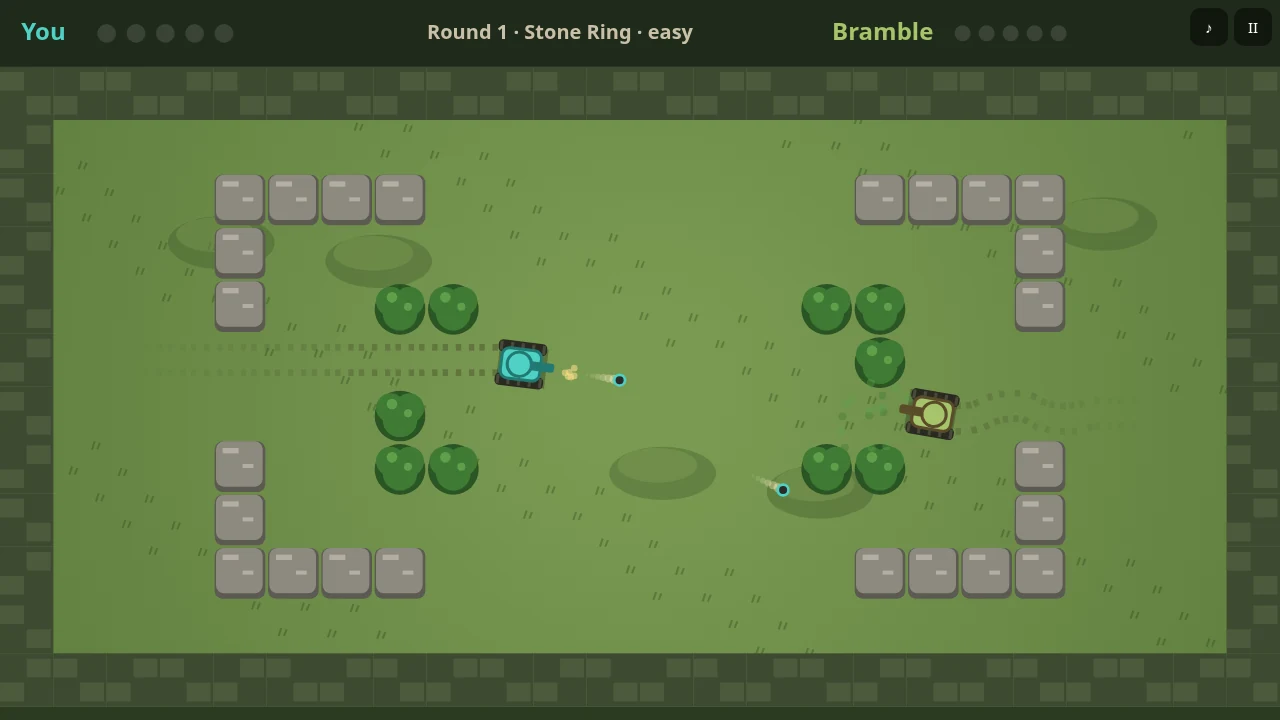
Ricochet tank shells around standing stones and break hedges in solo duels or two-player battles on one keyboard.
Why try itTwo-player battles are documented on one keyboard; solo duels are also available.
Computer · Phone & tablet
- Touch controls
Settle it with one-button sumo
Shovecrag: One-Button Sumo
By PN Scripts ↗
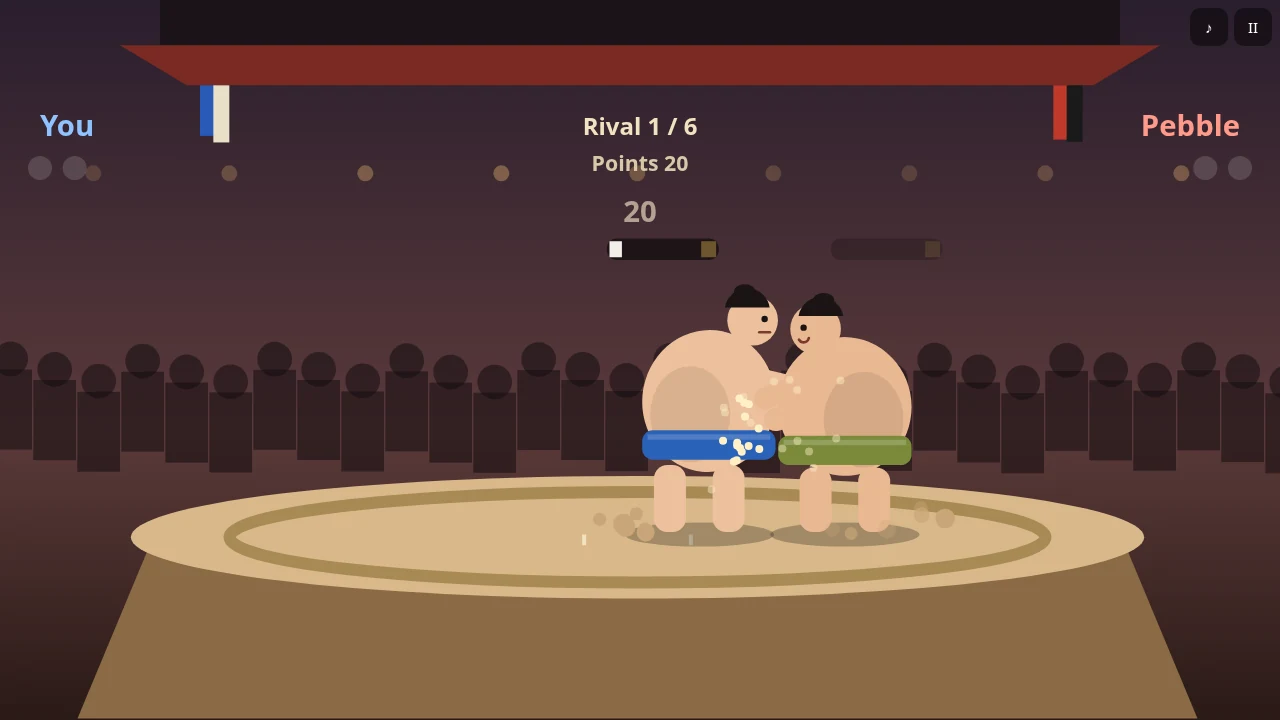
Charge and time one-button sumo shoves against six rivals, or challenge a friend on the same keyboard or touchscreen.
Why try itA shared keyboard or touchscreen supports a simple head-to-head setup.
Computer · Phone & tablet
- Touch controls
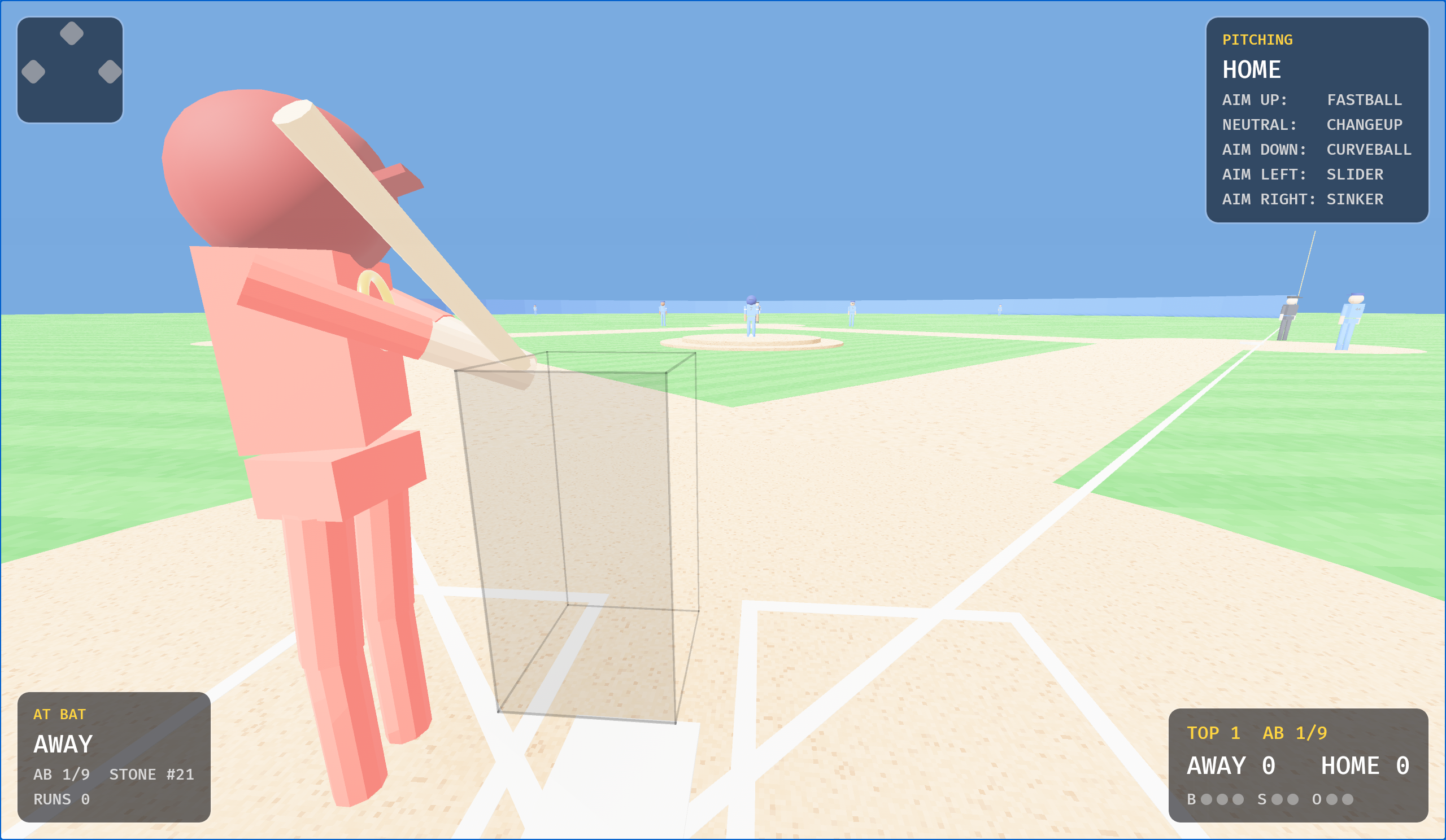
Pitch and swing against a friend
Breakneck Baseball
By hynding ↗
Pitch, swing and steal bases in 3D baseball, against the computer or a friend on the same keyboard or gamepads.
Why try itThe creator documents a shared keyboard or gamepads for local baseball.
Computer browser · Controller confirmed
Take turns on one chessboard
Spellbound Chess
Play chess against three computer difficulties or a friend on one device, with magical duels animating each capture.
Why try itSame-device chess suits players who prefer turn-taking to simultaneous key presses.
Computer · Phone & tablet
- Touch controls
Two-player games on one computer for phone browsers
For phone and tablet play, start with these 4 touch-friendly picks. No app download is needed. Larger 3D worlds may run better on a newer device.
Before you choose a game
Do we need two accounts or two computers?
The selected modes are local on one device. Follow the game’s local-play menu and control layout; online modes elsewhere on the site may have different requirements.
Do I play these on Playground?
The Play button opens the creator’s browser game. Details opens the Playground listing, where you can read the credit, save the game and leave a rating. Demos and limited previews are identified; check the game’s own instructions before starting.
Found your favourite?
Leave a rating on its game page. Or send a friend somewhere new to play.
OVER TO YOU
Comments
Got a thought, a favourite or a recommendation? Join the conversation.
Loading comments…