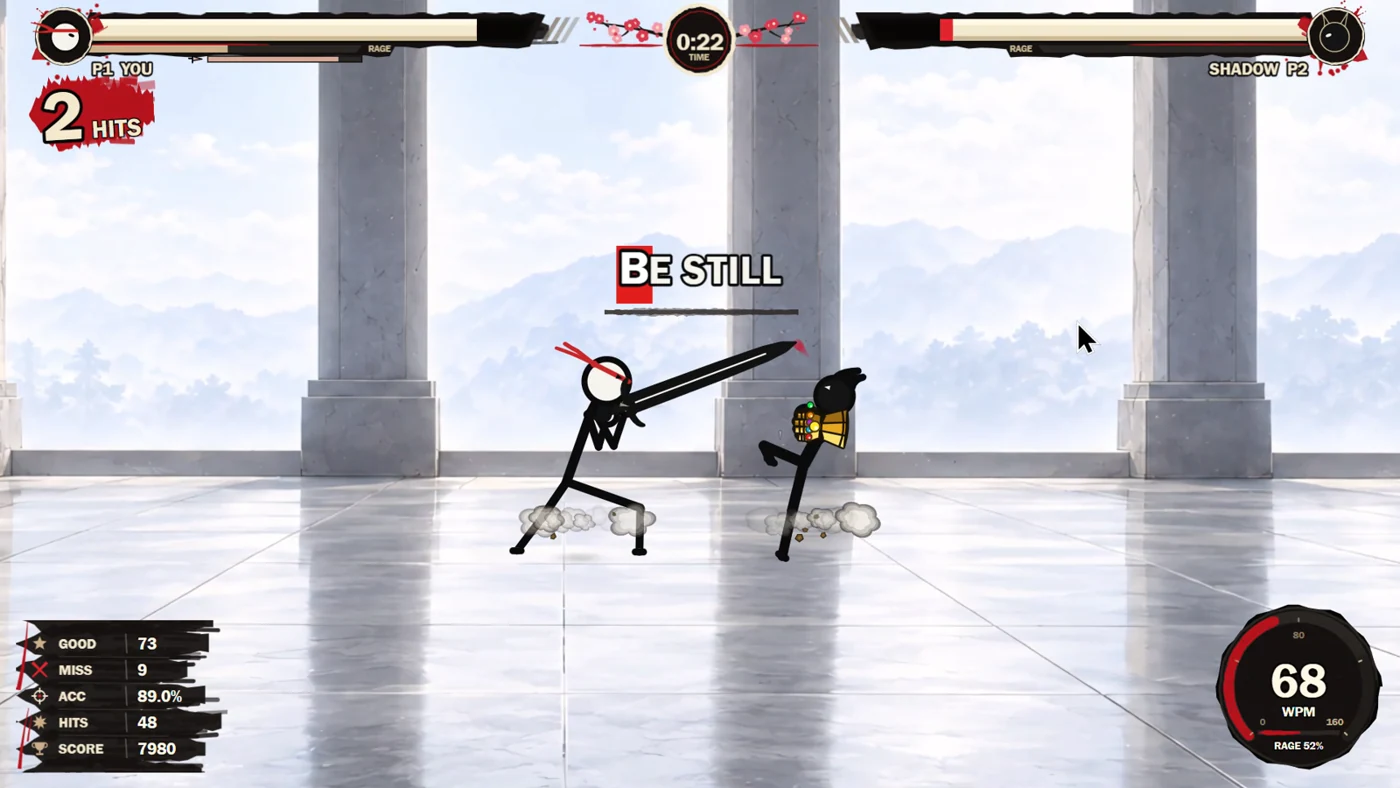
Turn accurate phrases into attacks
Typing Fight
Computer
Physical keyboard required. Duels are against a computer-controlled shadow fighter, not confirmed online PvP.
Playground guide
Make typing the game: race boats, trade blows, fire pirate cannons or light a calm sea. This selection includes both speed challenges and slower practice. A physical keyboard is the clearest starting point; supported phone-keyboard options are identified separately.
Selections use creator information, existing catalogue evidence and public source/link checks on 23 November 2026. These are discovery descriptions, not full-playthrough reviews. Device support is documented rather than a physical-phone test.
FIND YOUR FIRST GAME
A few starting points, with different reasons to play.
Turn accurate phrases into attacks
Computer
Physical keyboard required. Duels are against a computer-controlled shadow fighter, not confirmed online PvP.
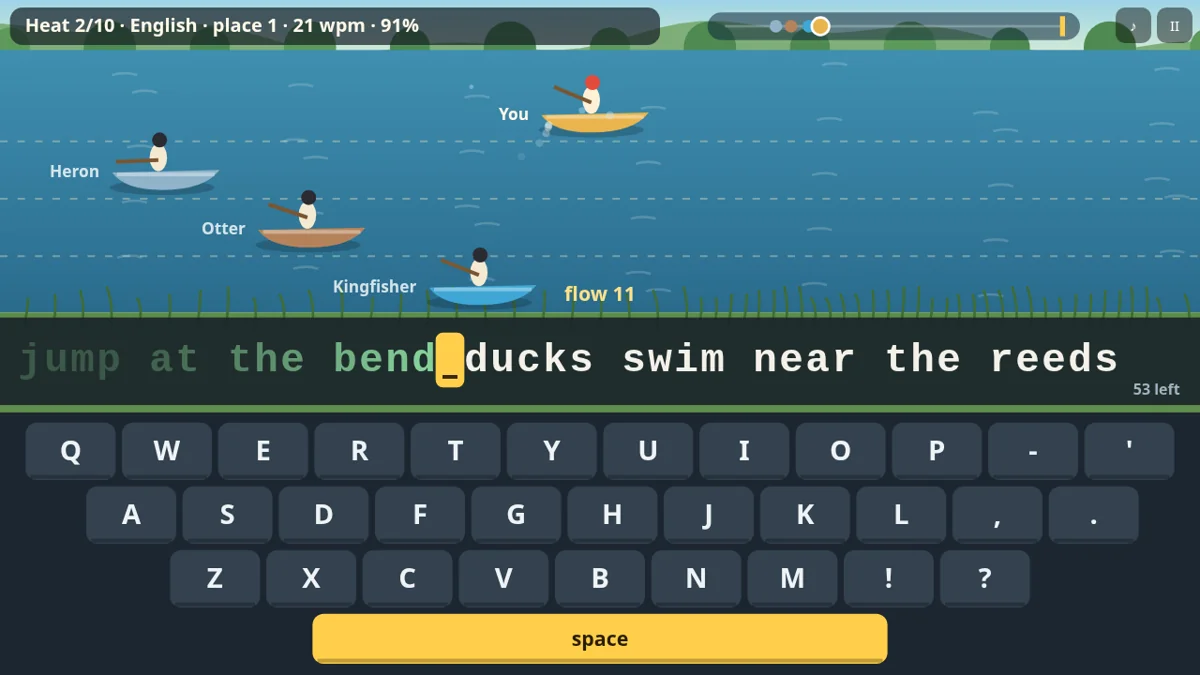
Row ahead by typing correctly
By PN Scripts
Computer · Phone & tablet
Play opens the creator’s game in a new tab. No Playground account is needed.
6 games
Recommended balances the guide’s theme, player interest, ratings and known limitations. Most played counts game opens, not time played.
Playing on your phone? See the mobile-friendly picks below ↓
| Game | What to expect | Documented devices |
|---|---|---|
| Typing Fight | Typing drives martial-arts strikes and blocks, giving accuracy an immediate combat purpose. | Desktop |
| Typeskiff: Typing Race | Ten heats and rival boats turn English or Bulgarian passages into a race. | Desktop + touch |
| Haarwick: Calm Typing Game | Words in the fog control a lighthouse beam; the phone mode deliberately slows the pace. | Desktop + touch |
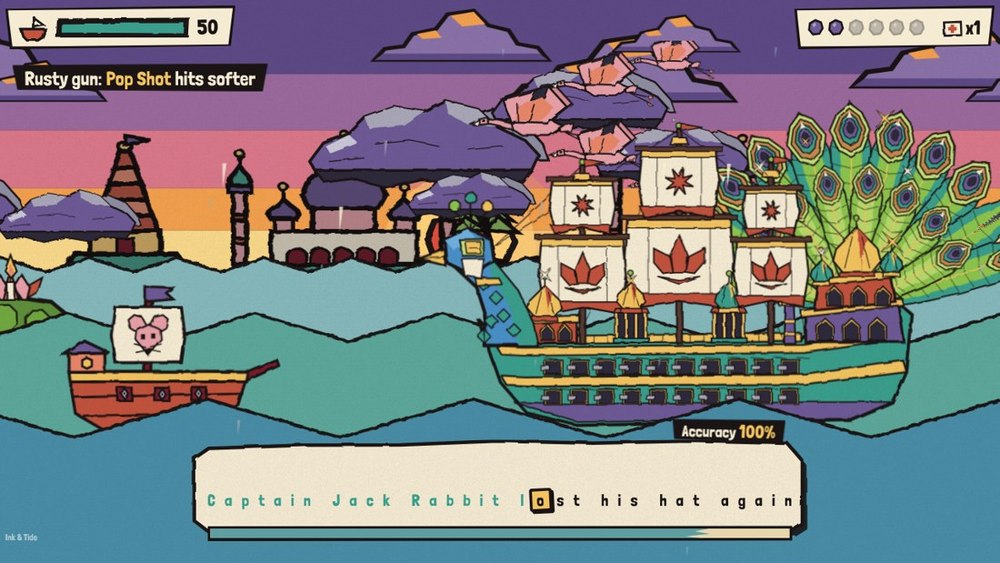
| Ink&Tide | Words power combat and counterattacks, with upgrades between voyages. A desktop keyboard is required. | Desktop |
| Vapor Type | Fifteen-, thirty- and sixty-second rounds suit a short test; untimed practice removes the clock. | Desktop + touch |
| Pip and the Lost Letters | Pip’s journey introduces keys gradually rather than assuming an experienced touch typist. | Desktop + touch |
Turn accurate phrases into attacks
Type phrases to strike and block in martial-arts duels, with weapons that grow stronger as your typing improves.
Why try itTyping drives martial-arts strikes and blocks, giving accuracy an immediate combat purpose.
Computer browser
Physical keyboard required. Duels are against a computer-controlled shadow fighter, not confirmed online PvP.
Row ahead by typing correctly
By PN Scripts ↗
Type each correct letter to row ahead of three rivals, racing through English or Bulgarian passages that grow faster across ten heats.
Why try itTen heats and rival boats turn English or Bulgarian passages into a race.
Computer · Phone & tablet
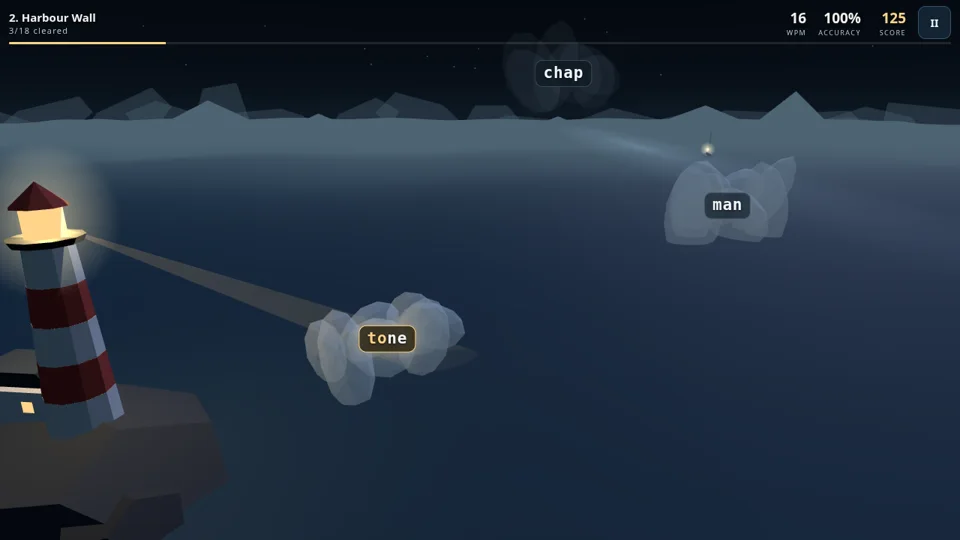
Type at a calmer pace
By PN Scripts ↗
Type words drifting through night fog to sweep a lighthouse beam over a calm sea, with a slower pace on phones.
Why try itWords in the fog control a lighthouse beam; the phone mode deliberately slows the pace.
Computer · Phone & tablet
Type to fire a pirate’s cannons
By jupitax ↗
Type words to fire a mouse pirate’s cannons, counter enemy attacks and fund upgrades between unpredictable voyages.
Why try itWords power combat and counterattacks, with upgrades between voyages. A desktop keyboard is required.
Computer browser
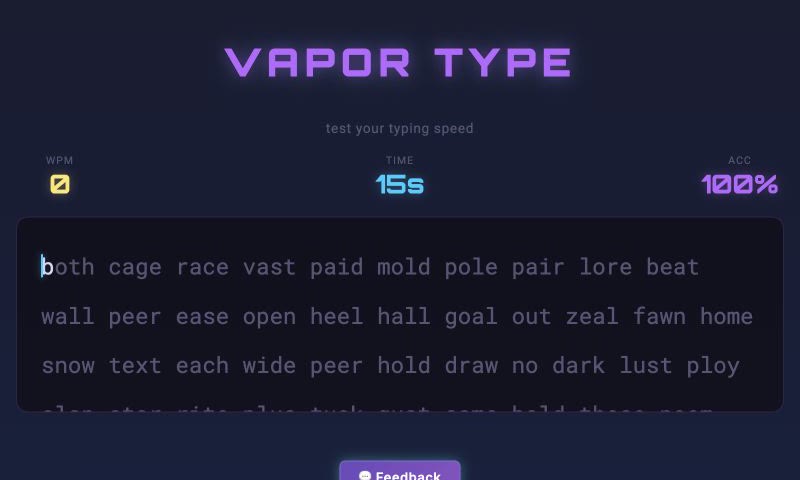
Choose a timed test or open practice
Test your typing in 15-, 30- or 60-second rounds, or practise without a clock. Every keystroke is final, so accuracy matters as much as speed.
Why try itFifteen-, thirty- and sixty-second rounds suit a short test; untimed practice removes the clock.
Computer · Phone & tablet
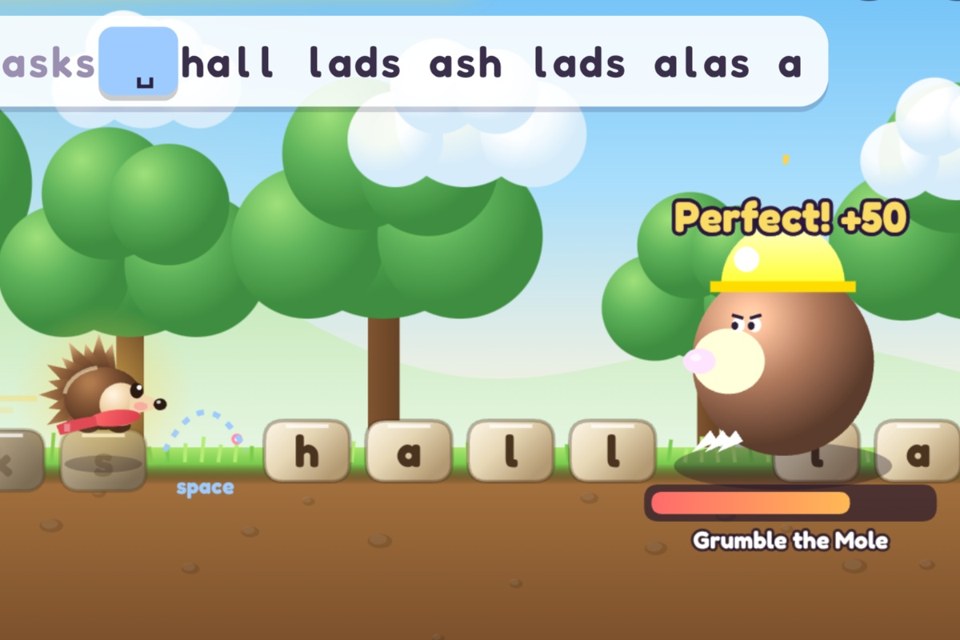
Learn the keyboard through an adventure
Help Pip the hedgehog progress through a typing adventure that gradually introduces the keyboard.
Why try itPip’s journey introduces keys gradually rather than assuming an experienced touch typist.
Computer · Phone & tablet
For phone and tablet play, start with these 4 touch-friendly picks. No app download is needed. Larger 3D worlds may run better on a newer device.
Haarwick and Vapor Type explicitly support phone keyboards. A physical keyboard is easier for touch-typing practice, and Ink&Tide requires desktop keyboard input.
The Play button opens the creator’s browser game. Details opens the Playground listing, where you can read the credit, save the game and leave a rating. Demos and limited previews are identified; check the game’s own instructions before starting.
Leave a rating on its game page. Or send a friend somewhere new to play.
OVER TO YOU
Comments
Got a thought, a favourite or a recommendation? Join the conversation.
Loading comments…