Mobile guide
5 free winter and Christmas games for mobile browsers
Looking for winter and Christmas games on your phone? These 5 selections have documented touch support. Compare their controls below, choose a starting pick and open the creator’s game. Keyboard-only choices are in the broader guide.
About these picks
Selections use creator information, existing catalogue evidence and public source/link checks on 23 November 2026. These are discovery descriptions, not full-playthrough reviews. Device support is documented rather than a physical-phone test.
FIND YOUR FIRST GAME
Start with these
A few starting points, with different reasons to play.
Play opens the creator’s game in a new tab. No Playground account is needed.
5 games
Recommended balances the guide’s theme, player interest, ratings and known limitations. Most played counts game opens, not time played.
Compare all 5 games
| Game | Game and scope | Controls and practical notes |
|---|---|---|
| Boo-Mas | Fairy lights, Humbugs and a midnight deadline provide the explicitly festive starting point. | Move with the mouse, WASD, arrows or touch. Space or click uses Boo; Esc pauses and M mutes. |
| Powder Kings | A fresh course and saved ghosts make this a repeatable winter sports choice. | Arrow keys steer, Space jumps, Shift boosts; on-screen touch controls. |
| Nordic | Exploration, races and orienteering suit a quieter snow outing than a trick-focused snowboard run. | Use the game’s keyboard, controller or on-screen touch skiing controls; check the control guide before a race. |
| FLOWLINE | An endless mountain offers a winter setting with active turns, jumps and aerial tricks. | A/D or arrows carve, S tucks, Space jumps and Shift grabs or scrubs speed. Q/E flips; touch controls are documented in the original repository. |
| Powder Peak Tycoon | Resort expansion and snowstorms make this the management option. | Use the game’s on-screen touch controls. The creator documents phone or touchscreen support; check the in-game instructions for this game’s layout. |
Light up a town as a Christmas ghost
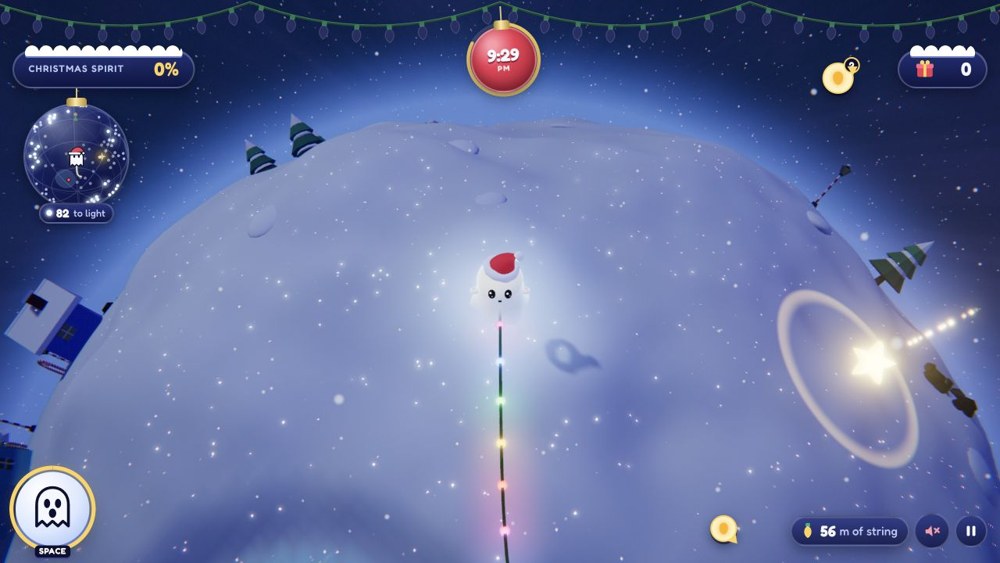
Boo-Mas
Float a tiny Christmas ghost around a snowy planet. Circle objects with fairy lights, scare Humbugs and try to brighten the town before midnight. Move with the mouse, WASD, arrows or touch. Space or click uses Boo; Esc pauses and M mutes.
Why try it on a phoneFairy lights, Humbugs and a midnight deadline provide the explicitly festive starting point.
Computer · Phone & tablet
- Touch controls
Race down a daily snowy mountain
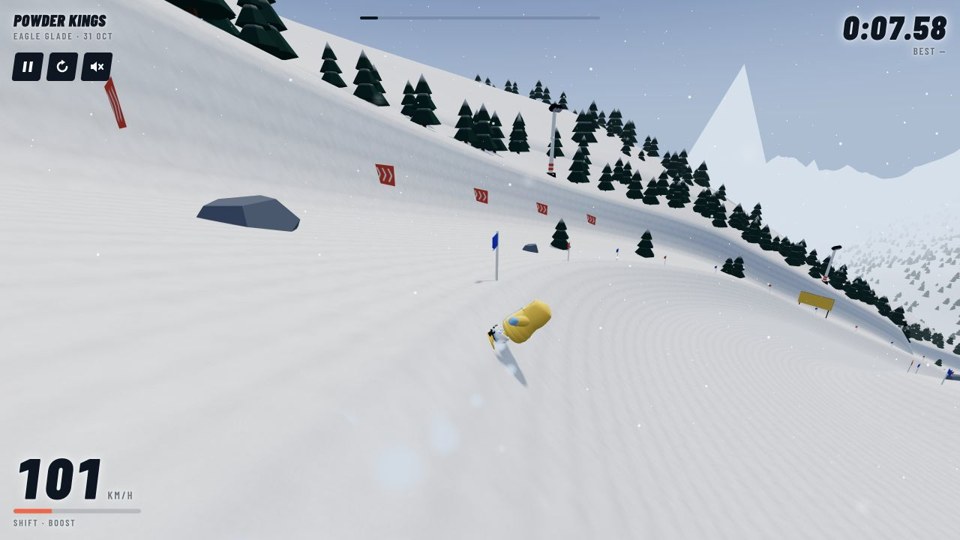
Powder Kings
Carve down a new snowy mountain each day, launch off kickers and chase leaderboard ghosts in an arcade snowboard race. Arrow keys steer, Space jumps, Shift boosts; on-screen touch controls.
Why try it on a phoneA fresh course and saved ghosts make this a repeatable winter sports choice.
Computer · Phone & tablet
- Touch controls
Find a rhythm on cross-country skis
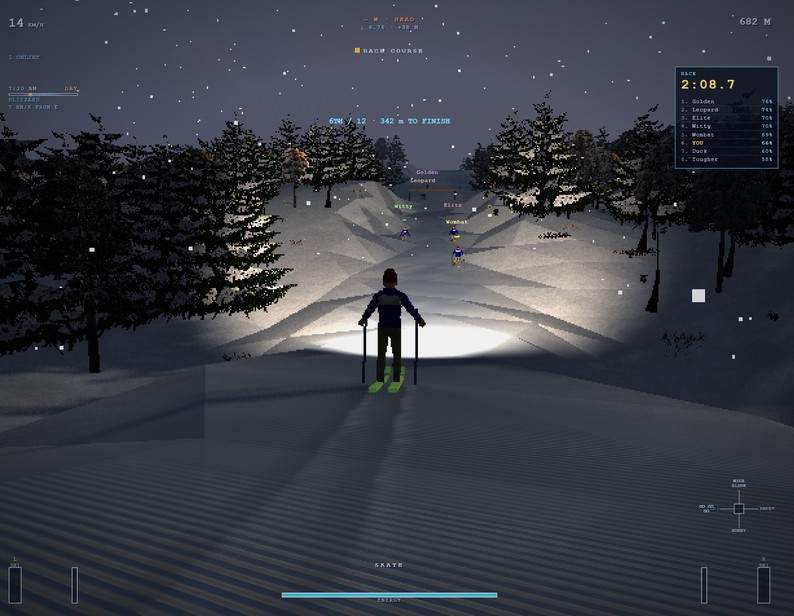
Nordic
Find a skiing rhythm across low-poly cross-country trails. Explore Nordic Valley, race routes or try orienteering and custom tracks. Use the game’s keyboard, controller or on-screen touch skiing controls; check the control guide before a race.
Why try it on a phoneExploration, races and orienteering suit a quieter snow outing than a trick-focused snowboard run.
Computer · Phone & tablet · Controller confirmed
- Touch controls
Carve and trick through endless snow
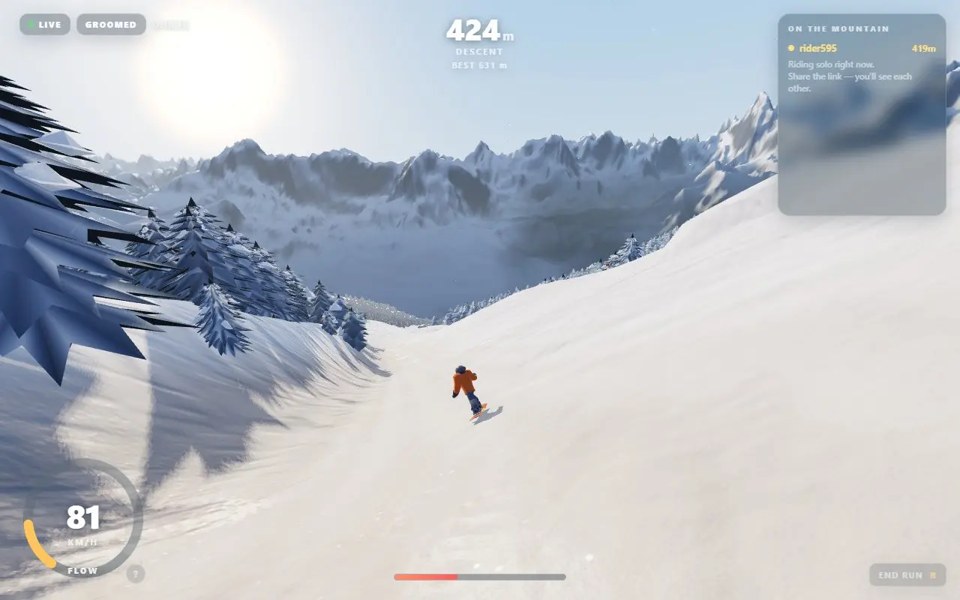
FLOWLINE
Snowboard down an endless mountain, carving clean turns to build flow and attempting spins, flips and grabs over the terrain. A/D or arrows carve, S tucks, Space jumps and Shift grabs or scrubs speed. Q/E flips; touch controls are documented in the original repository.
Why try it on a phoneAn endless mountain offers a winter setting with active turns, jumps and aerial tricks.
Computer · Phone & tablet
- Touch controls
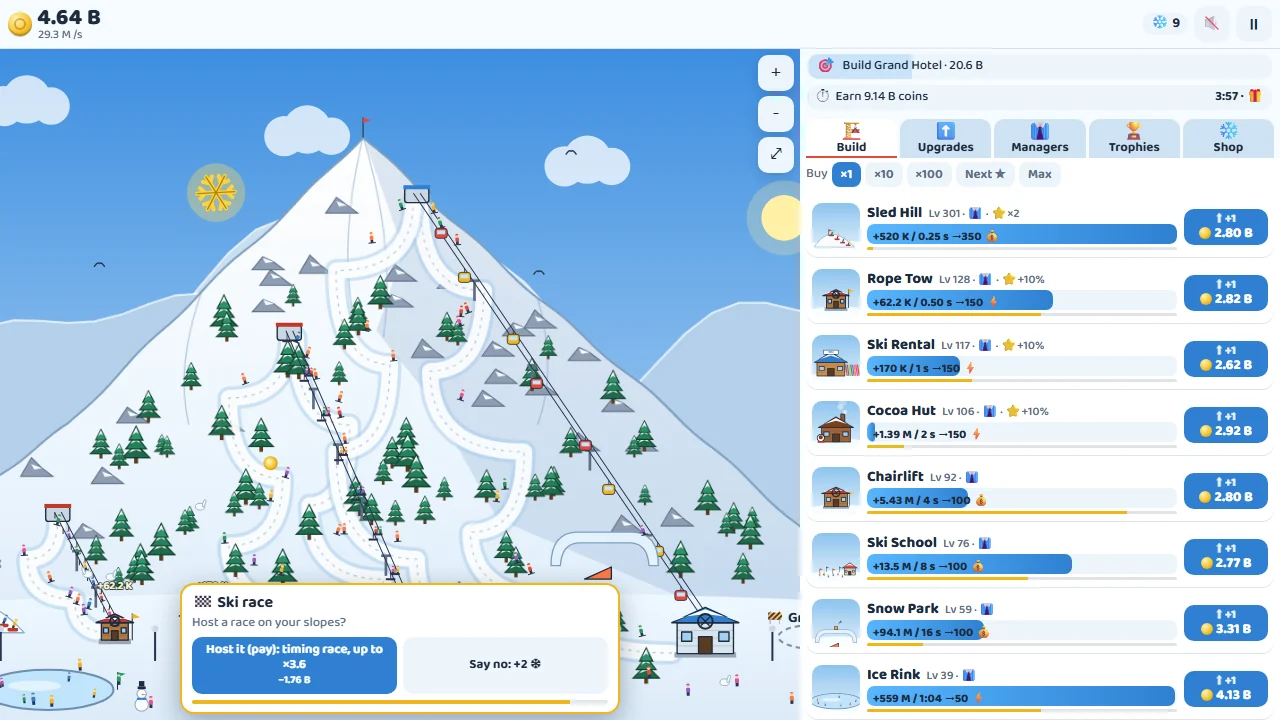
Grow a small hill into a ski resort
Powder Peak Tycoon
By megugames ↗
Grow a tiny sled hill into a ski resort, manage attractions and tackle snowstorms in an idle mountain tycoon. Use the game’s on-screen touch controls. The creator documents phone or touchscreen support; check the in-game instructions for this game’s layout.
Why try it on a phoneResort expansion and snowstorms make this the management option.
Computer · Phone & tablet
- Touch controls
Playing in a mobile browser
Which game should I try first on my phone?
Start with Boo-Mas: Fairy lights, Humbugs and a midnight deadline provide the explicitly festive starting point. The controls table below gives the phone setup for every pick.
Does touch support guarantee the same experience on every phone?
No. These creators document touch controls, but browser performance, screen space and orientation differ. Follow any landscape or graphics-setting guidance in the entry. These are not physical-device reviews.
Will my progress carry over to another phone?
Do not assume it will. Some games keep progress in the current browser, while others have their own accounts. Playground saves your game links separately from progress inside the creator’s game; check that game’s save instructions.
Found your favourite?
Leave a rating on its game page. Or send a friend somewhere new to play.
OVER TO YOU
Comments
Got a thought, a favourite or a recommendation? Join the conversation.
Loading comments…