Playground guide
27 games like Animal Crossing for mobile browsers
These Animal Crossing alternatives document phone or tablet support. Full garden worlds come first, followed by smaller decorating, pet-care and collection games. The control notes matter: some use one finger, others need two-handed movement, and local saves do not automatically follow you to a new phone.
Mobile support is based on creator documentation, approved creator submissions or previously verified game-specific controls. These are not physical tests on every handset. Unknown orientation and save behaviour are left unspecified.
01 Grow a garden your friends can visit
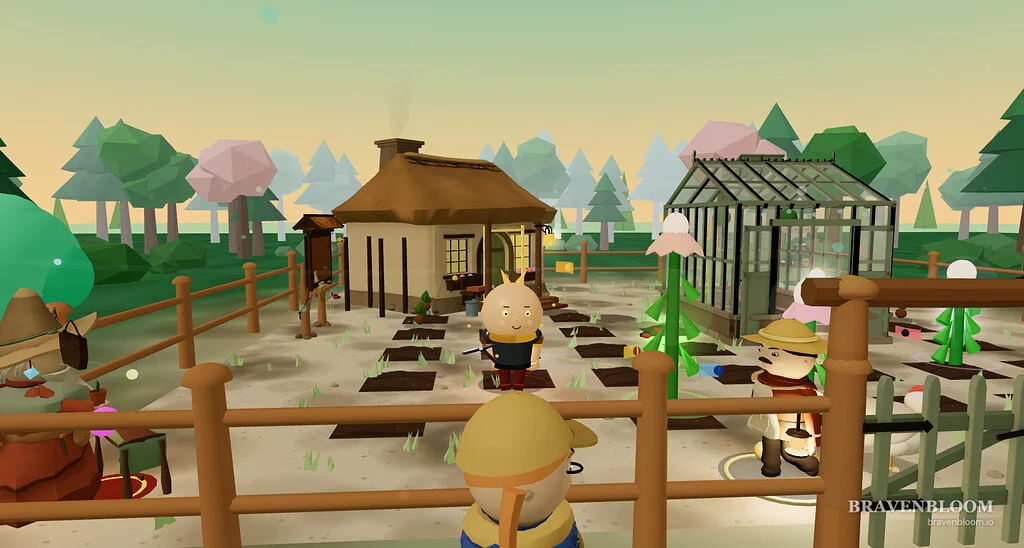
Bravenbloom
By Lampglen Games / vanchobe ↗
Touch controls are supported on iOS Safari and Android Chrome, although the creator recommends desktop for the best experience. Guest saves stay on one device; a free account lets the garden follow you between devices.
Before you playA close match for tending a personal space, collecting and visiting friends. It has a separate combat side, unlike Animal Crossing.
Computer · Phone & tablet
See game & play ↗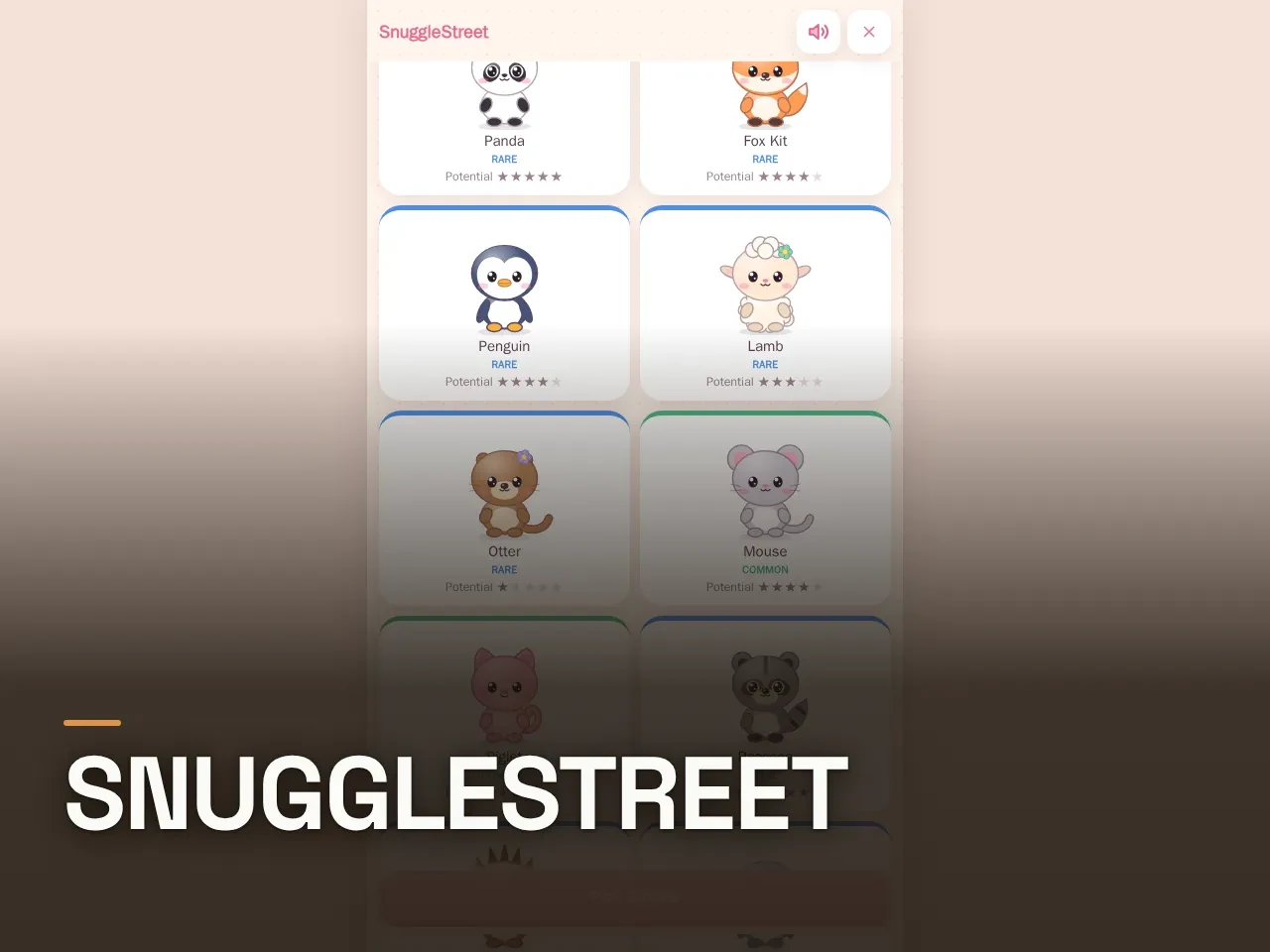
02 Adopt, dress and trade animal friends
SnuggleStreet
By LaFlowBy ↗
Tap to pet and care for companions. In catch games, drag the joystick and use DASH. The creator supports phones and desktop; online rooms can include computer opponents.
Before you playFor animal collecting, dress-up and sharing. It is pet-focused, rather than a whole village of animal neighbours.
Computer · Phone & tablet
See game & play ↗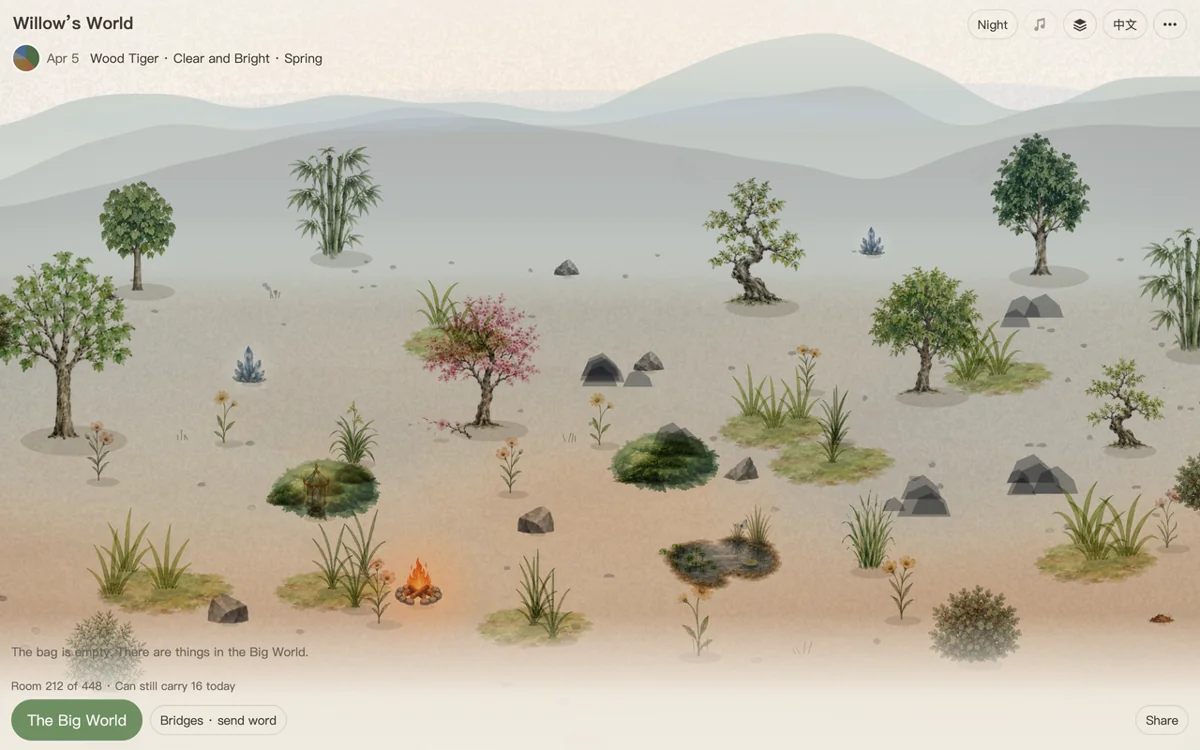
03 A little landscape that follows the real calendar
Inner Land
By anewworlds ↗
Tap items in the bag, then suitable ground to place them; drag to look around. The main site saves locally and can work offline after loading. Export a file before changing devices; bridges require a connection.
Before you playFor decorating outdoors and returning to a world that changes with the calendar. Visits use shared copies, not a live multiplayer village.
Computer · Phone & tablet
See game & play ↗04 Paint for animal customers, then furnish the studio
ArtCat: Cozy Pixel Studio
By Kisiou ↗
Use one finger to paint and two fingers to zoom or move the canvas. Turn the phone sideways and use itch.io’s fullscreen button. This is still a work in progress.
Before you playFor friendly animal visitors and earning decorations through a relaxed routine. Painting commissions replace village exploration.
Computer · Phone & tablet
See game & play ↗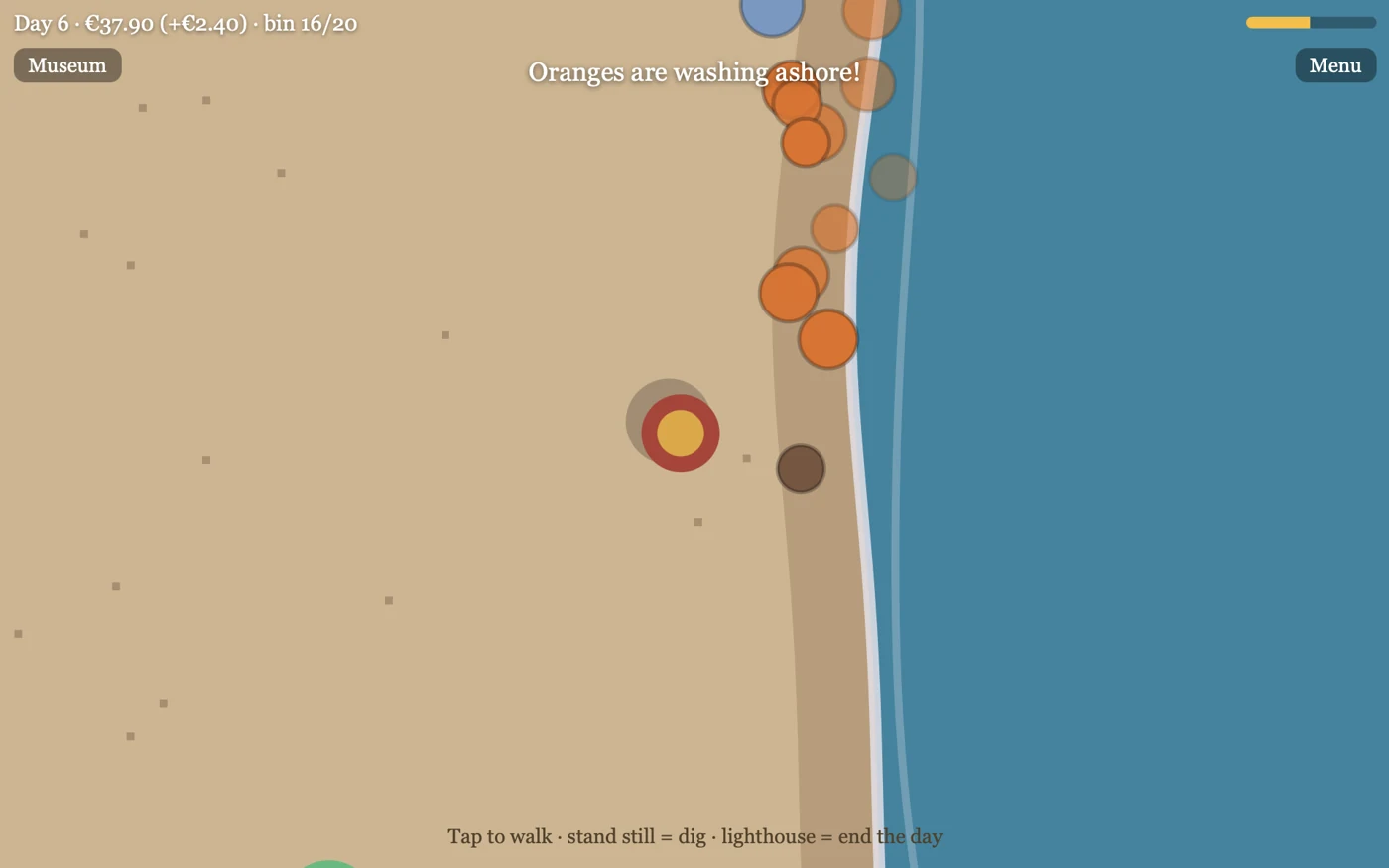
05 Fill a museum with things washed ashore
Jutter
Tap the shore to walk; standing on a mound digs automatically. Enter the lighthouse to finish a day. Saves are local and separate for each language, so keep the same language and browser.
Before you playA strong match for beach treasures and collection displays, on a deliberately small scale.
Computer · Phone & tablet
See game & play ↗06 Settle by the sea before an adventure
Hearthlight
The creator says the browser game plays on a phone but recommends a computer. Party Mode can also use phones as controllers for a larger screen; that is distinct from playing the whole game directly on your phone.
Before you playFor a village home and friendly fantasy setting. The larger adventure and combat are a clear departure from Animal Crossing.
Computer · Phone & tablet · Controller confirmed
See game & play ↗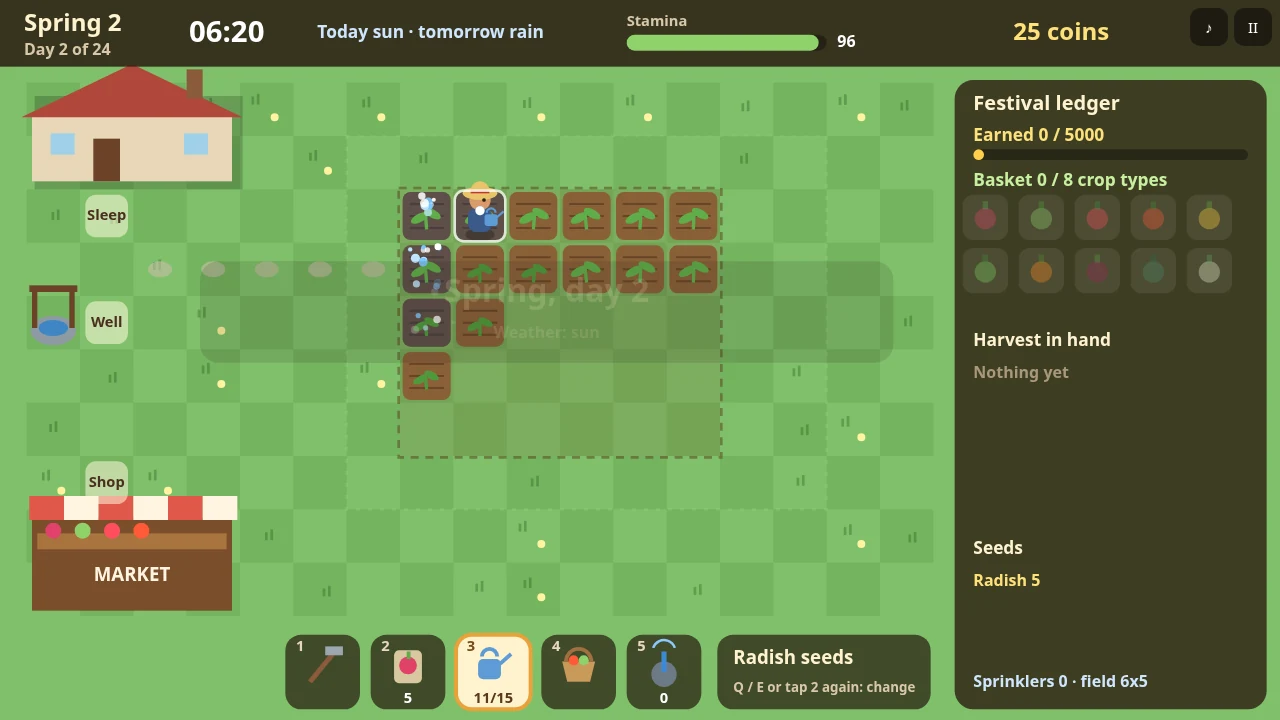
07 Grow a seasonal harvest in twenty-four days
Tillbrook: Cozy Farming
By PN Scripts ↗
Tap a tile to walk there and use the selected tool; tap the toolbar to switch tools. Crops wither when seasons change, and each action consumes stamina, so the compact interface still rewards planning.
Before you playFor seasonal crops and collecting a varied harvest. It is a short farming challenge rather than an endless village calendar.
Computer · Phone & tablet
See game & play ↗
08 Decorate the house for Halloween visitors
26 Hollow Lane
By Spellthorn ↗
Play in landscape: the left thumb walks, dragging looks around, and buttons use objects, run, go back and pause. This is a two-handed first-person game with an evening deadline.
Before you playFor decorating and a seasonal neighbourhood event. The preparation clock and occasional chases are more pressured than Animal Crossing.
Computer · Phone & tablet · Controller confirmed
See game & play ↗09 Restore a harbour between fishing trips
Ocean Idle Legends
By Txaars ↗
The creator designs the browser game for phones. Menu → Save code → Download save file creates a backup of the local save. Idle fishing has a time cap; the test version changes frequently. Exact orientation is unspecified.
Before you playFor fishing, decorating, animal friends and gradually restoring a place. The idle systems and larger ocean progression distinguish it.
Computer · Phone & tablet
See game & play ↗10 Bring Keeper Ada’s lighthouse back to life
Tidewick: Cozy Idle Lighthouse
By PN Scripts ↗
Hold to gather instead of tapping repeatedly. The creator documents touch controls, save slots and adjustable text size, contrast and motion. The title is now Lampholm; Playground’s older Tidewick label still points to the same project.
Before you playFor visible island improvements and returning to ongoing progress. It is an idle building game, rather than a resident-led life sim.
Computer · Phone & tablet
See game & play ↗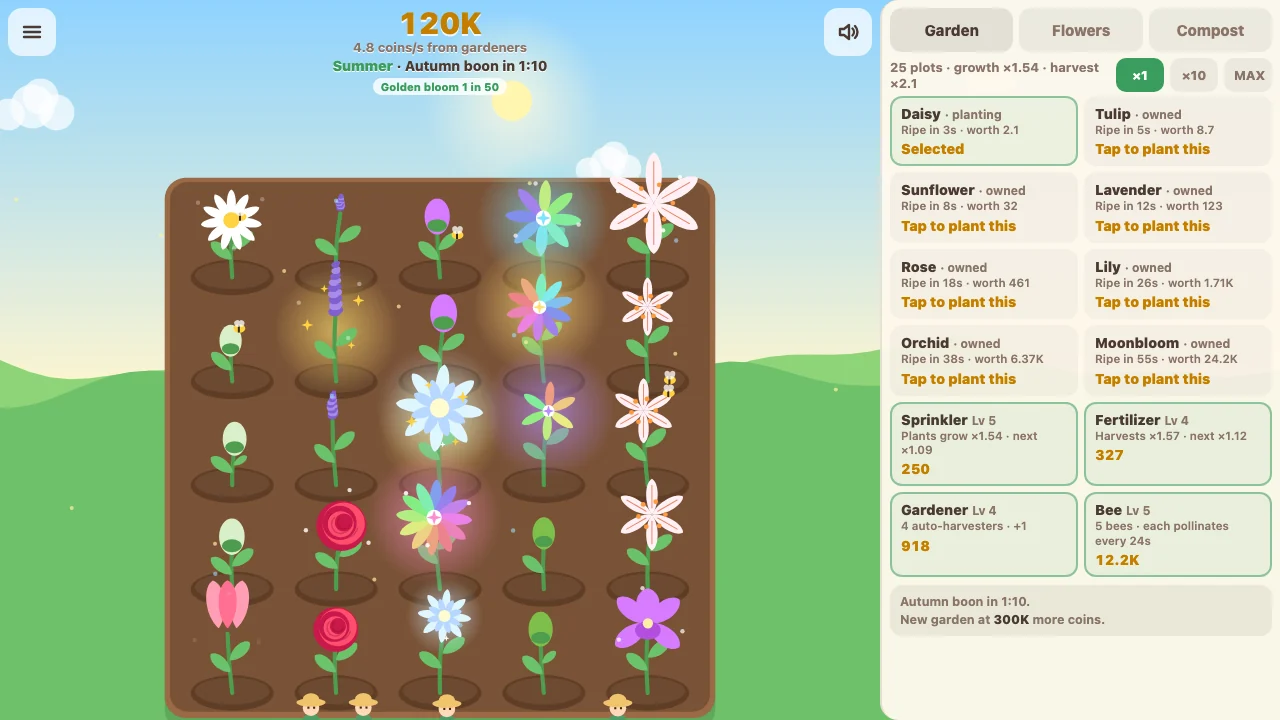
11 Breed rare flowers with a garden full of bees
Bloomnook
By ringburst ↗
Tap plots to plant, water or harvest, and drag across several plots for repeated actions. The creator describes one-thumb phone play, offline growth and autosaves. Orientation is not specified.
Before you playFor flower breeding and arranging a flourishing garden. Incremental upgrades and resets replace village relationships.
Computer · Phone & tablet
See game & play ↗12 Make friends with a flock that remembers you
Pocket Sparrows
By Yen Rye ↗
Touch the screen to throw food and tap a bird to pet it. Use the sparrow profiles button where right-clicking is unavailable. Progress automatically saves in the current browser.
Before you playFor named animal personalities, gentle daily visits and accessories. There is no town-building system.
Computer · Phone & tablet
See game & play ↗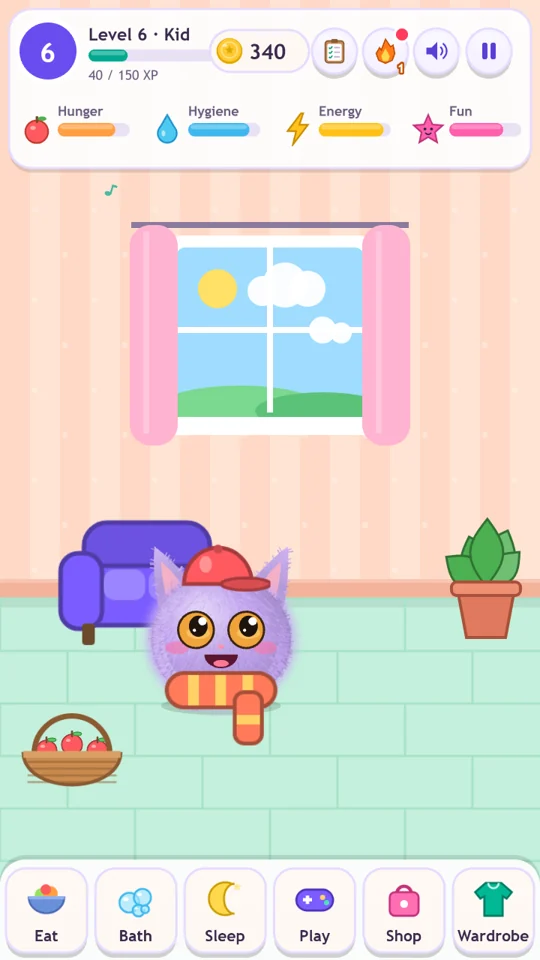
13 Hatch a pet and furnish its little home
Nubblo
By Hadukis ↗
Tap and drag to feed, cuddle, bathe and care for the pet. The game needs no account and stores progress in this browser. Three minigames provide coins for furniture and accessories.
Before you playFor caring, collecting and decorating. It is a virtual-pet game; the creature waits safely rather than dying when neglected.
Computer · Phone & tablet
See game & play ↗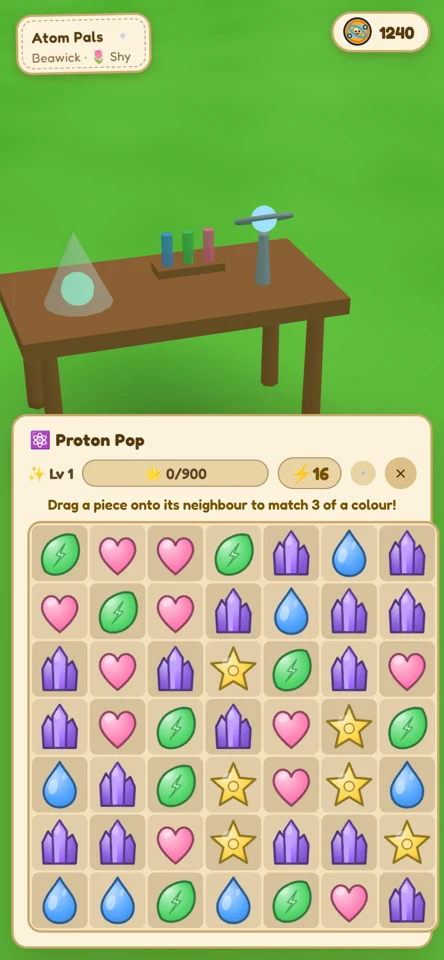
14 A pet garden that changes between visits
Atom Pals
By mdj1208 ↗
The creator recommends the main playprotonpals.com site for phone saves. The itch.io version offers “Take my garden home” to transfer progress there. No account is required; exact orientation and gestures are not described on the overview.
Before you playFor a persistent pet garden and small routines. It is more focused on one companion than a village of neighbours.
Computer · Phone & tablet
See game & play ↗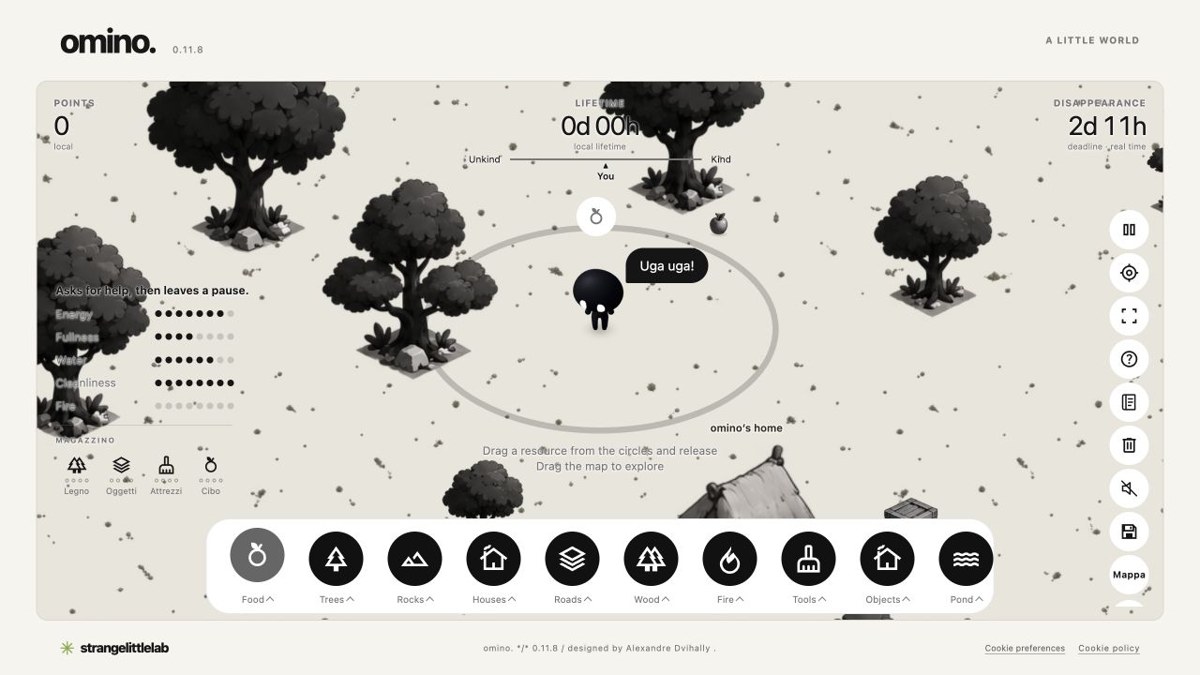
15 Shape a world around one independent creature
Omino
By Alexandre Dvihally / Strange Little Lab ↗
Tap a resource, then ground to place it; drag to explore and pinch to zoom. Progress stays in this browser and resets at the next month boundary in Rome time. It does not advance while the page is closed.
Before you playFor arranging a small world and observing its resident. The monthly lifecycle and resource needs differ from Animal Crossing’s village.
Computer · Phone & tablet
See game & play ↗16 Decorate aquariums and visit neighbours’ tanks
Fishdayz
The creator supports web and phones, with email login keeping the aquarium across devices. An internet connection is required; the exact phone gestures and orientation are not specified. The game is for ages thirteen and older.
Before you playFor decoration, collections and friendly visits. The entire social world is organised around aquariums.
Computer · Phone & tablet
See game & play ↗17 Complete a fish journal in one quiet evening
Lullfin: Cozy Fishing
By PN Scripts ↗
Hold to cast, strike when the float dips, then reel and ease off as the fish fights. One-button touch controls and local saves make it easy to resume; the creator does not specify orientation.
Before you playFor seasonal-style fish collecting and a journal to complete. A focused fishing alternative without homes or neighbours.
Computer · Phone & tablet
See game & play ↗18 Draw the bait and let the fish judge it
Doodle Bait
By Wendlys ↗
Hold the phone sideways. Draw on the sheet, tap CAST and drag in the water to steer the boat. Tap fish for information; progress saves after each catch.
Before you playFor collecting amusing fish, with a creative drawing puzzle instead of conventional reeling. No village simulation is claimed.
Computer · Phone & tablet
See game & play ↗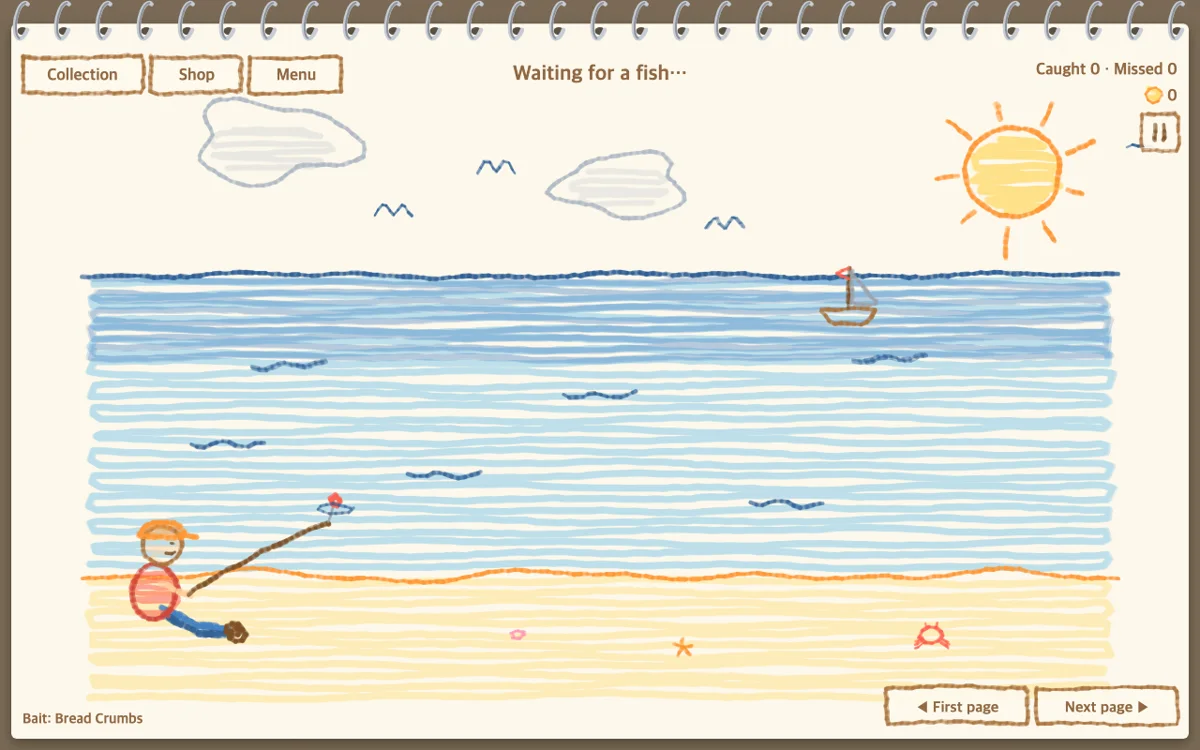
19 Fill a crayon book with stationery creatures
Sketching Fish
Landscape is recommended and mobile is explicitly supported. Use the single action to cast and hit the shrinking ring in the fish’s rhythm. A catch is brief, but completing the book is a longer project.
Before you playFor completing a whimsical fish collection. Rhythm timing replaces Animal Crossing’s simpler bite reaction.
Computer · Phone & tablet
See game & play ↗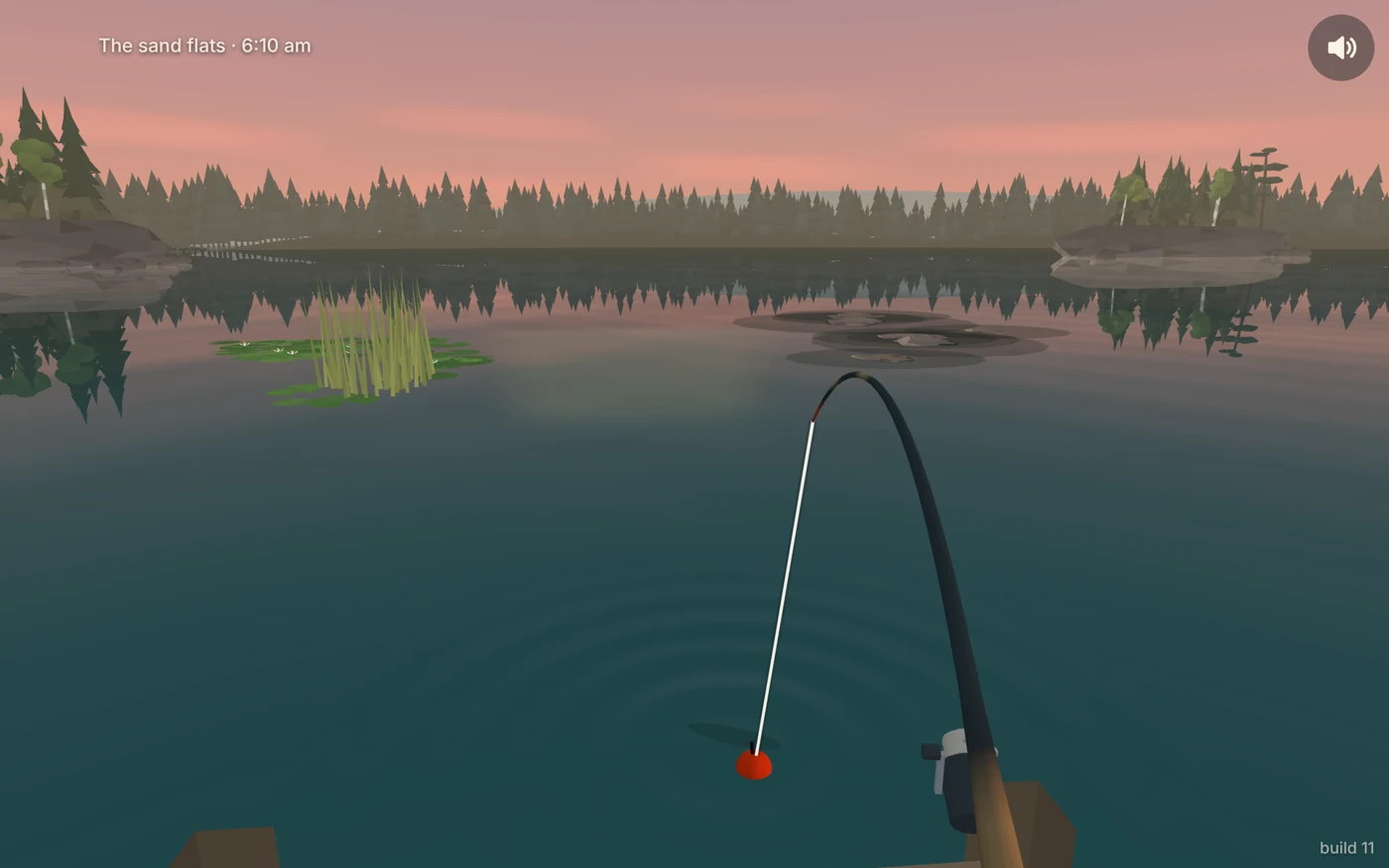
20 Keep a record of a northern lake’s fish
Evening Bite
Tap to cast or drag for direction and distance, tap when the float dips, then hold to reel and release to give line. The catch log is stored on your device; no orientation is specified.
Before you playFor discovering fish at different times and filling a collection. A standalone fishing session, not a whole island life sim.
Computer · Phone & tablet
See game & play ↗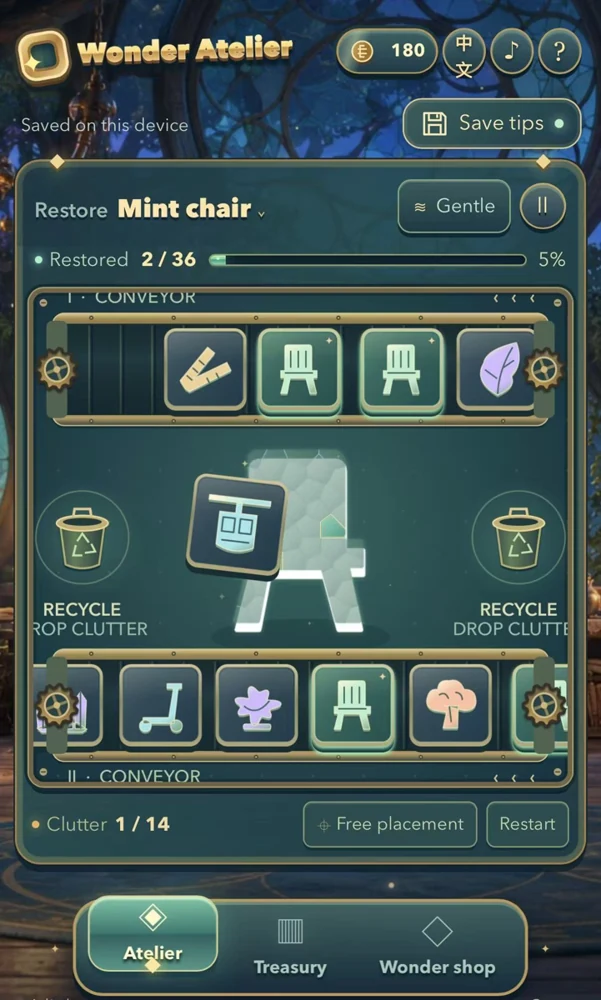
21 Craft objects for a personal collection room
Wonder Atelier
By Robin Noah ↗
The verified catalogue documents touch support. Drag matching pieces into the central object, then use the sale and collection options. Preferred orientation and save behaviour are not documented.
Before you playFor crafting and decorating a collection space. It is an object-building activity rather than a walkable village.
Computer · Phone & tablet
See game & play ↗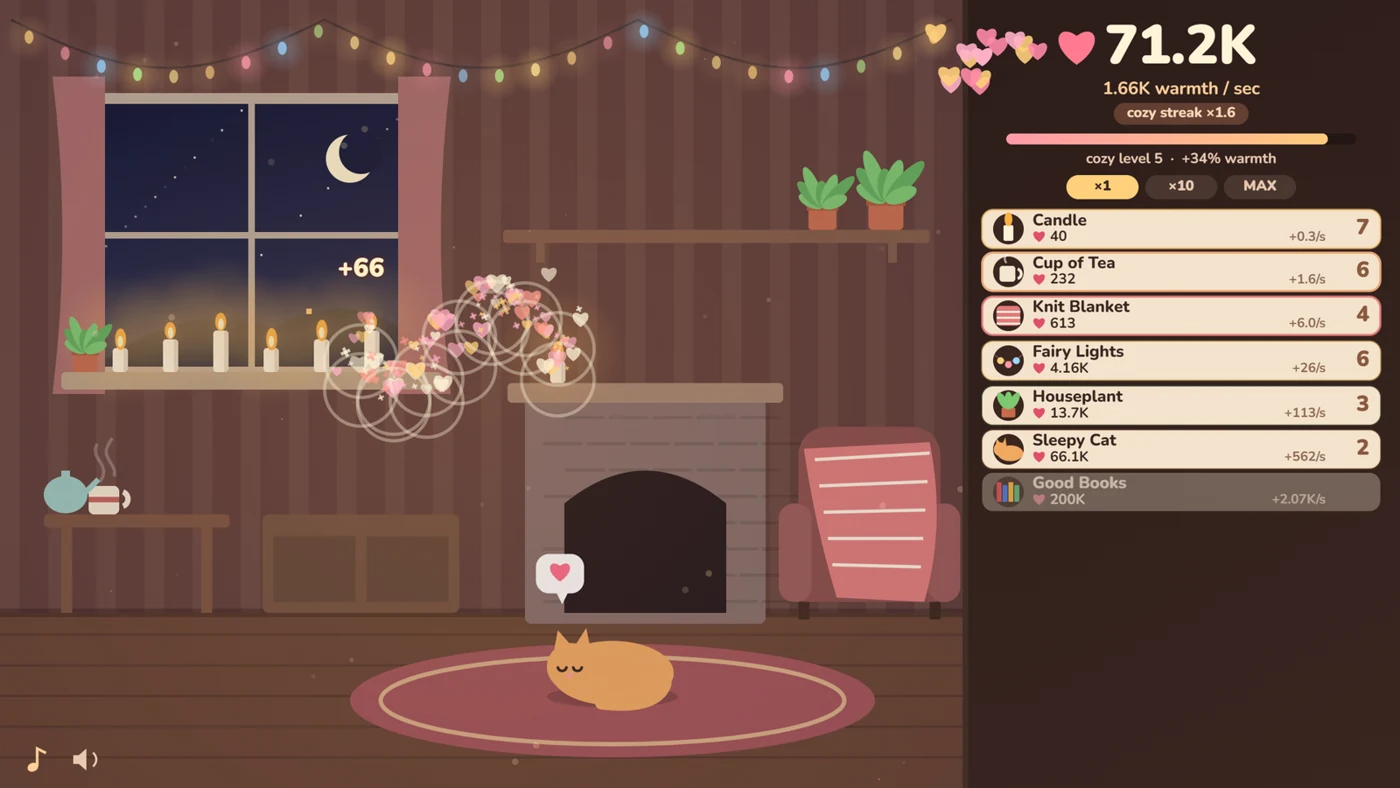
22 Furnish one room as a rainy night brightens
Warm Little Room
By raxeris ↗
Tap to earn warmth and use the purchase controls for new furnishings. The creator explicitly supports phones and progress while away. Orientation and detailed save-transfer rules are not specified.
Before you playFor the pleasure of making a room cosy. Furniture unlocks are incremental purchases, not a full free-placement or social system.
Computer · Phone & tablet
See game & play ↗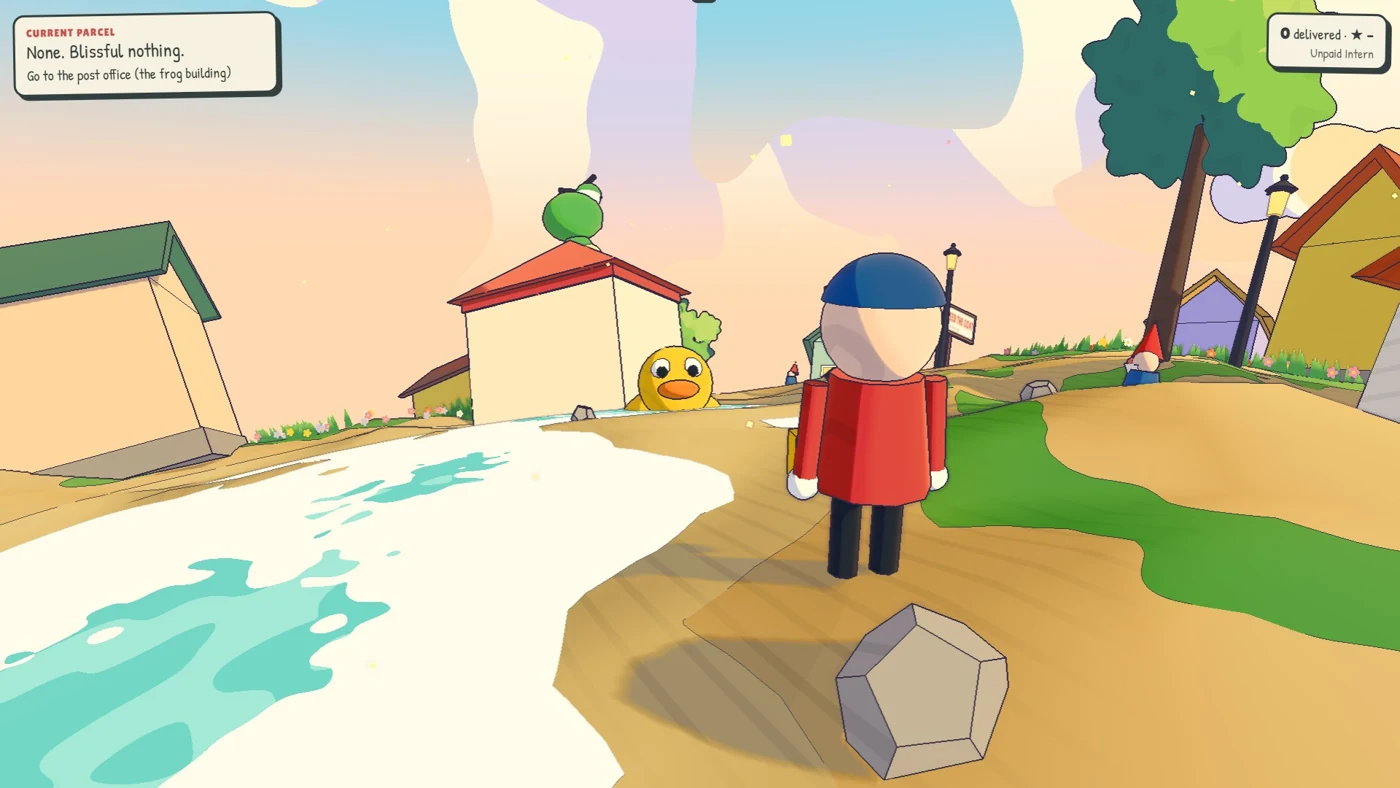
23 Get to know a tiny planet’s eccentric locals
Tiny Planet Post
By moodfrog ↗
The left thumb steers, dragging on the right looks around and the hop button jumps. It uses coordinated two-handed movement. The creator documents phone and tablet support but no preferred orientation.
Before you playFor light-hearted errands and recognisable neighbours. It is a courier adventure, without home construction or a real-time calendar.
Computer · Phone & tablet
See game & play ↗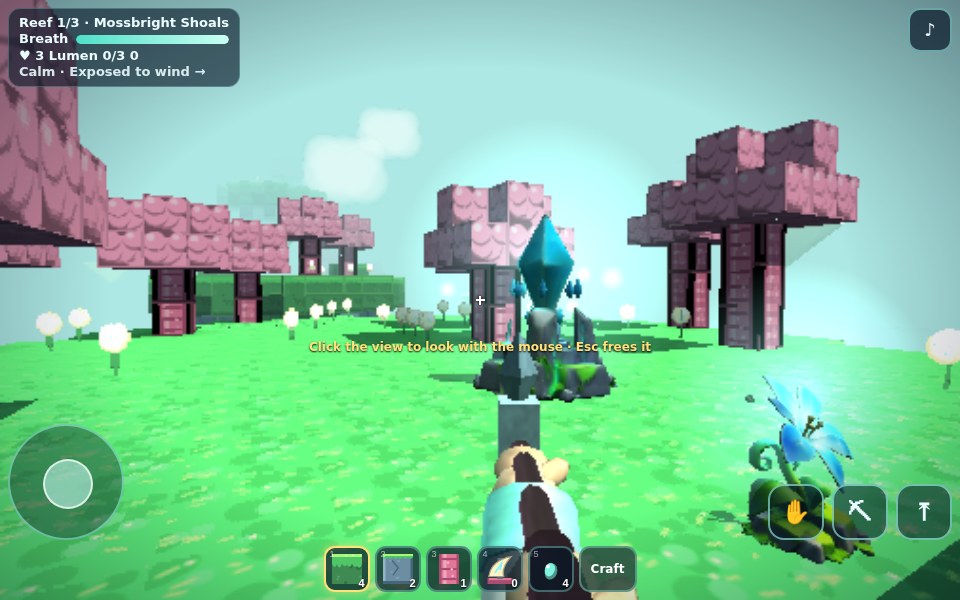
24 Restore floating reefs with luminous gardens
Lumenreef Drift
Use the left movement pad, drag the view to look, jump, hold the dig control and use the hand button to place or harvest. Camera and movement make this a two-handed layout.
Before you playFor gathering, building and planting in a compact world. Its block construction is closer to a sandbox than village life.
Computer · Phone & tablet
See game & play ↗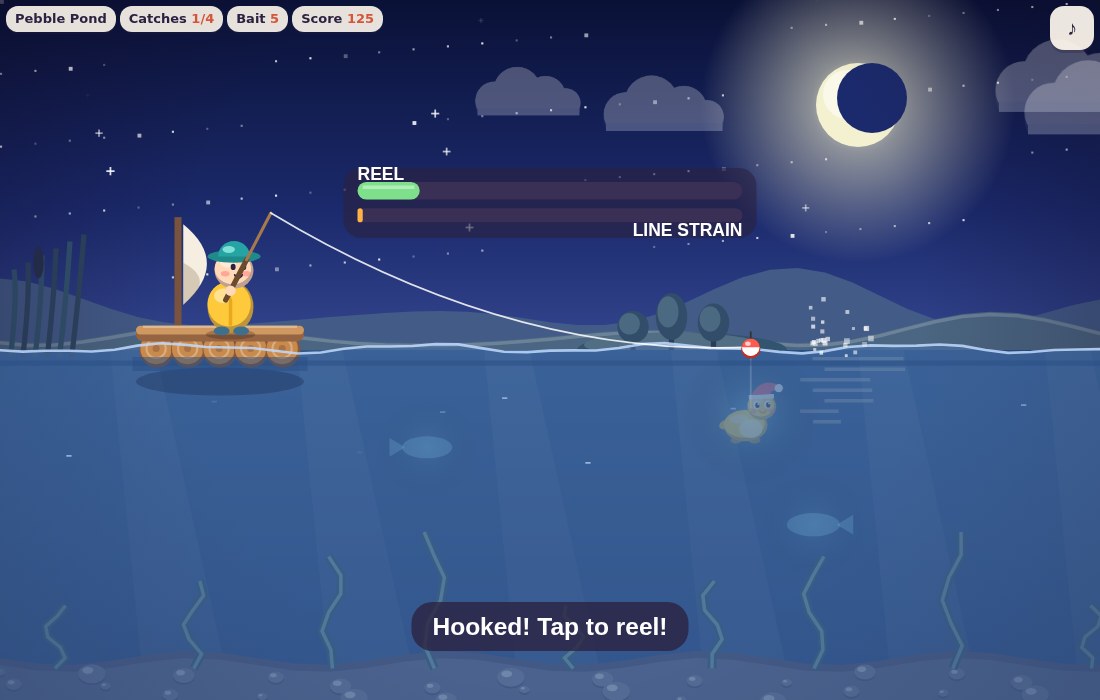
25 Catch absurd animals from a tiny raft
Driftbobber
By QA Sweep ↗
Hold the button to swing the rod, release to cast and press when the float dips. Tap to reel, pausing when the fish splashes red. The catalogue records touch support; orientation is unspecified.
Before you playFor a playful creature collection and compact fishing routine. There are no claimed homes or villagers.
Computer · Phone & tablet
See game & play ↗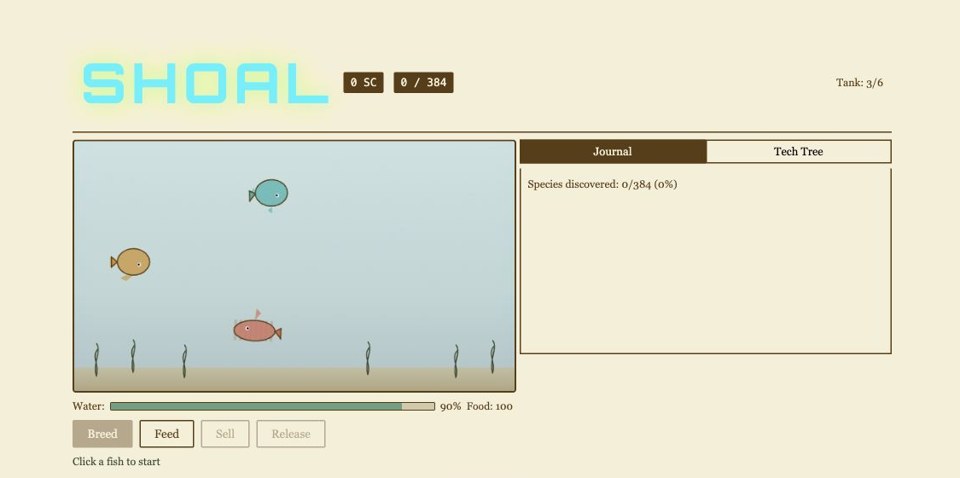
26 Breed fish for a naturalist’s journal
Shoal
Tap two fish, press Breed, choose an offspring and confirm. Feed manages water quality. The game-specific phone instructions support these tap controls; there are no reaction timers.
Before you playFor discovering creatures and maintaining a collection. It is a deliberate aquarium simulation with no reaction-based fishing.
Computer · Phone & tablet
See game & play ↗
27 Build a forty-species fishing gallery
Hook
Tap to cast and strike, then tap repeatedly to keep the needle in the green zone. The game pauses when switching tabs; new species save locally. The bite window gets shorter as the session progresses.
Before you playFor collecting fish and returning for a daily target. This is a fishing minigame, not an island life sim.
Computer · Phone & tablet
See game & play ↗| Game | Orientation | Before you start |
|---|---|---|
| Bravenbloom | Not specified | Guest start; account for cross-device progress |
| SnuggleStreet | Not specified | Care taps; joystick and dash in catch games |
| Inner Land | Not specified | Local saves and export; online bridges |
| ArtCat: Cozy Pixel Studio | Landscape | One-finger painting; pinch and pan |
| Jutter | Not specified | Tap movement; language-specific local saves |
| Hearthlight | Not specified | Desktop recommended; phone-controller mode is separate |
| Tillbrook: Cozy Farming | Not specified | Tap tiles and tools; seasonal deadlines |
| 26 Hollow Lane | Landscape | Movement, camera and interaction buttons |
| Ocean Idle Legends | Not specified | Phone-focused; local save export available |
| Tidewick: Cozy Idle Lighthouse | Not specified | Hold-to-gather; title now Lampholm |
| Bloomnook | Not specified | One-thumb taps and drags; autosaves |
| Pocket Sparrows | Not specified | Tap feeding and petting; local autosave |
| Nubblo | Not specified | Tap and drag; browser-local pet |
| Atom Pals | Not specified | Use the documented garden-transfer option |
| Omino | Not specified | Tap placement and pinch; monthly reset |
| Fishdayz | Not specified | Email account and internet; ages 13+ |
| Lullfin: Cozy Fishing | Not specified | One-button touch; browser saves |
| Doodle Bait | Landscape | Drawing, cast button and boat dragging |
| Sketching Fish | Landscape recommended | One-button rhythm timing |
| Evening Bite | Not specified | Tap, drag and hold; local catch log |
| Wonder Atelier | Not specified | Drag crafting; layout and saves unspecified |
| Warm Little Room | Not specified | Tap and purchase controls; idle progress |
| Tiny Planet Post | Not specified | Left steering, right look and jump |
| Lumenreef Drift | Not specified | Movement pad, look-drag, dig and use |
| Driftbobber | Not specified | Hold, release and tap; pause on red |
| Shoal | Not specified | Tap pairs and buttons; no reaction timing |
| Hook | Not specified | Repeated tapping; local gallery |
Browser games: common questions
Which are practical for simple touch play?
Jutter uses tap-to-walk, Bloomnook uses plot taps and drags, and Lullfin uses one fishing button. Doodle Bait adds drawing. First-person and three-dimensional games can require movement and camera controls at once.
Do phone games keep progress between visits?
Many save locally, including Pocket Sparrows, Jutter and Nubblo. Bravenbloom needs a free account to carry guest progress across devices. Omino has a monthly reset; Atom Pals provides a specific garden-transfer option.
Are these official Animal Crossing games?
No. These are independent alternatives with specific similarities, not Nintendo releases or a promise of the complete Animal Crossing experience.
Found your favourite?
Leave a rating on its game page. Or send a friend somewhere new to play.
OVER TO YOU
Comments
Got a thought, a favourite or a recommendation? Join the conversation.
Loading comments…