Playground guide
6 games like EA Sports FC (FIFA) for mobile browsers
Choose between two-thumb arcade football, slower flick-and-release tactics and a penalties-only challenge. These 6 browser games have documented phone controls. They are independent alternatives for football fans, rather than browser versions of EA’s mobile app.
These are independent browser games, not official releases or endorsed alternatives. Selection is based on creator documentation, existing verified gameplay media and public page checks; it is not a claim of full playthroughs or physical testing on every phone.
01 For quick matches with two-thumb controls
Kickmoor: 3v3 Football
By PN Scripts ↗
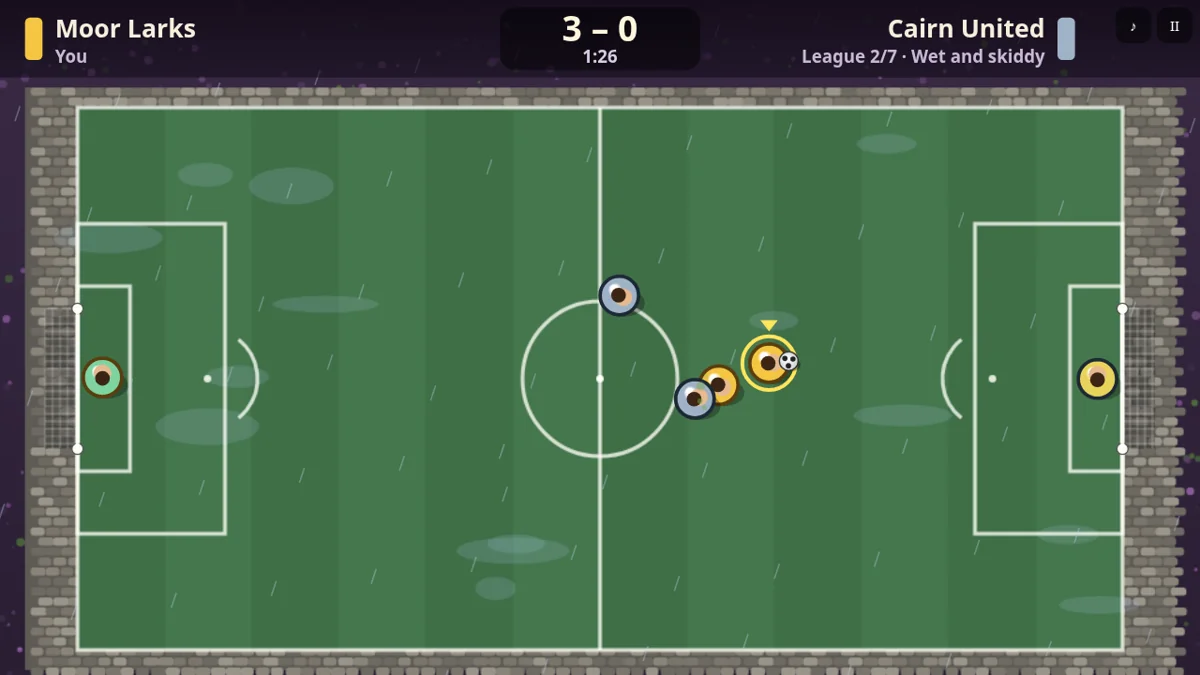
Drag on the pitch to move and use PASS and SHOOT buttons for the ball. Holding a pass makes a lob; holding a shot builds power. Three-minute matches and saved league progress make it a useful short-session choice. The controls require movement plus an action button, so this is not a one-handed recommendation.
Why try itTouch support is documented by the creator; this is not a claim of physical testing on every phone.
Computer · Phone & tablet · Controller confirmed
See game & play ↗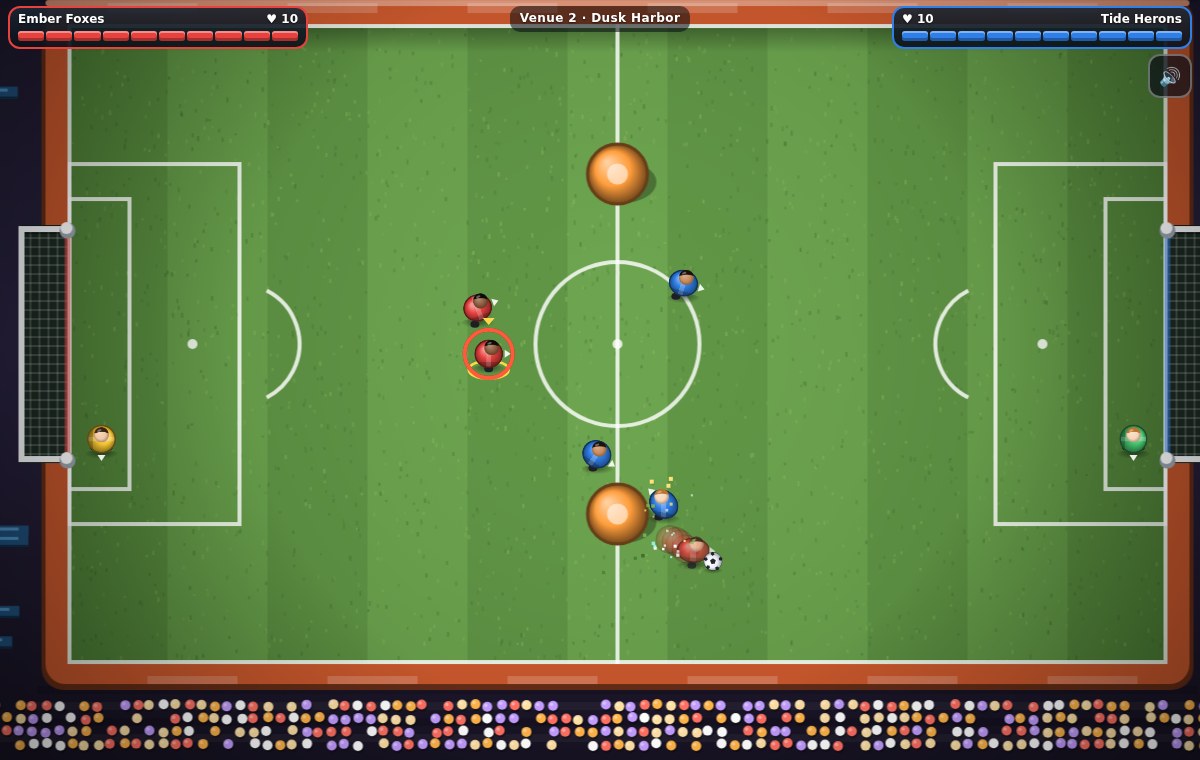
02 For an on-screen stick and action buttons
Heartline Derby
By Rigid ✅ ↗
Use the touch stick to run, hold KICK to charge a shot, and use DRIB or SLIDE for the other actions. Conceded goals cost hearts as your team faces computer opponents. This is a two-thumb action game; a larger landscape view gives the pitch and controls more room.
Why try itTouch support is documented by the creator; this is not a claim of physical testing on every phone.
Computer · Phone & tablet
See game & play ↗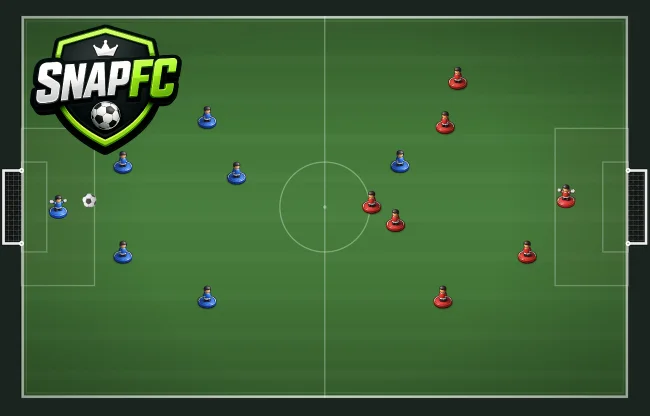
03 For a slower tabletop match
SnapFC
By Ivan Correces (@ivancorreces) ↗
The creator documents mobile-browser play for SnapFC. Flick player pieces towards the ball to set up shots, with computer and online opponents. You do not need to steer continuously while tapping action buttons, making this a different kind of phone football from Kickmoor. A fixed orientation and cross-device save behaviour are not documented in the checked source.
Why try itTouch support is documented by the creator; this is not a claim of physical testing on every phone.
Computer · Phone & tablet
See game & play ↗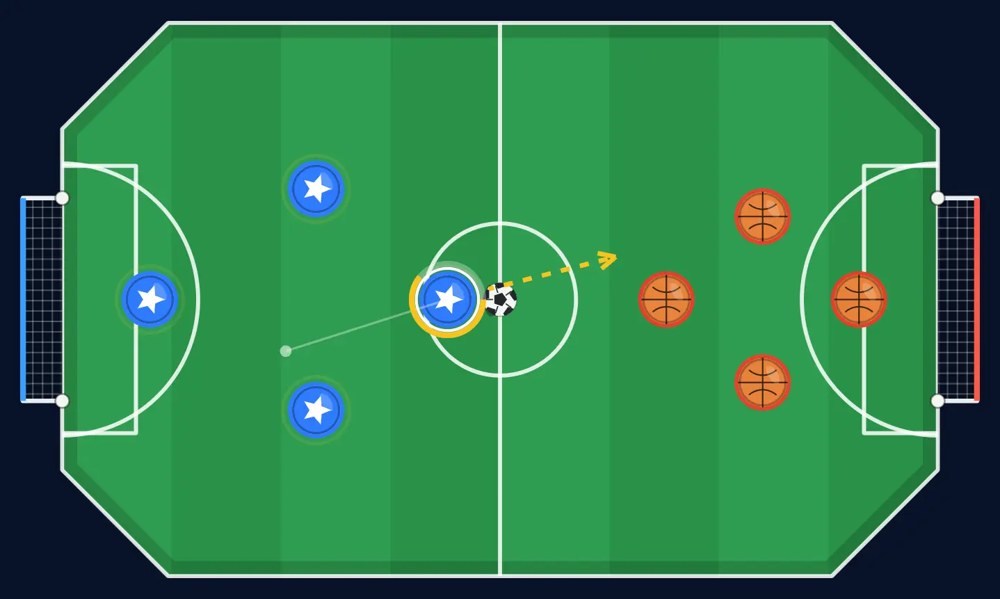
04 For portrait or landscape flick football
World Soccer M
By realgame ↗
Choose portrait or landscape in World Soccer M, then touch a team piece, drag to aim and release the shot. Its documented modes include computer championships, local pass-and-play and room-code online play. Automatic progression saves are described by the creator; keep browser storage if you want to retain them.
Why try itTouch support is documented by the creator; this is not a claim of physical testing on every phone.
Computer · Phone & tablet
See game & play ↗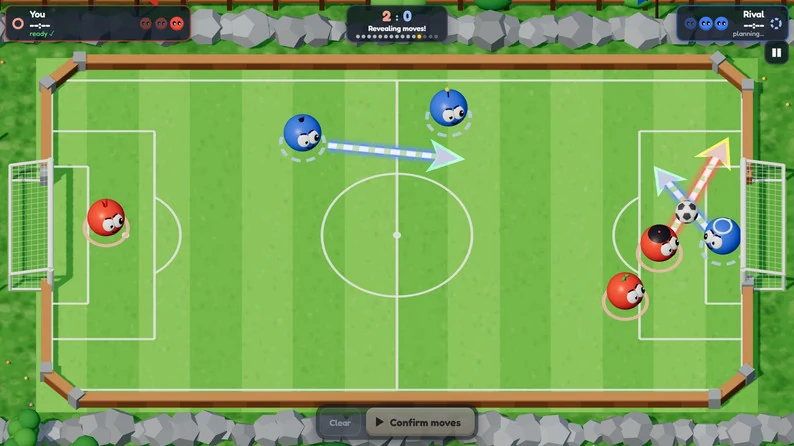
05 For landscape play and secret plans
Bollitos
By fefuxd ↗
The creator explicitly specifies landscape on mobile. Drag an arrow from each creature to plan direction and strength, then confirm the team’s move. Both sides act together. Play against the computer, pass a device between players, or use the documented online modes; the soccer ranking is described as requiring no sign-up.
Why try itTouch support is documented by the creator; this is not a claim of physical testing on every phone.
Computer · Phone & tablet
See game & play ↗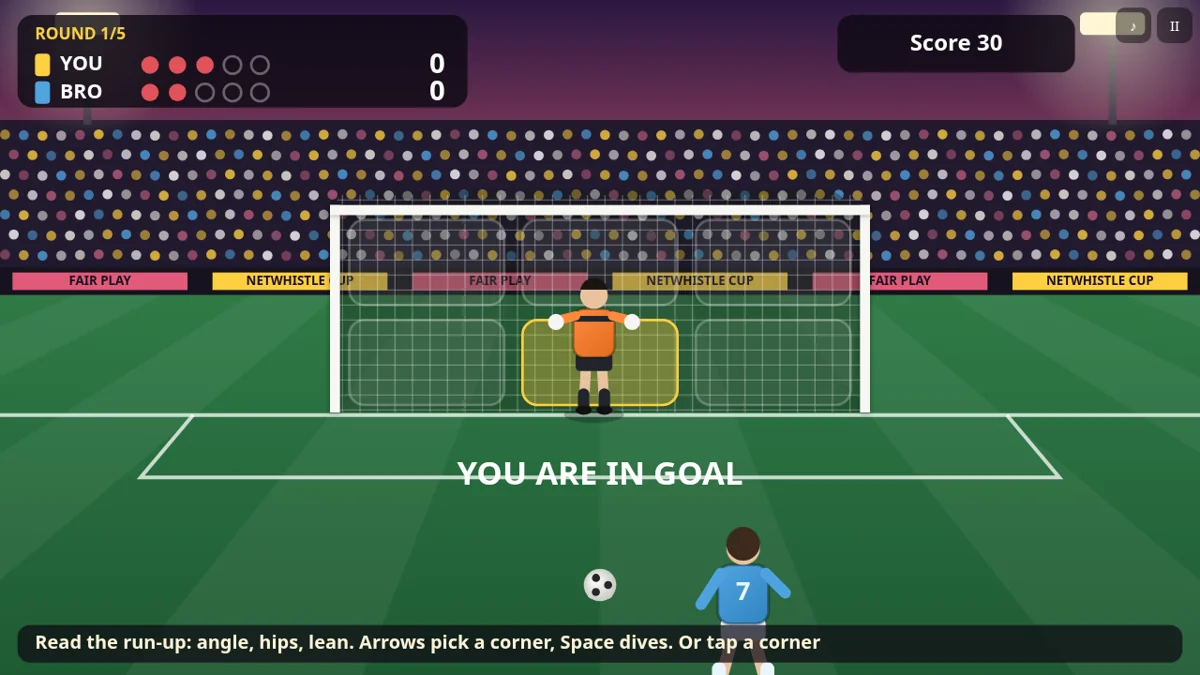
06 For touch-controlled shootouts
Netwhistle
By PN Scripts ↗
Drag over the goal to aim and release to lock the shot, then tap to choose power and curl. As goalkeeper, tap a zone to dive. The cup advances through five opponents, with a failed round available to retry and a saved best score. This is penalties only, not a complete match simulation.
Why try itTouch support is documented by the creator; this is not a claim of physical testing on every phone.
Computer · Phone & tablet
See game & play ↗| Game | Touch controls | Before you start |
|---|---|---|
| Kickmoor: 3v3 Football | Drag to move; PASS and SHOOT buttons | Three-minute matches; saved league progress |
| Heartline Derby | Touch stick; KICK, DRIB and SLIDE | Two-thumb action against bots |
| SnapFC | Flick player pieces | Computer or online opponent; orientation not specified |
| World Soccer M | Drag and release; portrait or landscape | Local, computer and room-code modes |
| Bollitos | Draw arrows and confirm; landscape | Secret plans; local or online modes |
| Netwhistle | Drag aim; tap power, curl and dive | Penalties only; best score saved |
Browser games: common questions
Are these the official mobile games?
No. These are independent browser games selected for related football mechanics. They are not EA Sports FC Mobile or Sports Interactive releases.
Will a career move automatically between phones?
Do not assume it will. Several games save in the current browser. Use a game’s documented save-code or backup-file option where available before switching devices or clearing storage.
Found your favourite?
Leave a rating on its game page. Or send a friend somewhere new to play.
OVER TO YOU
Comments
Got a thought, a favourite or a recommendation? Join the conversation.
Loading comments…