Playground guide
5 games like Fortnite for mobile browsers
These Fortnite alternatives have documented phone or tablet support. Their controls and modes vary considerably: use the notes to distinguish a practical touch layout from a game that technically works on a small screen but is better on desktop. All selected versions can be opened in a browser.
Mobile support is based on creator documentation or previously verified game-specific control evidence, with current source checks. This is not physical testing on every handset. Exact phone layout, orientation and saves are left unspecified where the creator does not document them.
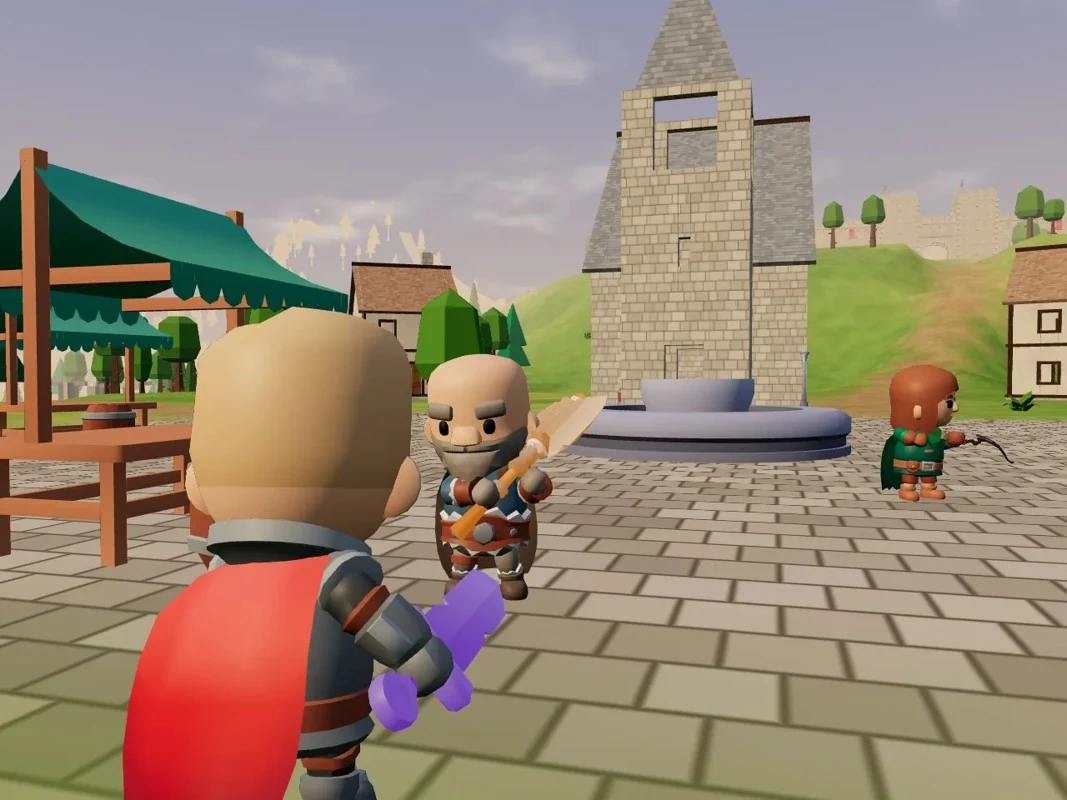
01 A shrinking island, medieval weapons and mounted escapes
Starfallen
By Maxi ↗
Use landscape orientation. The left thumb moves, dragging on the right aims, and buttons handle attacking, guarding, jumping and interacting. Hold the sword or shield controls while dragging to adjust aim. Up to sixteen people join a thirty-two-combatant match, with bots filling the rest.
Before you playTwo-handed melee and ranged controls. A close match for the drop, loot and last-survivor loop. Its medieval combat gives it a different identity, and construction is not claimed.
Computer · Phone & tablet
See game & play ↗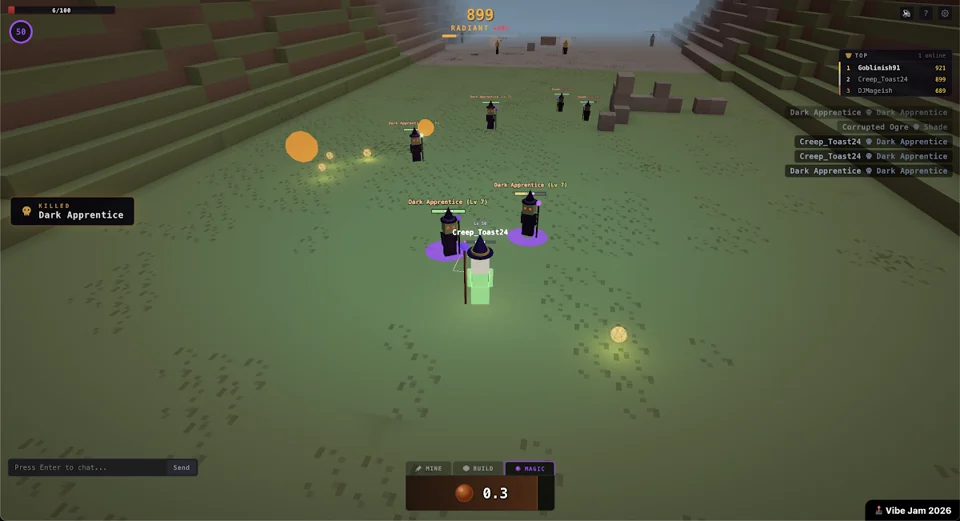
02 Switch between mining, building and spellcasting
HexFire
By @TeemuSor ↗
The public game interface includes a mobile joystick and touchscreen action controls. MINE, BUILD and MAGIC select the current action mode. Exact preferred orientation and save persistence are not documented. This is a construction-and-magic alternative, rather than a verified mobile battle-royale match.
Before you playJoystick and action modes; sandbox emphasis. For the construction-and-combat combination, with spells replacing guns. The current source does not establish a Fortnite-style shrinking-storm match, so that is not promised.
Computer · Phone & tablet
See game & play ↗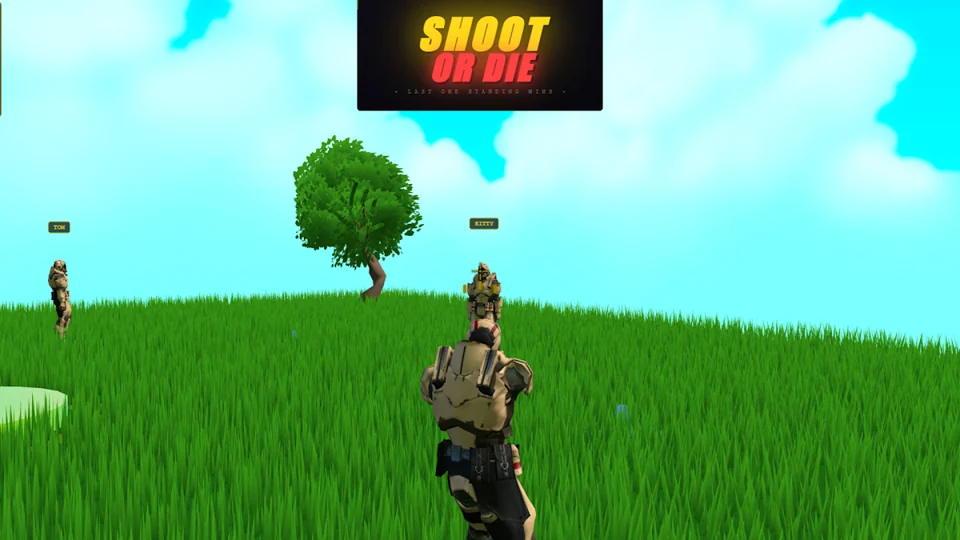
03 A short elimination round with a race for the weapon
Shoot or Die
The game’s own interface implements separate movement and look touch zones, a ROLL button and a contextual pickup/fire action. It therefore needs coordinated two-handed input. The interface offers a mobile setup choice; preferred orientation and persistent progress are not stated.
Before you playMove, look, Roll and pickup/fire controls. For quick last-survivor tension and competing for equipment. It is a smaller elimination arena, with no verified storm or construction system.
Computer · Phone & tablet
See game & play ↗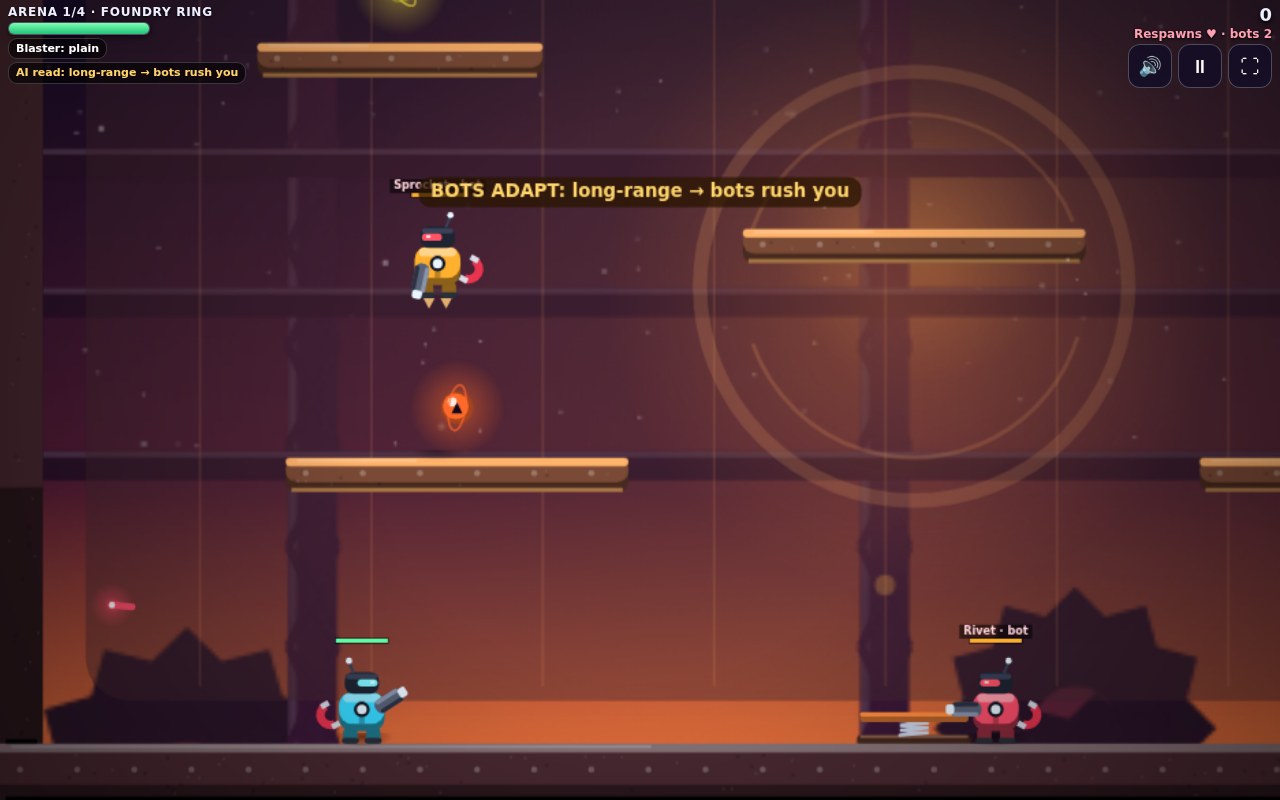
04 Build the arena before the fight starts
Fluxforge Arena
By Jarguy ↗
Touch controls include directional arrows, JUMP, FLIP and FIRE, which auto-aims unless you tap a target position. Hold MAG to use the magnet. The building phase precedes combat. Orientation and long-term progress saves are not specified by the creator.
Before you playDirectional buttons, auto-aim and magnet action. For construction that changes combat, in a side-view arena format. It is an adjacent build-and-fight game rather than a last-player-standing island.
Computer · Phone & tablet
See game & play ↗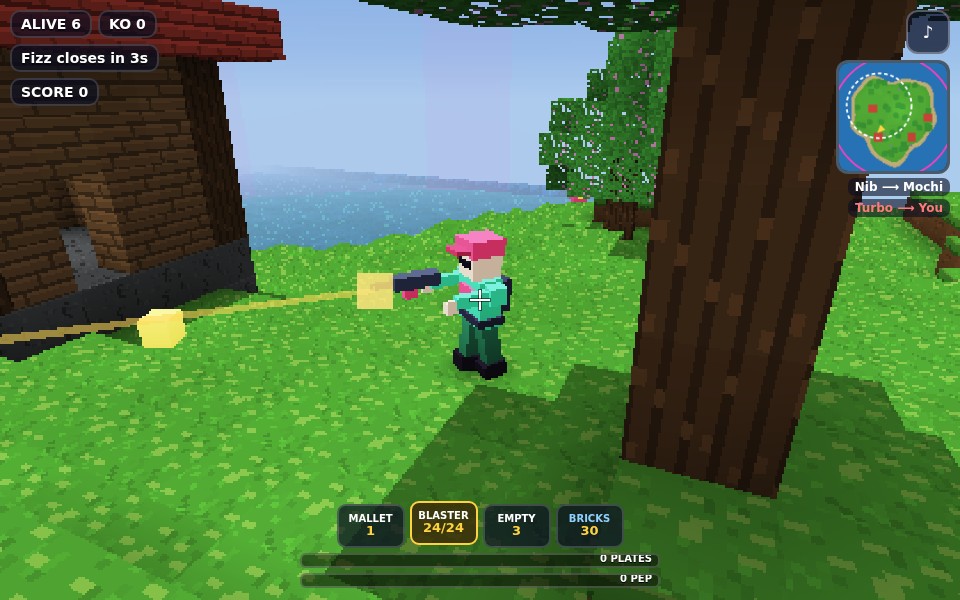
05 Build cover as the island shrinks
Brickfall Isles
Drop onto a blocky island, collect gear and build walls, ramps and floors while fighting bots. Be the last brawler standing as the pink Fizz closes in; three islands unlock in sequence. WASD moves, mouse aims/fires, Space jumps, R reloads and Q/E/C build. Touch stick and action/build buttons are documented.
Before you playThird-person shooting, looting, building walls and ramps, and a closing danger zone are the direct overlap. The available challenge is against bots.
Computer · Phone & tablet
See game & play ↗| Game | Orientation | Practical detail |
|---|---|---|
| Starfallen | Landscape | Two-handed melee and ranged controls |
| HexFire | Not specified | Joystick and action modes; sandbox emphasis |
| Shoot or Die | Not specified | Move, look, Roll and pickup/fire controls |
| Fluxforge Arena | Not specified | Directional buttons, auto-aim and magnet action |
| Brickfall Isles | Landscape game view | Creator documents touch controls; no physical-phone test |
Browser games: common questions
Is an app download required?
These selections offer browser play. Optional desktop clients or home-screen installation are separate choices; initial engine or map downloads can still use mobile data.
Are these official mobile editions?
No. These are independent alternatives, unofficial fan projects or clearly labelled browser ports. They are not official Fortnite mobile releases.
Will every phone run them smoothly?
No such guarantee is made. 3D games can need WebGL support and substantial graphics resources. Lower available graphics settings when needed, and heed the individual creator’s desktop recommendation.
Found your favourite?
Leave a rating on its game page. Or send a friend somewhere new to play.
OVER TO YOU
Comments
Got a thought, a favourite or a recommendation? Join the conversation.
Loading comments…