Playground guide
13 games like Metal Gear Solid for mobile browsers
Explore the stealth side of Metal Gear Solid on a phone or tablet, from guarded heists to shorter patrol-and-distraction puzzles. Every selection has documented mobile support. The notes distinguish detailed touch instructions from broader compatibility statements, helping you choose a game that suits your screen and controls.
Creator documentation and verified catalogue evidence support the mobile labels. Physical testing on every iPhone or Android device is not claimed. An unspecified layout or save system remains unspecified.
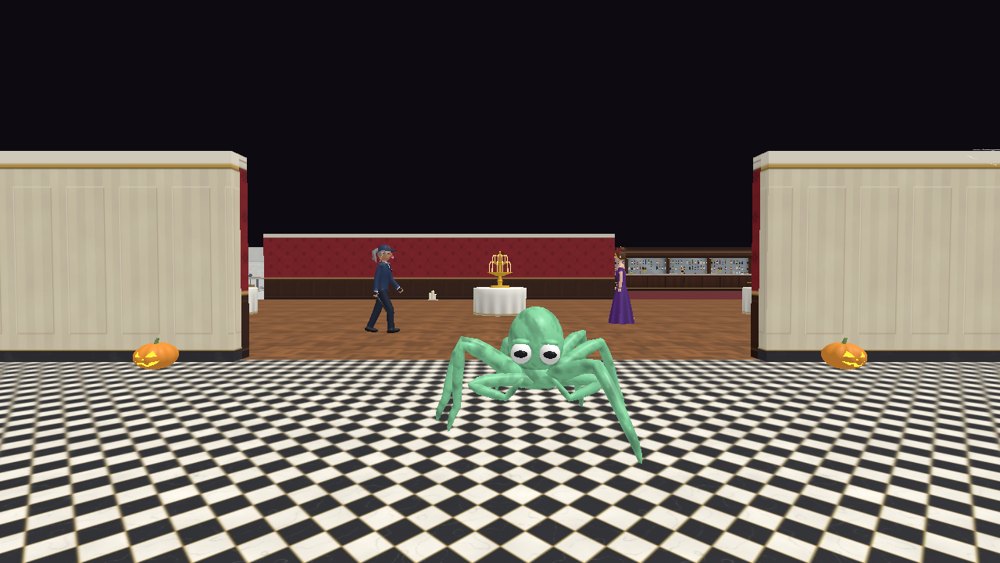
01 Become the guest the guards expect to see
Not On The List
Play in landscape. The left stick moves and the right side controls the view; RUN and USE sit on the right, with DROP and SCAN on the left. It needs two-handed input. The creator does not state a persistent-save system in these instructions.
Before you playTwo-handed movement, camera and disguise actions. A strong social-stealth choice: use disguises, understand who can enter each space and avoid witnesses. Its party heist is comic and non-military.
Computer · Phone & tablet
See game & play ↗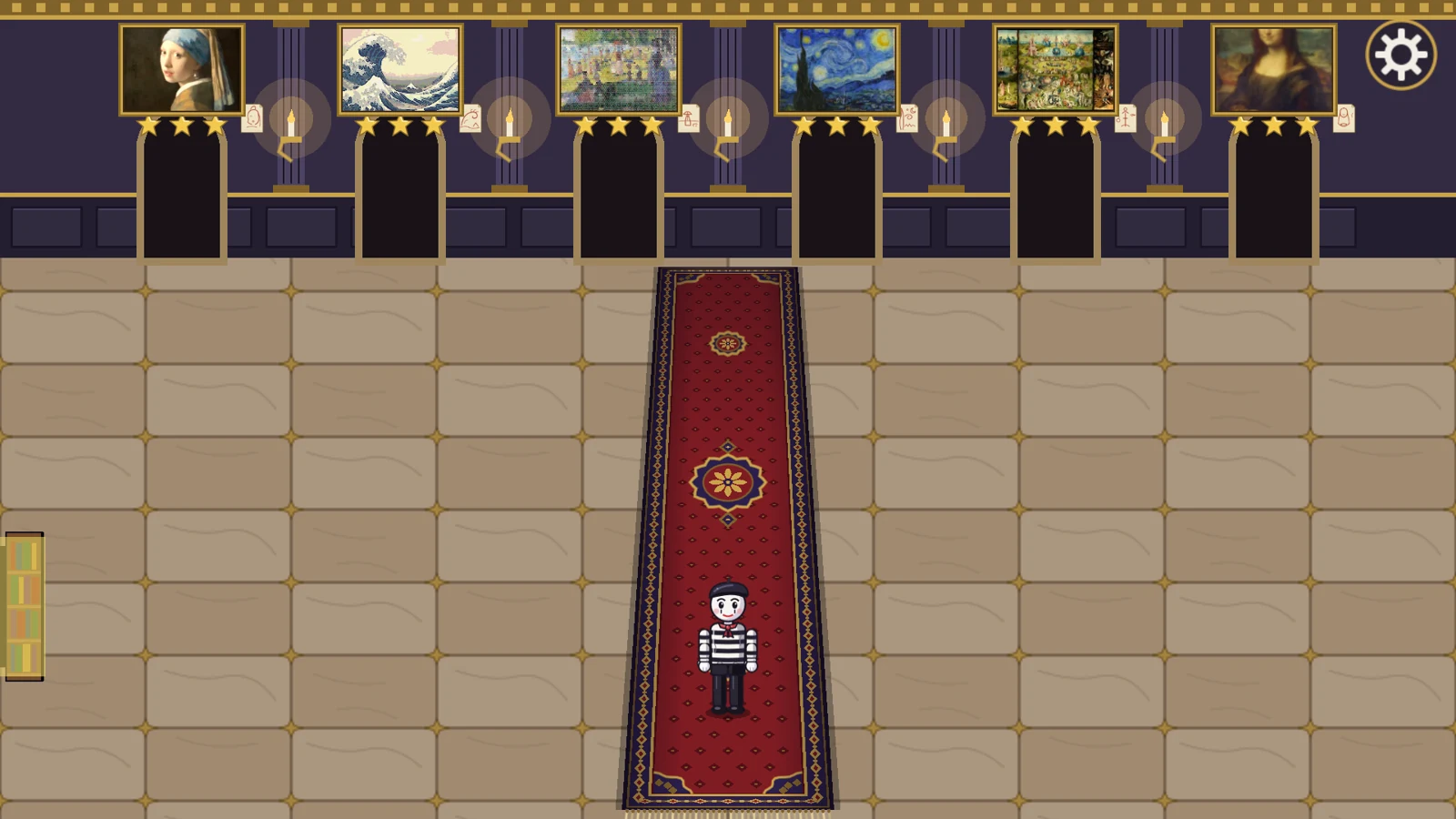
02 Forge the painting before stealing the original
After Hours
By linostar ↗
Use landscape orientation. Tap to move, double-tap to dash and drag to paint a forgery; touchscreen interaction is documented throughout. Progress stays in the browser. Assist can paint a Good forgery with one press, and reduced-motion settings are available.
Before you playTap and drag; browser saves and an Assist option. For planning an entry and escape, manipulating guards and making an object do unexpected work. The art-forgery system gives each theft its own puzzle.
Computer · Phone & tablet
See game & play ↗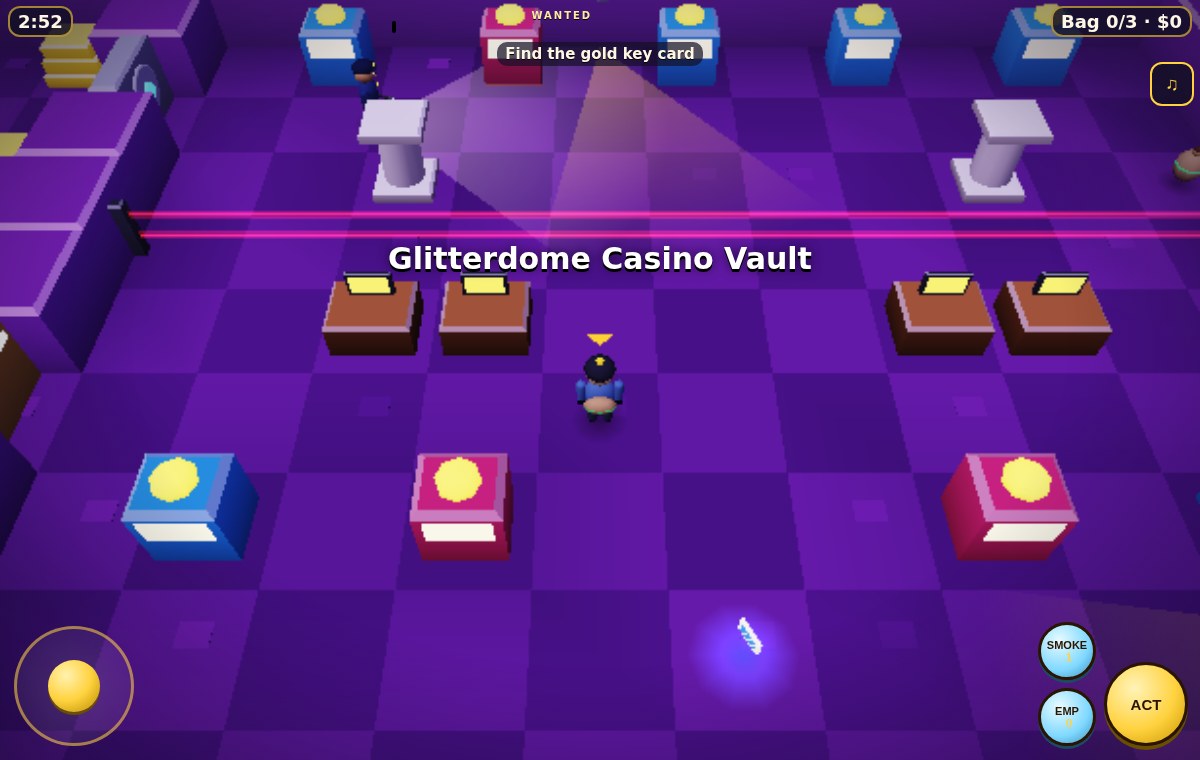
03 Smoke, EMPs and a waiting getaway car
Mega Heist Simulator
By CJtheSHARK ↗
Move with the on-screen stick or tap the floor. Hold ACT to drill a locked door or drive away; separate smoke and EMP controls provide distractions or disruption. The public instructions do not specify a preferred orientation or save behaviour.
Before you playStick or tap-to-move with separate gadget buttons. For gadget-assisted infiltration and extraction under an alarm timer. The tone is a colourful cartoon heist rather than a military story.
Computer · Phone & tablet
See game & play ↗04 Send your last four seconds down the wrong corridor
Borrowed Shadow
Swipe to turn and press the shadow button to replay the previous four seconds. Movement is automatic, so there is no virtual movement stick to hold. The creator says the game has no sound; persistent saves and preferred orientation are not specified.
Before you playSwipe turns and one shadow action; silent game. For using a decoy to create an opening, compressed into a small arcade stealth puzzle. You move automatically and steer the route.
Computer · Phone & tablet
See game & play ↗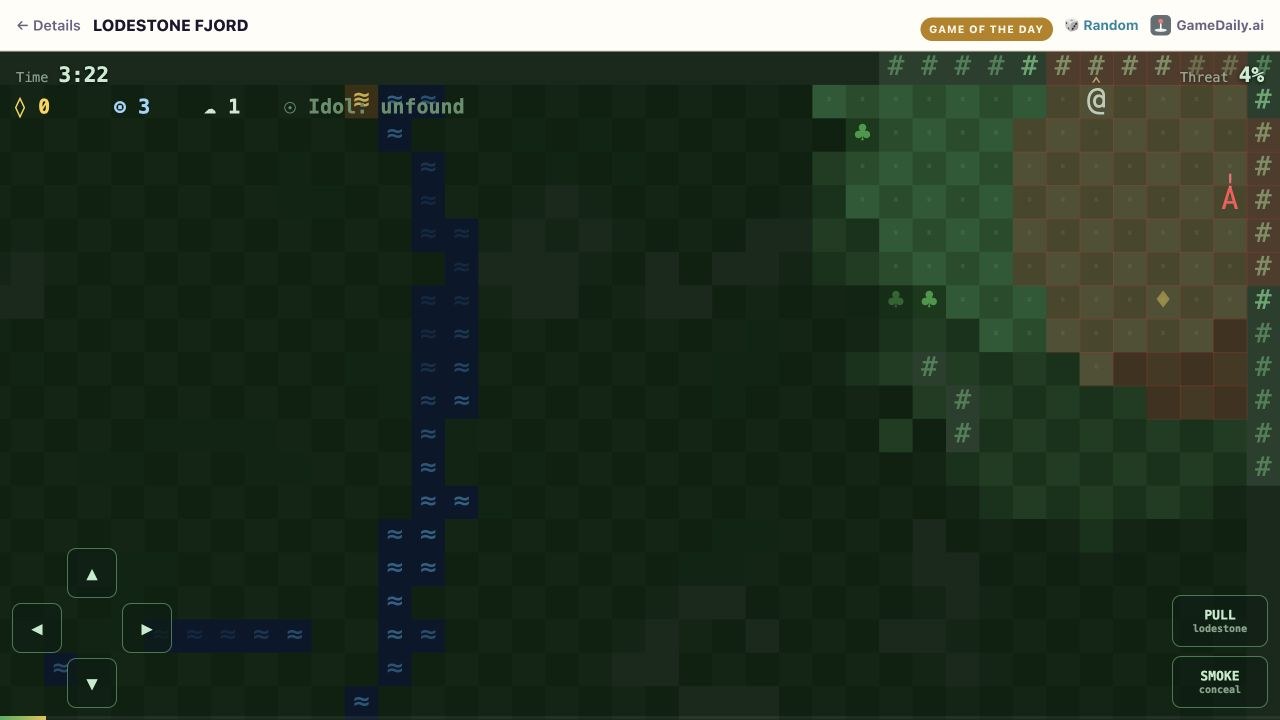
05 Pull a sentry away from the idol
Lodestone Fjord
Use the four directional touch buttons, PULL and SMOKE. The game’s own instructions describe stealing the idol to the dock or outlasting the temple. Orientation and persistent progress are not specified; the layout uses a compact ASCII view.
Before you playDirectional buttons plus magnet and smoke. For vision-cone avoidance, limited tools and an extraction objective, reduced to a small text-art stealth challenge.
Computer · Phone & tablet
See game & play ↗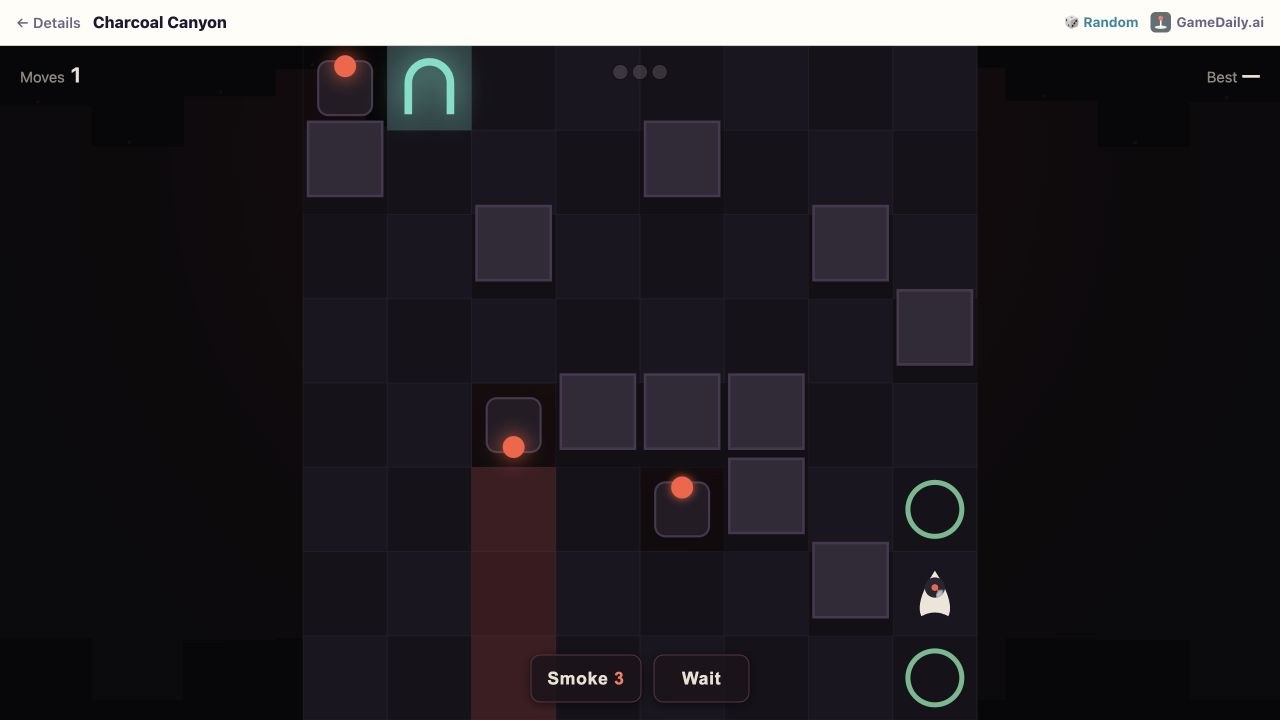
06 Make three smoke charges last
Charcoal Canyon
The catalogue’s control check records touch movement, with on-screen Smoke and Wait actions. The current interface starts with three smoke charges and tracks moves and a best result. No preferred orientation or campaign-save system is documented.
Before you playMovement, Smoke and Wait; one compact challenge. For a short exercise in patrol timing and conserving stealth tools. Its abstract presentation is a lighter companion to the larger infiltration games.
Computer · Phone & tablet
See game & play ↗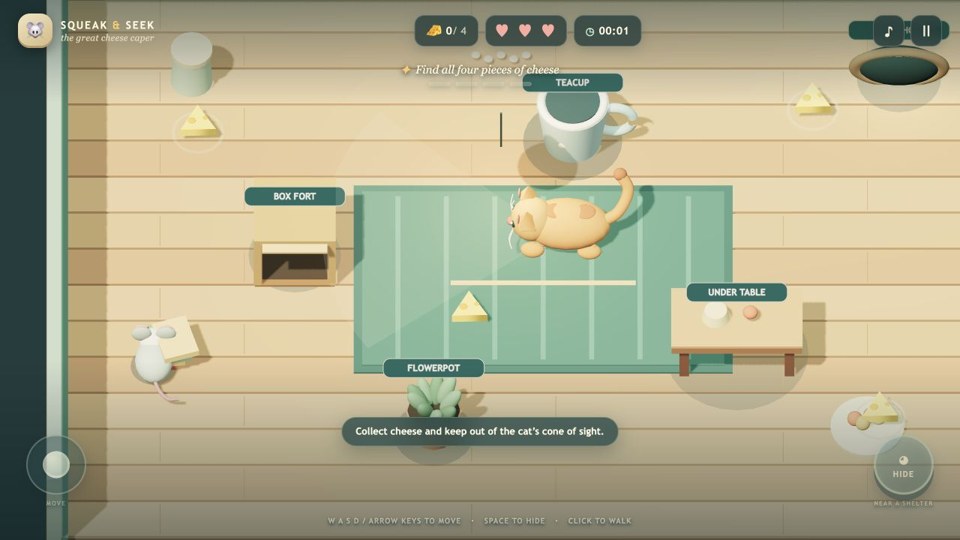
07 Four cheeses and one very alert cat
Squeak & Seek
A touchscreen joystick moves the mouse and HIDE works near a shelter. The objective is four cheeses followed by the mousehole exit. A persistent save system and preferred orientation are not stated in the game instructions.
Before you playTouch stick and Hide; small single objective. For the basic pleasure of watching a patrol and slipping between safe spots. This is a tiny animal-stealth diversion rather than a spy campaign.
Computer · Phone & tablet
See game & play ↗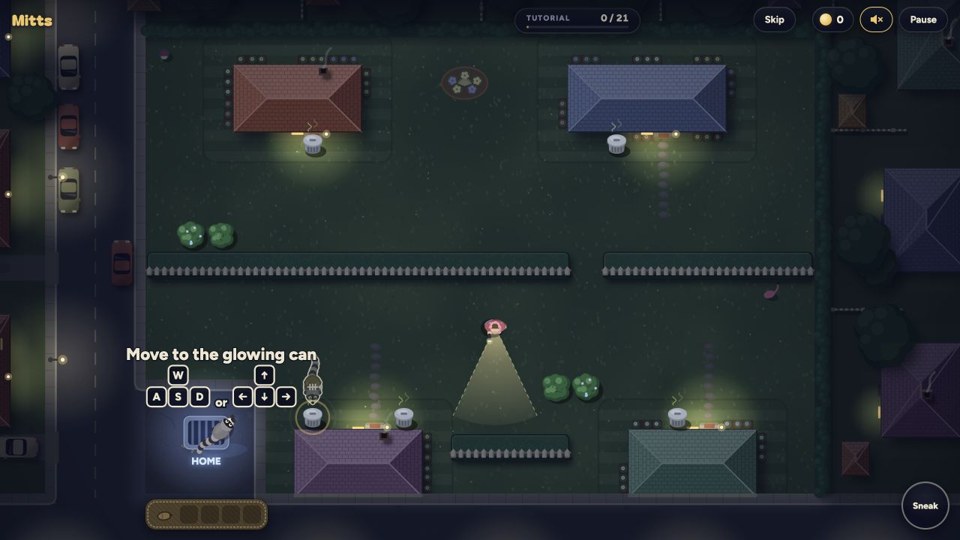
08 A fuller sack means a slower escape
Mitts: Just One More Bin
Use one fixed touch stick: push gently to sneak and further to run. It sits on the right by default and can move to the left. Looting happens beside bins. Nights last about seventy-five seconds, and progress is saved in the same browser.
Before you playOne movement stick; short nights and local saves. For readable sightlines, quiet movement and knowing when to extract. It turns stealth into short, score-driven neighbourhood raids.
Computer · Phone & tablet
See game & play ↗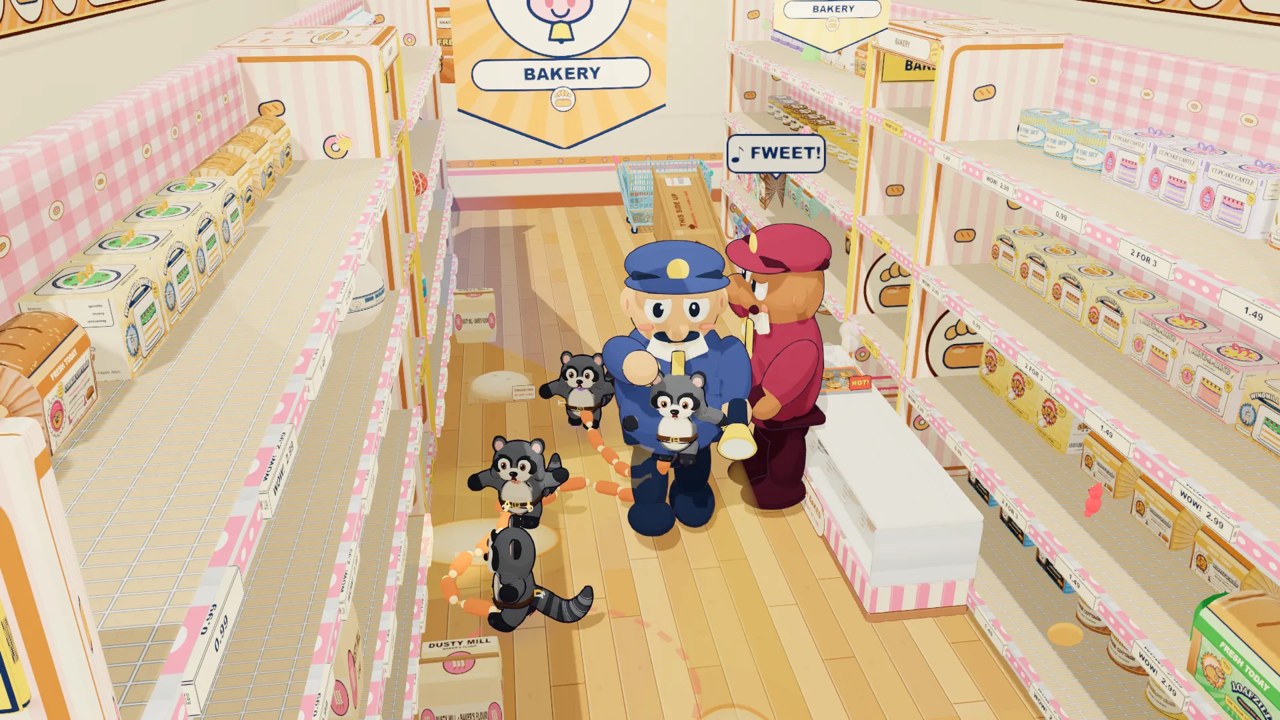
09 A getaway only works if the whole crew follows
Trash Pandas
The creator explicitly supports phone and desktop browsers. The connected-raccoon movement makes coordination part of the challenge; solo Bundle Bandit is also available. Its public overview does not specify exact phone buttons, preferred orientation or save persistence.
Before you playPhone support documented; exact layout not specified. For guard avoidance with an unusual teamwork constraint. The shared tether and comic heist replace the solitary spy fantasy.
Computer · Phone & tablet
See game & play ↗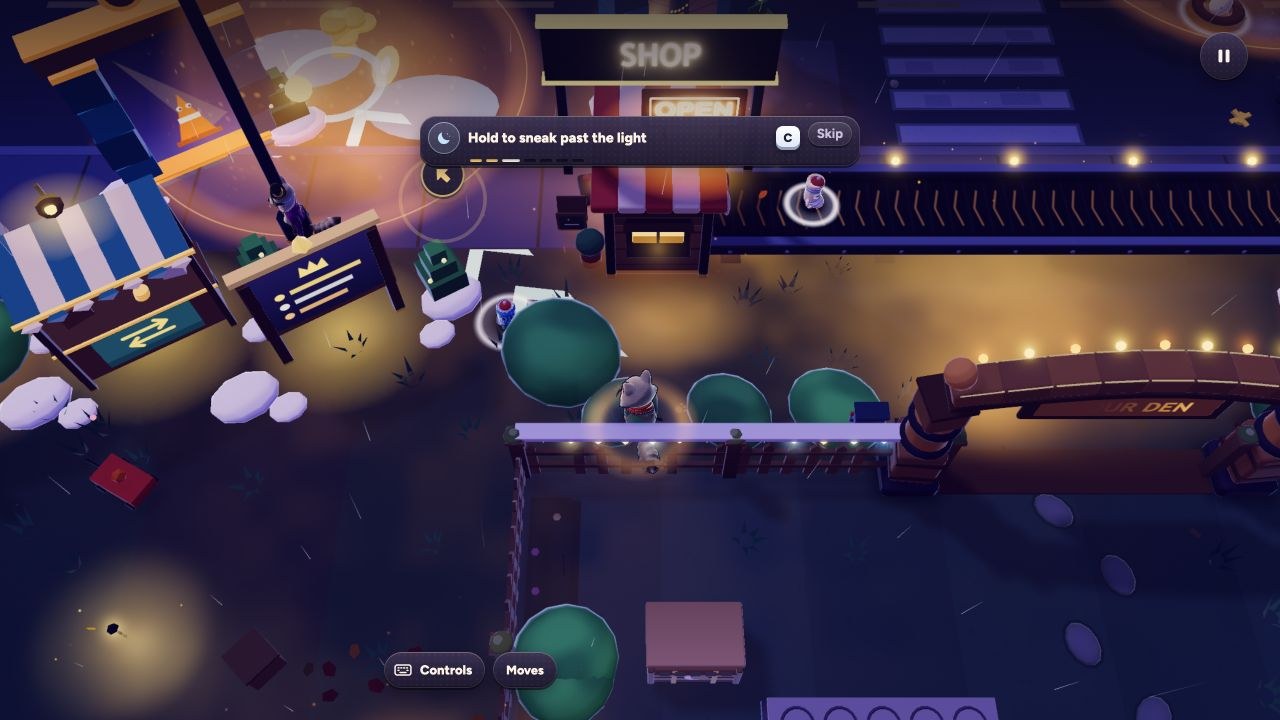
10 Take a raccoon crew into a city-wide heist
Night Nabbers
The current creator press kit explicitly lists phone and tablet browsers and no required sign-up. Up to sixteen players share a street, with bots filling vacancies. Exact touch layout and preferred orientation are not specified there; collection-heavy modes may suit longer sessions.
Before you playMobile web supported; online modes and bot-filled seats. An adjacent multiplayer option for patrol avoidance, hiding and coordinated theft. Collection and den-building occupy a much larger role than espionage.
Computer · Phone & tablet
See game & play ↗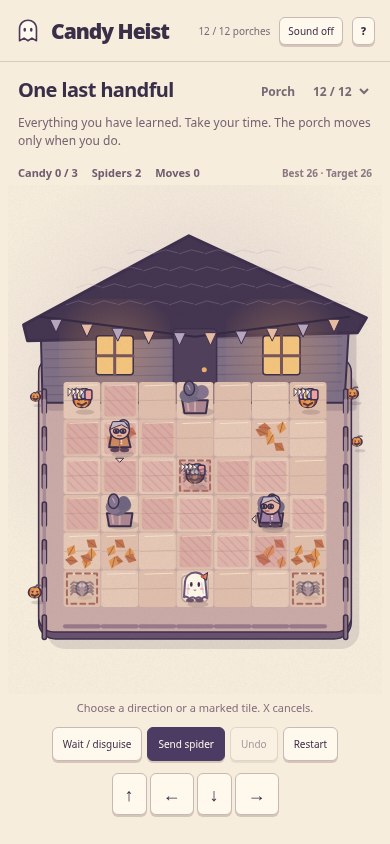
11 A wind-up spider makes an excellent diversion
Candy Heist
By nyxalium ↗
Touch input is explicitly supported alongside keyboard and mouse. Nothing moves while you think, and undo remains available after a capture. Best scores stay locally. Preferred orientation is not stated in the creator’s instructions.
Before you playTurn-based touch play with undo and local scores. For planning around patrols and limited distractions. This is turn-based stealth: you can study the route without a real-time timer.
Computer · Phone & tablet
See game & play ↗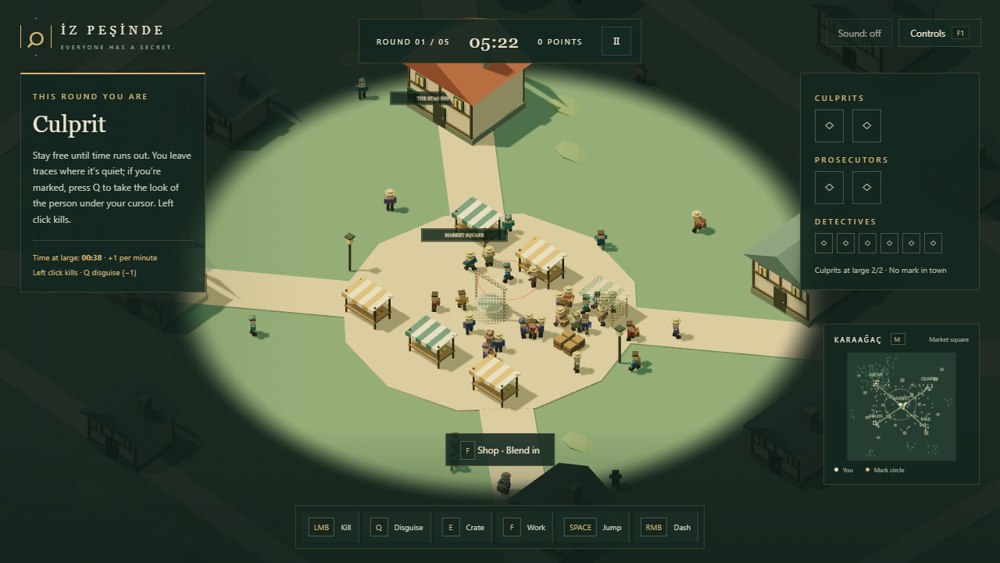
12 Blend into a crowd that is trying to identify you
İz Peşinde
By JosephUz ↗
The creator explicitly supports touchscreen phones. Select English using TR/EN and choose solo bots or an online room. Movement and several role-specific actions are involved, so this is not presented as one-handed play. Preferred orientation and save persistence are unspecified.
Before you playMultiple actions; solo bots or online rooms. For concealment, suspicion and escaping identification. Its social-deduction roles make it an adjacent alternative to a scripted infiltration mission.
Computer · Phone & tablet
See game & play ↗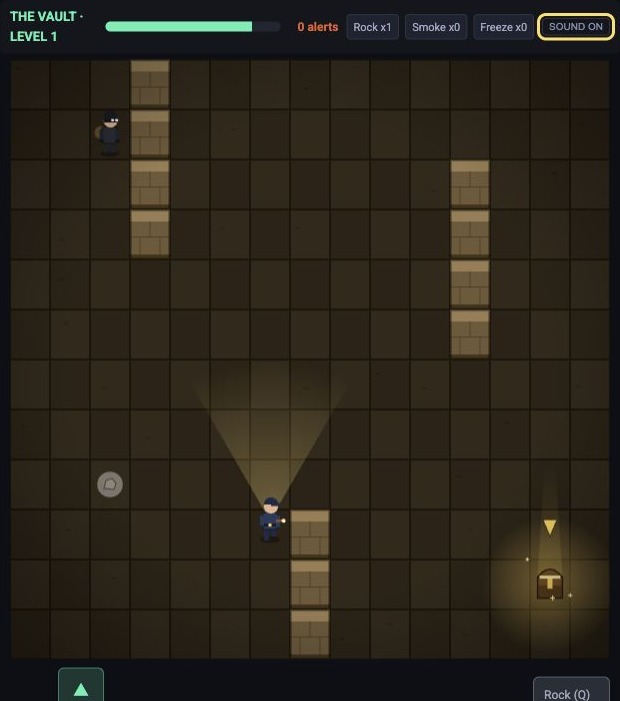
13 For reading guard patrols in a compact stealth puzzle
Skulk
Skulk makes guard sightlines, quiet movement and distracting gadgets the main decisions. A brief browser check confirmed movement through the guarded floor; touch controls are documented by its creator.
Before you playThe link is stealth and patrol avoidance, not cinematic combat or a long espionage story.
Computer · Phone & tablet
See game & play ↗| Game | Orientation | Practical detail |
|---|---|---|
| Not On The List | Landscape | Two-handed movement, camera and disguise actions |
| After Hours | Landscape | Tap and drag; browser saves and an Assist option |
| Mega Heist Simulator | Not specified | Stick or tap-to-move with separate gadget buttons |
| Borrowed Shadow | Not specified | Swipe turns and one shadow action; silent game |
| Lodestone Fjord | Not specified | Directional buttons plus magnet and smoke |
| Charcoal Canyon | Not specified | Movement, Smoke and Wait; one compact challenge |
| Squeak & Seek | Not specified | Touch stick and Hide; small single objective |
| Mitts: Just One More Bin | Not specified | One movement stick; short nights and local saves |
| Trash Pandas | Not specified | Phone support documented; exact layout not specified |
| Night Nabbers | Not specified | Mobile web supported; online modes and bot-filled seats |
| Candy Heist | Not specified | Turn-based touch play with undo and local scores |
| İz Peşinde | Not specified | Multiple actions; solo bots or online rooms |
| Skulk | Creator documents touch support; physical phone untested | Patrol avoidance and gadgets; mute control failed during check |
Browser games: common questions
Do these require an app download?
The selected versions run in a browser. Some creators also offer an optional home-screen installation; that does not make an app-store download necessary.
Can I play these one-handed?
Not all of them. Mitts uses a single touch stick, and turn-based Candy Heist lets you think between moves. Several other games need movement, camera and action controls. Follow the individual notes rather than assuming all mobile games are one-handed.
Will closing the browser keep my progress?
Only rely on a game’s documented save behaviour. Local browser saves do not automatically transfer to another device, and unspecified persistence should not be treated as a promise.
Found your favourite?
Leave a rating on its game page. Or send a friend somewhere new to play.
OVER TO YOU
Comments
Got a thought, a favourite or a recommendation? Join the conversation.
Loading comments…