Playground guide
32 games like Need for Speed for mobile browsers
These browser racers document phone controls. Compare touch layouts, graphics demands, saves and online requirements before choosing. City worlds and multi-button driving can be demanding on a small screen; simpler steering games appear alongside them.
Mobile support is based on creator documentation, approved creator submissions or previously verified game-specific controls. These are not physical tests on every handset. Unknown orientation and save behaviour are left unspecified.
01 Find your next job in a rain-soaked neon city
Threejs-Punk Drive
The creator explicitly supports desktop and mobile. This is a substantial WebGPU driving world; a supported browser and capable phone matter. The announcement does not specify the exact touch layout.
Before you playFor night driving, exotic cars and a city full of destinations. Its cyberpunk missions give it a different character from a conventional street-racing career.
Computer · Phone & tablet
See game & play ↗02 Race a season while the police close in
Pavement Pursuit
Choose a touch-control scheme on first launch and use the gear button to pause. The creator documents a HUD that adjusts from phones to wide screens, with an Ease Motion setting.
Before you playFor rivals, police pressure and building up a car between races. The top-down view and short seasonal format make it a smaller alternative.
Computer · Phone & tablet · Controller confirmed
See game & play ↗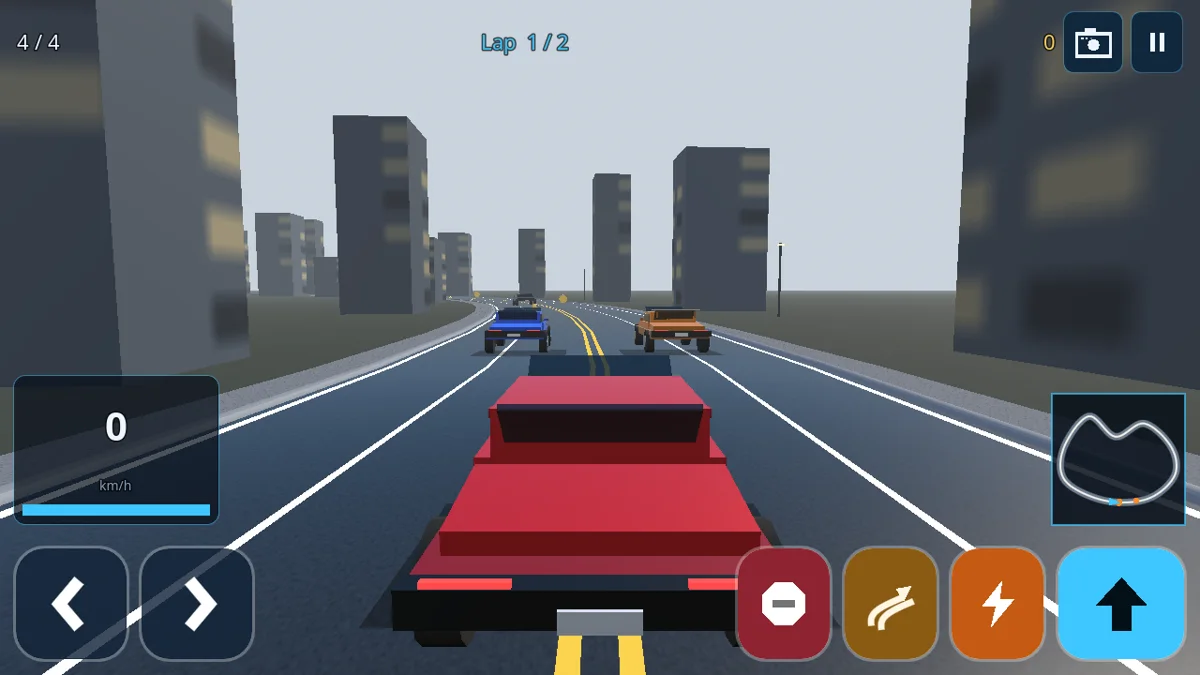
03 Build a garage through a hundred career levels
SP Car Race
By AI Play Factory (@AiPlayFactory) ↗
On-screen buttons handle driving on phones. The creator lists browser, phone and tablet support, with English available alongside Arabic.
Before you playFor an accessible car-unlocking career, boost and drifting. The creator describes a compact arcade racer, not a licensed Need for Speed release.
Computer · Phone & tablet
See game & play ↗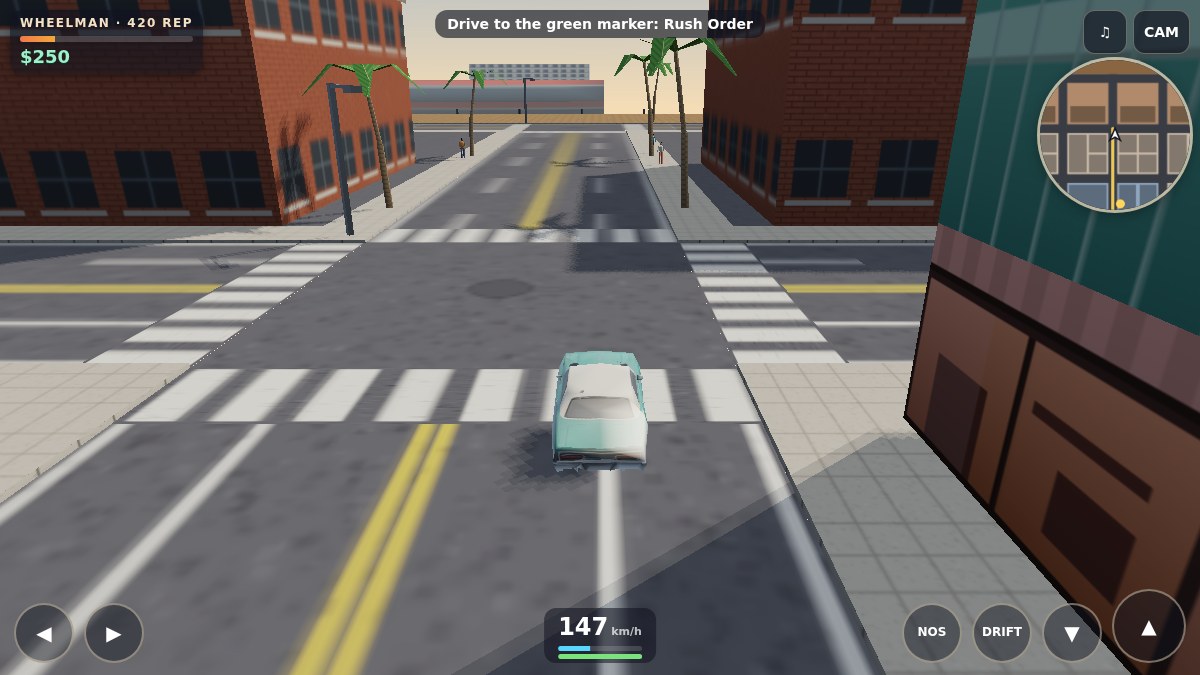
04 Lose the police in a sunlit harbour city
Saltreach Heat
Use separate steer, gas, brake, drift and nitro buttons. Story markers and side-work phones are reached by driving to them; several simultaneous controls favour two thumbs.
Before you playFor open-city driving and police chases. It is a compact crime adventure with driving jobs, rather than a sequence of organised races.
Computer · Phone & tablet
See game & play ↗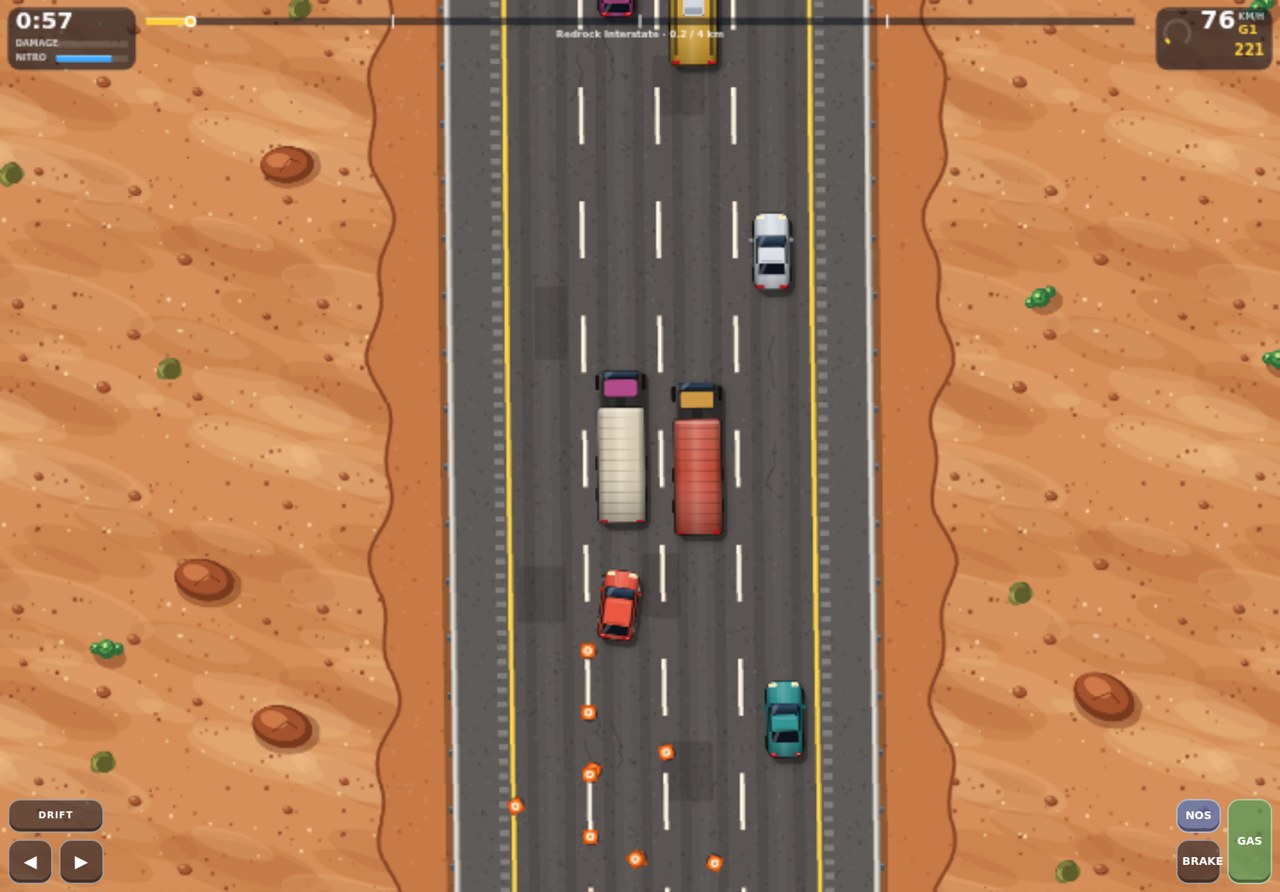
05 Turn near misses into nitro and garage upgrades
Slipstream Mile
Use GAS, BRAKE, steering arrows, NOS and DRIFT on screen. This is an active multi-button racer; touch support does not mean one-handed play.
Before you playFor traffic weaving, nitro and making a car your own. It is a staged highway racer rather than an open map.
Computer · Phone & tablet
See game & play ↗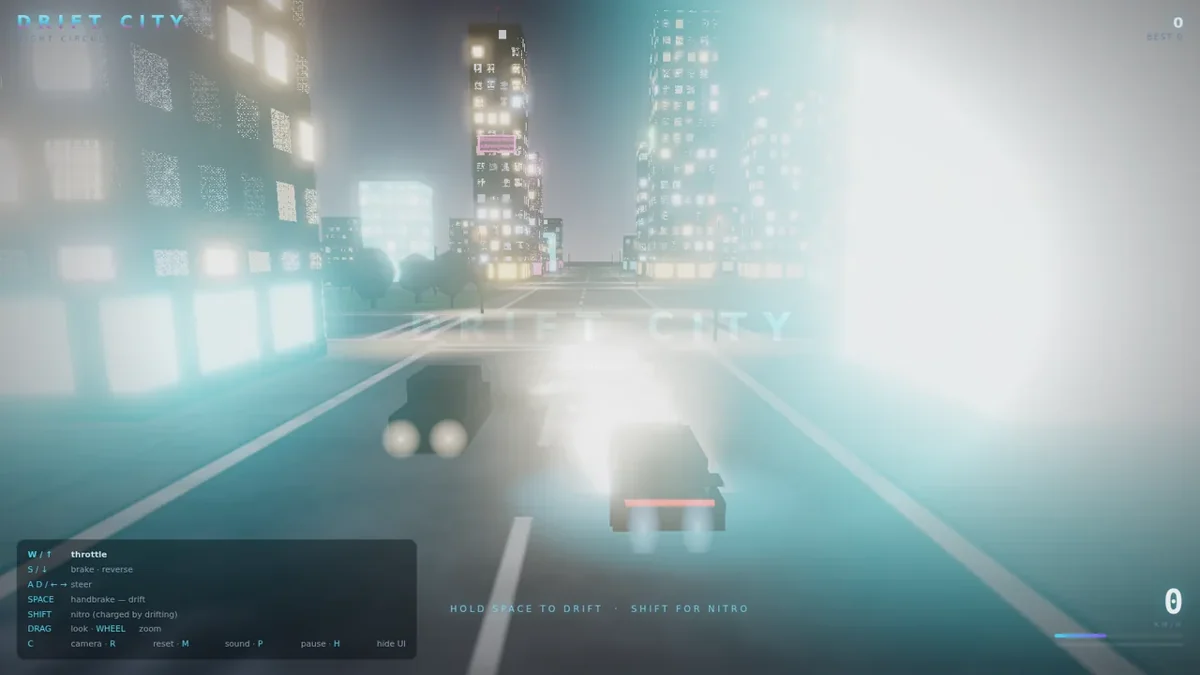
06 Charge your boost by sliding through the night
Drift City
By Alexey Fateev (@superalesha) ↗
The game exposes steering, GAS, BRK, DRIFT and N2O buttons. It requires WebGL2, and its fallback message recommends a desktop browser when that support is missing.
Before you playFor the night-racing atmosphere and drift-to-boost loop in a very short session. It is a demo rather than a campaign.
Computer · Phone & tablet
See game & play ↗07 Treat the engine as a rhythm to master
Shiftmere: Drag Racing
By PN Scripts ↗
Tap FIRE on the engine beat and SHIFT to change the tempo. Remappable inputs, auto-shift and wider timing windows are available. The creator says it can be played by eye as well as by sound.
Before you playFor drag racing, tuned machinery and shaving time off a run. Rhythm inputs replace steering and the older one-button drag-racing design.
Computer · Phone & tablet
See game & play ↗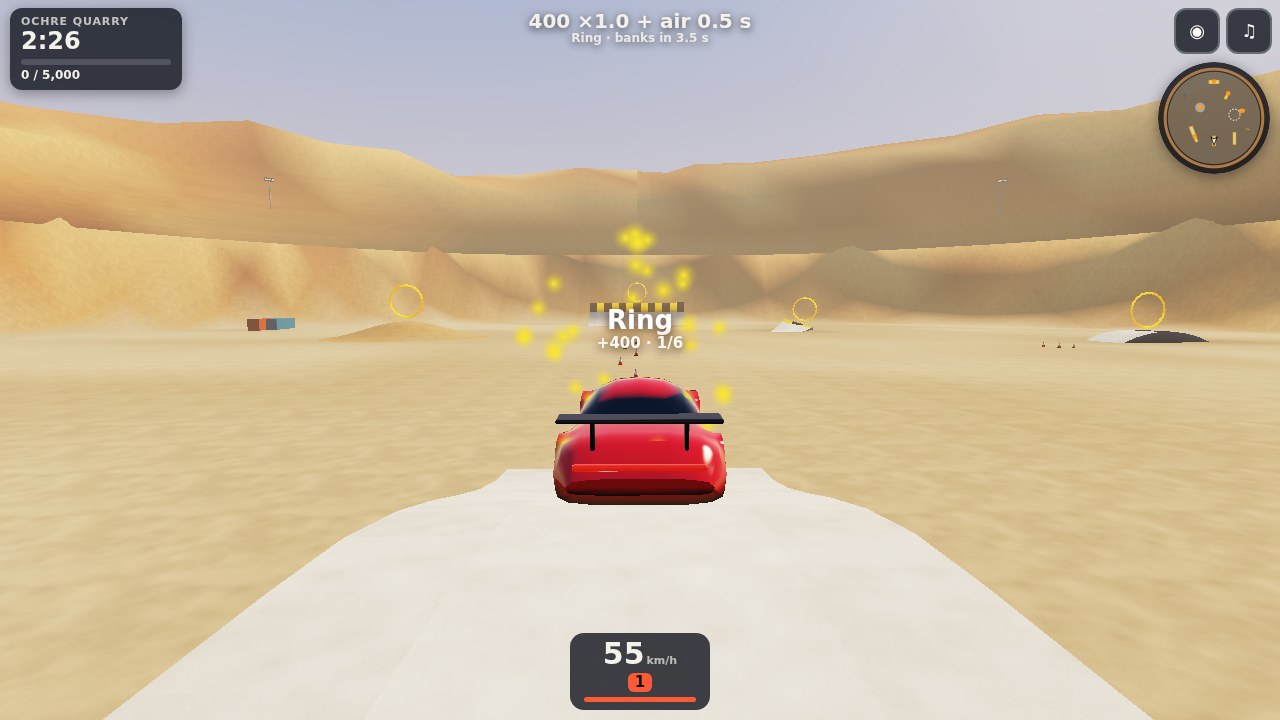
08 Practise a drift without a rival on your bumper
Slipangle Park
The creator lists GAS, BRAKE, steering, HB and RESET buttons. The documented phone controls cover driving and recovery; manual gear changes are described for keyboard.
Before you playFor learning handbrake slides and enjoying a car’s handling. This is a practice park, without races or a career.
Computer · Phone & tablet
See game & play ↗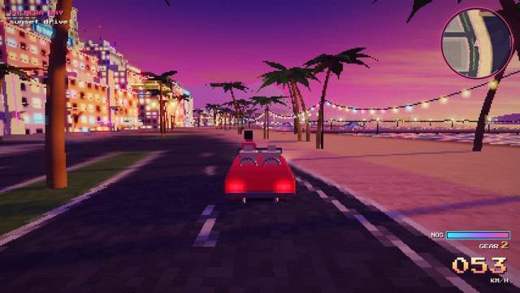
09 Take a convertible out with no timer at all
Palmera Bay
Phones show steering, gas, brake, NOS and DRIFT buttons, plus a menu for camera and reset. The current start screen recommends rotating the phone for the best view.
Before you playFor the relaxed driving between races. Choose another entry if you want competition, pursuits or progression.
Computer · Phone & tablet
See game & play ↗10 Meet friends for a drive across San Francisco
Teleoperator
By Mindblown (@mindblown_ai) ↗
The creator lists mouse or touch steering on phones, plus gamepad support. The world uses WebGPU and online rooms; performance depends on the device.
Before you playFor a shared city drive and choosing cars with friends. The current creator page emphasises exploration, not a structured race career.
Computer · Phone & tablet
See game & play ↗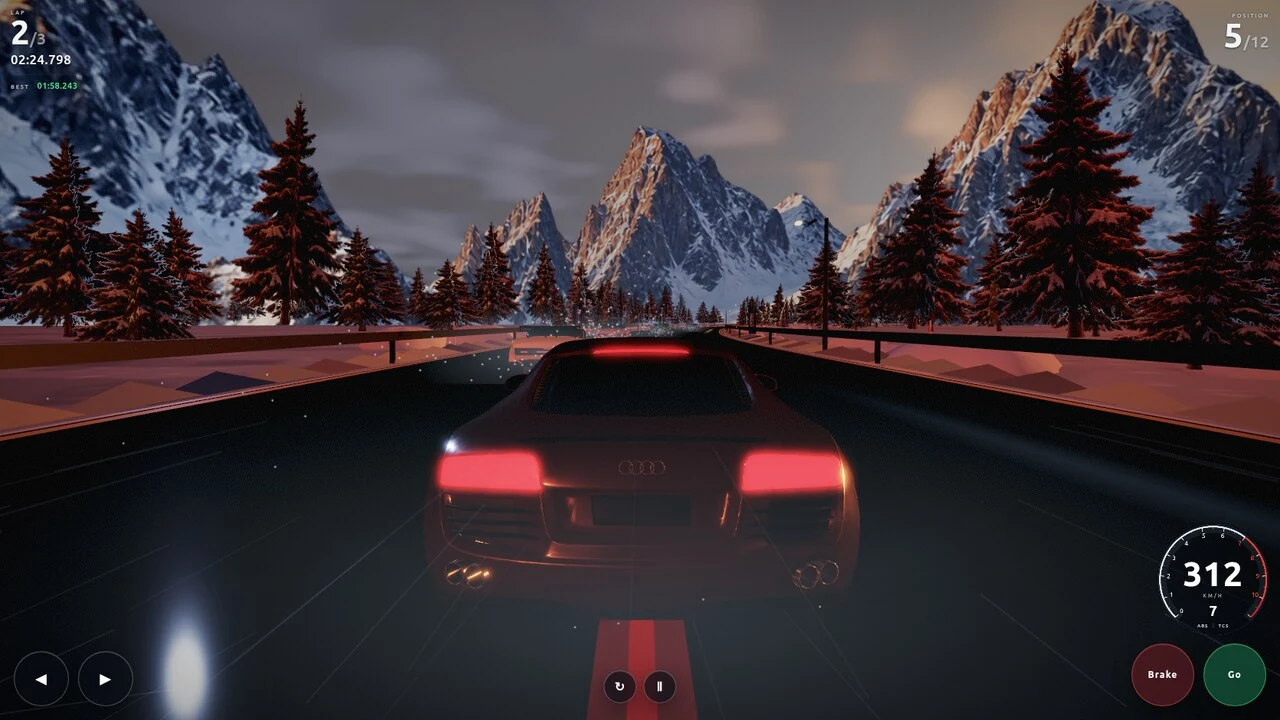
11 Chase a full grid over wet mountain roads
Alpine Apex: Winter Sunset GP
On-screen steering, Brake, Go, restart and pause controls are documented and visible in the game interface. The creator explicitly lists mobile support.
Before you playFor fast road-car racing through dramatic scenery. A single grand prix is a narrower offering than a large street-racing career.
Computer · Phone & tablet · Controller confirmed
See game & play ↗12 Build a showy car for a neon traffic run
Vapor Lane
By XolraK ↗
The creator says touch controls appear automatically in landscape. A phone tutorial explains the mechanics. Best scores and up to three garage builds are stored in the browser.
Before you playFor custom cars, near misses and colourful night roads. Shooting and power-ups make it more fantastical than Need for Speed.
Computer · Phone & tablet
See game & play ↗13 Pick a road at each branching checkpoint
TEB RUN
By tebrun ↗
Use landscape touch controls, with optional tilt steering. No account is required; endings and regular itch.io scores stay in the browser. The separate main build hosts the worldwide leaderboard.
Before you playFor fast road journeys and checkpoint pressure. Its branching structure is closer to classic OutRun than open-world street racing.
Computer · Phone & tablet · Controller confirmed
See game & play ↗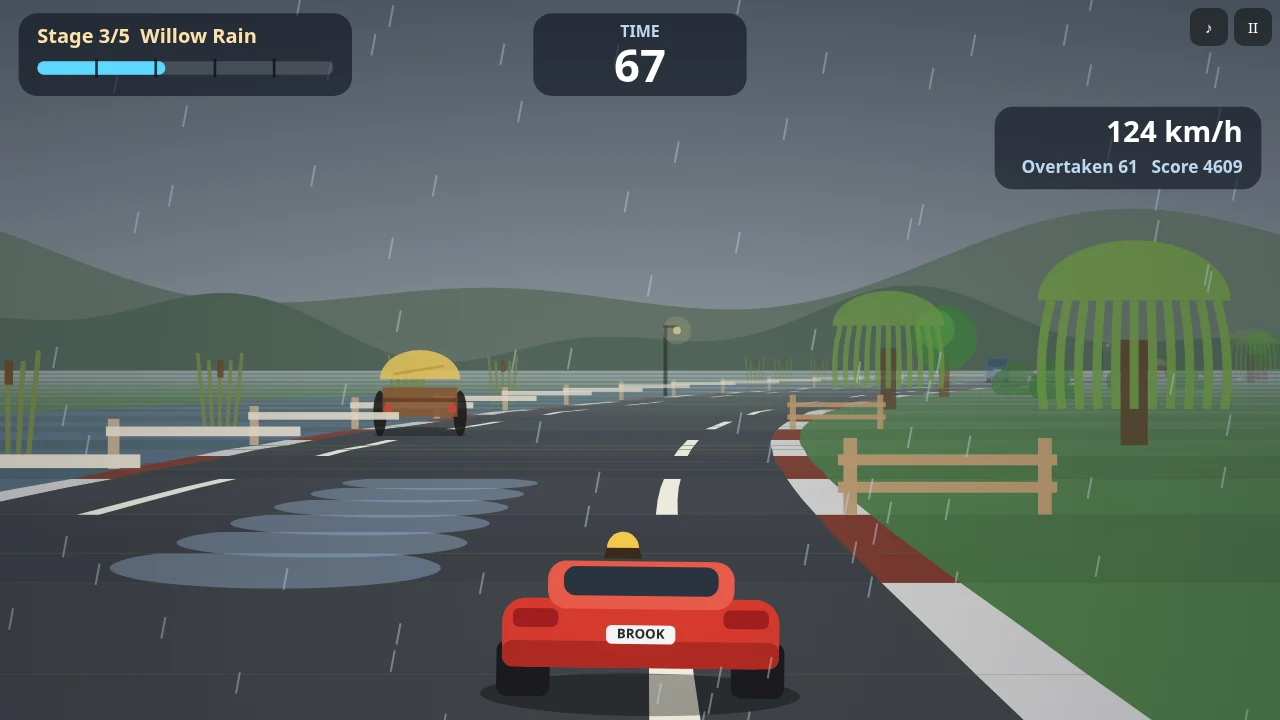
14 Follow a river road before the clock runs out
Brookdash: Retro Arcade Racer
By PN Scripts ↗
Hold either half of the screen to steer while the car accelerates automatically. Hold both halves to brake. The creator documents touch and mouse controls alongside keyboard.
Before you playFor checkpoint driving and changing road conditions in a simpler retro format. It has no tuning garage or police pursuit.
Computer · Phone & tablet
See game & play ↗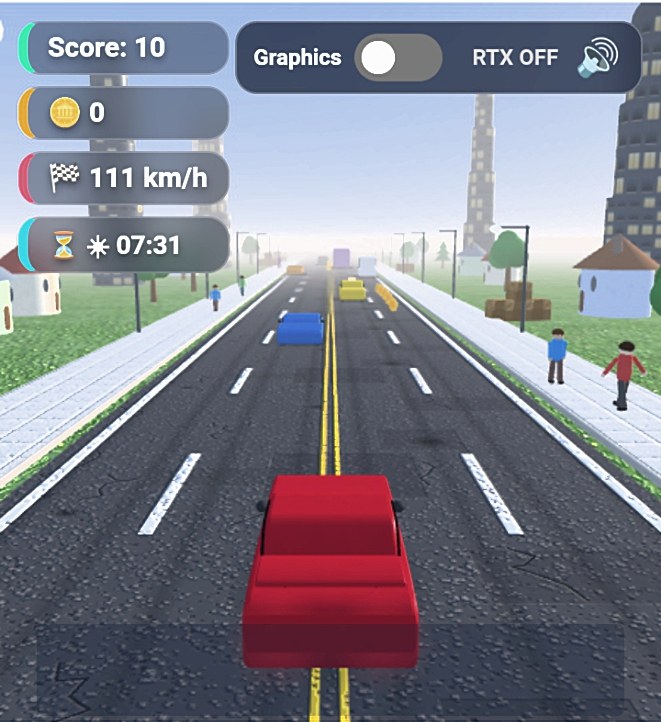
15 Thread a sports car through day-to-night traffic
High Way Traffic
By Zyvroxen ↗
The creator explicitly describes mobile tapping; the verified catalogue controls use either side of the screen to steer. Start with ordinary graphics if the heavier option struggles.
Before you playFor weaving through traffic at speed. Its compact highway loop is much simpler than an open-world campaign.
Computer · Phone & tablet
See game & play ↗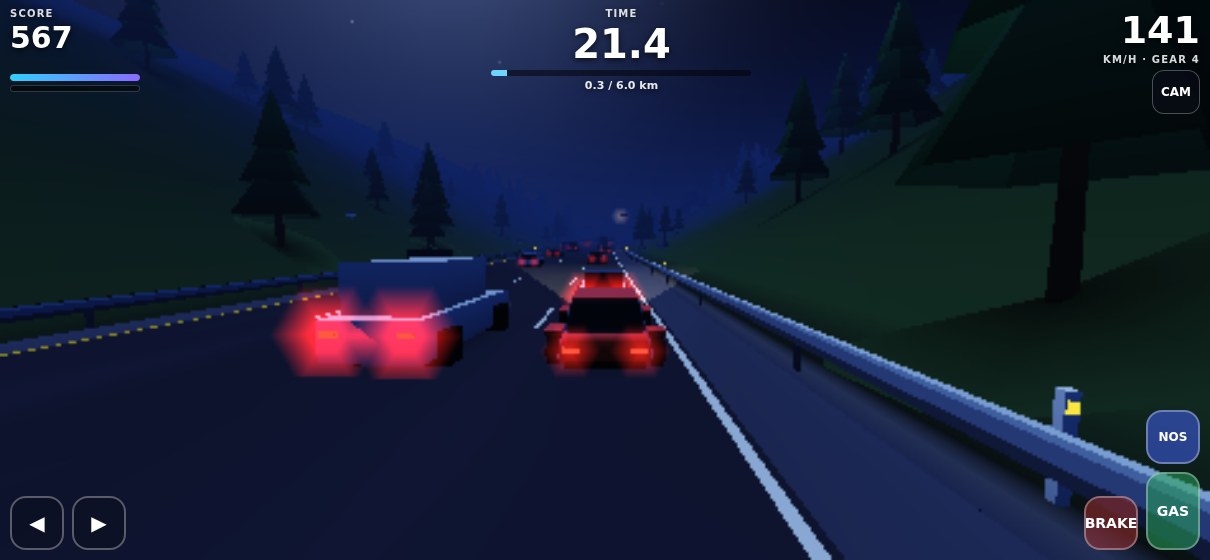
16 Save nitro for a gap in the traffic
Laneburner
On-screen GAS, BRAKE, steering arrows and NOS provide the documented phone controls. Expect two-thumb input when steering and accelerating together.
Before you playFor traffic-dodging speed and boost management. It is a straightforward highway run, not a garage-building career.
Computer · Phone & tablet
See game & play ↗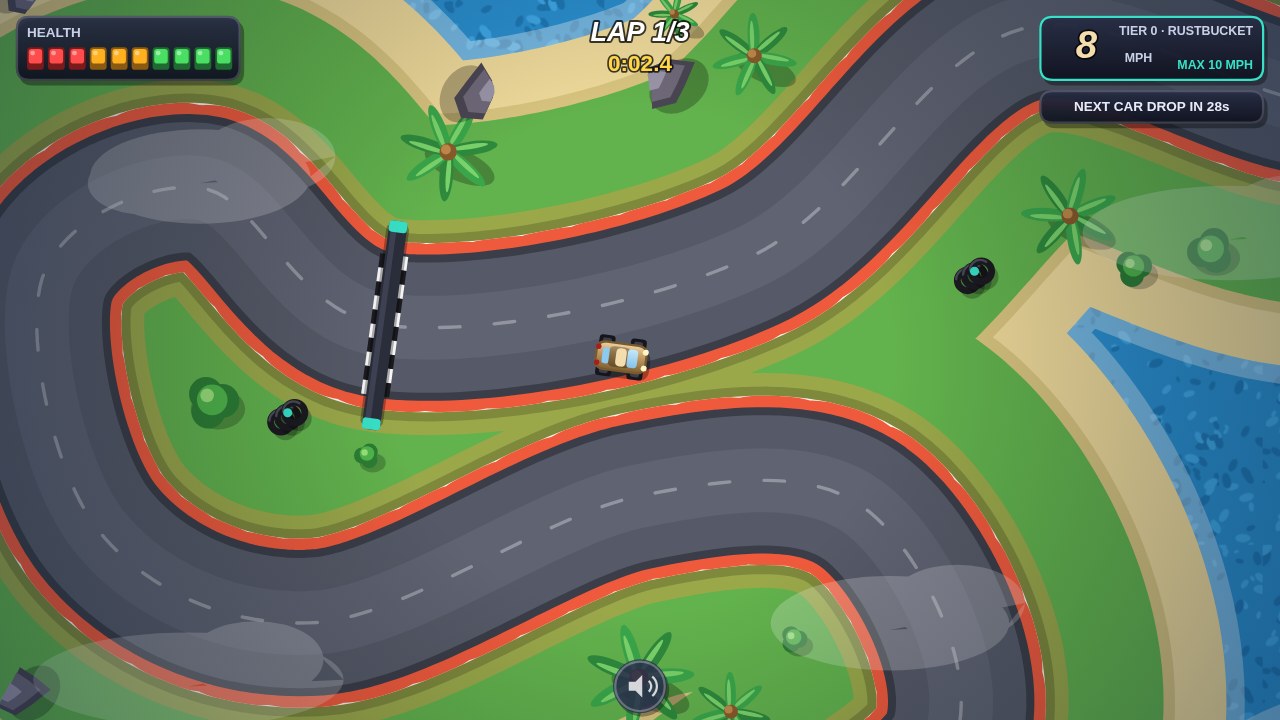
17 Grab a faster car before the next corner
Furious Speeds
By Rigid ✅ ↗
Use left and right steering plus GAS and BRAKE buttons. The limited-health wall collisions reward careful cornering even after a faster car arrives.
Before you playFor upgrading through a race and learning to handle extra speed. The top-down car pickups give it a distinct arcade twist.
Computer · Phone & tablet
See game & play ↗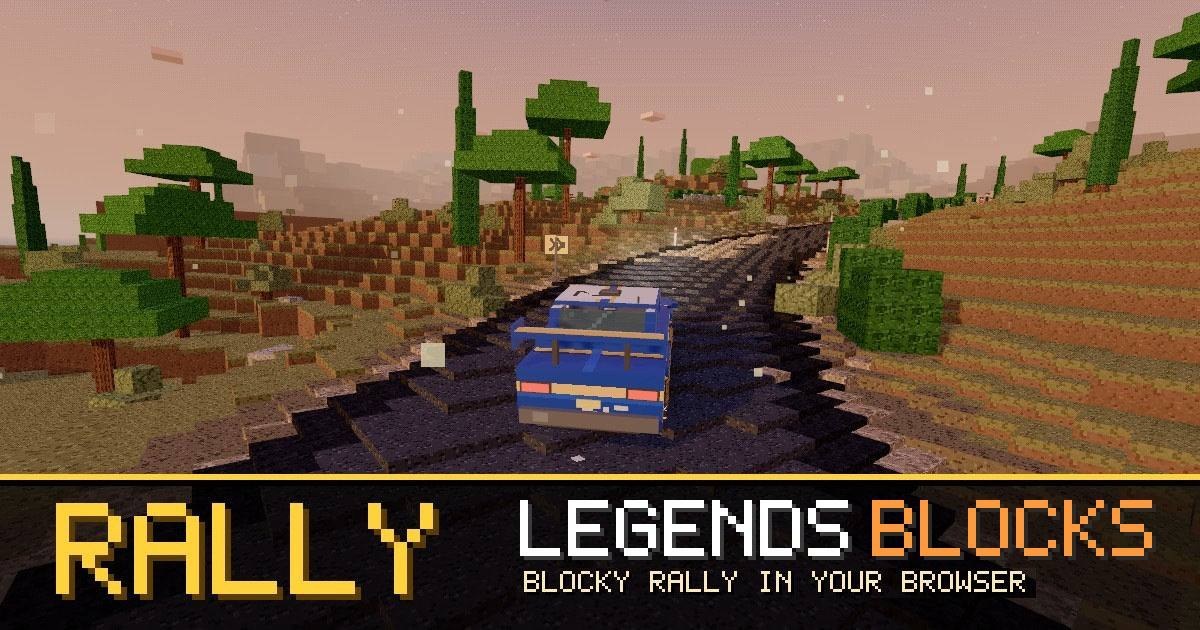
18 Race a ghost through destructible voxel stages
Rally Legends
By memm8 ↗
The current creator page explicitly supports keyboard, gamepad and touch. An optional account keeps progress across devices; the exact touch layout and orientation are not described there.
Before you playFor car progression, speed and trying to beat another driver’s line. This is rallying rather than street racing.
Computer · Phone & tablet
See game & play ↗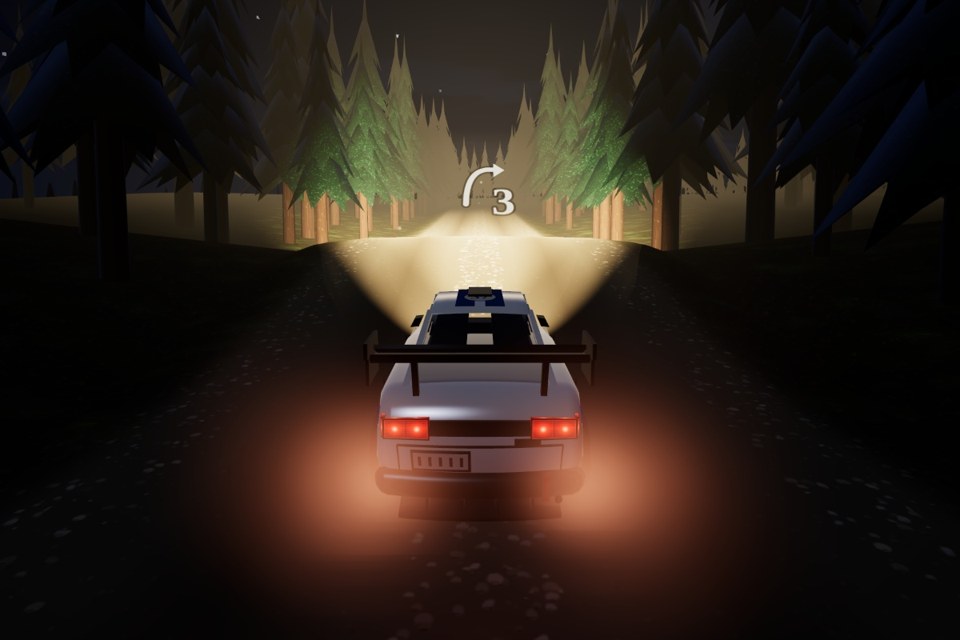
19 Write the corner notes you will race after dark
Pacenote
Hold the lower screen to drive, slide sideways to steer and down to brake. During scouting the autopilot drives while you tap corner notes; a separate round button works the handbrake.
Before you playFor developing driving skill and improving a car between events. Reconnaissance and rally notes make it more deliberate than Need for Speed.
Computer · Phone & tablet
See game & play ↗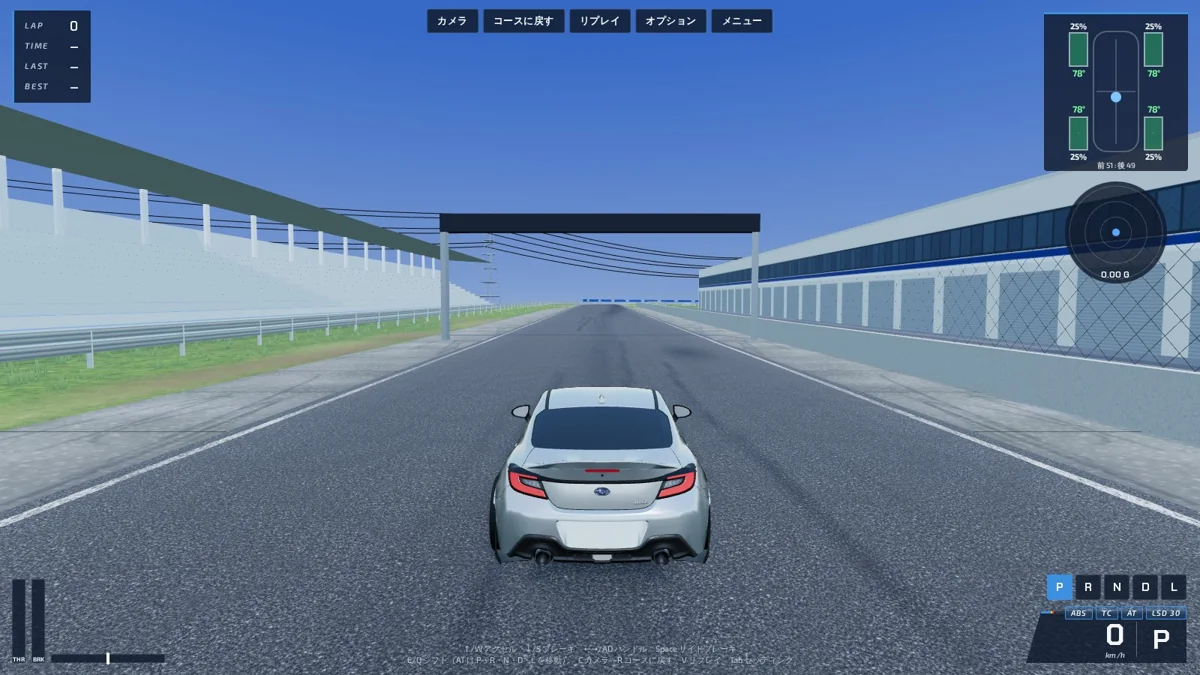
20 Tune a sports car and chase its ghost lap
GS Driving Simulator
By PLUFDESIGN ↗
The creator recommends an iPad in landscape. The game exposes touch steering, throttle, brake and handbrake, with steering styles selectable in options. Smaller phones have less room for those controls.
Before you playFor tuning and shaving seconds from a road car. This is circuit simulation, not open-world street racing.
Computer · Phone & tablet · Controller confirmed
See game & play ↗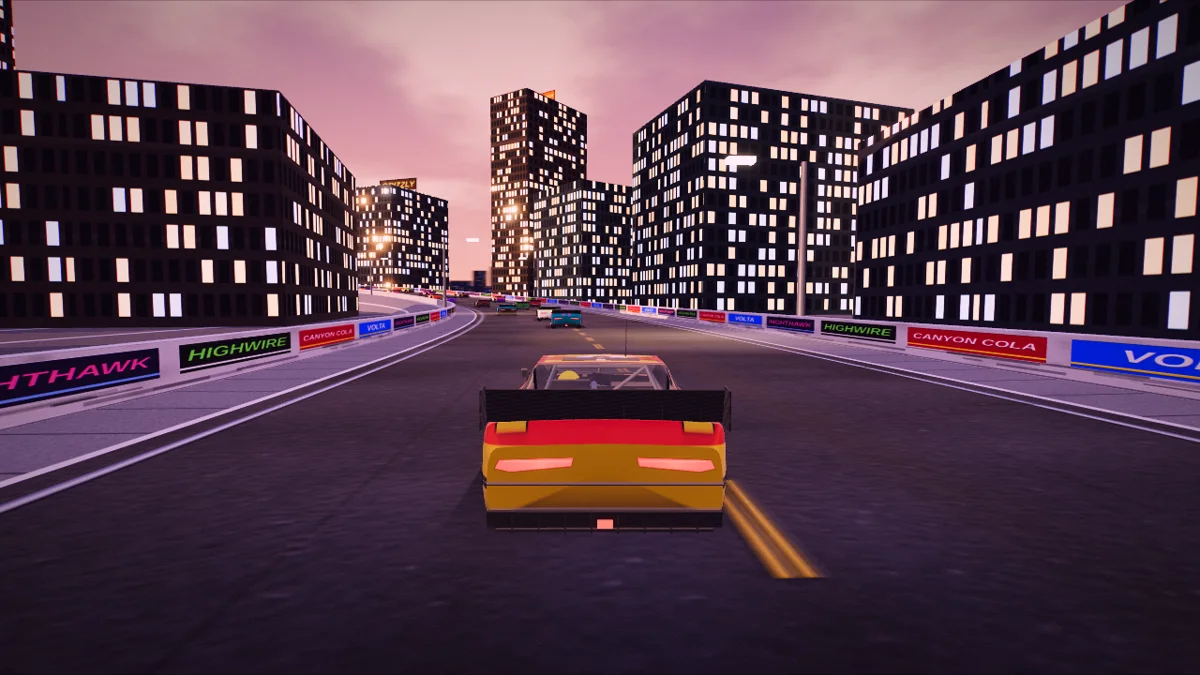
21 Use the slipstream to pass a packed field
Super Stock 500
By Kayode Fashola / KFPlay (@kayf2010) ↗
The creator documents landscape play with tilt steering or a slide pad. A decent desktop GPU is recommended overall; reduce graphics if a phone stutters. Records are saved in the browser.
Before you playFor close racing, changing weather and dramatic contact. Stock-car competition is an adjacent option, not a street-tuner game.
Computer · Phone & tablet · Controller confirmed
See game & play ↗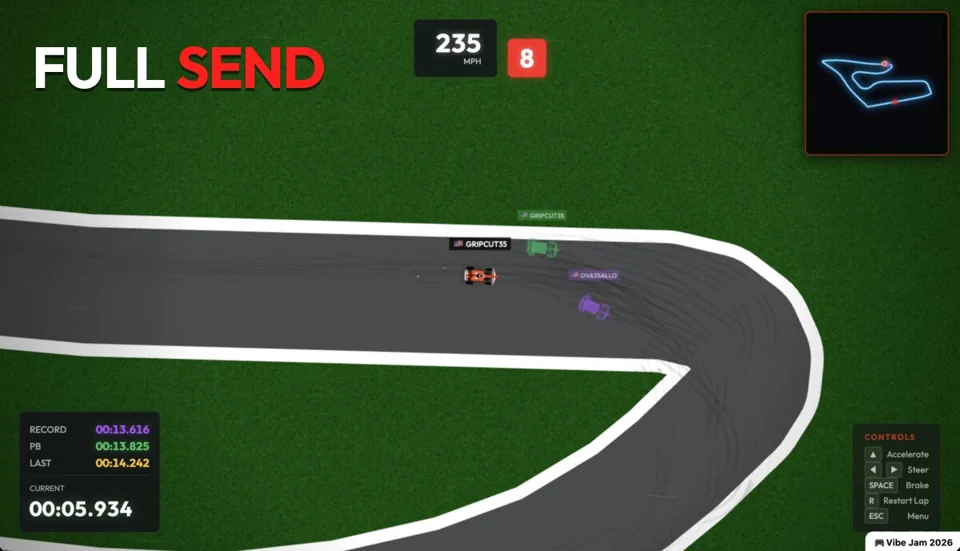
22 Find the quickest line in a compact two-dimensional racer
FULL SEND
By @dvassallo ↗
The current interface includes steering, GAS and BRAKE buttons. A guest username starts the profile; claiming it provides recovery and cross-device access. Keeping the guest browser session matters.
Before you playFor competitive lap times in a much lighter visual style. It lacks the open city and street-car story of Need for Speed.
Computer · Phone & tablet
See game & play ↗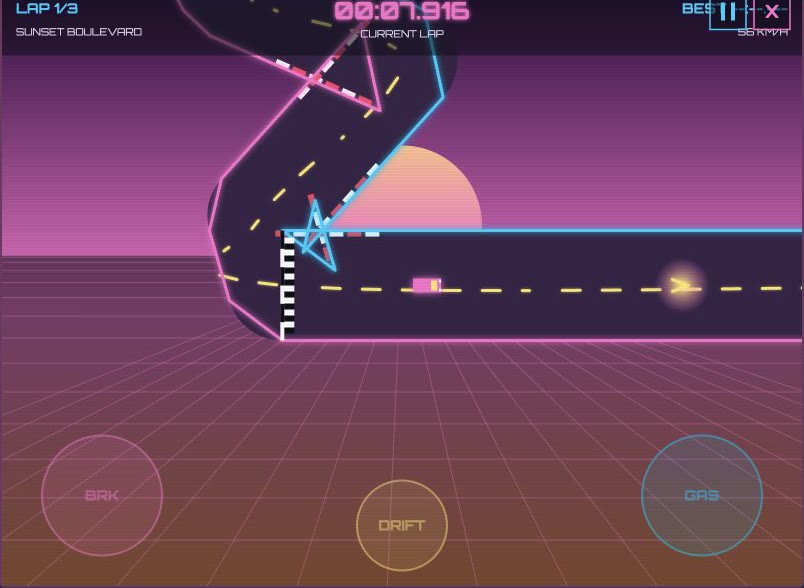
23 Carry a drift through a neon time trial
Vapor Drift
Visible BRK, GAS and DRIFT buttons accompany touch steering. This is a three-lap time trial rather than an open-world driving game; a physical keyboard can also control it. Phone performance was not physically tested.
Before you playA more distant option for arcade speed, drifting and time improvement. Its top-down view and small circuits differ from Need for Speed’s open roads.
Computer · Phone & tablet
See game & play ↗24 Build a racing career from karting to formula cars
Scia
Build a racing career from karts to formula cars, manage tyres and weather, or race friends in online rooms. Choose touch buttons, two-thumb controls, a slider or tilt. Select English in the menu; browser progress saves locally.
Before you playFor a longer progression through cars, licences and race weekends. It is circuit racing rather than Need for Speed-style street crime.
Computer · Phone & tablet
See game & play ↗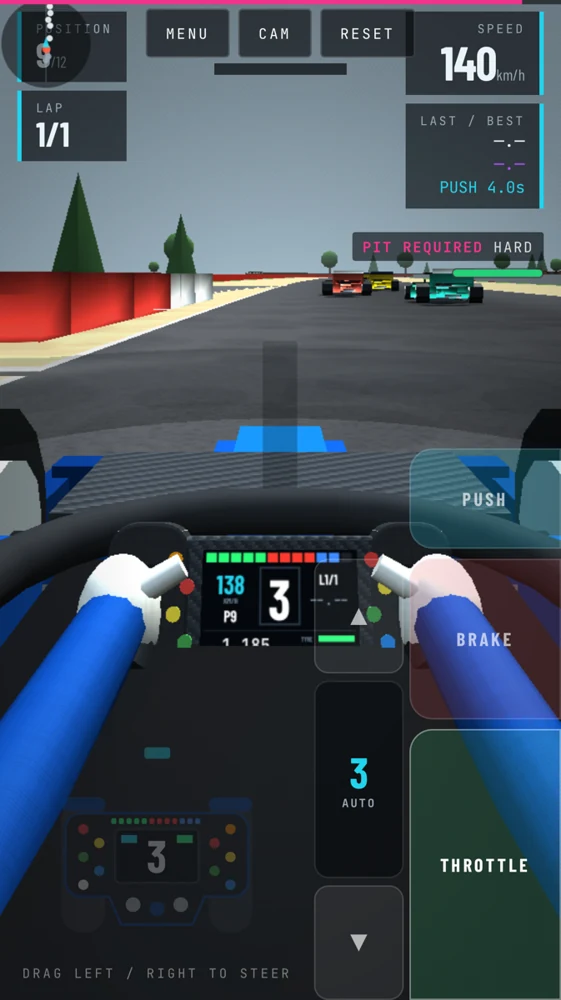
25 Earn a contract for the next racing series
APEX - Racing Career
Rise from club karting to the World Grand Prix, earning contracts and managing a racing career across four series. Drag the wheel to steer and hold the pedals to accelerate or brake. The career saves in the browser.
Before you playA progression-focused alternative with qualifying, reputation and contracts. Kart and formula series replace street racing.
Computer · Phone & tablet · Controller confirmed
See game & play ↗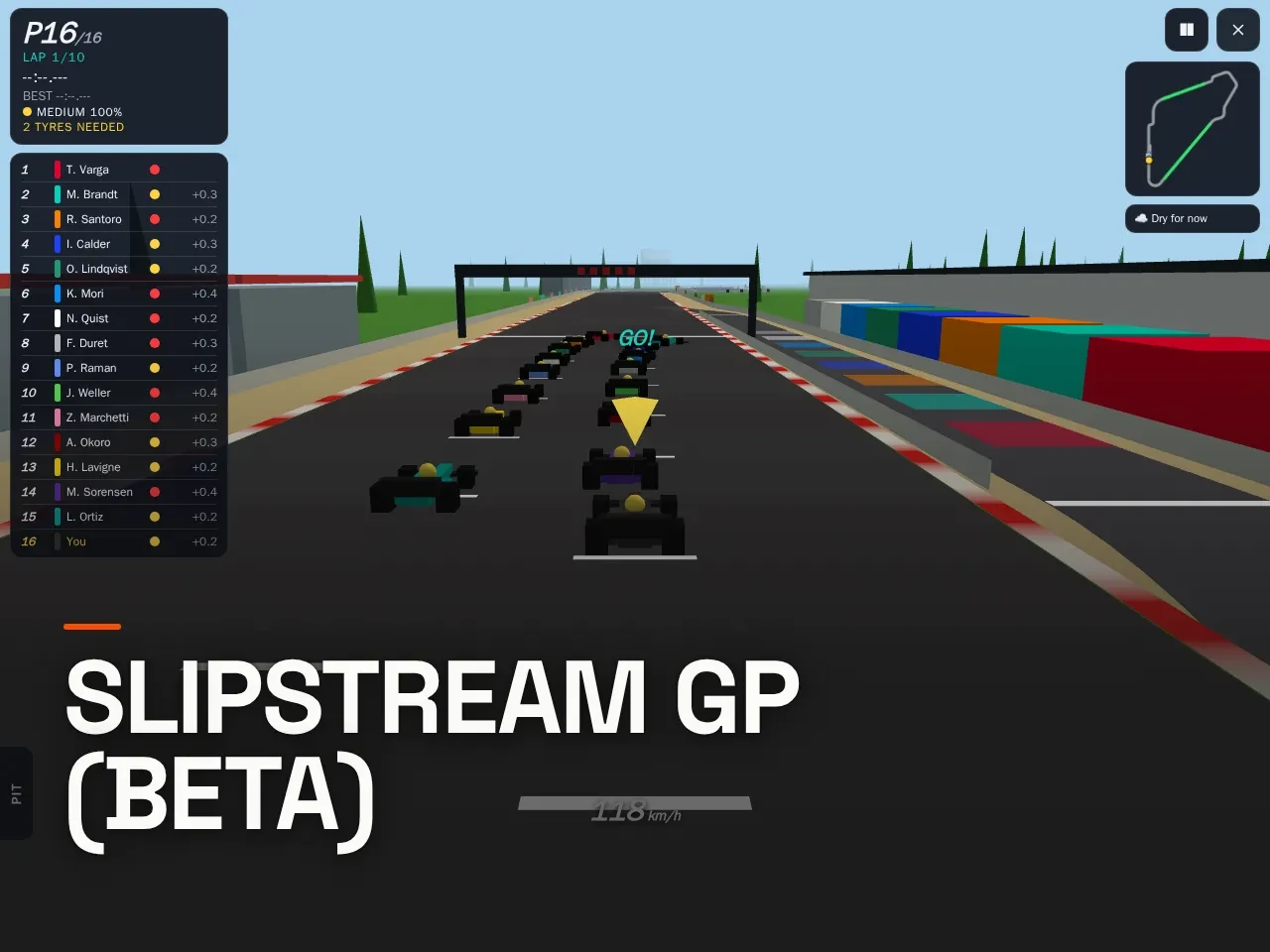
26 Race an open-wheel grid through changing conditions
Slipstream GP (Beta)
By Rapha ↗
Race an open-wheel car across changing weather and varied circuits. Practise alone, compete with bots or create online races for up to sixteen drivers. Automatic acceleration; hold left/right to steer and BRAKE to slow. Bots fill unused online seats.
Before you playFor circuits, opponents and pit-stop decisions. This is an open-wheel racing beta rather than an urban tuning game.
Computer · Phone & tablet
See game & play ↗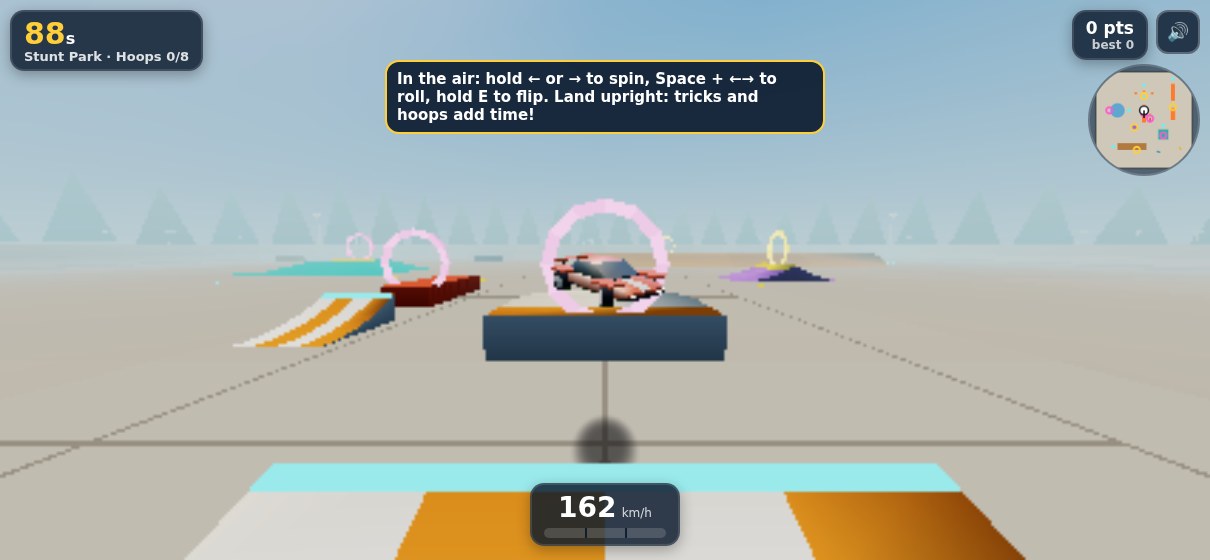
27 Charge a drift boost around island hairpins
Poly Racer
By CHEEEEEZ ↗
Drift through island roads against five bot drivers, charging boost through hairpins to qualify for the next course. Use the on-screen left/right, DRIFT and BOOST/FLIP controls.
Before you playFor arcade handling and opponents on road circuits. Five bot rivals and drift-earned boost make a compact racing option.
Computer · Phone & tablet
See game & play ↗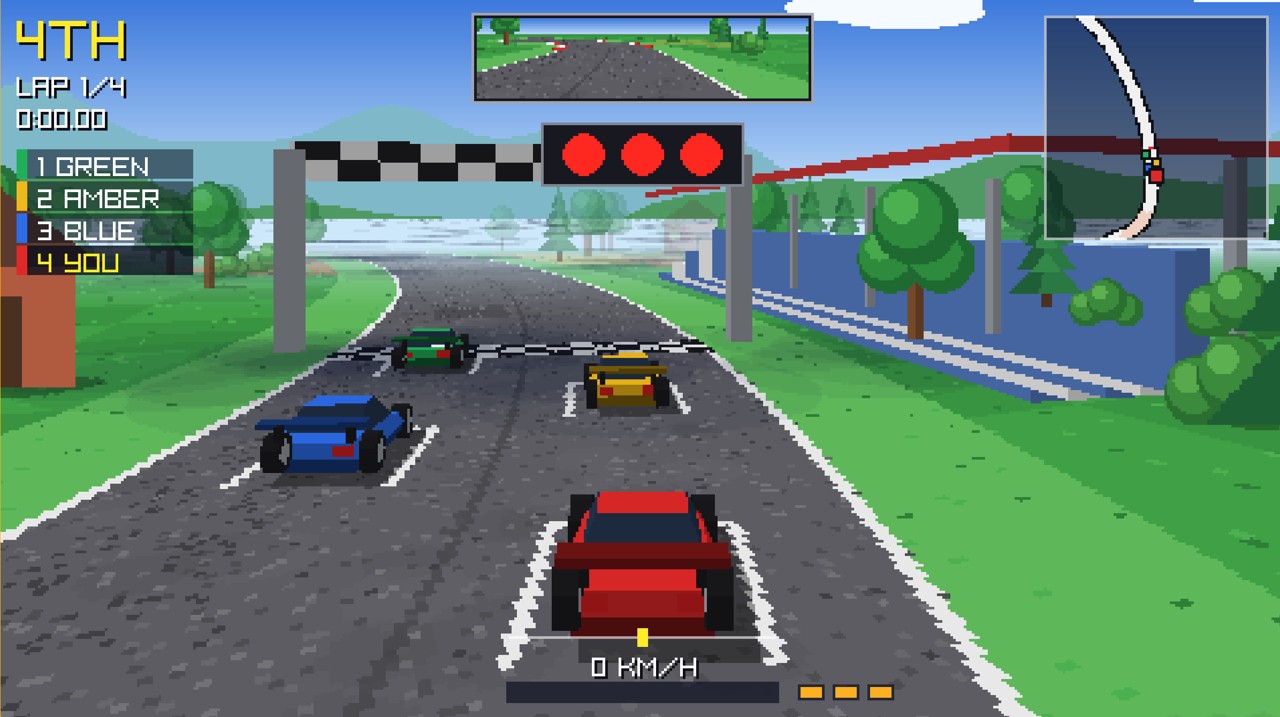
28 Chase rivals and a faster ghost lap
Horizon GP
By Hewco ↗
Slipstream rival cars, spend limited turbo boosts and race four circuits in both directions. Try a championship or chase your ghost in time trials. The creator documents touch steering and driving controls; no physical-phone test is claimed.
Before you playAn accessible arcade-racing alternative with slipstreaming and turbo. Its compact circuits replace street pursuits and car-tuning careers.
Computer · Phone & tablet
See game & play ↗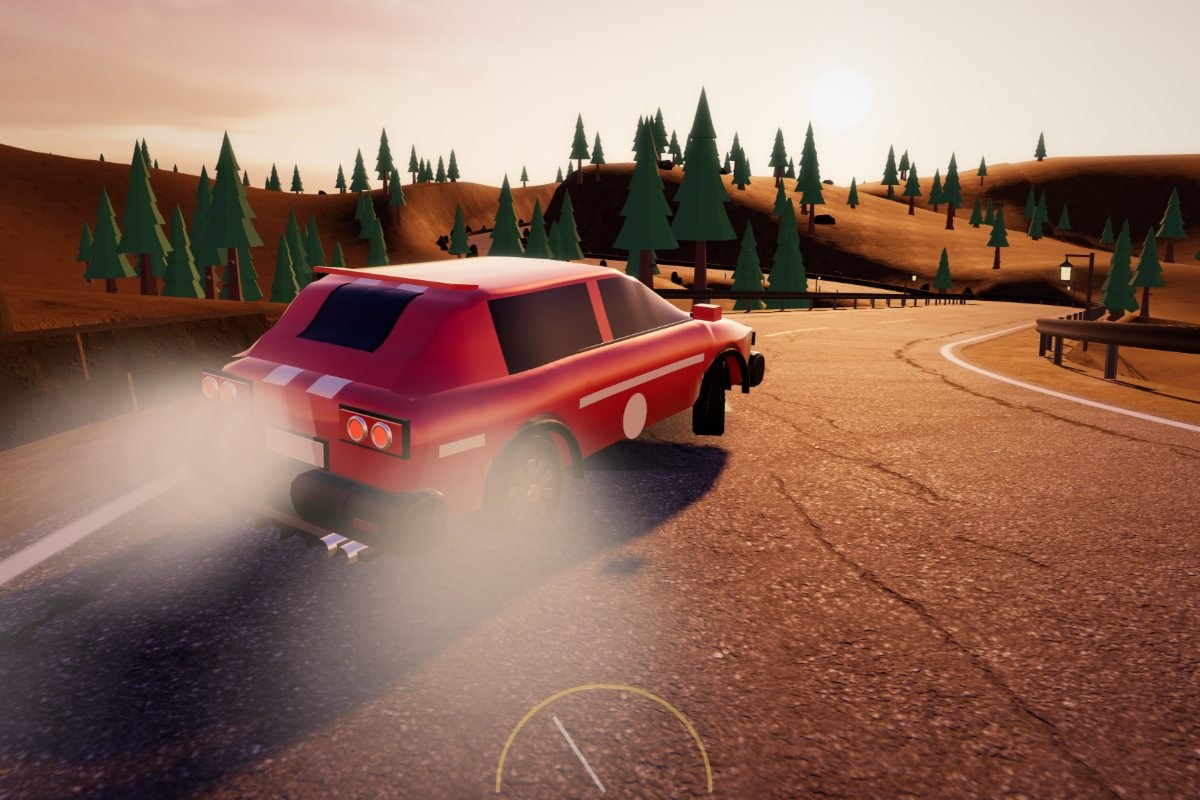
29 For mountain-pass drift chains and garage upgrades
Driftline
Driftline scores sideways driving, speed and proximity to the guardrail. Link corners, bank points and tune the Wren hatchback before attempting rival duels on the two opening roads.
Before you playChoose it for drifting and car upgrades on closed mountain roads. It has no claimed open-city driving or police chases. A desktop drive was checked.
Computer · Phone & tablet
See game & play ↗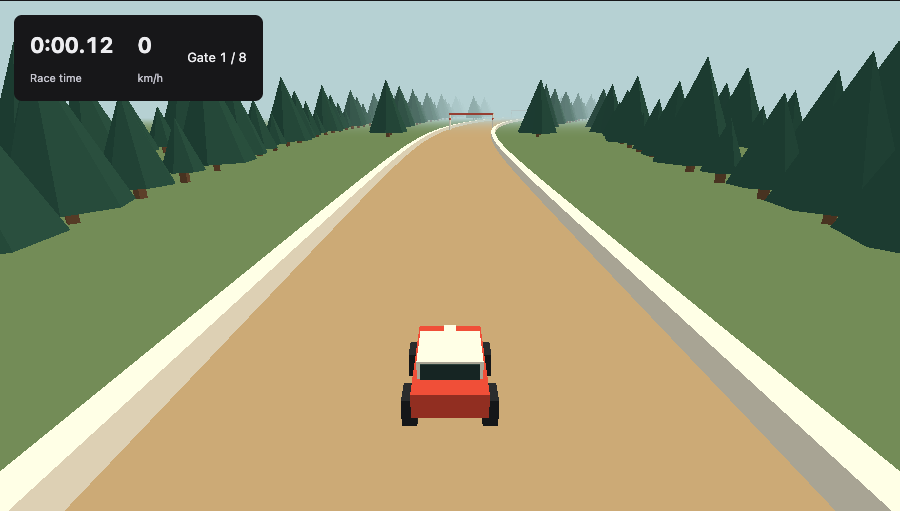
30 For a quick forest rally time trial
Rally
By Andy Zhang ↗
Rally sends a car through forest courses and checkpoint gates. Its clear arcade steering and short restart loop make it an accessible way to chase a cleaner drive.
Before you playA compact time-trial alternative, with three creator-documented courses and keyboard or touch steering. A muted desktop race was started; no open-world or multiplayer claim.
Computer · Phone & tablet
See game & play ↗31 For a three-lap circuit race
Aphelion: Ardennes Grand Prix
By monokern ↗
Aphelion: Ardennes Grand Prix puts six Formula-style cars on a recreation of Spa-Francorchamps. Learn the braking points and keep the car intact, because crash damage changes its handling.
Before you playAn adjacent choice for car control and racing opponents on a closed circuit. It does not offer Need for Speed’s street traffic, police pursuits or open-city driving.
Computer · Phone & tablet
See game & play ↗32 For a short mountain-pass time trial
Pocket Roads: Midnight Pass
Pocket Roads: Midnight Pass is a 3.2 km checkpoint run through the Swiss Alps. Balance braking and acceleration, keep away from the barriers and chase the gold time.
Before you playChoose it for a focused mountain-road driving challenge. This checked stage has a virtual car, keyboard and touch controls; no open world or police chases are claimed.
Computer · Phone & tablet
See game & play ↗| Game | Orientation | Before you start |
|---|---|---|
| Threejs-Punk Drive | Not specified | WebGPU; exact touch layout not documented |
| Pavement Pursuit | Responsive layout | Choose a control scheme before racing |
| SP Car Race | Not specified | Use on-screen buttons |
| Saltreach Heat | Not specified | Multiple driving buttons; two-thumb play |
| Slipstream Mile | Not specified | Several simultaneous touch controls |
| Drift City | Not specified | WebGL2 required; demanding demo |
| Shiftmere: Drag Racing | Not specified | Two pads; optional auto-shift and wider timing windows |
| Slipangle Park | Not specified | Touch driving; keyboard documented for manual gears |
| Palmera Bay | Landscape recommended | No races or objectives |
| Teleoperator | Not specified | WebGPU and online connection |
| Alpine Apex: Winter Sunset GP | Not specified | 3D racing; performance varies |
| Vapor Lane | Landscape | Local scores and garage; multi-action controls |
| TEB RUN | Landscape | Local progress on itch.io; optional tilt steering |
| Brookdash: Retro Arcade Racer | Not specified | Auto acceleration; both screen halves brake |
| High Way Traffic | Not specified | Side-of-screen steering; graphics affect performance |
| Laneburner | Not specified | Several touch buttons |
| Furious Speeds | Not specified | Top-down multi-button driving |
| Rally Legends | Not specified | Touch documented; optional cross-device account |
| Pacenote | Not specified | One-thumb driving plus note-entry controls |
| GS Driving Simulator | Landscape; iPad recommended | Touch driving; tablet preferred |
| Super Stock 500 | Landscape | Tilt or slide pad; demanding 3D graphics |
| FULL SEND | Not specified | Guest profile; optional account recovery |
| Vapor Drift | Not specified | Documented touch controls; physical phone not tested |
| Scia | Choose touch buttons, two-thumb controls, a slider or tilt. Select English in the menu; browser progress saves locally. | Documented touch controls; physical phone not tested |
| APEX - Racing Career | Drag the wheel to steer and hold the pedals to accelerate or brake. The career saves in the browser. | Documented touch controls; physical phone not tested |
| Slipstream GP (Beta) | Automatic acceleration; hold left/right to steer and BRAKE to slow. Bots fill unused online seats. | Documented touch controls; physical phone not tested |
| Poly Racer | Use the on-screen left/right, DRIFT and BOOST/FLIP controls. | Documented touch controls; physical phone not tested |
| Horizon GP | The creator documents touch steering and driving controls; no physical-phone test is claimed. | Touch supported; physical phone not tested |
| Driftline | W/Up accelerates, S/Down brakes, A/D or arrows steer, Space handbrakes and R resets. Touch: drag left to steer; GAS, BRAKE and HAND buttons on the right. | Creator-documented touch support; no physical-phone test by Playground. Choose it for drifting and car upgrades on closed mountain roads. It has no claimed open-city driving or police chases. A desktop drive was checked. |
| Rally | Creator-documented touch support; no physical-phone test by Playground. A compact time-trial alternative, with three creator-documented courses and keyboard or touch steering. A muted desktop race was started; no open-world or multiplayer claim. | |
| Aphelion: Ardennes Grand Prix | WASD or arrow keys drive, Space handbrakes, C changes camera, R resets and Esc pauses. Touch steering, throttle and brake buttons are included. | Creator-documented touch support; no physical-phone test by Playground. An adjacent choice for car control and racing opponents on a closed circuit. It does not offer Need for Speed’s street traffic, police pursuits or open-city driving. |
| Pocket Roads: Midnight Pass | A/D steer and W/S accelerate or brake; Esc pauses. Touch players drag the steering pad and use the gas/brake pad. Choose the virtual car to play normally. | Creator-documented touch support; no physical-phone test by Playground. Choose it for a focused mountain-road driving challenge. This checked stage has a virtual car, keyboard and touch controls; no open world or police chases are claimed. |
Browser games: common questions
Which racing games work well with simple touch controls?
Brookdash documents holding a screen half to steer with automatic acceleration. Pacenote uses a thumb-drag driving scheme, although writing rally notes adds another activity. Multi-button city racers generally need more simultaneous inputs.
Will every racing game run smoothly on my phone?
No. WebGPU worlds and detailed 3D races depend on browser support and hardware. Super Stock 500 recommends a strong desktop GPU overall; its phone controls do not guarantee smooth play on every handset.
Are the phone controls physically tested here?
These descriptions use creator documentation and previously verified game-specific interfaces. They are not a claim that every game has been tested on every iPhone or Android device.
Found your favourite?
Leave a rating on its game page. Or send a friend somewhere new to play.
OVER TO YOU
Comments
Got a thought, a favourite or a recommendation? Join the conversation.
Loading comments…