Playground guide
7 games like Silent Hill for mobile browsers
These Silent Hill alternatives offer documented phone or tablet controls. Start with the illustrated games, then compare their touch layouts, practical limits and save behaviour. A browser game can still demand two-handed controls and capable hardware.
Touch support comes from creator documentation and existing verified catalogue evidence. This is not a claim of physical testing on every phone. These are independent browser games, with horror content described on the linked creator pages.
01 Bring a dead radio station back to life
The Cradle: Episode 01
By 0xKOT ↗
The creator explicitly supports phones and tablets. Use the full-screen option on Android or iPad; its recommended iPhone setup is Safari’s Add to Home Screen. English voice and subtitles are available. Graphics quality and UI size can be adjusted, and checkpoints and chapter replay support longer sessions.
Before you play3D horror; creator gives a specific iPhone setup. For unsettling institutions, environmental puzzles and piecing together a disturbing history. The creator names Amnesia and Poppy Playtime among its inspirations.
Computer · Phone & tablet
See game & play ↗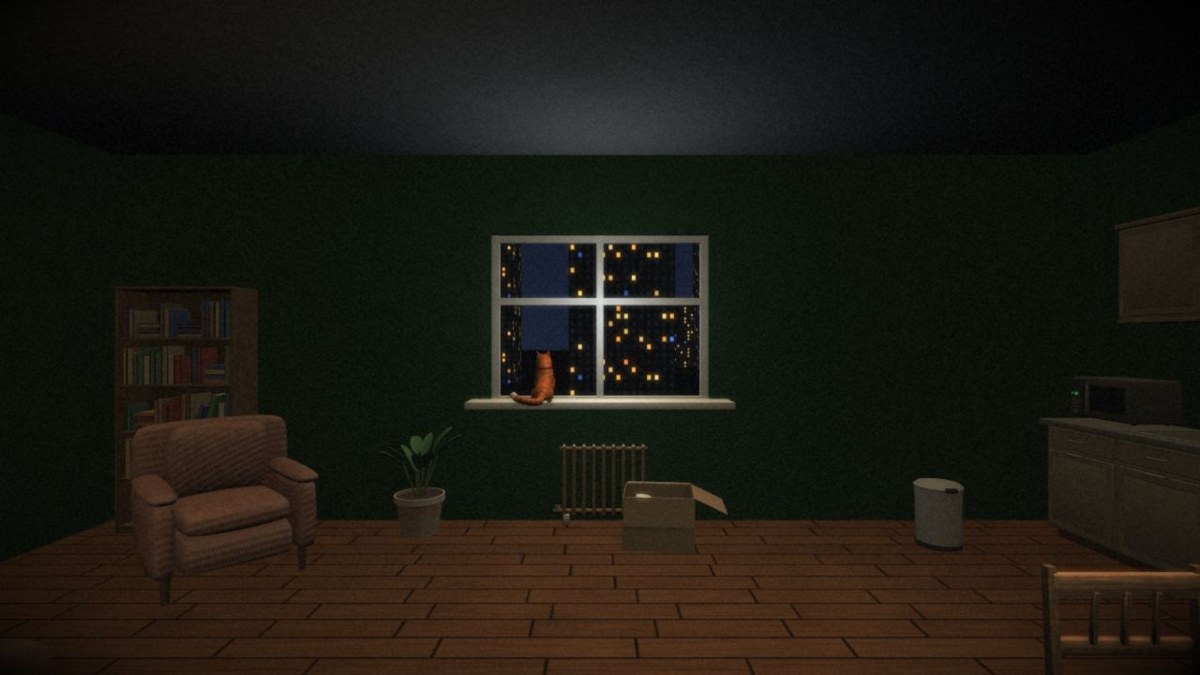
02 Follow a cat through an apartment that keeps changing
CATROOMS
By Focaccai ↗
A left touch stick moves, pushing it fully runs, a right stick looks and tapping interacts. The short narrated route is about six to ten minutes according to the creator. Captions and mute controls are documented separately for the desktop version.
Before you playTwo sticks and tap-to-use; short narrated walk. For the looping, increasingly wrong domestic spaces associated with psychological horror. It is a short narrative walk rather than a combat campaign.
Computer · Phone & tablet
See game & play ↗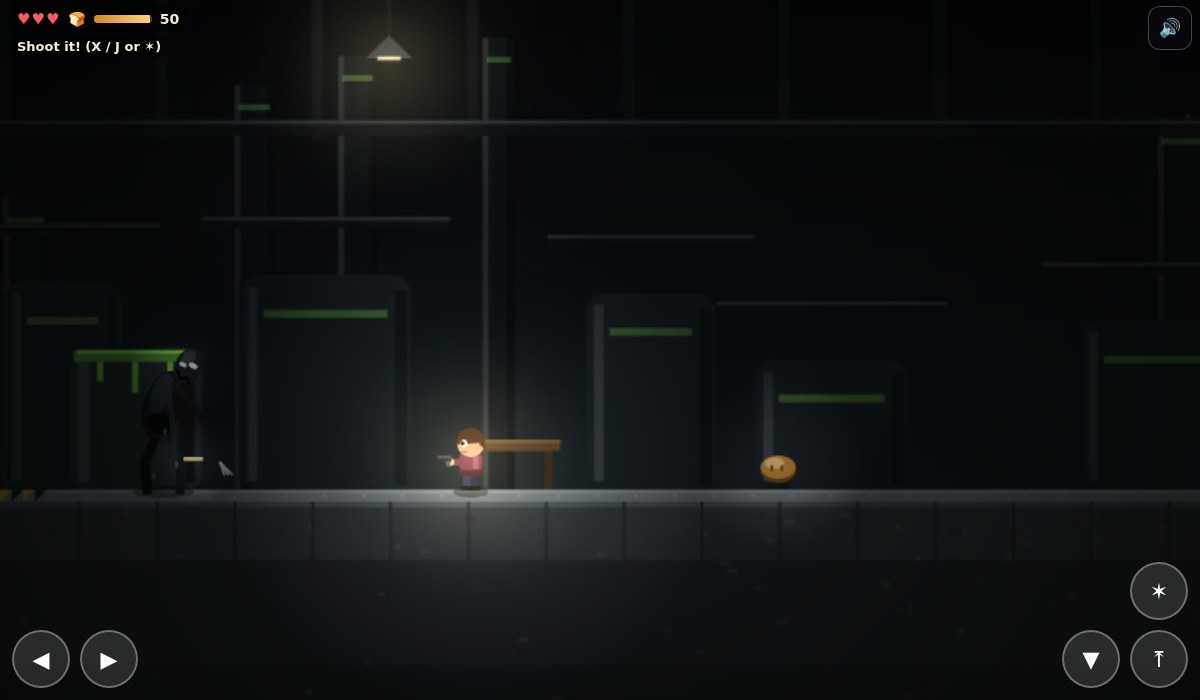
03 A missing family and a morning that repeats
Pip: The Long Way Down
The creator documents on-screen direction, jump, crouch and shoot buttons. Crouching also hides Pip, and one threat resists bullets, so the touch controls support avoidance as well as combat. A persistent save system is not stated in the public instructions.
Before you playDirectional and action buttons; save details unspecified. For a personal search through distorted everyday places. Its 2D action and short chapter structure make the comparison about story and atmosphere.
Computer · Phone & tablet
See game & play ↗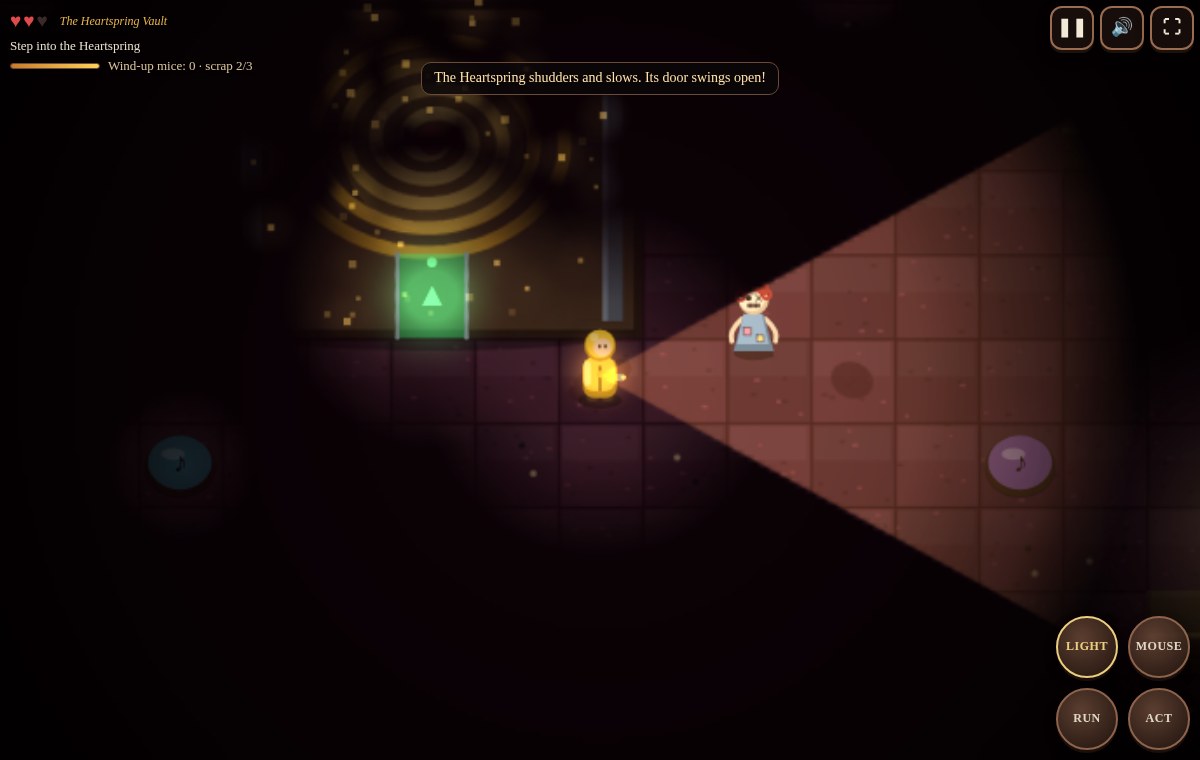
04 Solve a toy factory’s machinery puzzles by torchlight
The Winding Dark
Drag on the floor to move, tap objects or use ACT to interact, and use the RUN and LIGHT controls when needed. Running is loud, and enemies react to the torch. The creator documents direct touch interaction with levers and other puzzle objects.
Before you playDrag-to-move with direct taps and action buttons. For the combination of an uncanny workplace, environmental puzzles and creatures with rules to learn. The view is top-down.
Computer · Phone & tablet
See game & play ↗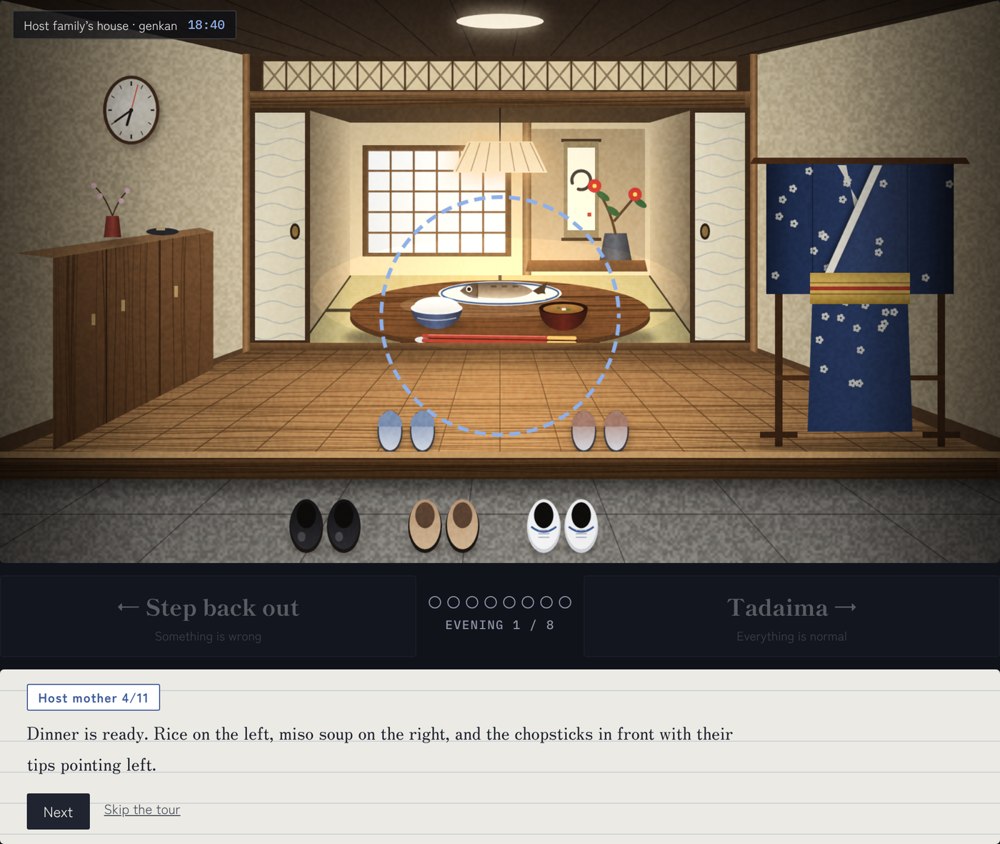
05 Decide whether the house is still your home
Tadaima
The creator supports PC and mobile, while recommending PC for the detail work. Press and hold to zoom in on a detail, then choose whether to enter or retreat. English and Japanese can be switched during play. Its stated duration is about ten to fifteen minutes.
Before you playPress-and-hold inspection; small details matter. A gentler adjacent choice for repeated domestic spaces that become subtly wrong. It focuses on observation and cultural details rather than combat.
Computer · Phone & tablet
See game & play ↗06 Escape a school while balancing light and breath
NIGHT STUDY
Play in landscape. A left stick moves, pushing it fully runs, swiping looks around and LIGHT and TAKE buttons handle actions. The October update says night progress is saved, but an older FAQ says each run restarts; treat persistence as uncertain until checked in your browser.
Before you playStick and swipe; creator’s save descriptions conflict. For the haunted-school setting and vulnerable exploration. Its paper-collection escape loop is simpler than a story-heavy Silent Hill adventure.
Computer · Phone & tablet
See game & play ↗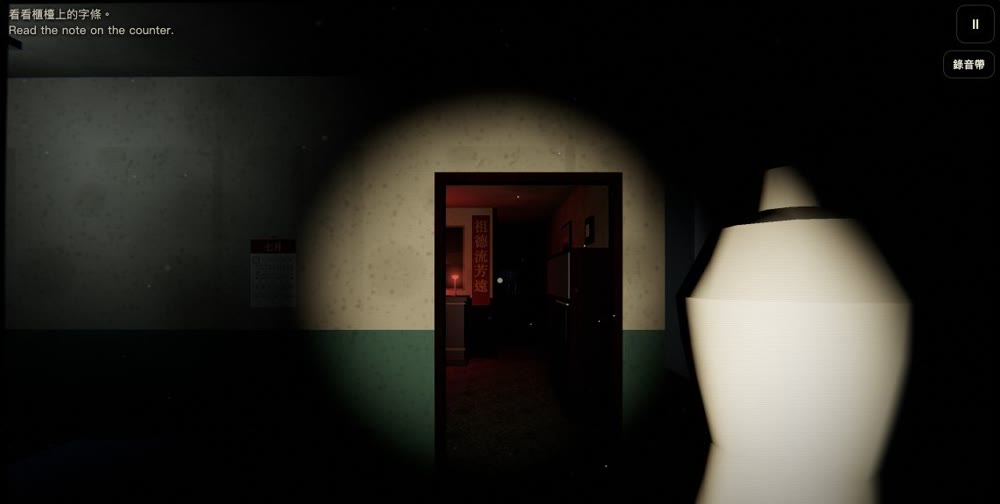
07 Return to Grandma’s house during Ghost Month
Seventh Moon
By Goblin Originals / Goblin Arcade ↗
A joystick moves, dragging looks around and a touch interaction button handles objects. English accompanies Traditional Chinese throughout. The creator supports phone/tablet browsers and saves each loop; the opening was checked on a computer, not a physical phone.
Before you playA strong comparison for grief, a personal mystery and domestic spaces that become wrong. There is no combat; Gentle mode removes sudden scares and strobing.
Computer · Phone & tablet
See game & play ↗| Game | Phone layout | Practical detail |
|---|---|---|
| The Cradle: Episode 01 | Not specified | 3D horror; creator gives a specific iPhone setup |
| CATROOMS | Not specified | Two sticks and tap-to-use; short narrated walk |
| Pip: The Long Way Down | Not specified | Directional and action buttons; save details unspecified |
| The Winding Dark | Not specified | Drag-to-move with direct taps and action buttons |
| Tadaima | Not specified | Press-and-hold inspection; small details matter |
| NIGHT STUDY | Landscape | Stick and swipe; creator’s save descriptions conflict |
| Seventh Moon | Not specified | Documented touch controls; physical phone not tested |
Browser games: common questions
Do I need to download an app?
The selected versions play in a browser. The Cradle’s creator recommends adding its Safari page to the iPhone Home Screen for its full-screen setup; this is not an App Store download.
Will progress stay when I close the page?
Only rely on the individual game’s stated save system. Session-only checkpoints end with the session, and browser-local saves do not automatically transfer between devices. Conflicting or unspecified details are identified above.
Does touch support mean one-handed play?
No. Several selections use a movement stick, camera dragging and separate action buttons. The notes explain this so you can choose an appropriate game.
Found your favourite?
Leave a rating on its game page. Or send a friend somewhere new to play.
OVER TO YOU
Comments
Got a thought, a favourite or a recommendation? Join the conversation.
Loading comments…