Mobile browser guide
8 games like Terraria for mobile browsers
Explore, gather, craft and make somewhere safer to return to. These phone-supported games borrow different parts of Terraria’s appeal, from underground mining to equipment upgrades and defending a shelter after dark. Each has documented touch controls; the entries distinguish side-view adventures from smaller top-down games.
Touch support is documented by creators or game-specific controls. This is not a claim of physical testing on every iPhone, Android device or browser. Free demos are identified, and optional paid downloads are separate.
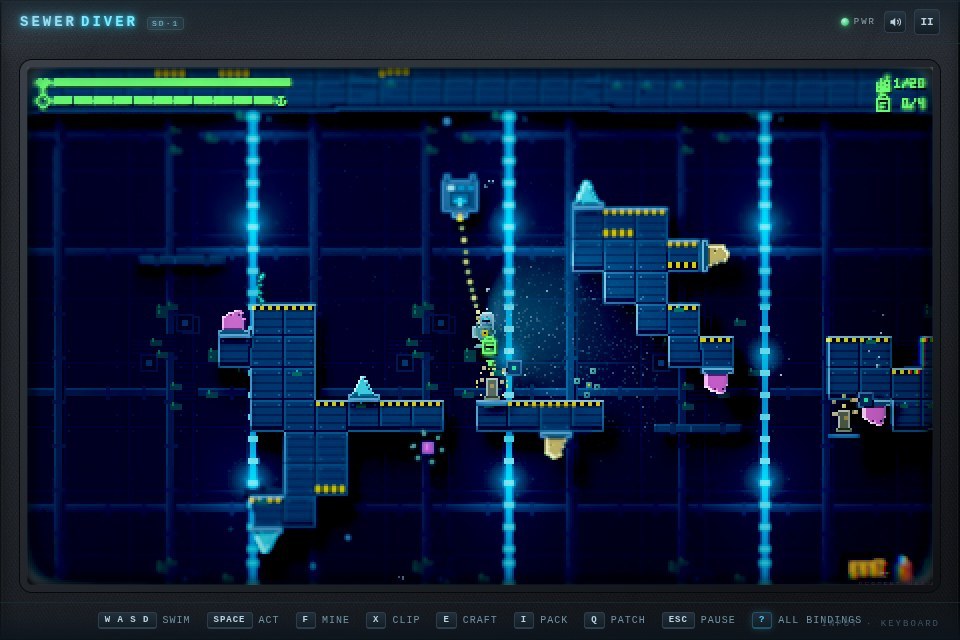
01 Mine deeper while keeping an air line intact
Sewer Diver: The Descent
By BioCraftEd ↗
Dive into pixel-art waterways, extend air lines, mine materials and craft upgrades while managing hazards beneath the surface. Keyboard or gamepad on desktop; use the on-screen touch controls on mobile.
For Terraria fans on a phoneA narrower underwater survival-and-crafting alternative, where oxygen logistics replace surface settlement building.
Computer · Phone & tablet · Controller confirmed
See game & play ↗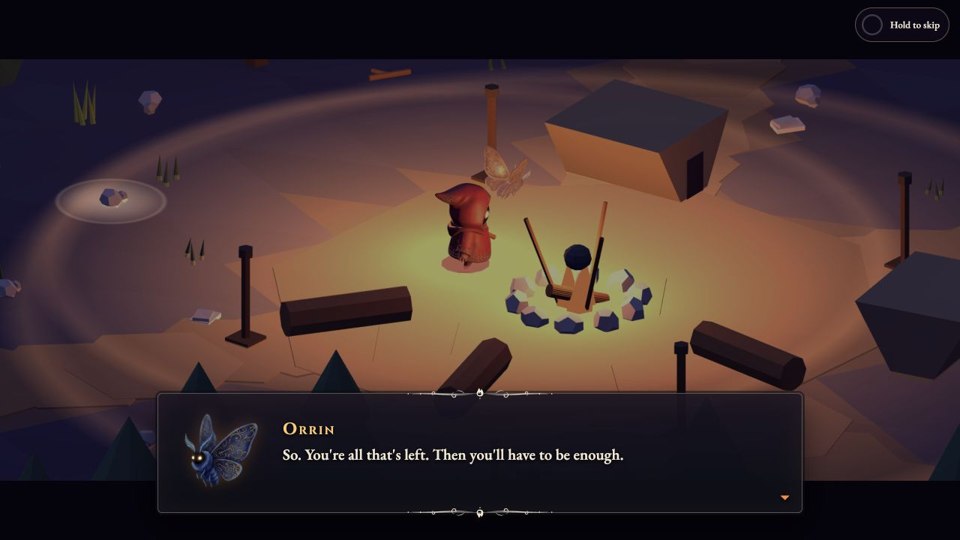
02 Build light into the darkness
Ember Fall
Gather materials and craft tools, weapons and lights as the Lantern Keeper. Extend a base into the darkness and defeat bosses to relight the Great Beacons. Use the displayed movement, crafting and interaction controls on desktop or mobile.
For Terraria fans on a phoneGathering, crafting, base expansion and boss goals are the point of comparison, not a promise of Terraria’s full scale.
Computer · Phone & tablet
See game & play ↗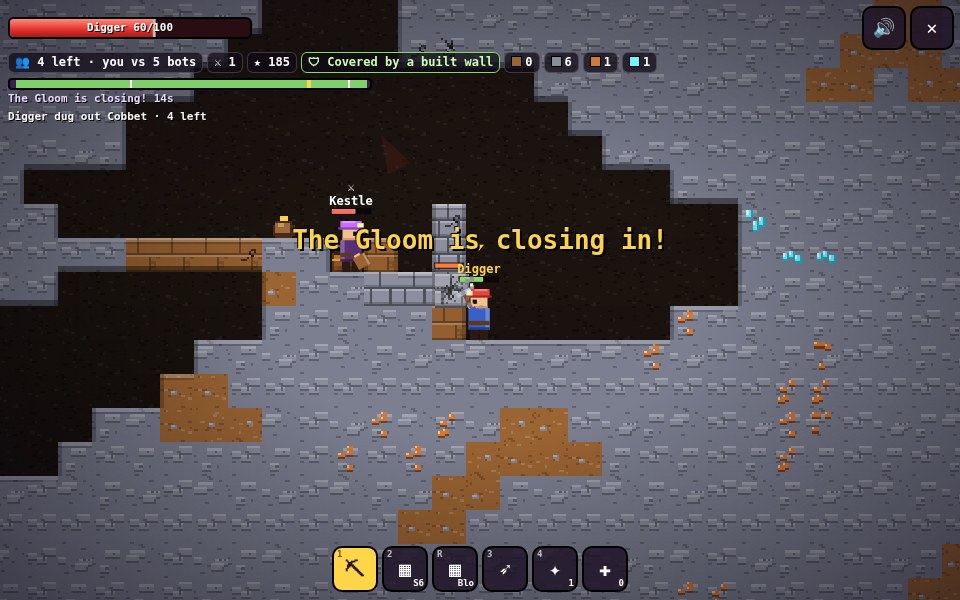
03 Dig a route, build cover and battle rival miners
Delvebrawl
By AD 061 ↗
Dig, build and loot through underground warrens while battling rival miners and escaping an encroaching gloom. A/D or arrows move, Space/W jump, S crouch. Hold the mouse on a block with the Pick (1) to dig; press on open space to place blocks (drag to lay a line). 2 = Block tool, R cycles Block/Wall/Bridge/Bunker, Q switches material, E or right-click quick-places. 3 Sling, 4 Quartz lance (click to fire along the dotted arc), H tonic, M mute. Touch: ◀ ▶ move, ⤒ jump, ▼ crouch, tap-hold to dig/build/throw, toolbar picks tools and shapes.
For Terraria fans on a phoneBlock digging and construction combine with underground combat and an encroaching hazard.
Computer · Phone & tablet
See game & play ↗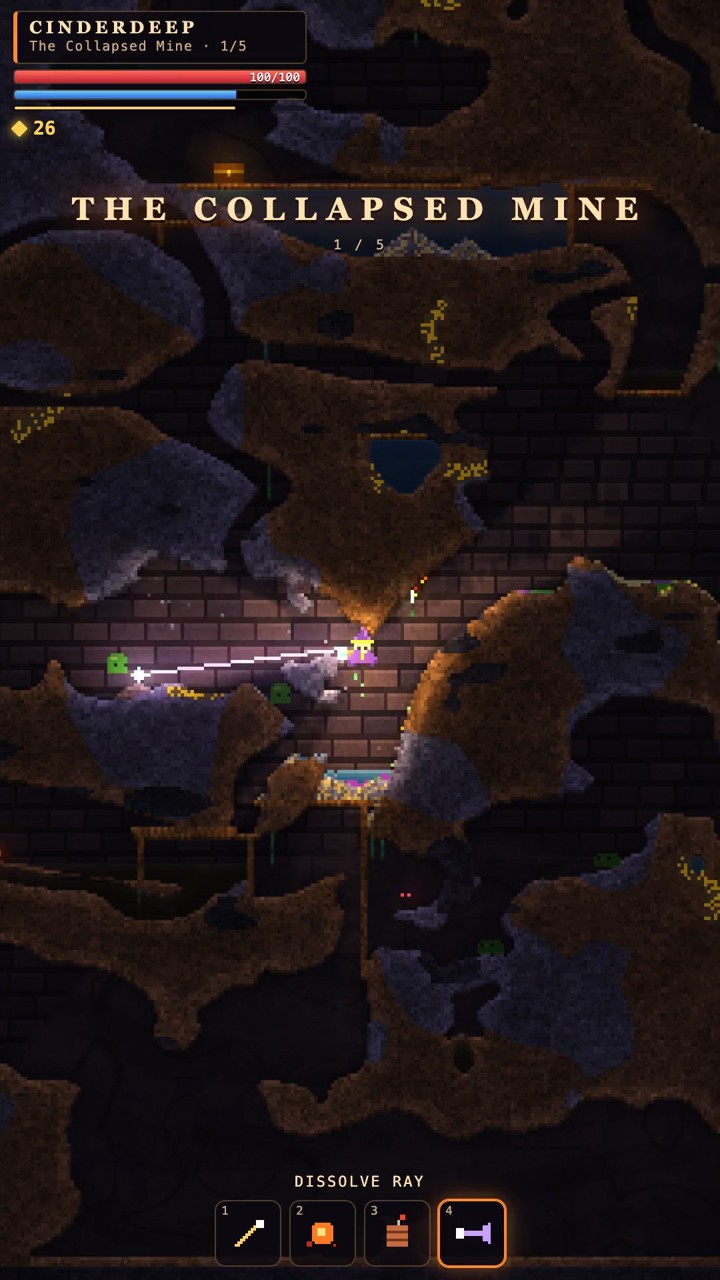
04 Experiment with spells in destructible caves
CINDERDEEP: Falling Sand Roguelike
By nilni ↗
Descend through destructible caves, combine spells and survive elemental reactions in a falling-sand roguelike with five depths and boss encounters. Use the creator’s phone movement pad and separate aiming pad; English is available.
For Terraria fans on a phoneThe destructible underground world and equipment-driven combat are relevant. This is a run-based spell roguelike, not a persistent Terraria settlement.
Computer · Phone & tablet
See game & play ↗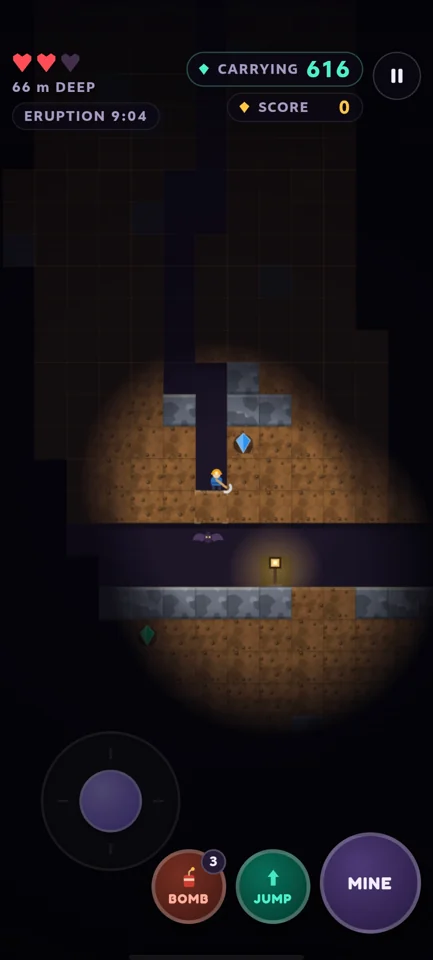
05 Dig deeper while the mine fights back
Forever Mine: Gem Rush
By HD Expanse ↗
Mine gems, improve your equipment and use dynamite while dealing with falling ground, creatures, gas and lava. Find the Heartstone and make it back out. Use the touch joystick and MINE, JUMP and DYNAMITE buttons.
For Terraria fans on a phoneEndless, daily and harder modes are documented alongside the main mining loop. For digging, upgrading and underground danger. It does not promise Terraria’s freeform building or vast world.
Computer · Phone & tablet
See game & play ↗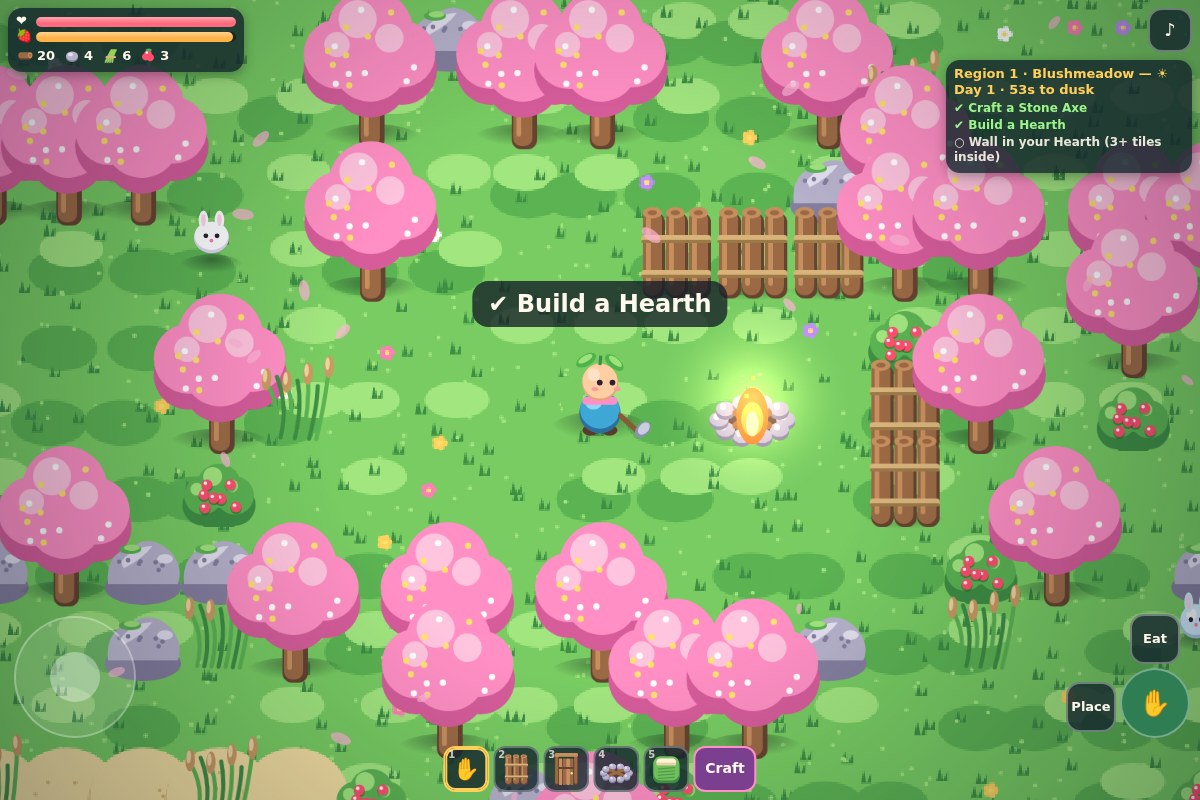
06 Gather, craft and shelter from the long night
Sproutstead
By enshuti181 ↗
Explore three regions, gather wood, stone and food, craft equipment and wall in a Hearth that keeps night creatures at bay. Surviving the Long Night is the objective. Use the touch stick with action, Place and Eat buttons, or tap the world.
For Terraria fans on a phoneAn early small-scale survival sandbox with a defined finishing goal. A compact top-down take on the gathering, crafting and survival loop, rather than Terraria’s side-view world.
Computer · Phone & tablet
See game & play ↗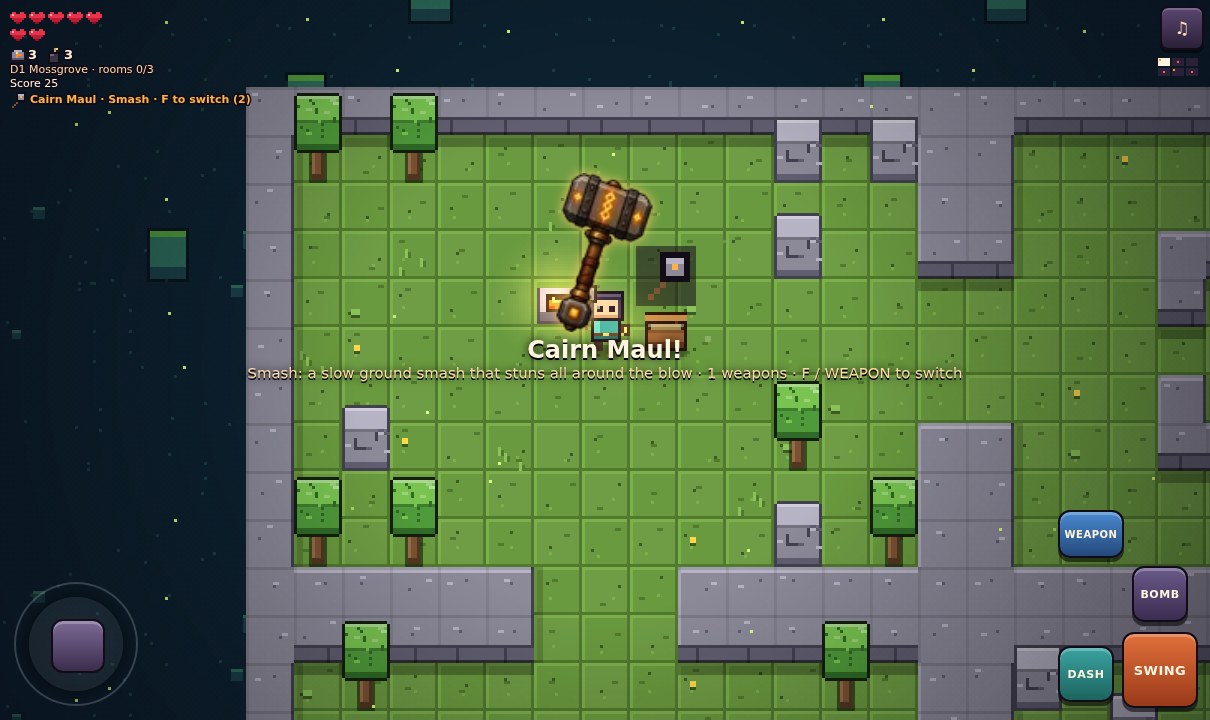
07 Mine supplies between dangerous dungeon rooms
Cairnshard
By toby chan ↗
Gather wood, stone and emberite, craft upgrades at forges and fight through three dungeon Depths towards the Cairn Warden. Use the touch stick plus SWING, DASH, BOMB, WEAPON and RING buttons.
For Terraria fans on a phoneA compact dungeon roguelike, not a building sandbox. Mining, equipment progression and combat are the relevant overlap. Its top-down rooms replace open-ended side-view construction.
Computer · Phone & tablet
See game & play ↗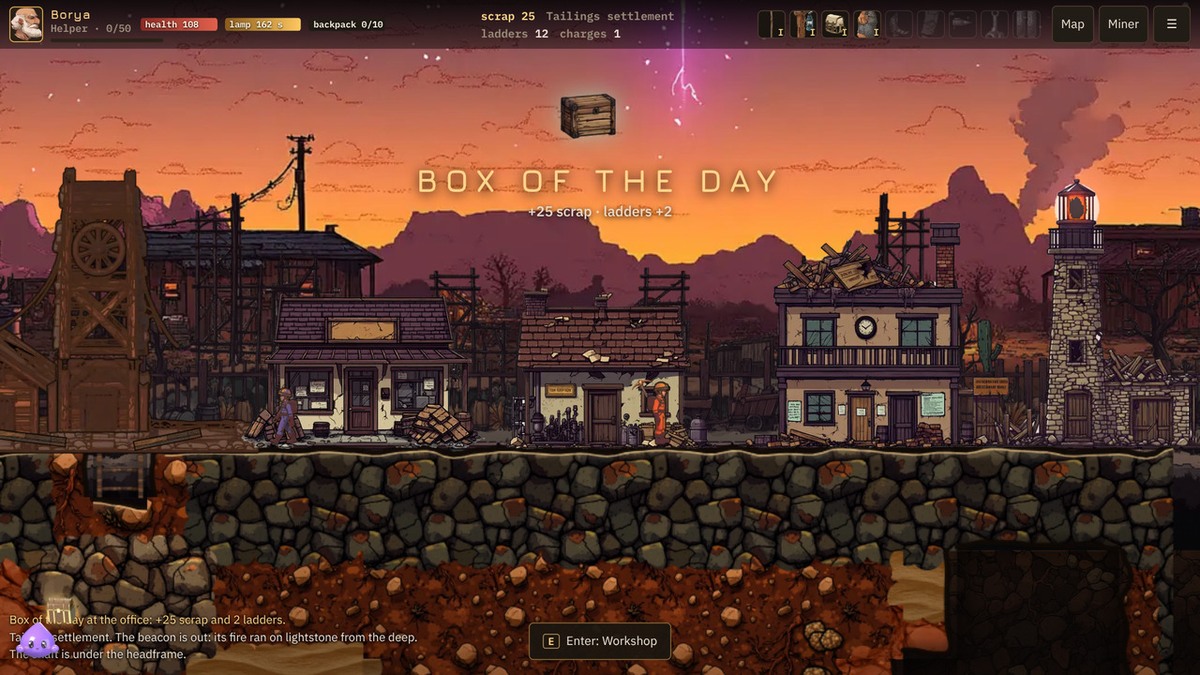
08 Dig for ore and bring light back to the surface
The Lode
Dig for ore, upgrade your pick and lamp, and haul lightstone back to relight a settlement’s beacon. Free browser demo: three of six underground strata. A D — walk · Space/W — jump · J/LMB — dig (with S down, with W up) · Q — ladder · R — charge · E — shop · Shift/K — dash · RMB/L — hook · M — map · Tab — miner · Esc — menu · F1 — help · phone: stick left, buttons right
For Terraria fans on a phoneSide-view mining, equipment upgrades and underground hazards are the useful overlap. This free demo covers three strata, rather than Terraria’s open-ended world.
Computer · Phone & tablet
See game & play ↗| Game | Documented phone controls | Comparison |
|---|---|---|
| Sewer Diver: The Descent | Keyboard or gamepad on desktop; use the on-screen touch controls on mobile. | Mine deeper while keeping an air line intact |
| Ember Fall | Use the displayed movement, crafting and interaction controls on desktop or mobile. | Build light into the darkness |
| Delvebrawl | A/D or arrows move, Space/W jump, S crouch. Hold the mouse on a block with the Pick (1) to dig; press on open space to place blocks (drag to lay a line). 2 = Block tool, R cycles Block/Wall/Bridge/Bunker, Q switches material, E or right-click quick-places. 3 Sling, 4 Quartz lance (click to fire along the dotted arc), H tonic, M mute. Touch: ◀ ▶ move, ⤒ jump, ▼ crouch, tap-hold to dig/build/throw, toolbar picks tools and shapes. | Dig a route, build cover and battle rival miners |
| CINDERDEEP: Falling Sand Roguelike | Use the creator’s phone movement pad and separate aiming pad; English is available. | Touch supported; physical phone not tested |
| Forever Mine: Gem Rush | Use the touch joystick and MINE, JUMP and DYNAMITE buttons. | Endless, daily and harder modes are documented alongside the main mining loop. |
| Sproutstead | Use the touch stick with action, Place and Eat buttons, or tap the world. | An early small-scale survival sandbox with a defined finishing goal. |
| Cairnshard | Use the touch stick plus SWING, DASH, BOMB, WEAPON and RING buttons. | A compact dungeon roguelike, not a building sandbox. |
| The Lode | Layout not specified | Creator documents touch controls; no physical-phone test claimed |
Browser games: common questions
Do I need to install an app?
These links lead to browser versions. Some creators also sell downloads or apps; those are separate from the free browser game or demo described here.
Should I use portrait or landscape?
Use the orientation documented beside each game. Where a creator has not specified one, no particular phone layout is promised. Fullscreen can give small controls more space.
Which parts of Terraria do these phone games share?
Sewer Diver combines underground exploration, mining and crafting with air-line logistics. Emberfall adds gathering, base-building and bosses. Delvebrawl focuses on digging, building and fighting underground. Their worlds and progression differ from Terraria.
Found your favourite?
Leave a rating on its game page. Or send a friend somewhere new to play.
OVER TO YOU
Comments
Got a thought, a favourite or a recommendation? Join the conversation.
Loading comments…