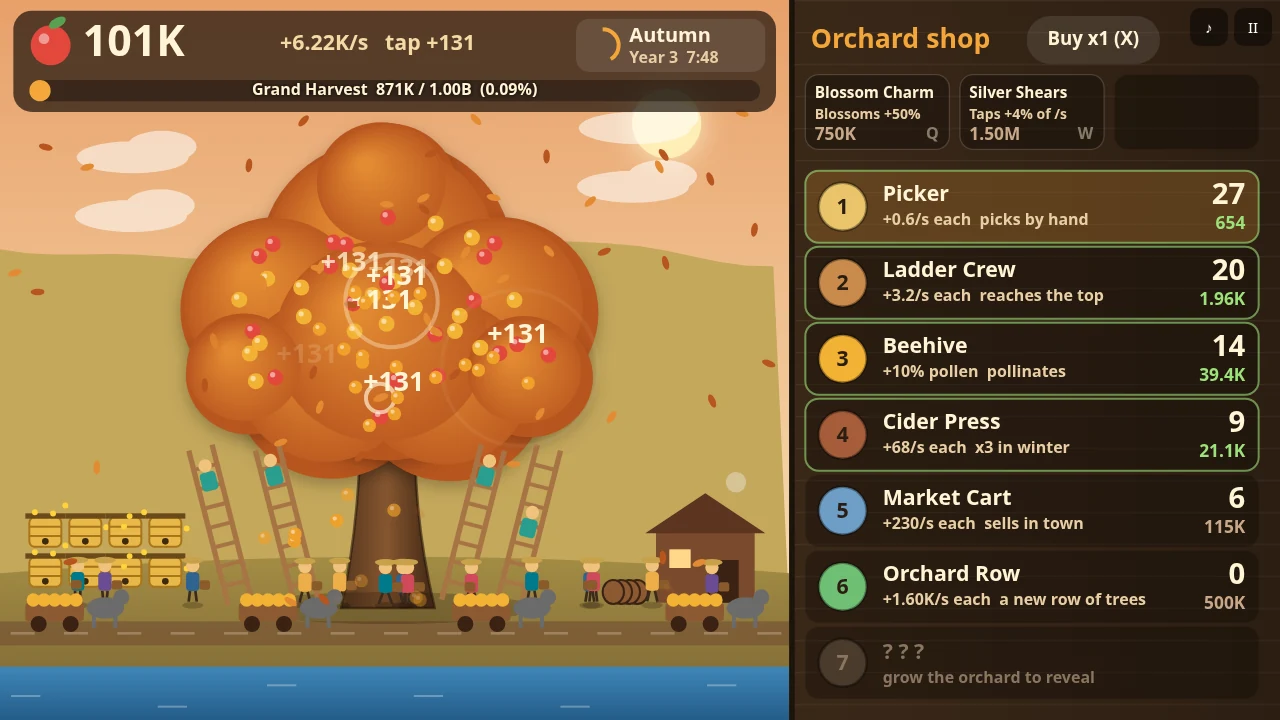
Grow an orchard from one tree
Tapgrove: Orchard Clicker
By PN Scripts
Computer · Phone & tablet
- Touch controls
Playground guide
Start with a small operation and decide what to improve next. These browser idle and incremental games include orchards, colonies, factories and RPG skills. Some use active clicking; others focus on allocating resources. Offline progress is only claimed where the game documents it.
Selections use creator information, existing catalogue evidence and public source/link checks on 23 November 2026. These are discovery descriptions, not full-playthrough reviews. Device support is documented rather than a physical-phone test.
FIND YOUR FIRST GAME
A few starting points, with different reasons to play.
Grow an orchard from one tree
By PN Scripts
Computer · Phone & tablet
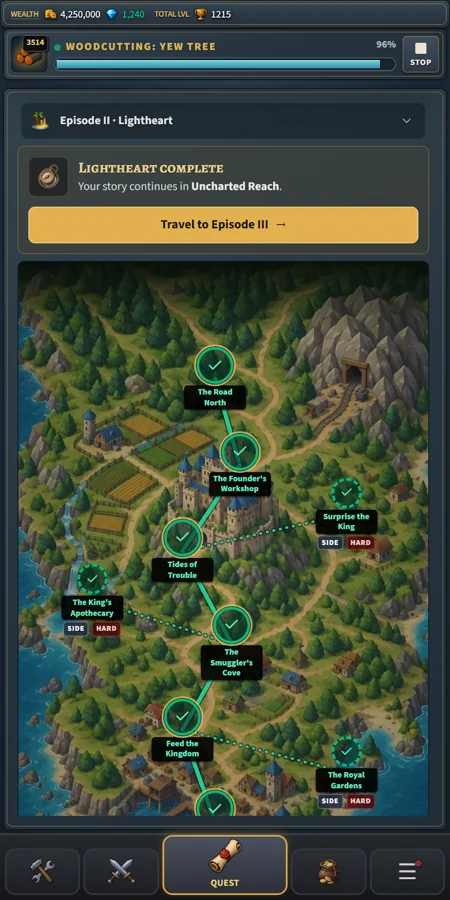
Train skills between visits
Computer · Phone & tablet
Open beta. The cover is the creator’s mobile-edition gameplay screenshot; the official listing links the same browser game.
Play opens the creator’s game in a new tab. No Playground account is needed.
6 games
Recommended balances the guide’s theme, player interest, ratings and known limitations. Most played counts game opens, not time played.
Playing on your phone? Playing on a phone? See the touch-control guide ↗
| Game | What to expect | Documented devices |
|---|---|---|
| Tapgrove: Orchard Clicker | Hiring helpers and choosing seasonal upgrades gives clicking a production-management goal. | Desktop + touch |
| Antwold: Ant Colony Idle | Food trails, supplies and the queen’s hall make colony growth the focus. | Desktop + touch |
| Beltmoor: Factory Idle | Mines, belts and processing machines create an incremental production puzzle. | Desktop + touch |
| DragonScape Idle | Gathering, crafting, quests and dungeon battles suit an idle-RPG routine; the listing documents progress between visits. | Desktop + touch |
| Cook Ma Cookie! | Helpers, golden cookies and two prestige systems make this the classic clicker-style option. | Desktop |
| CIVIMAX | Three acts of worker allocation suit players who prefer strategic growth to constant tapping. | Desktop |
Grow an orchard from one tree
By PN Scripts ↗
Grow an orchard from a single tree by hiring helpers and timing upgrades around the seasons on the way to a Grand Harvest.
Why try itHiring helpers and choosing seasonal upgrades gives clicking a production-management goal.
Computer · Phone & tablet
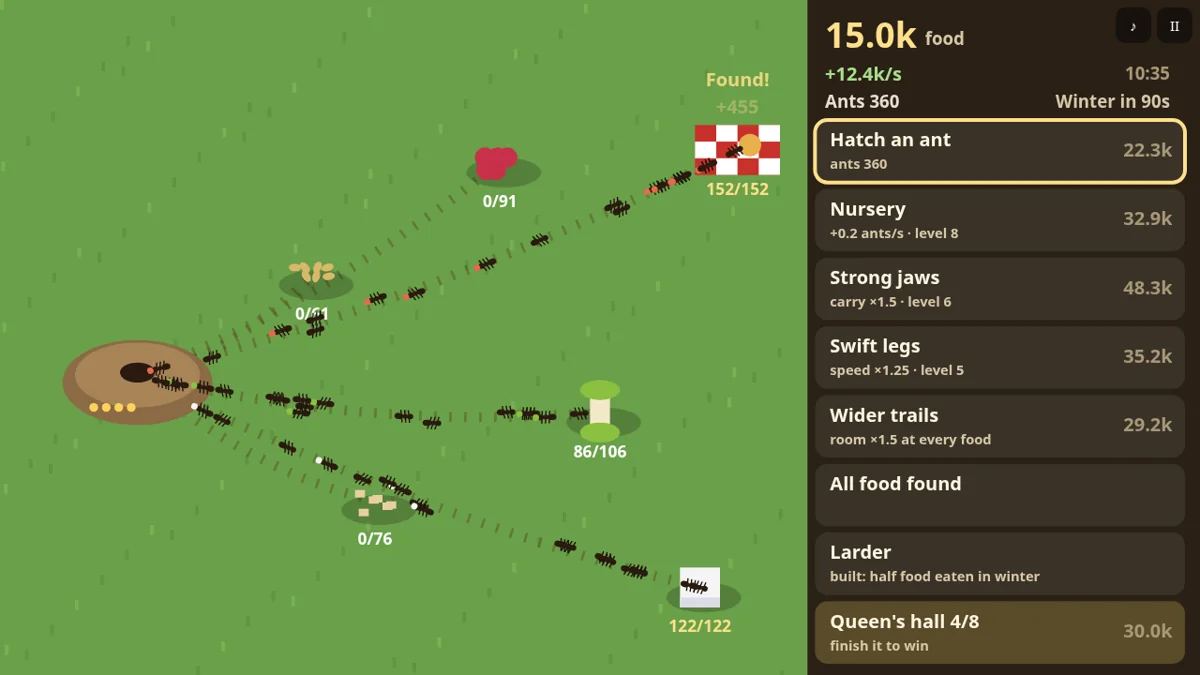
Prepare an ant colony for winter
By PN Scripts ↗
Grow an ant colony, widen food trails and stockpile enough supplies to survive winter and finish the queen’s eight-room hall.
Why try itFood trails, supplies and the queen’s hall make colony growth the focus.
Computer · Phone & tablet
Keep a factory’s ore moving
By PN Scripts ↗
Balance mines, conveyor belts and processing machines to keep ore flowing and assemble a five-part Grand Engine.
Why try itMines, belts and processing machines create an incremental production puzzle.
Computer · Phone & tablet
Train skills between visits
Train gathering and crafting skills, complete quests and battle dungeon monsters while your hero keeps progressing between visits.
Why try itGathering, crafting, quests and dungeon battles suit an idle-RPG routine; the listing documents progress between visits.
Computer · Phone & tablet
Open beta. The cover is the creator’s mobile-edition gameplay screenshot; the official listing links the same browser game.
Build and prestige a cookie bakery
By Bludium ↗
Bake cookies, hire helpers and expand a bakery empire. Buy upgrades, catch golden cookies and restart through two prestige systems for permanent boosts.
Why try itHelpers, golden cookies and two prestige systems make this the classic clicker-style option.
Computer browser
Allocate workers through a growing civilisation
By bolodev ↗
Grow a village through three acts of incremental strategy, allocating workers and upgrades instead of relying on endless clicking.
Why try itThree acts of worker allocation suit players who prefer strategic growth to constant tapping.
Computer browser
For phone and tablet play, start with these 4 touch-friendly picks. No app download is needed. Larger 3D worlds may run better on a newer device.
No. Idle does not always mean offline progress. Check the individual game’s save and offline rules, and keep the same browser if a game stores its progress locally.
The Play button opens the creator’s browser game. Details opens the Playground listing, where you can read the credit, save the game and leave a rating. Demos and limited previews are identified; check the game’s own instructions before starting.
Leave a rating on its game page. Or send a friend somewhere new to play.
OVER TO YOU
Comments
Got a thought, a favourite or a recommendation? Join the conversation.
Loading comments…