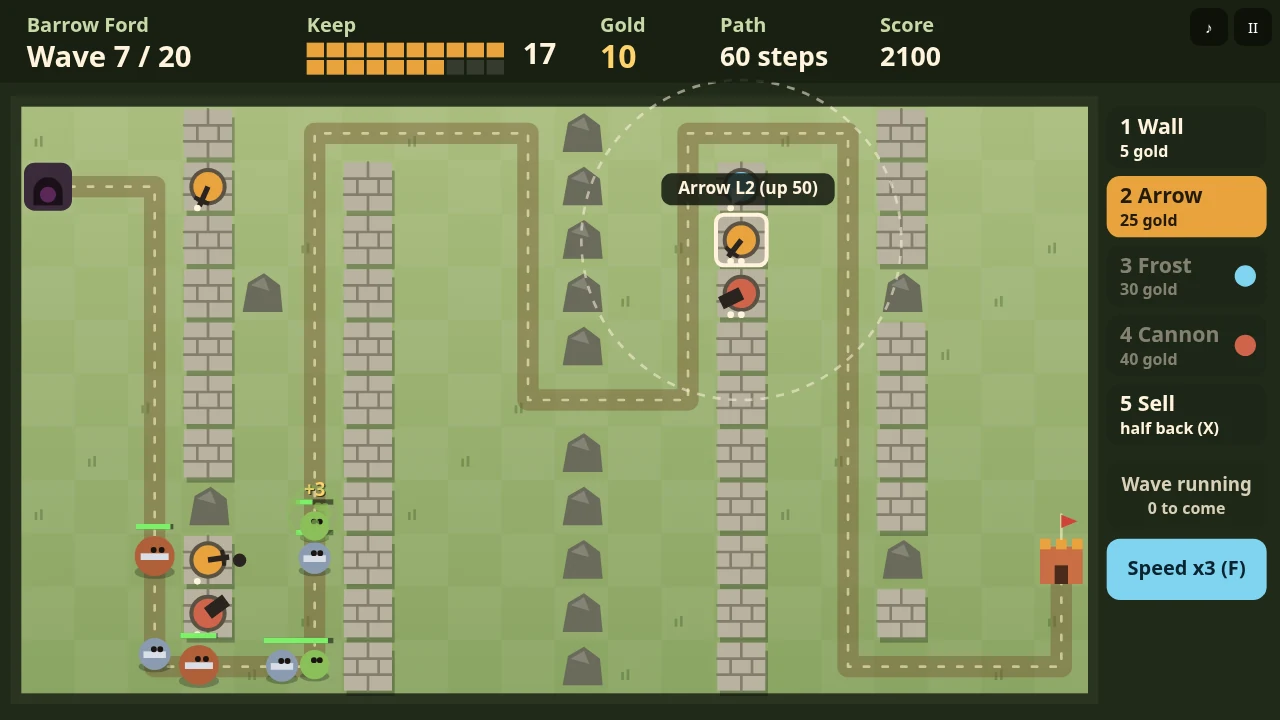
Build the maze as well as the towers
Wallbarrow: Maze Tower Defence
By PN Scripts
Computer · Phone & tablet
- Touch controls
Mobile guide
Looking for tower defence on your phone? These 5 selections have documented touch support. Compare their controls below, choose a starting pick and open the creator’s game. Keyboard-only choices are in the broader guide.
Selections use creator information, existing catalogue evidence and public source/link checks on 23 November 2026. These are discovery descriptions, not full-playthrough reviews. Device support is documented rather than a physical-phone test.
FIND YOUR FIRST GAME
A few starting points, with different reasons to play.
Build the maze as well as the towers
By PN Scripts
Computer · Phone & tablet
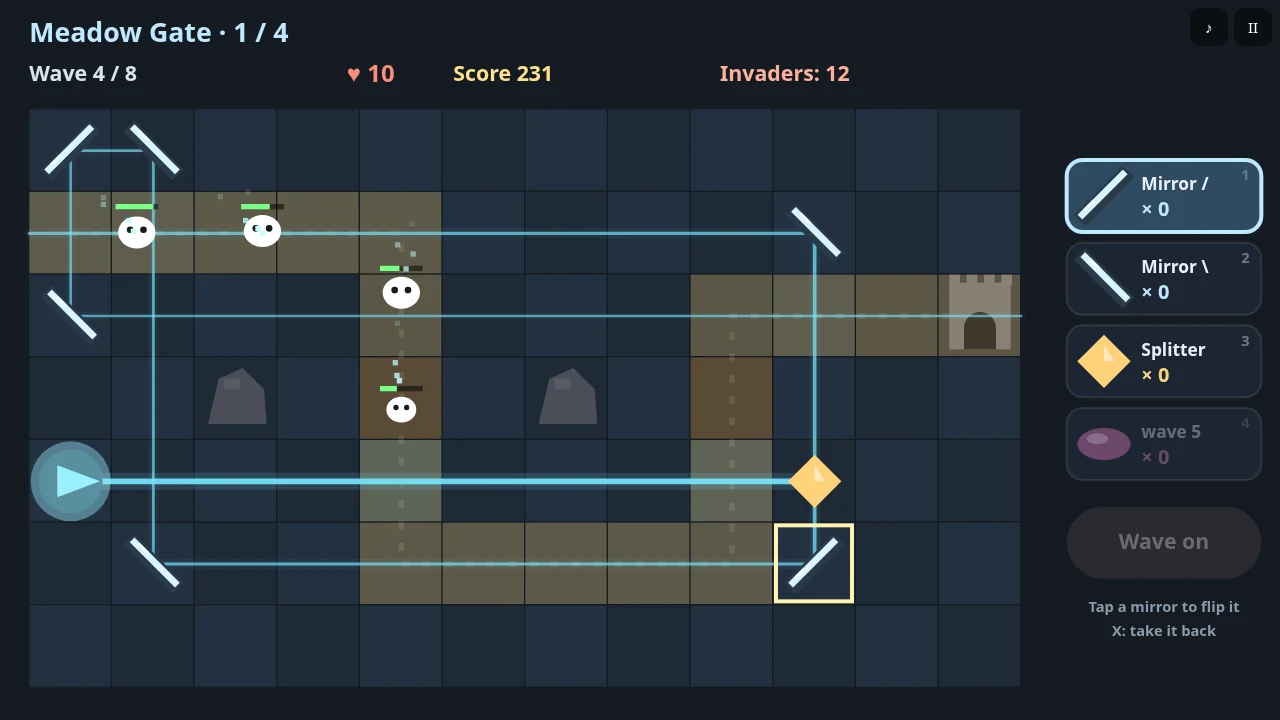
Bend a laser around the invader route
By PN Scripts
Computer · Phone & tablet
Play opens the creator’s game in a new tab. No Playground account is needed.
5 games
Recommended balances the guide’s theme, player interest, ratings and known limitations. Most played counts game opens, not time played.
| Game | Game and scope | Controls and practical notes |
|---|---|---|
| Wallbarrow: Maze Tower Defence | A winding route and arrow, frost and cannon towers put path design at the centre of the defence. | Use the game’s on-screen touch controls. The creator documents phone or touchscreen support; check the in-game instructions for this game’s layout. |
| Beamhold: Laser Tower Defence | Mirrors and splitters replace a standard line of independent towers; beam strength limits the plan. | Documented controls: mouse, touch and keyboard play. |
| Ringhollow: Rotating Tower Defence | Three rotating rings make facing and positioning the central decision. | Use the game’s on-screen touch controls. The creator documents phone or touchscreen support; check the in-game instructions for this game’s layout. |
| Hedgehold: Tower Defence | The hedge can block bugs or smother your own towers, so maintaining space matters. | Place towers and trim hedges with mouse, touch, keyboard or gamepad. |
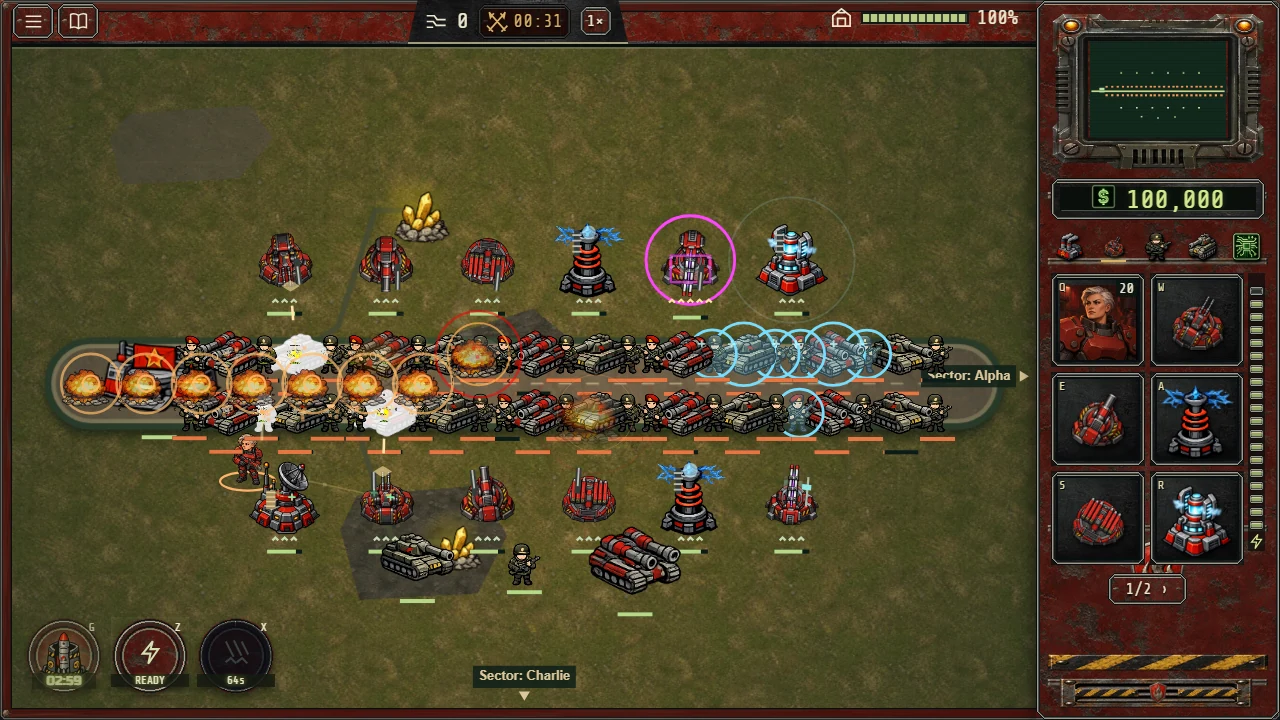
| Code Red TD | Branching tower upgrades combine with battlefield units for a more RTS-like defence. | Use the game’s on-screen touch controls. The creator documents phone or touchscreen support; check the in-game instructions for this game’s layout. |
Build the maze as well as the towers
By PN Scripts ↗
Build a winding maze, then line it with arrow, frost and cannon towers to defend your keep through enemy waves. Use the game’s on-screen touch controls. The creator documents phone or touchscreen support; check the in-game instructions for this game’s layout.
Why try it on a phoneA winding route and arrow, frost and cannon towers put path design at the centre of the defence.
Computer · Phone & tablet
Bend a laser around the invader route
By PN Scripts ↗
Bend one laser along an invader route using mirrors, splitters and amplifiers, balancing coverage against fading beam strength. Documented controls: mouse, touch and keyboard play.
Why try it on a phoneMirrors and splitters replace a standard line of independent towers; beam strength limits the plan.
Computer · Phone & tablet
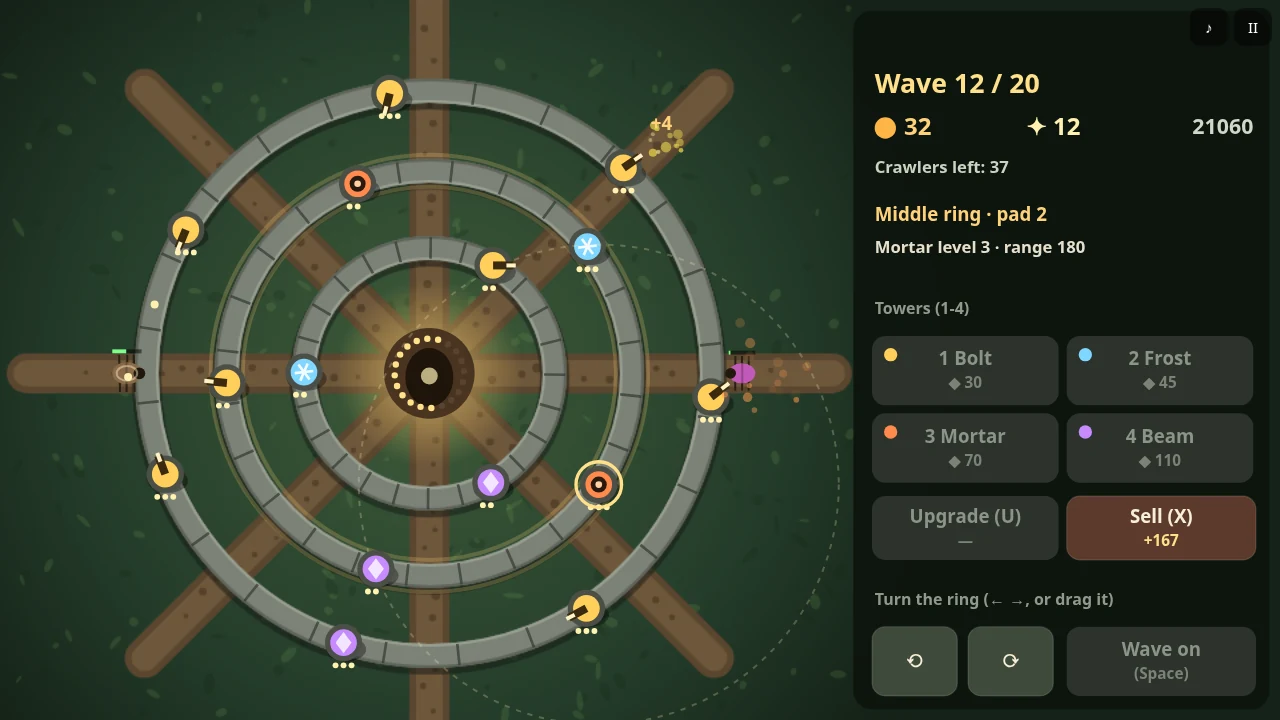
Rotate towers into position
By PN Scripts ↗
Rotate three rings of towers to face incoming beetles and defend a glowing hollow through twenty waves. Use the game’s on-screen touch controls. The creator documents phone or touchscreen support; check the in-game instructions for this game’s layout.
Why try it on a phoneThree rotating rings make facing and positioning the central decision.
Computer · Phone & tablet
Trim a living garden defence
By PN Scripts ↗
Build garden defences against invading bugs, trimming a growing hedge that can block enemies or smother towers. Place towers and trim hedges with mouse, touch, keyboard or gamepad.
Why try it on a phoneThe hedge can block bugs or smother your own towers, so maintaining space matters.
Computer · Phone & tablet
Add an army and a general
Combine branching tower upgrades, an army and a battlefield general to hold the line in an RTS-style tower defence. Use the game’s on-screen touch controls. The creator documents phone or touchscreen support; check the in-game instructions for this game’s layout.
Why try it on a phoneBranching tower upgrades combine with battlefield units for a more RTS-like defence.
Computer · Phone & tablet
Start with Wallbarrow: Maze Tower Defence: A winding route and arrow, frost and cannon towers put path design at the centre of the defence. The controls table below gives the phone setup for every pick.
No. These creators document touch controls, but browser performance, screen space and orientation differ. Follow any landscape or graphics-setting guidance in the entry. These are not physical-device reviews.
Do not assume it will. Some games keep progress in the current browser, while others have their own accounts. Playground saves your game links separately from progress inside the creator’s game; check that game’s save instructions.
Leave a rating on its game page. Or send a friend somewhere new to play.
OVER TO YOU
Comments
Got a thought, a favourite or a recommendation? Join the conversation.
Loading comments…