Playground guide
13 games like Diablo for mobile browsers
These action-RPG choices have documented phone input, but different demands. Check the landscape requirements, local-save rules, demo limits and Deadcode’s large first download before choosing.
Phone support is based on game-specific creator documentation and existing verified catalogue evidence. These are not official franchise releases or a claim of hands-on testing on every iPhone, Android phone or tablet.
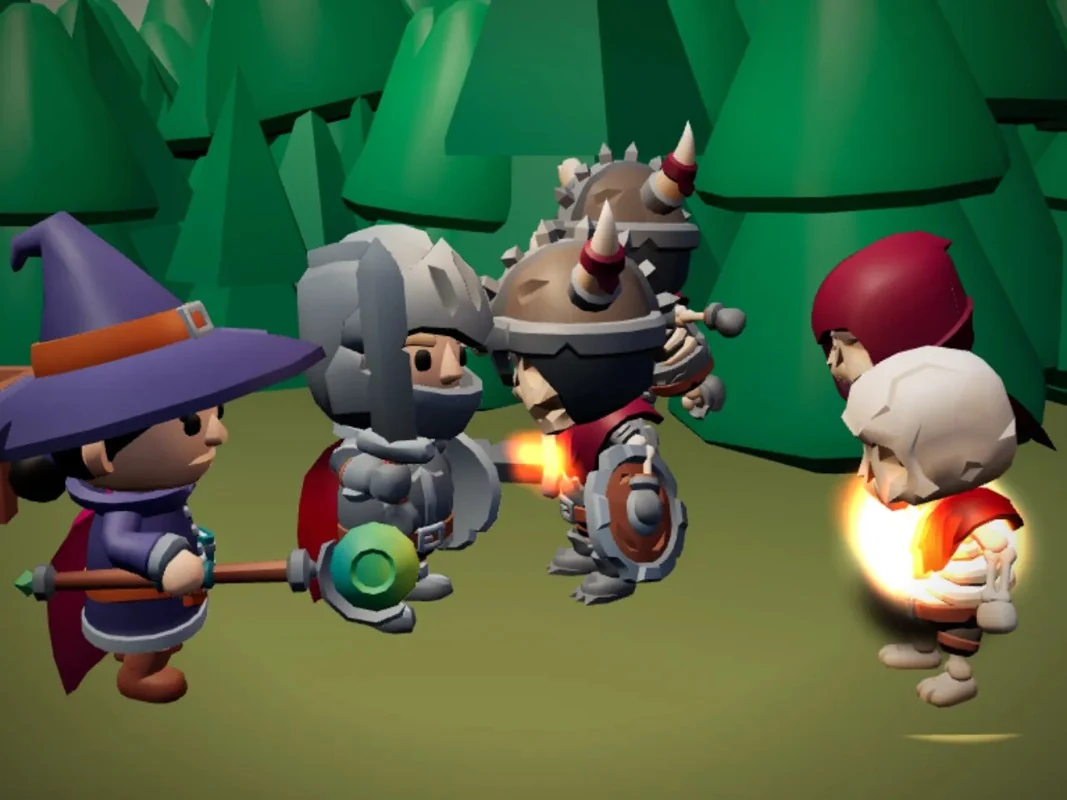
01 Choose a class and hunt for loot with up to three friends
Duskhollow
By Maxi ↗
Move with the left thumb joystick, use the large attack button and the smaller skill buttons, and tap objects to loot, talk or travel. Solo and online groups of up to four are supported on phone and desktop.
Before you playOne of the closest matches here: click-to-move combat, class skill trees, loot rarities, town portals and cooperative dungeon adventuring. The creator estimates roughly two hours for the act on Normal, not a full commercial campaign.
Computer · Phone & tablet
See game & play ↗02 For a persistent fantasy character
Aestra: The Last Wish
Aestra’s creator documents desktop and mobile browser play. It is an action RPG with exploration and character progression, rather than a turn-based party game. The creator now links characters to accounts in its database; older comments about browser-only saves describe an earlier version.
Before you playAccount-linked character saves; optional paid extras. Touch support follows creator documentation; no physical-phone test is claimed.
Computer · Phone & tablet
See game & play ↗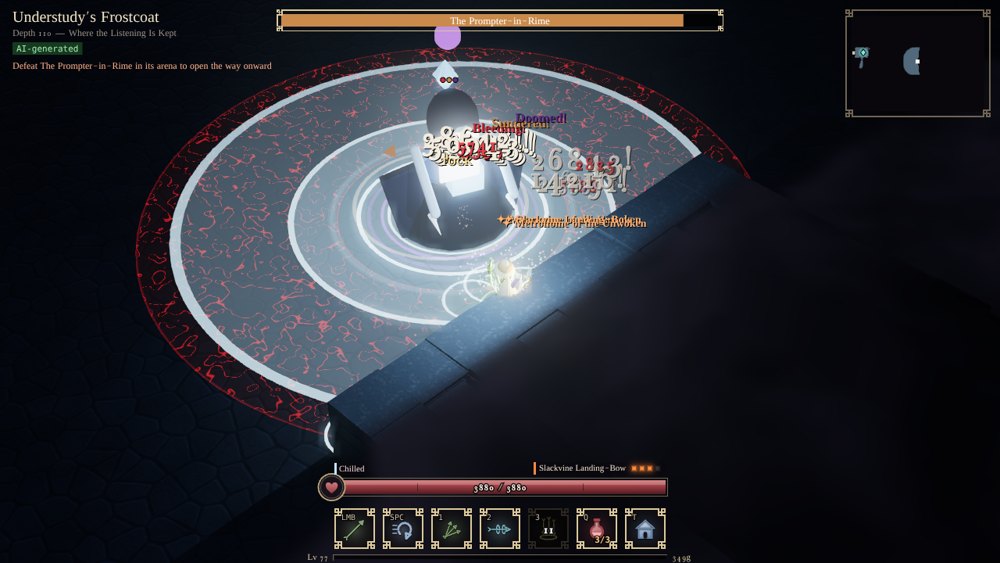
03 For co-operative dungeon action
Writ Below
Writ Below supplies phone touch controls and a direct mobile version if the itch.io embed is awkward. Start solo or invite friends into the dungeon. Save the account code from the character screen: it recovers characters and moves them between devices or between the embed and standalone host.
Before you playKeep the account code to recover characters. Touch support follows creator documentation; no physical-phone test is claimed.
Computer · Phone & tablet
See game & play ↗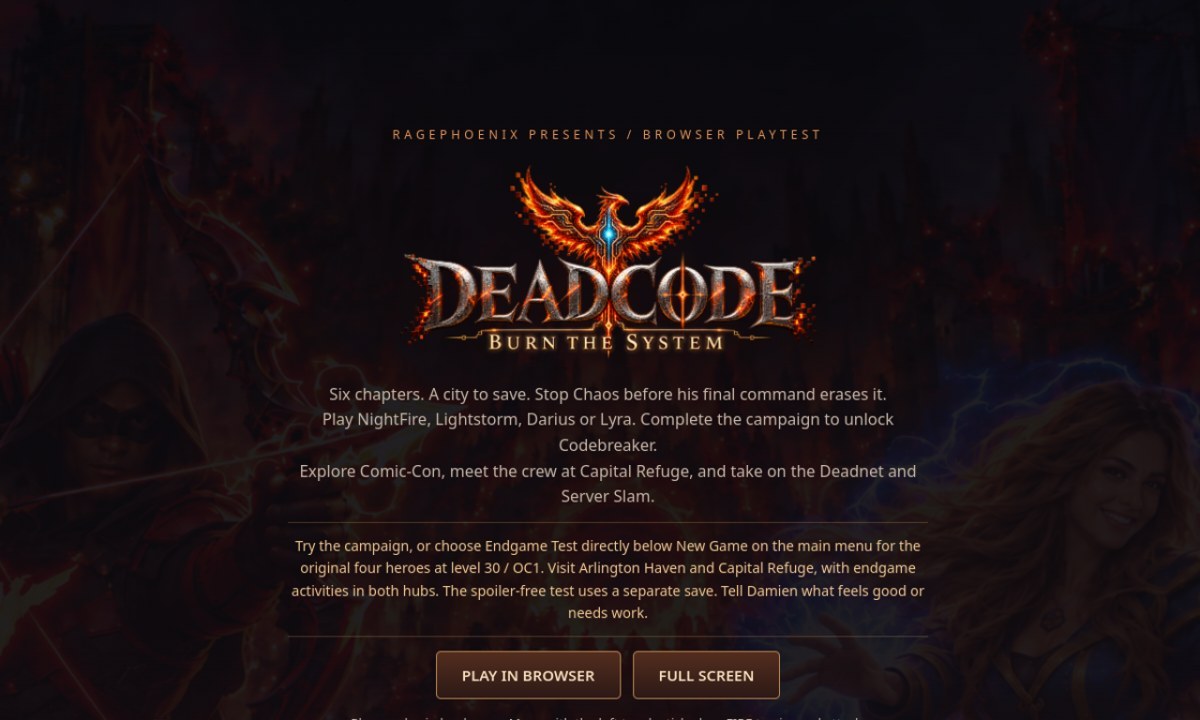
04 For landscape action with a substantial first load
Deadcode: Burn the System
Deadcode explicitly requires landscape on phones. Move with the left stick and drag FIRE to aim and attack; a connected Backbone/controller is also documented. The current creator page warns that the initial load is about 769 MB and recommends Wi-Fi. Progress stays in the browser.
Before you playLarge first load; browser-local progress. Touch support follows creator documentation; no physical-phone test is claimed.
Computer · Phone & tablet · Controller confirmed
See game & play ↗05 For an action RPG without an attack button
SIDELONG
By CSAF — Core Systems Asset Factory ↗
Hold the phone sideways for SIDELONG’s touch-supported browser demo. Fight by running into monsters off centre or from behind, rather than tapping an attack button. The town, fields and mine with two guardians are free; the rest belongs to the separate Windows release.
Before you playLimited browser demo; saves locally. Touch support follows creator documentation; no physical-phone test is claimed.
Computer · Phone & tablet · Controller confirmed
See game & play ↗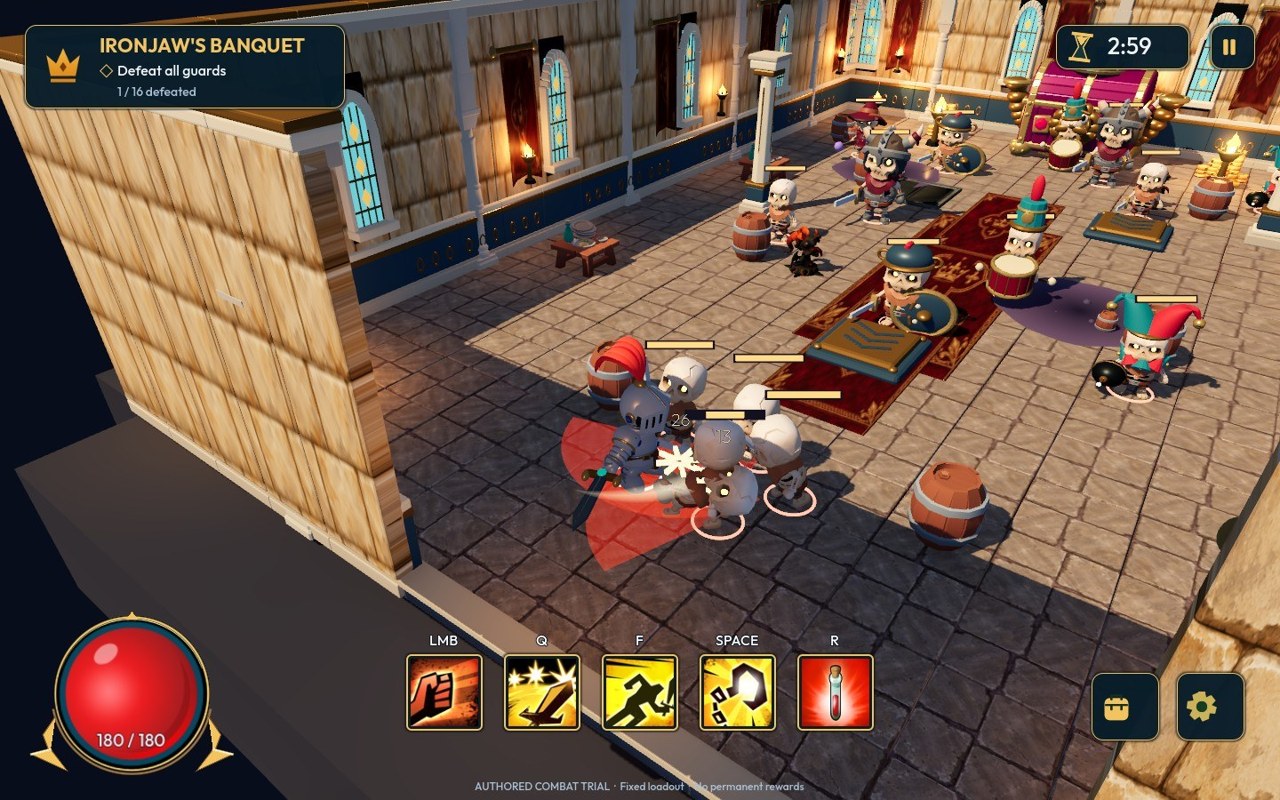
06 For castle raids, with a desktop caveat
Crown & Plunder
By nyxalium ↗
Crown & Plunder supplies landscape touch controls for its castle-building and action raids. The creator nonetheless recommends desktop, so this is an option for a capable phone rather than a performance promise. Guest online play is documented.
Before you playDesktop intended; phone comfort and speed may vary. Touch support follows creator documentation; no physical-phone test is claimed.
Computer · Phone & tablet
See game & play ↗07 Build a hero around weapons, relics and a special attack
Hollowdelve
By binjack ↗
Portrait is the creator’s preferred phone layout. Drag anywhere on the field to move, use the large button for your special and the smaller one to dodge. Tap the weapon bar to inspect equipment. Progress saves between rooms in this browser; clearing its data resets it.
Before you playFor classes, loot and evolving dungeon builds. Automatic weapon fire gives it a survival-roguelike rhythm rather than traditional click-to-attack combat.
Computer · Phone & tablet · Controller confirmed
See game & play ↗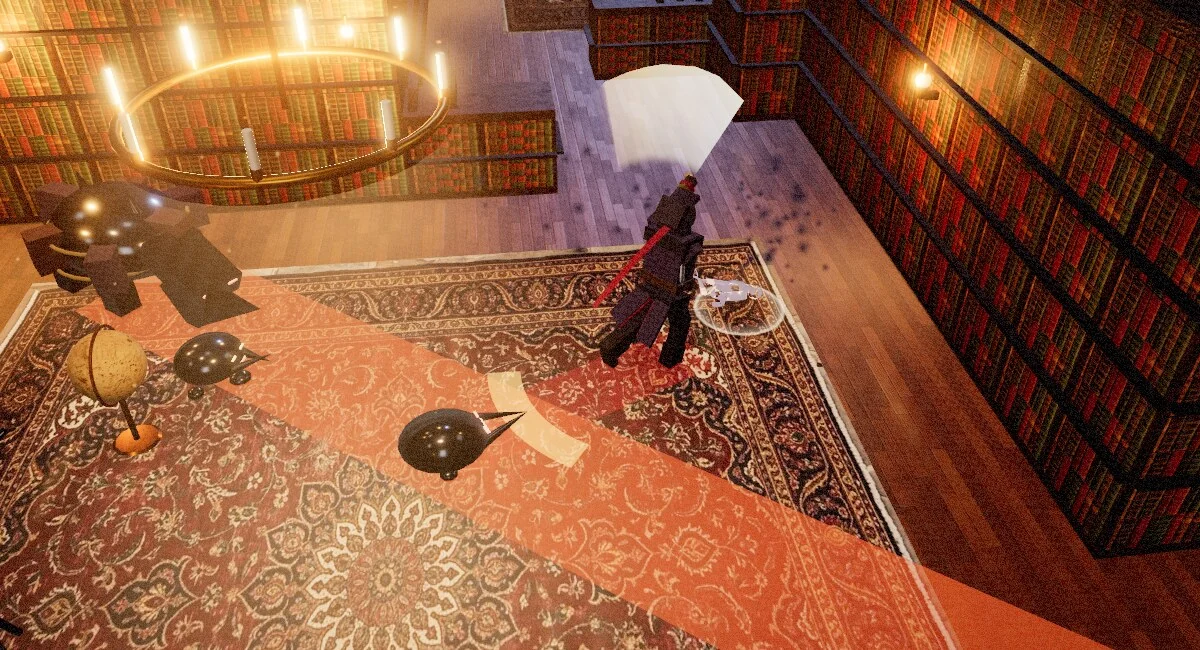
08 Make a build from the verses of a cursed library
Vellichor
Use the documented two-stick touch layout and four action buttons. The game records descents locally; keep the browser’s site data to retain progress.
Before you playFor dungeon combat and the decisions that make one character build different from another. Its literary setting and run structure give it its own identity.
Computer · Phone & tablet · Controller confirmed
See game & play ↗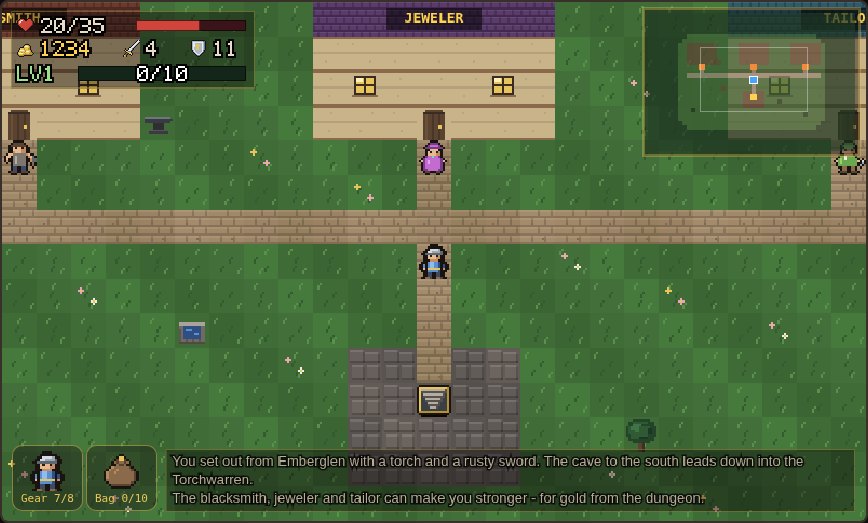
09 Take a loot-hunting dungeon one step at a time
Torchwarren
By NEEDaFIX ↗
The creator documents on-screen arrows plus Wait, Stairs and Drink buttons, in portrait or landscape. Camps now replace the former town, and difficulty changes what you lose after a fall. Use the quick-save option before leaving.
Before you playFor dungeon loot, equipment slots and the temptation to descend further. Combat advances in steps, so it is a turn-based alternative rather than a real-time action RPG.
Computer · Phone & tablet · Controller confirmed
See game & play ↗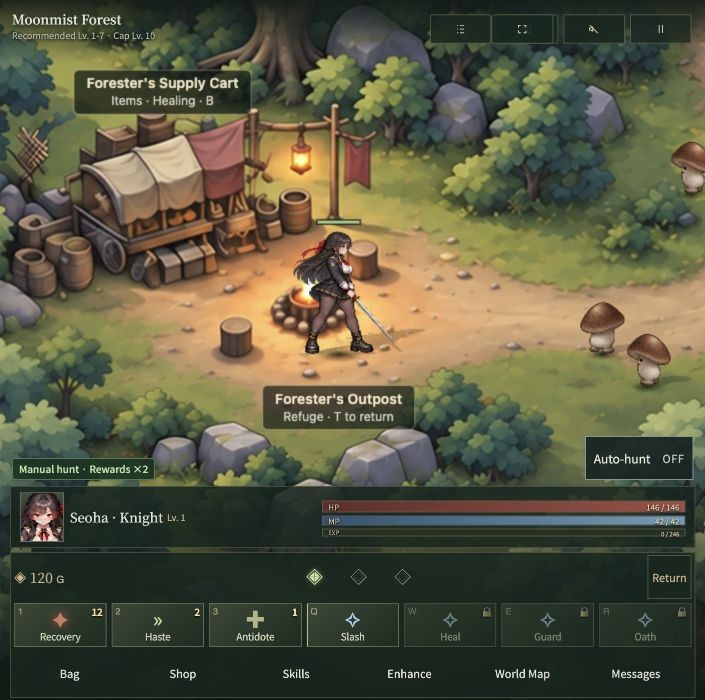
10 Choose a class and make a small forest your hunting ground
Moonveil
Choose English, then use the touch interface to move, attack, select skills and manage equipment. Saves are local and automatic; export and import a save file to move progress to another device. Keep only one game tab running.
Before you playFor class skills, monster drops and incremental equipment upgrades. Manual hunting is available alongside auto-hunting in a smaller locally saved RPG.
Computer · Phone & tablet
See game & play ↗11 Choose between another torch and another piece of loot
Gutterflame
By ais235 ↗
The creator documents right-thumb buttons, swipes to walk and turn, and double-tapping equipment. Each step consumes torch fuel, so make deliberate moves and use lit camps to establish your next starting point.
Before you playFor dungeon preparation, loot and deciding when to turn back. This is a deliberate grid crawler rather than a fast isometric action game.
Computer · Phone & tablet
See game & play ↗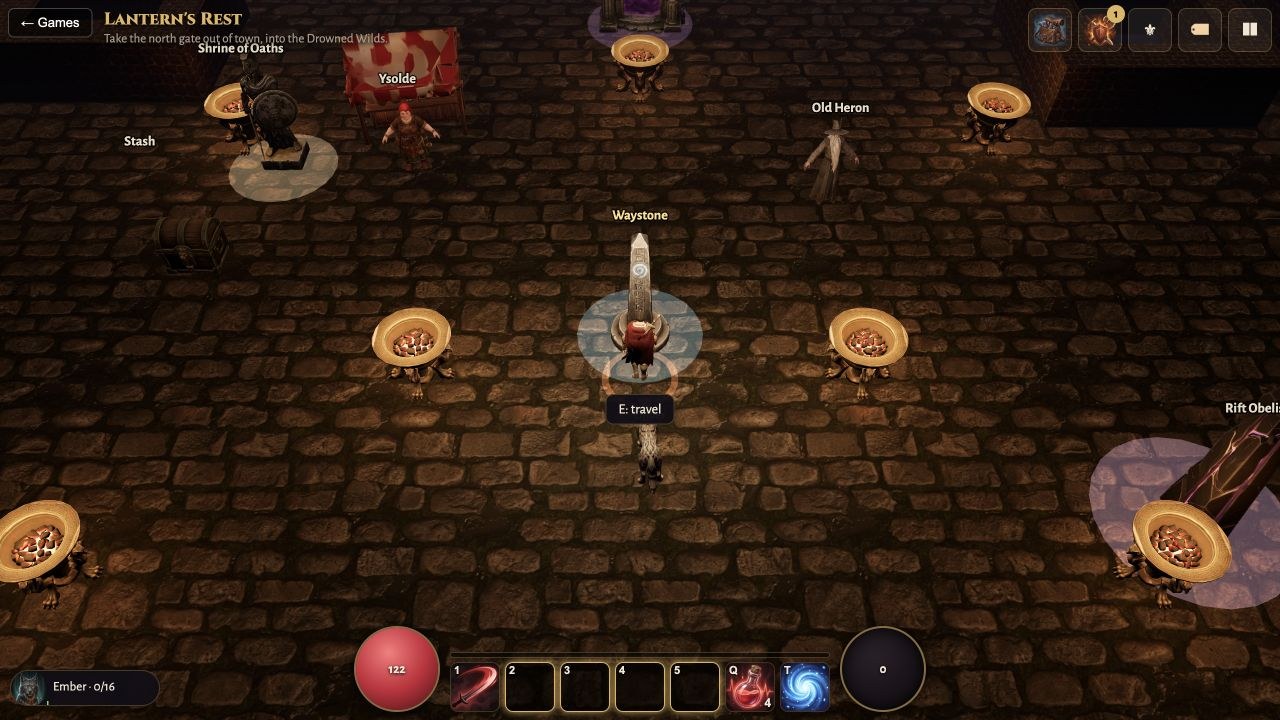
12 For loot, hybrid classes and a dungeon companion
Giant’s Vault
Giant’s Vault is an isometric action RPG with three starting oaths, later hybrid classes, equipment and a pet that helps carry loot. The creator explicitly cites Diablo and Torchlight; a brief check entered town and used its waystone.
Before you playA close action-RPG match. The campaign, later rifts and physical mobile controls have not been fully playtested by Playground.
Computer · Phone & tablet
See game & play ↗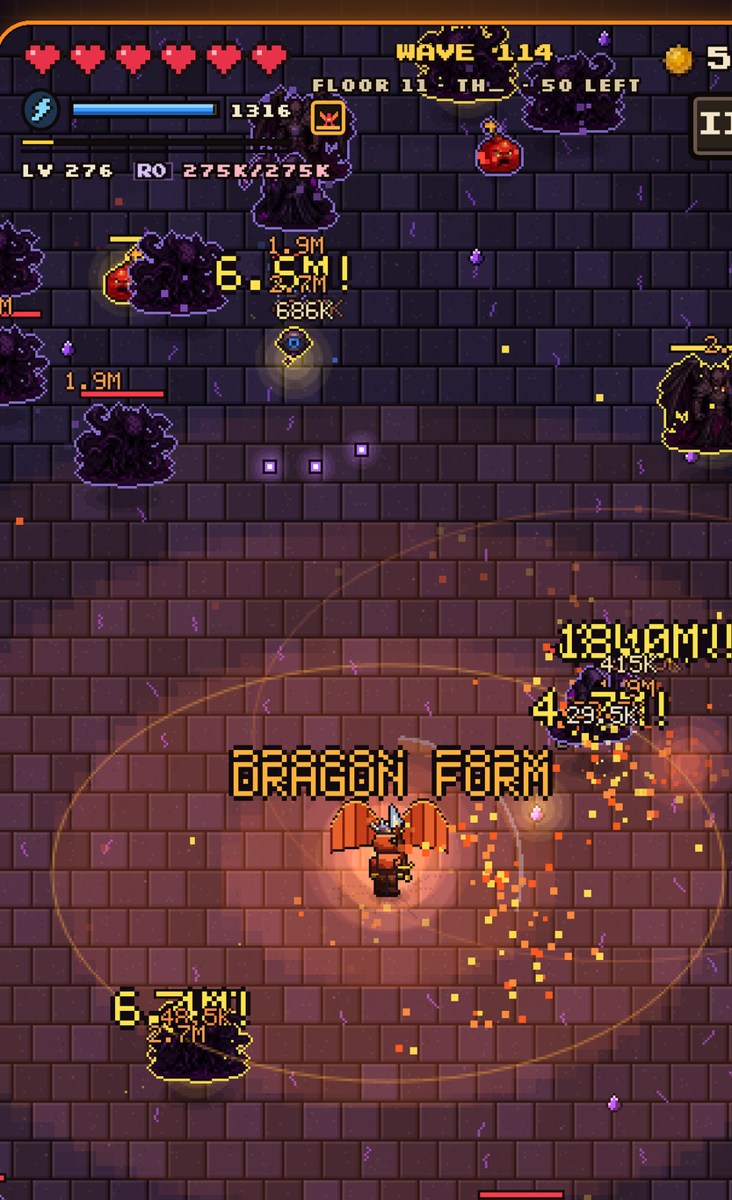
13 For dungeon loot and an ascension tree
Crypt Crawlers
Crypt Crawlers combines a knight, mage or ranger with automatic attacks, manually triggered or auto-cast skills, waves of enemies and equipment upgrades. Progress persists between short dungeon runs.
Before you playAn adjacent loot-and-progression option. The simpler auto-attacking format differs from Diablo’s action combat and campaign. The English opening reached wave four; later ascensions were not personally tested.
Computer · Phone & tablet
See game & play ↗| Game | Phone layout | Practical detail |
|---|---|---|
| Duskhollow | Not specified | Online co-op up to four; touch movement and skill buttons |
| Aestra: The Last Wish | Not specified | Account-linked character saves; optional paid extras |
| Writ Below | Not specified | Keep the account code to recover characters |
| Deadcode: Burn the System | Landscape | Large first load; browser-local progress |
| SIDELONG | Landscape | Limited browser demo; saves locally |
| Crown & Plunder | Landscape | Desktop intended; phone comfort and speed may vary |
| Hollowdelve | Portrait preferred | Local saves between rooms; automatic weapons |
| Vellichor | Not specified | Two-stick controls; local progress |
| Torchwarren | Portrait or landscape | Step-based combat; check the selected difficulty |
| Moonveil | Not specified | Local save; file export/import for another device |
| Gutterflame | Not specified | Step-based; torch fuel and inventory management |
| Giant’s Vault | Click to move and attack, or use WASD. The creator also documents gamepad and touch layouts. | Creator-documented touch support; no physical-phone test by Playground. A close action-RPG match. The campaign, later rifts and physical mobile controls have not been fully playtested by Playground. |
| Crypt Crawlers | Use movement controls or the left-thumb touch area. Attacks are automatic; click/tap skills or use 1–3, F toggles auto-cast and Esc pauses. | Creator-documented touch support; no physical-phone test by Playground. An adjacent loot-and-progression option. The simpler auto-attacking format differs from Diablo’s action combat and campaign. The English opening reached wave four; later ascensions were not personally tested. |
Browser games: common questions
Are these official Diablo mobile games?
No. The comparisons identify specific shared mechanics. These are separate independent projects or explicitly labelled fan projects and ports; they do not carry the franchise’s accounts, purchases or official online services.
Does mobile support mean every phone was tested?
No. Each pick has game-specific phone or touch documentation. Hardware performance varies, and creator testing limits are called out where relevant. A responsive webpage alone was not enough for selection.
Will my progress transfer to another phone?
Only assume this when a game explicitly provides an account, save code or export/import system. Local browser saves can be lost when you clear data or change browsers; use the documented backup option where one exists.
Found your favourite?
Leave a rating on its game page. Or send a friend somewhere new to play.
OVER TO YOU
Comments
Got a thought, a favourite or a recommendation? Join the conversation.
Loading comments…