Playground guide
18 games like Age of Empires for mobile browsers
Build an economy, command troops and learn the touch map gestures. Medieval and science-fiction settings sit together here because their resource-and-army systems make the comparison useful.
Phone support is based on game-specific creator documentation and existing verified catalogue evidence. These are not official franchise releases or a claim of hands-on testing on every iPhone, Android phone or tablet.
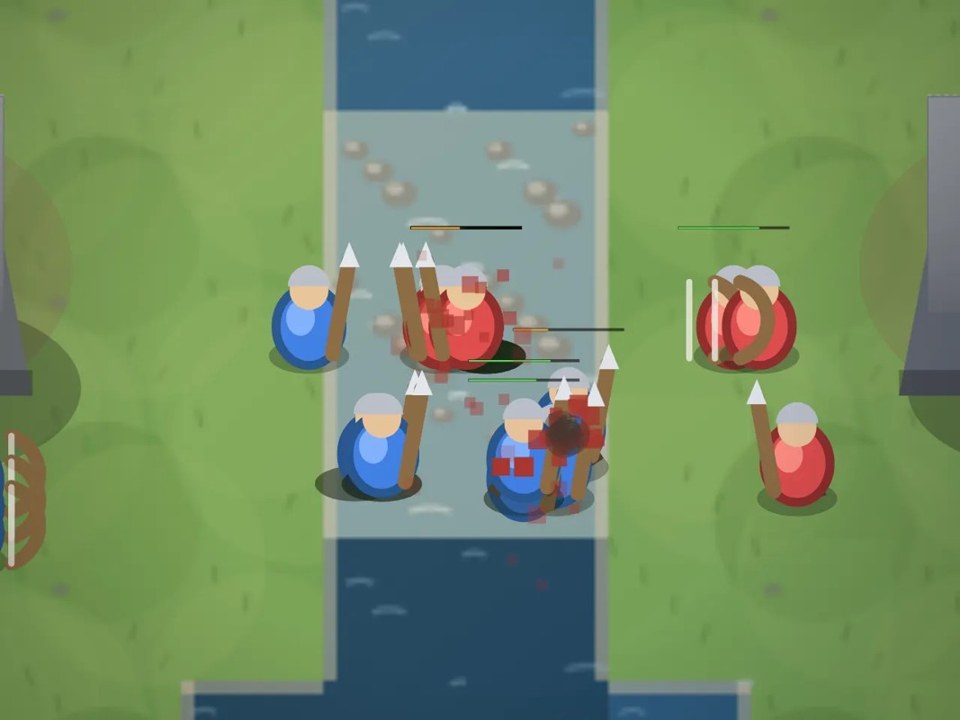
01 For building an economy before battle
Bannerhold: Medieval Castle RTS
By Maxi ↗
Bannerhold’s creator explicitly supports phones: drag to pan, pinch to zoom and tap to give orders. Feed and arm your army through farms, mills, workshops and trade. Private rooms use an invite code, with quick play also documented.
Before you playReal-time economy and troop control. Touch support follows creator documentation; no physical-phone test is claimed.
Computer · Phone & tablet
See game & play ↗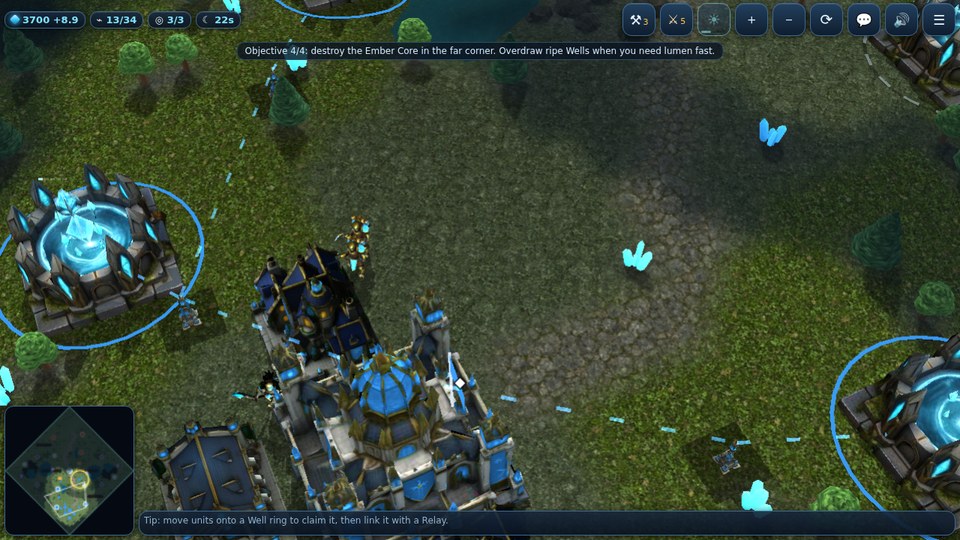
02 For a full touch map-control scheme
Veinfall: Lumen Wars
By Convoluted ↗
Tap to select units and issue commands, drag to pan and pinch to zoom. Twist two fingers or tap the rotate control to turn the camera. Veinfall’s science-fiction RTS has seven unit types, seven buildings, a short campaign and online battles.
Before you playSeveral map gestures to learn. Touch support follows creator documentation; no physical-phone test is claimed.
Computer · Phone & tablet
See game & play ↗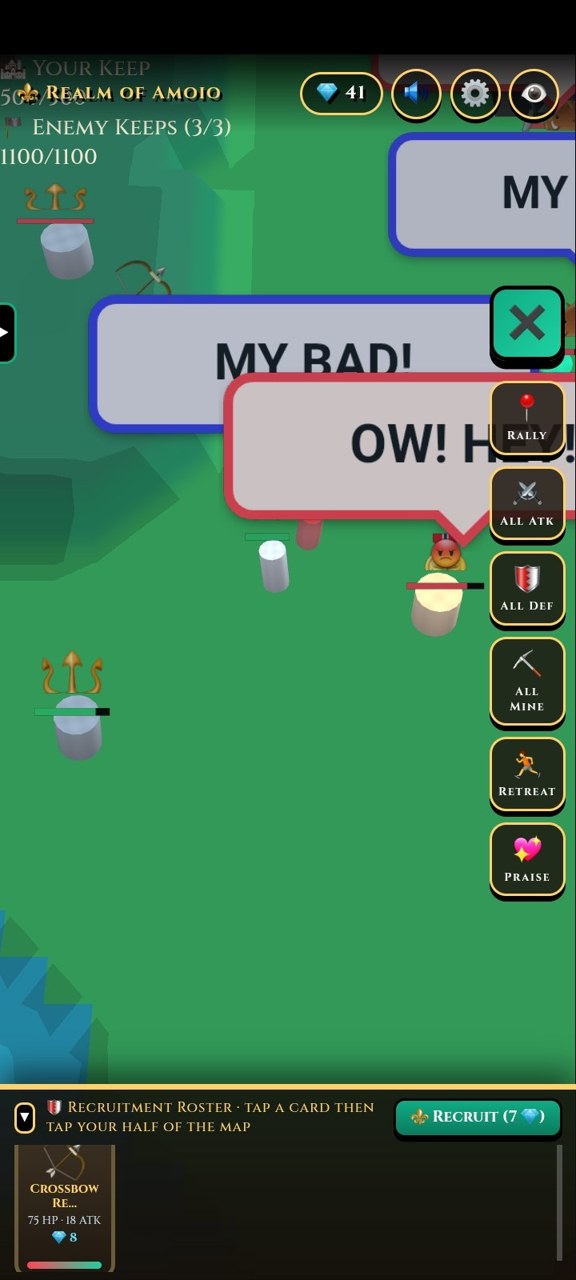
03 For one small medieval battle
A Mind Of It’s Own
By Goodboycat ↗
The creator explicitly says the browser prototype works on PC and mobile. Choose unit cards, deploy troops, mine gems and issue orders, while unit personalities affect obedience. The free proof of concept contains one battle scenario, not a full campaign.
Before you playSingle-scenario prototype. Touch support follows creator documentation; no physical-phone test is claimed.
Computer · Phone & tablet
See game & play ↗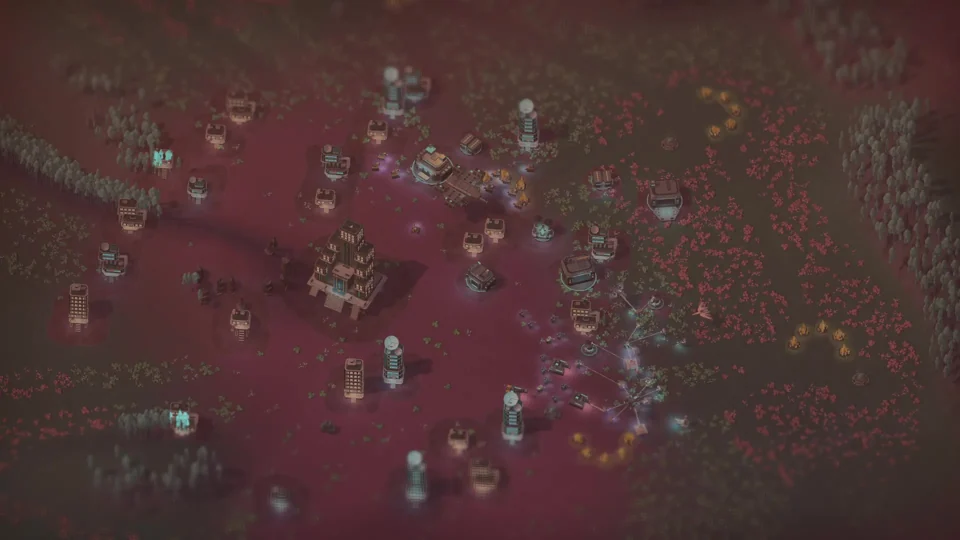
04 For a touch-controlled strategy prototype
Ashes of Meridian
By mktcode ↗
Ashes of Meridian documents mouse and touch controls for its settlement and fleet-strategy prototype. Expeditions provide lasting upgrades, while buildings improve the worlds you hold. Saves remain in the current browser, and the creator warns that bugs and performance issues remain.
Before you playPrototype; clearing browser storage removes saves. Touch support follows creator documentation; no physical-phone test is claimed.
Computer · Phone & tablet
See game & play ↗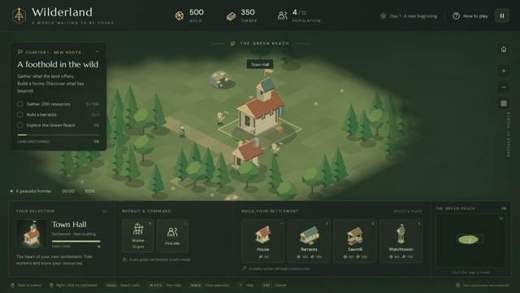
05 Build and explore without an enemy army
Wilderland
By senko ↗
The current game help documents tapping units and ground to issue movement orders. Build from the displayed panels; the world saves automatically. There is no enemy pressure.
Before you playFor the economic opening and exploration of an RTS. It is a peaceful settlement game, so choose another entry here if you want battles.
Computer · Phone & tablet
See game & play ↗06 Build an island power in a persistent archipelago
Inselnova
The creator explicitly describes playing in a mobile browser. Building, trading and fleet management use the web interface; the persistent world keeps advancing between visits. Account and connection requirements should be checked at entry.
Before you playFor settlement production, fleets and rivals. Its persistent online pace is slower than a conventional RTS match.
Computer · Phone & tablet
See game & play ↗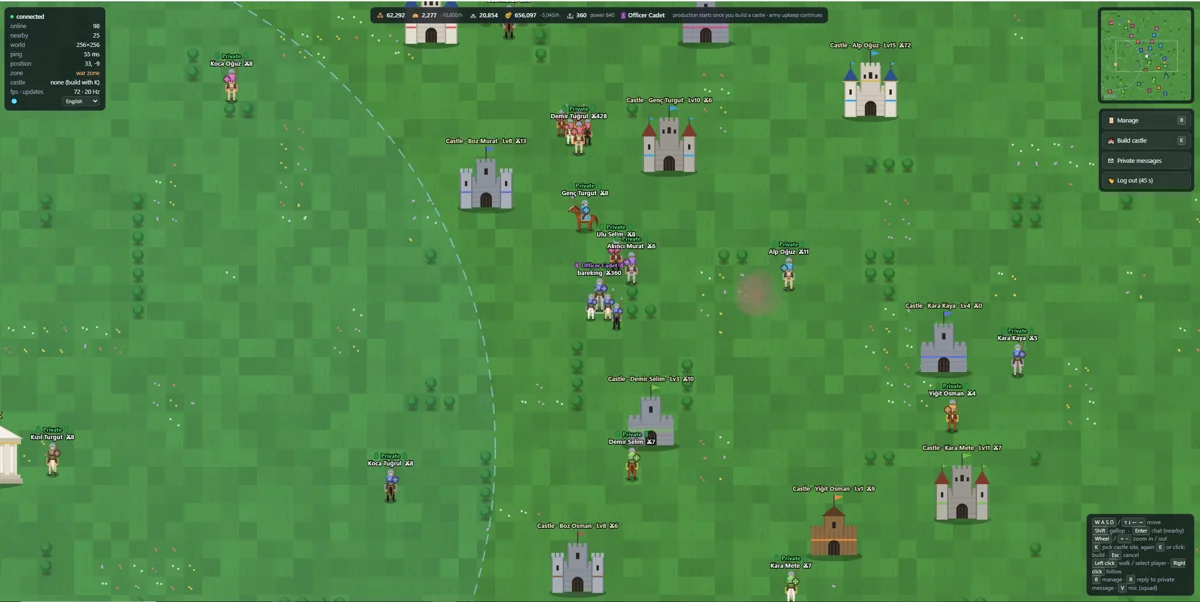
07 Found a castle and negotiate its place in a shared world
Bareking
By bareking ↗
The creator documents mobile touch controls and a guest start without signup. Save the account in the Account tab to keep the castle and use it across devices. The world is shared and persistent.
Before you playFor gathering resources, building a castle, training units and laying siege. The persistent multiplayer campaign replaces self-contained historical skirmishes.
Computer · Phone & tablet
See game & play ↗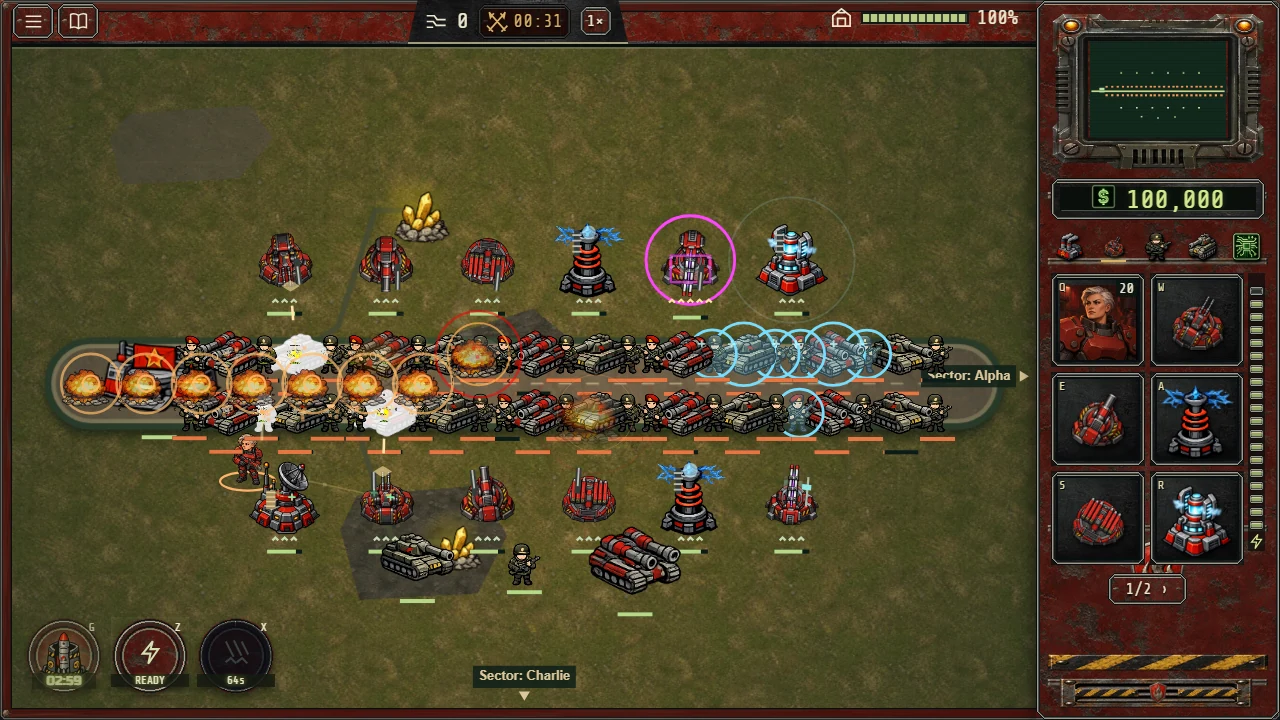
08 Build towers and an army around a battlefield general
Code Red TD
The creator says the command console also works in landscape on phones. Use its tower, unit and general controls; precise gestures and save behaviour are not specified.
Before you playFor combining army composition, upgrades and defensive construction. The road-based waves make it a tower-defence hybrid.
Computer · Phone & tablet
See game & play ↗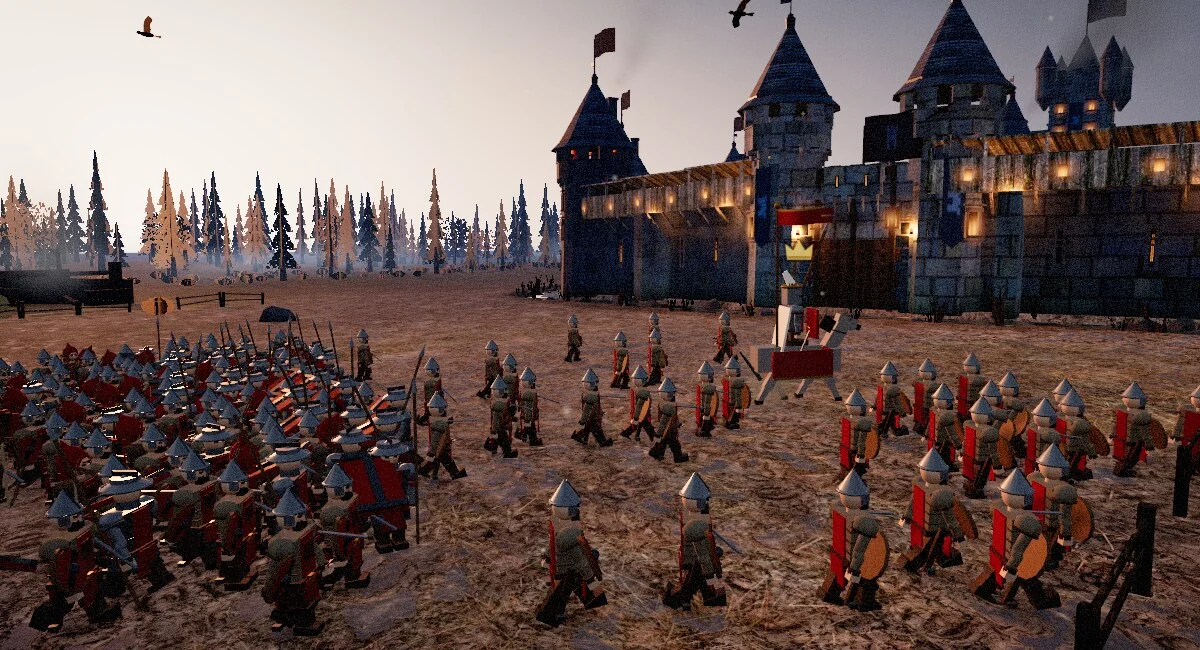
09 Carry a siege company from castle to castle
Keepfall
Tap and drag to command troops. Tactical pause accepts orders while the battle is stopped, then resumes from a button. The creator explicitly supports phone play.
Before you playFor selecting troops, ordering attacks and breaking fortifications. It focuses on sieges rather than building a village economy.
Computer · Phone & tablet
See game & play ↗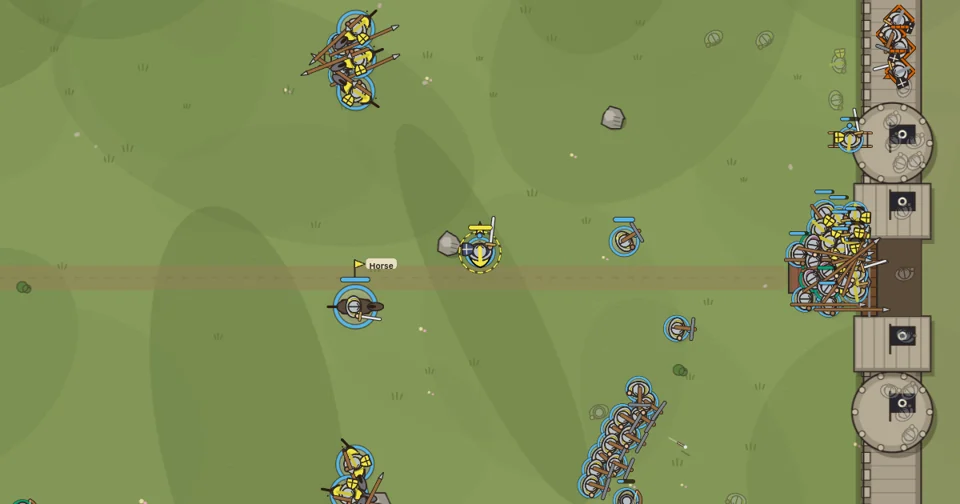
10 Recruit an army and personally lead its charge
Thornreach
By Goblin Originals (Goblin Arcade) ↗
Use a touch joystick and buttons in battle, and tap destinations on the map. The creator documents saves after battles, leaving locations and each in-game week.
Before you playFor troop upgrades, sieges and battlefield orders. It is a campaign RPG with real-time battles, closer to leading an army than building an RTS base.
Computer · Phone & tablet
See game & play ↗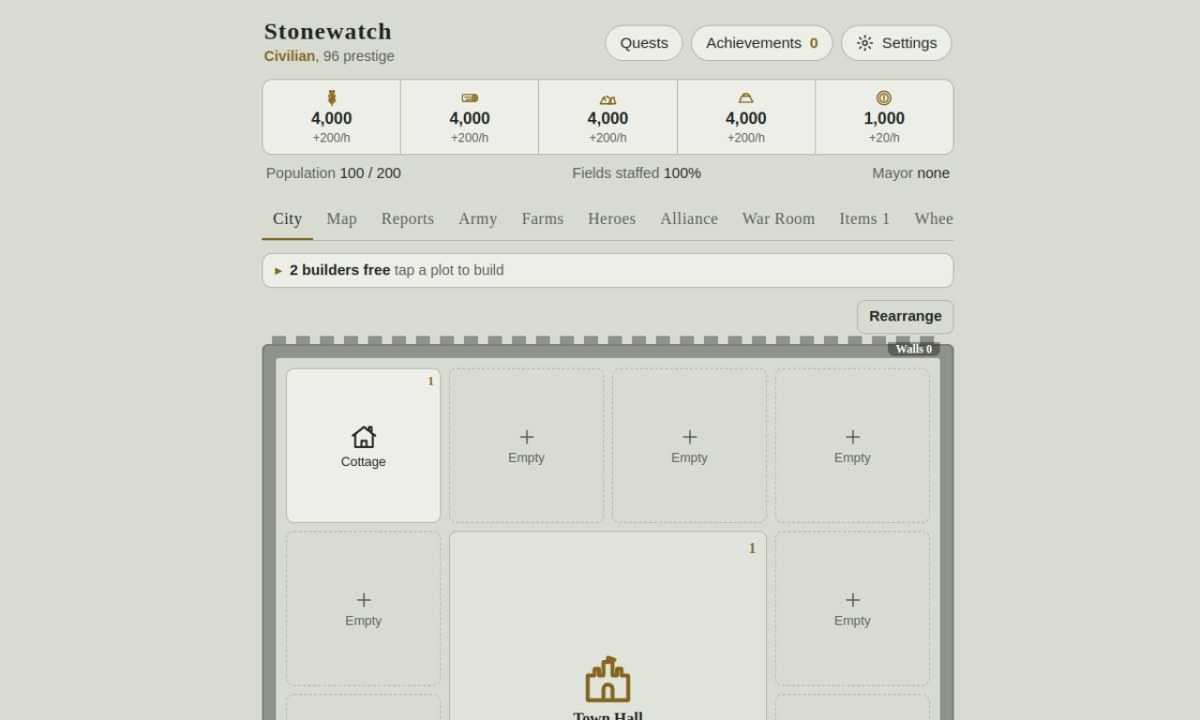
11 Develop cities and send trained armies into conquest
Ibory
By Longtalons ↗
The verified creator evidence documents Android and iPhone play. Tap city, army and hero menus; precise orientation is not specified.
Before you playFor city development and army preparation. Its idle progress and menu-led campaigns are slower than direct RTS skirmishes.
Computer · Phone & tablet
See game & play ↗12 Build a working village before the night attack
Castle: Build & Defend
By Cineeeekk ↗
The creator lists touchscreen input and the verified game controls support mouse or touch. Use on-screen building and defence controls; exact phone orientation is not specified.
Before you playA close match for a medieval economy feeding military defences. Waves and settlement contracts replace a standard opponent base race.
Computer · Phone & tablet
See game & play ↗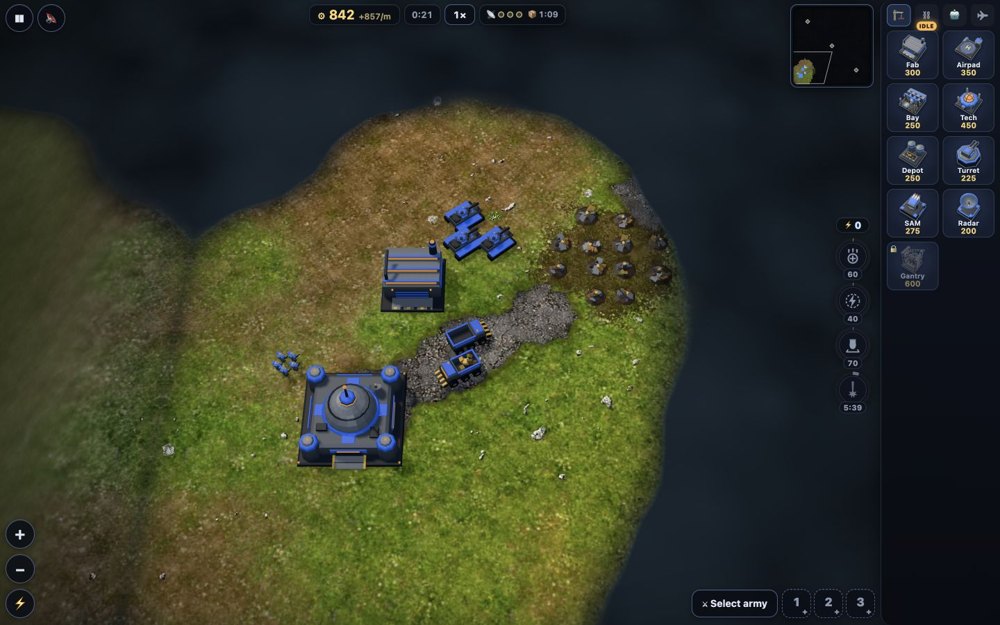
13 Mine scrap and build the robot army to spend it on
Battle Drones
The verified game listing documents touch unit selection, movement orders and build panels. The current creator-hosted build remains available; precise orientation is unspecified.
Before you playFor harvesting, production and real-time unit orders. Robots replace historical workers and soldiers.
Computer · Phone & tablet
See game & play ↗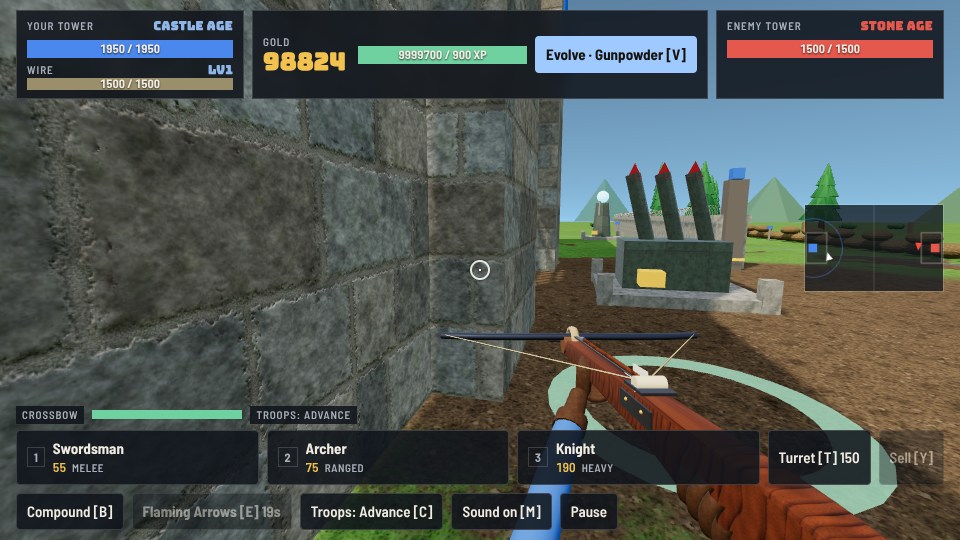
14 Advance through ages while fighting beside your troops
War of Ages: Raid the Tower
By Bently_SM ↗
The creator explicitly documents phone touch controls alongside desktop and Quest VR. Use movement, troop and compound controls on screen; phone orientation is not specified.
Before you playFor age progression, troop counters and improving a defended base. Direct shooting makes it a hybrid rather than an overhead RTS.
Computer · Phone & tablet
See game & play ↗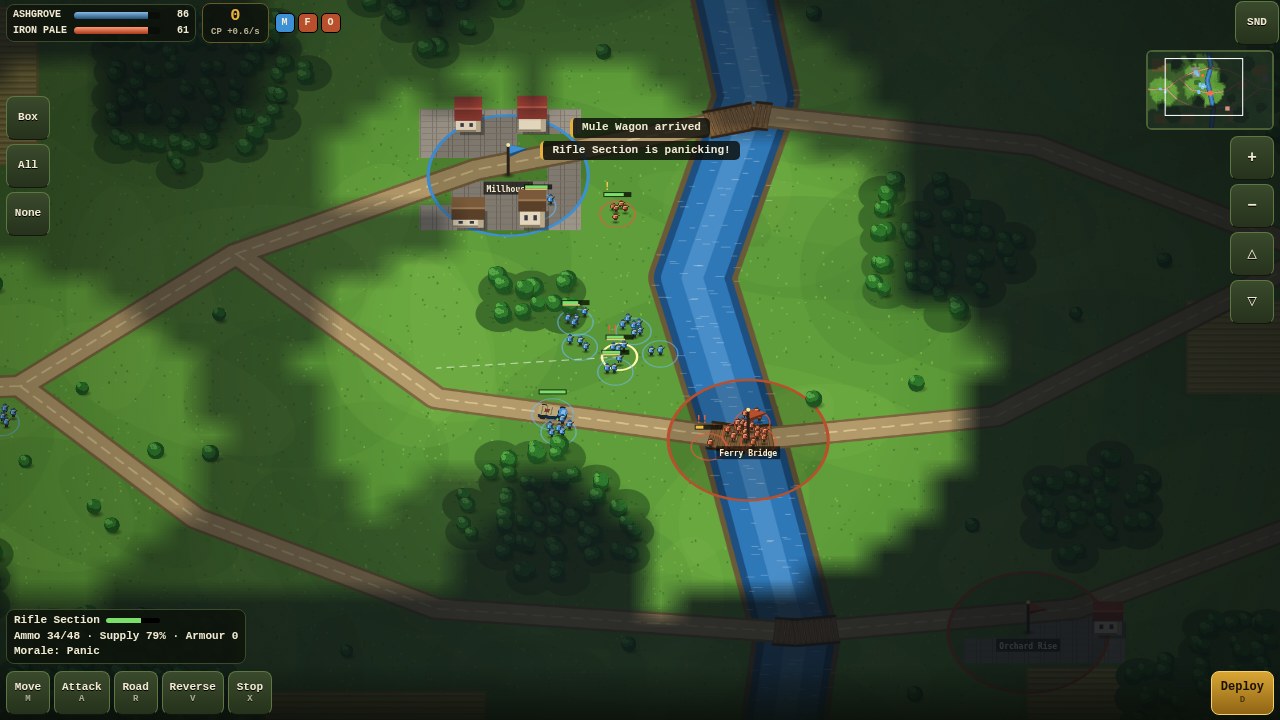
15 Keep squads supplied across three contested battlefields
Brushfire Command
Tap a squad, then ground to move or an enemy to attack. Drag to pan, pinch to zoom and use Box or All for groups; triangle buttons change the view.
Before you playFor real-time army orders and terrain decisions. It is military tactics with supply pressure, rather than a civilian economy and technology ages.
Computer · Phone & tablet
See game & play ↗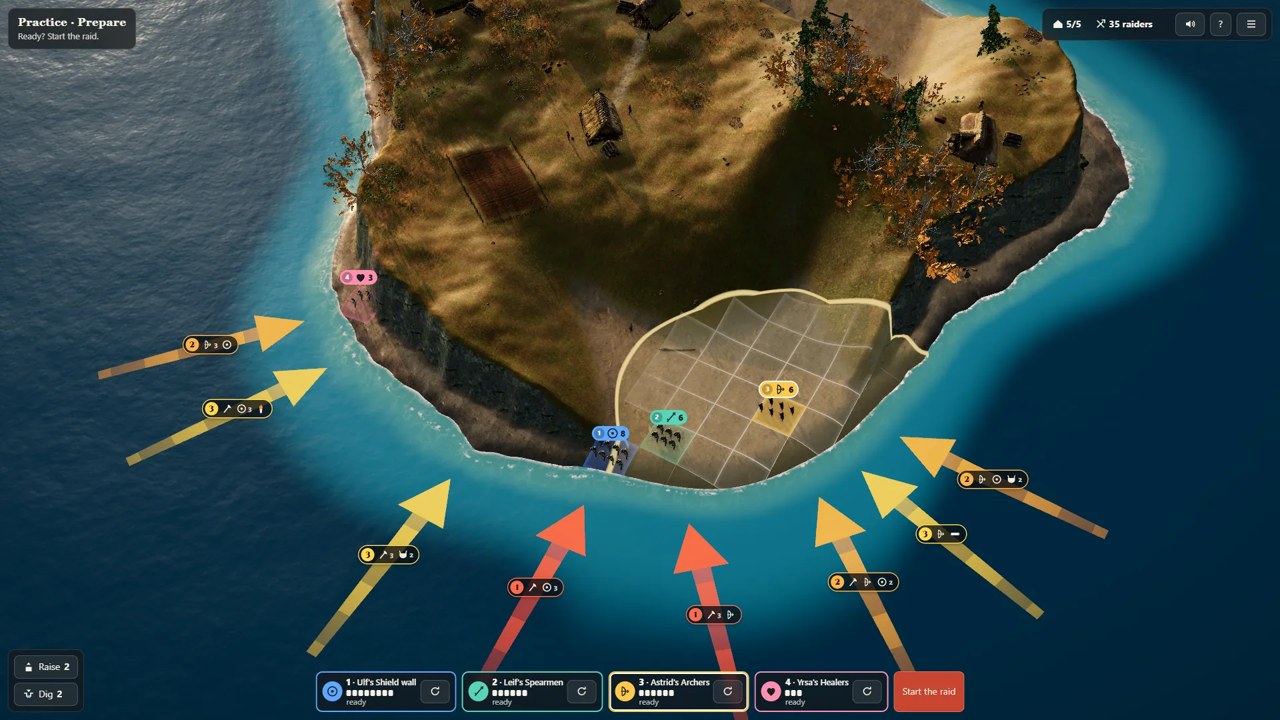
16 Shape the shore before the longships land
Tidebreak
The creator explicitly supports phone browsers. Use touch to place terrain and command squads; previewed landing sites give you a chance to plan the defence.
Before you playFor army placement, counters and defending settlements. The compact raid-defence battles replace economy-building and rival-base assaults.
Computer · Phone & tablet
See game & play ↗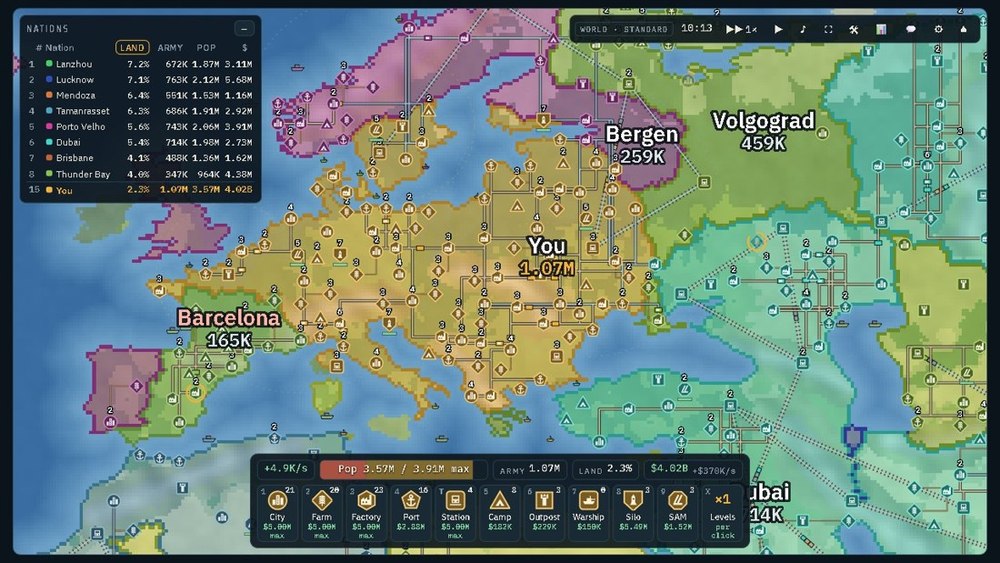
17 Build an economy and negotiate a modern war
Borderfall
By Darkox3 ↗
Grow a small nation into a world power in a real-time strategy playtest with economy building, diplomacy and escalating wars. The creator supports touch play; use the map and on-screen nation-management controls.
Before you playA real-time economy-and-war alternative. Modern weapons, diplomacy and a world map make this different from Age of Empires’ historical base-building matches.
Computer · Phone & tablet
See game & play ↗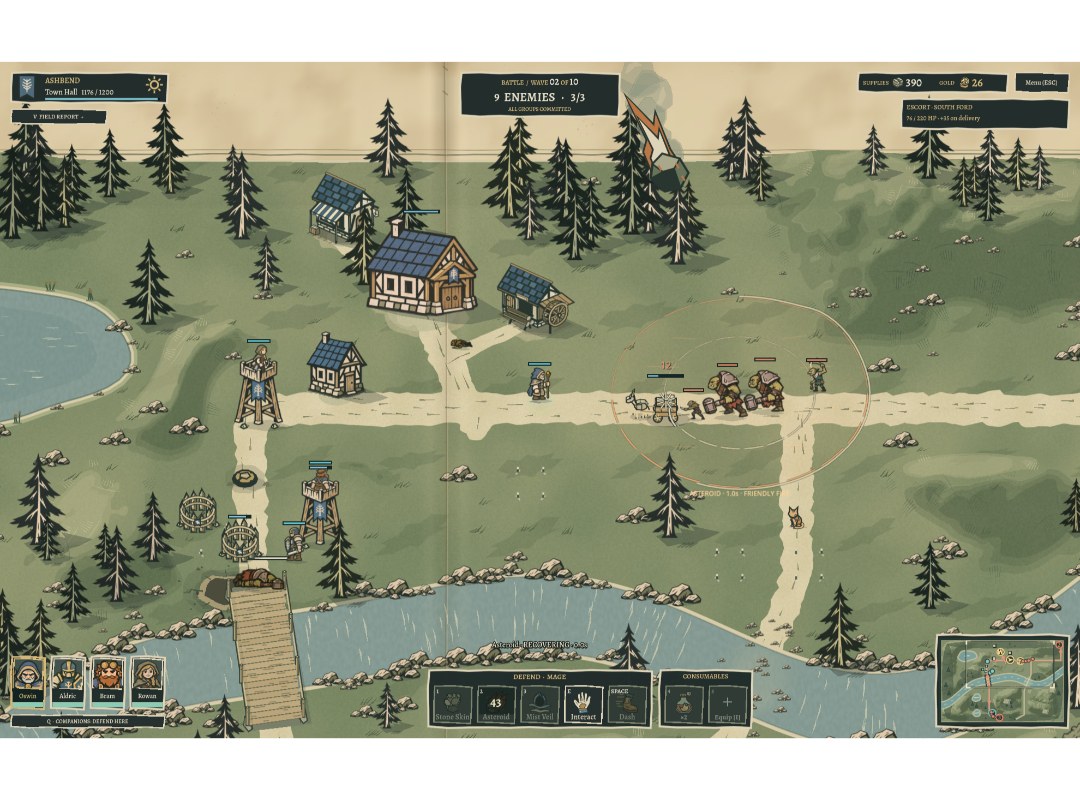
18 For defending a village between waves
Siegefolk
Siegefolk gives you one hero and three computer-controlled companions, with barricades, traps and towers to build before the next attack. Generated maps and a ten-wave siege keep the town under pressure.
Before you playAn adjacent choice for defensive building and medieval fantasy battles. It does not offer Age of Empires’ economy or civilisation campaign; current Campaign and Multiplayer buttons are disabled.
Computer · Phone & tablet
See game & play ↗| Game | Phone layout | Practical detail |
|---|---|---|
| Bannerhold: Medieval Castle RTS | Not specified | Real-time economy and troop control |
| Veinfall: Lumen Wars | Not specified | Several map gestures to learn |
| A Mind Of It’s Own | Not specified | Single-scenario prototype |
| Ashes of Meridian | Not specified | Prototype; clearing browser storage removes saves |
| Wilderland | Not specified | Touch orders; autosave; no combat |
| Inselnova | Not specified | Persistent online world; not a pause-anywhere solo game |
| Bareking | Not specified | Guest start; save an account to retain the castle |
| Code Red TD | Landscape | Phone command console documented |
| Keepfall | Not specified | Tap and drag; tactical pause |
| Thornreach | Not specified | Touch joystick and orders; campaign autosaves |
| Ibory | Not specified | Menu-led touch strategy |
| Castle: Build & Defend | Not specified | Touchscreen documented; construction and wave defence |
| Battle Drones | Not specified | Touch orders and build panels |
| War of Ages: Raid the Tower | Not specified | Touch movement and troop controls |
| Brushfire Command | Not specified | Tap orders; group-selection buttons |
| Tidebreak | Not specified | Touch terrain placement and squad orders |
| Borderfall | The creator supports touch play; use the map and on-screen nation-management controls. | Documented touch controls; physical phone not tested |
| Siegefolk | Move with WASD; use the on-screen numbered abilities, E to interact and Enter to begin a wave. The creator documents phone support. | Creator-documented touch support; no physical-phone test by Playground. An adjacent choice for defensive building and medieval fantasy battles. It does not offer Age of Empires’ economy or civilisation campaign; current Campaign and Multiplayer buttons are disabled. |
Browser games: common questions
Are these official Age of Empires mobile games?
No. The comparisons identify specific shared mechanics. These are separate independent projects or explicitly labelled fan projects and ports; they do not carry the franchise’s accounts, purchases or official online services.
Does mobile support mean every phone was tested?
No. Each pick has game-specific phone or touch documentation. Hardware performance varies, and creator testing limits are called out where relevant. A responsive webpage alone was not enough for selection.
Will my progress transfer to another phone?
Only assume this when a game explicitly provides an account, save code or export/import system. Local browser saves can be lost when you clear data or change browsers; use the documented backup option where one exists.
Found your favourite?
Leave a rating on its game page. Or send a friend somewhere new to play.
OVER TO YOU
Comments
Got a thought, a favourite or a recommendation? Join the conversation.
Loading comments…