Playground guide
10 games like Minecraft for mobile browsers
Choose between creative construction, survival gathering and a clearly labelled top-down crafting dungeon. These selections document phone support rather than merely fitting inside a narrow webpage.
Phone support is based on game-specific creator documentation and existing verified catalogue evidence. These are not official franchise releases or a claim of hands-on testing on every iPhone, Android phone or tablet.
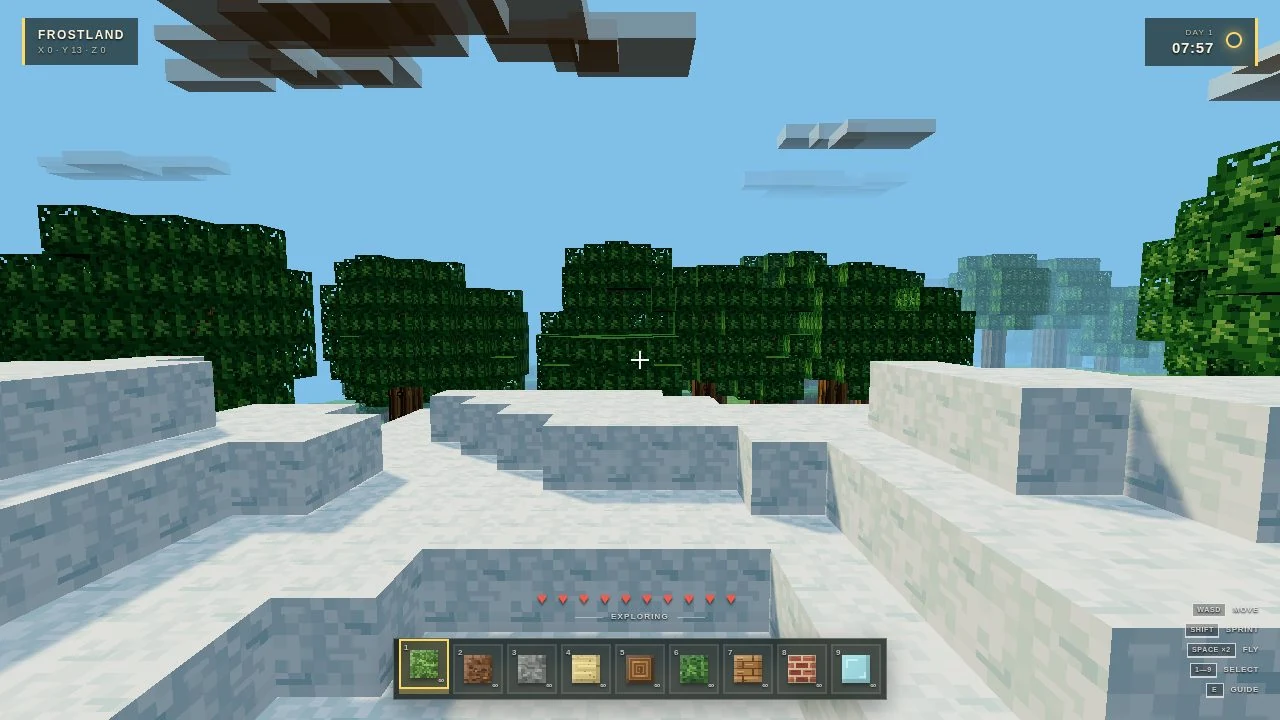
01 For creative block placement
Kimicraft: Voxel Frontier
Kimicraft’s creator explicitly supports mobile play and describes creative mining, block placement and local saves. It is the construction-led choice in this selection. The checked source does not establish a required orientation or one universal touch-button layout.
Before you playLocal browser saves. Touch support follows creator documentation; no physical-phone test is claimed.
Computer · Phone & tablet
See game & play ↗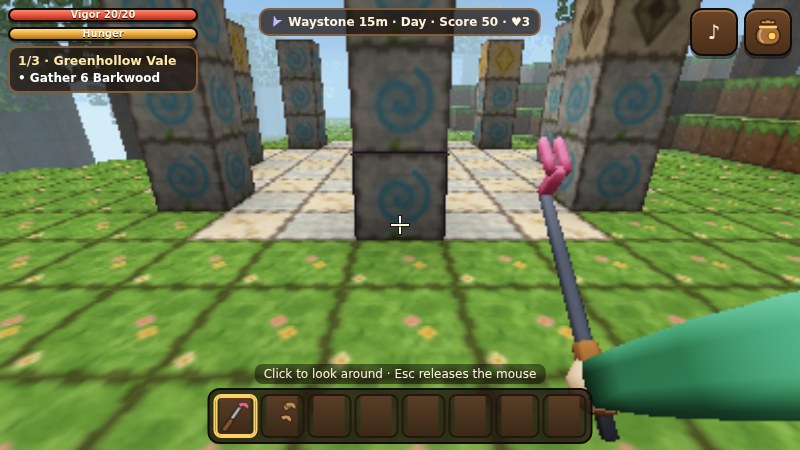
02 For a survival world with a touch tool set
Hearthblock Wilds
By Many Cute ↗
Hearthblock Wilds supplies a movement stick and on-screen dig, use and bag controls. Gather resources, work through grid crafting and build shelter before night creatures become a problem.
Before you playSurvival and crafting, not only creative building. Touch support follows creator documentation; no physical-phone test is claimed.
Computer · Phone & tablet
See game & play ↗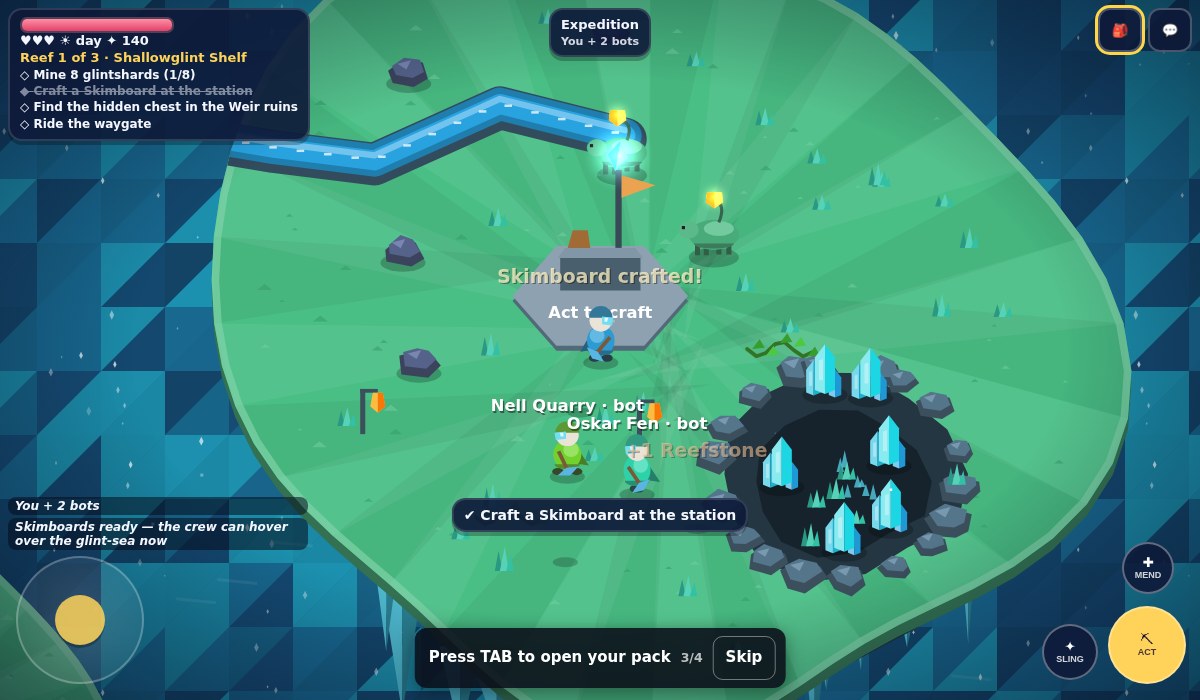
03 For gathering and crafting across reefs
Glintshoal
By anas fm ↗
The phone layout combines a movement stick with action, sling, mend and pack controls. Mine and craft across the reef setting; this is a shared-world adventure with more action buttons than a simple tap-to-build toy.
Before you playSeveral separate action buttons. Touch support follows creator documentation; no physical-phone test is claimed.
Computer · Phone & tablet
See game & play ↗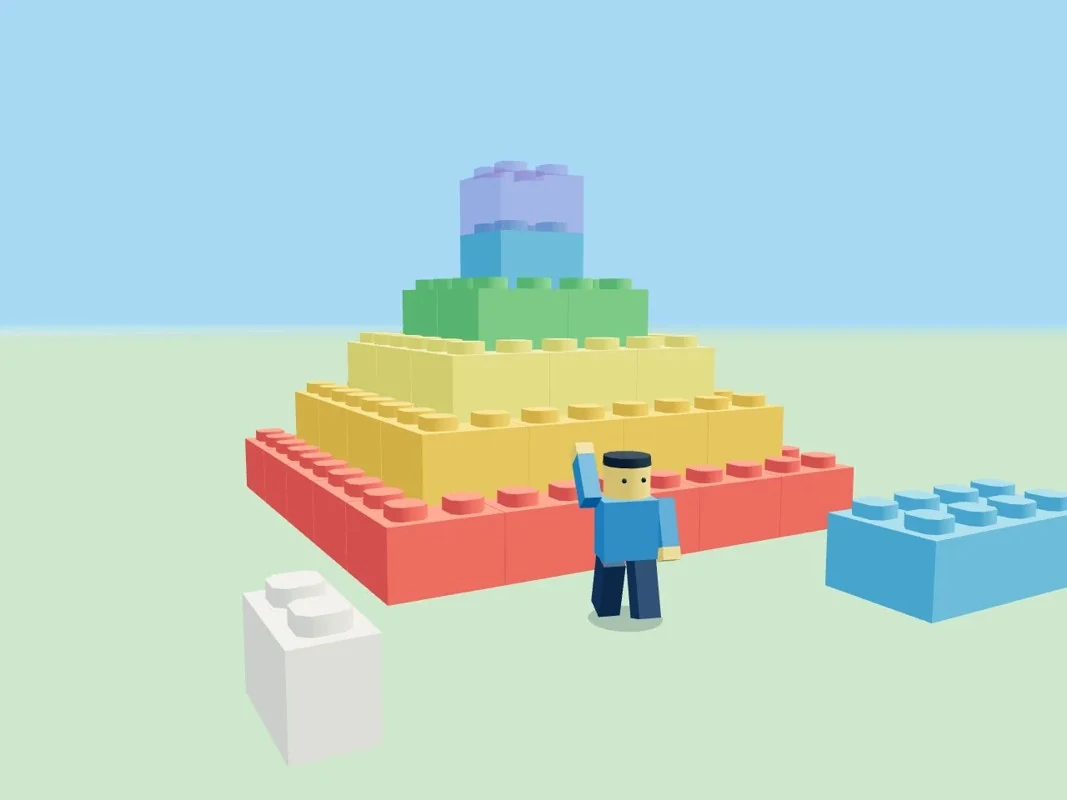
04 For shared construction with building buttons
Brickscape
By Maxi ↗
Brickscape documents a movement joystick and building buttons on phones. Its shared world supports up to sixteen players and snapping bricks, with unlimited building materials. A room capacity is not a promise of other players being online.
Before you playShared creative construction. Touch support follows creator documentation; no physical-phone test is claimed.
Computer · Phone & tablet
See game & play ↗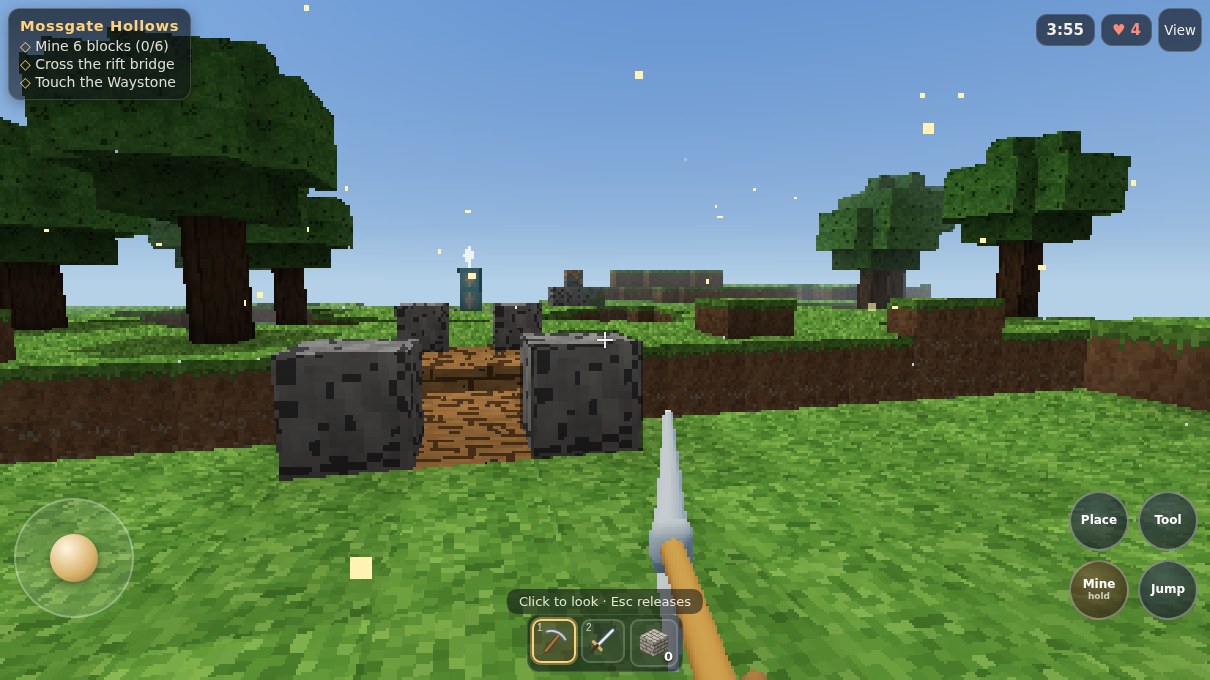
05 For mining and building around a defended core
Quarrylight
By enshuti181 ↗
Use the left movement stick, drag to look and use Mine, Place, Jump and Tool buttons. Building supports defending a core rather than an entirely peaceful creative world. Learn the separate movement and action controls before starting a fight.
Before you playTwo-thumb movement and actions. Touch support follows creator documentation; no physical-phone test is claimed.
Computer · Phone & tablet
See game & play ↗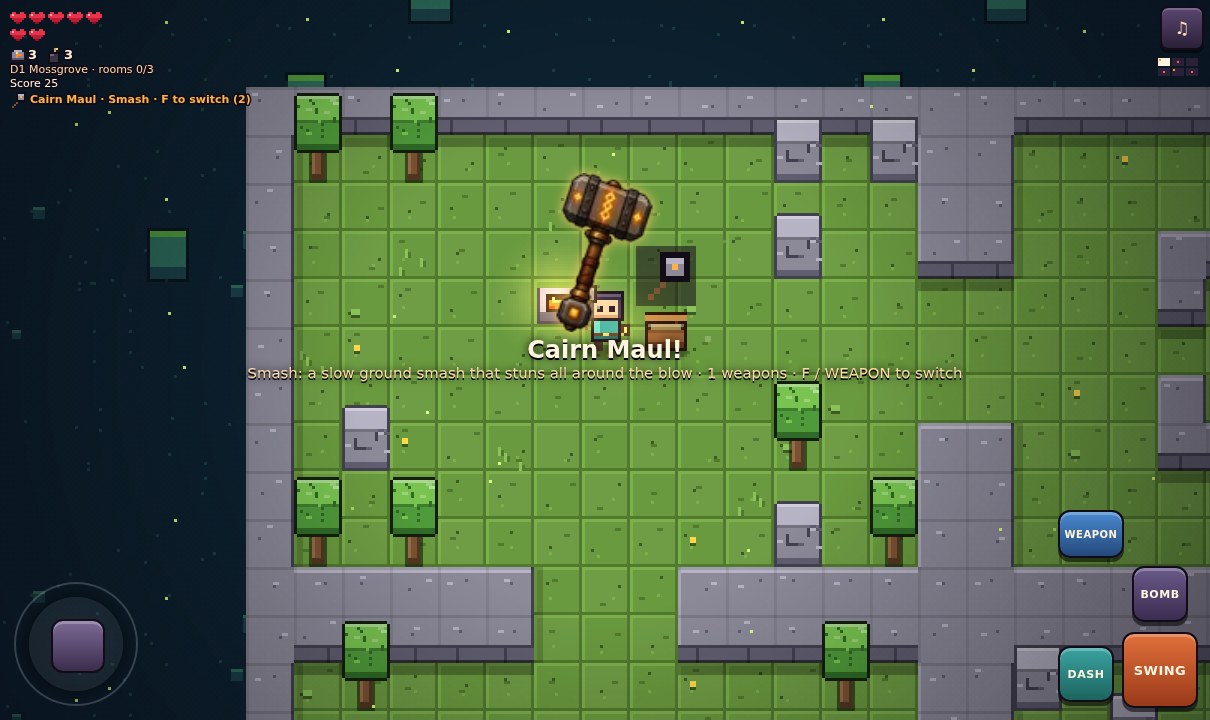
06 For a top-down crafting dungeon
Cairnshard
By toby chan ↗
Use the touch stick with SWING, DASH, BOMB, WEAPON and RING buttons. Mine trees, stone and emberite, craft at forges and clear sealed danger rooms through three Depths. This is a top-down roguelike, not a first-person Minecraft replacement.
Before you playDungeon combat rather than open-ended construction. Touch support follows creator documentation; no physical-phone test is claimed.
Computer · Phone & tablet
See game & play ↗07 Build a raft whose layout changes how it sails
Driftmoor: Raft Survival
By PN Scripts ↗
Tap sails to adjust them, tap the deck to walk, choose pieces from the build bar and tap the creature to repel it. The creator documents autosave and three save slots, plus larger text and reduced-motion settings.
Before you playFor gathering resources, building a useful structure and surviving its consequences. It is a focused raft voyage rather than an unlimited block world.
Computer · Phone & tablet
See game & play ↗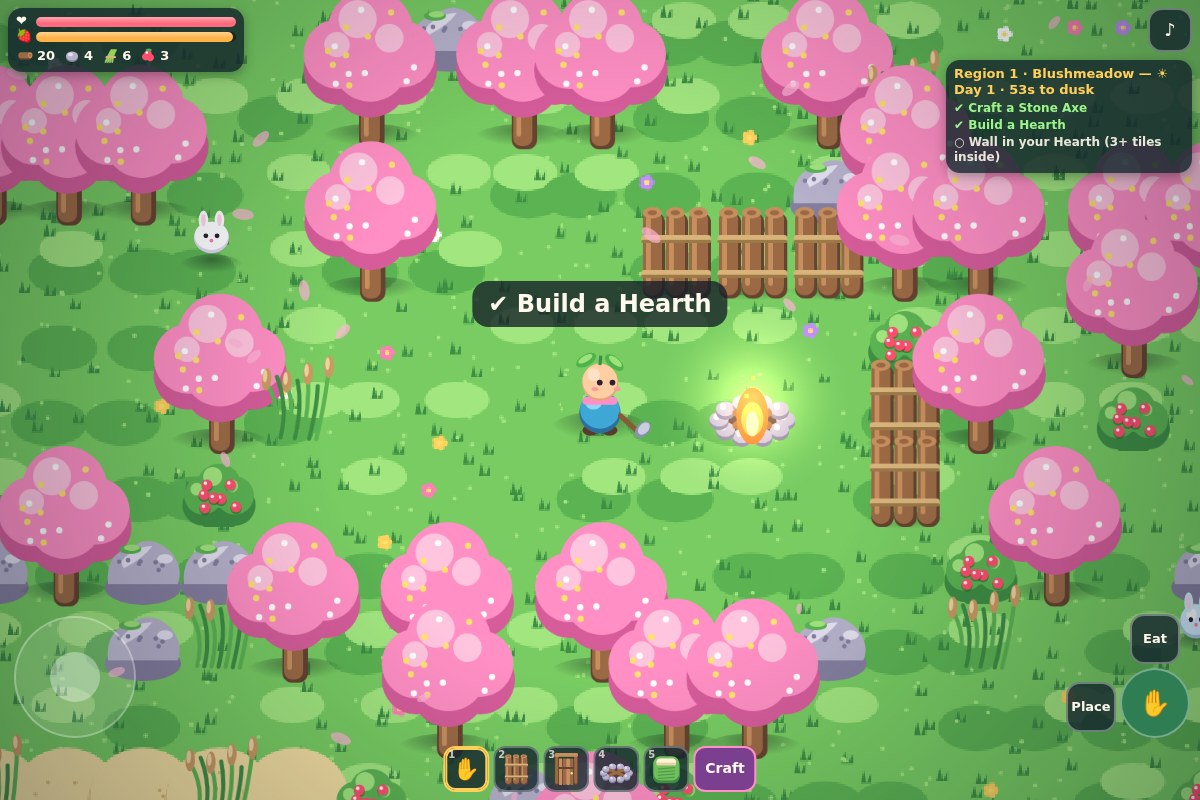
08 Build a small refuge before night falls
Sproutstead
By enshuti181 ↗
Collect resources, craft gear and place walls around a protective Hearth. Three colourful regions lead towards a final Long Night. Use the touch stick and action, Place and Eat buttons; taps also interact with the world.
Before you playA compact early build with a final survival objective. For gathering, block placement and surviving after dark. It is a bounded top-down survival game, not a first-person voxel world.
Computer · Phone & tablet
See game & play ↗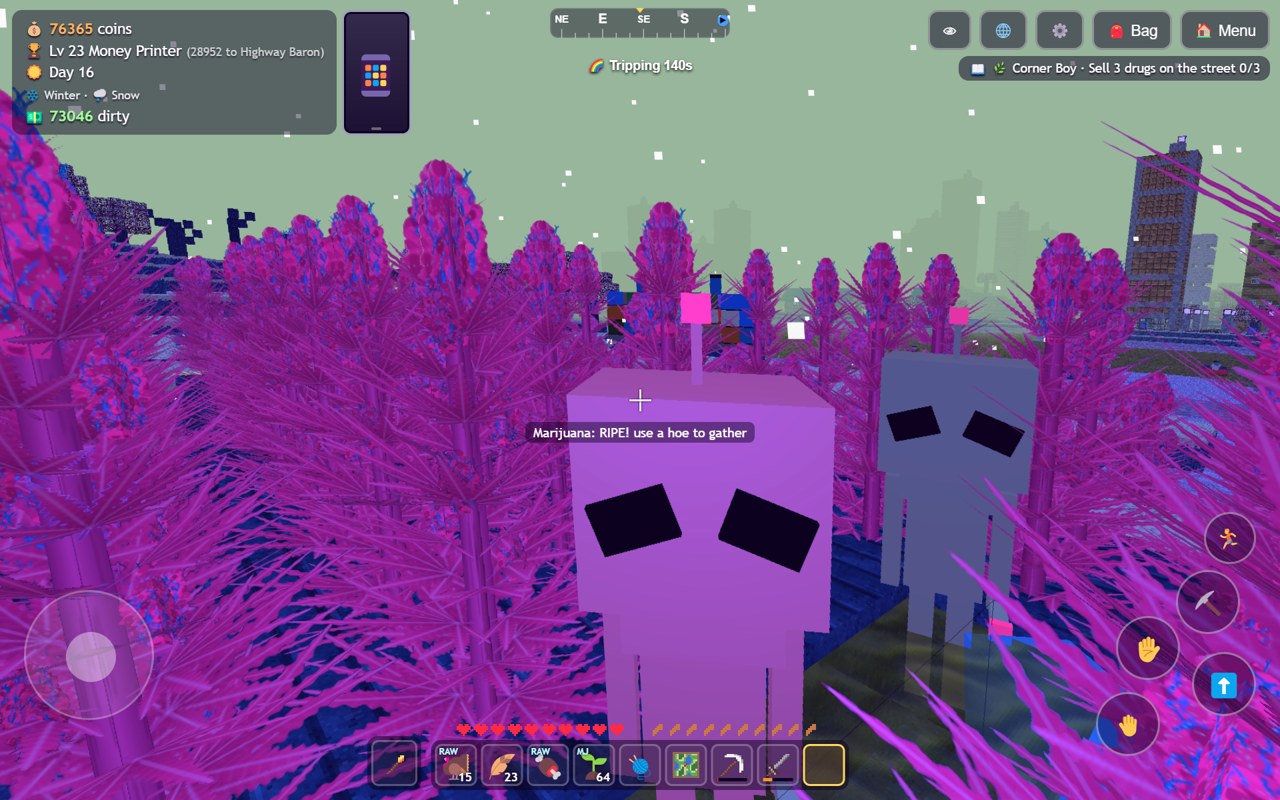
09 For blocky farming, crafting and village trading
DealerCraft
DealerCraft centres on growing crops, making goods and selling them to villagers in a voxel world. The creator’s gameplay gallery shows working on-screen movement and action buttons alongside the farming interface.
Before you playA farming-and-crafting connection; it does not claim Minecraft’s open-ended building systems or Stardew Valley’s full relationship structure.
Computer · Phone & tablet
See game & play ↗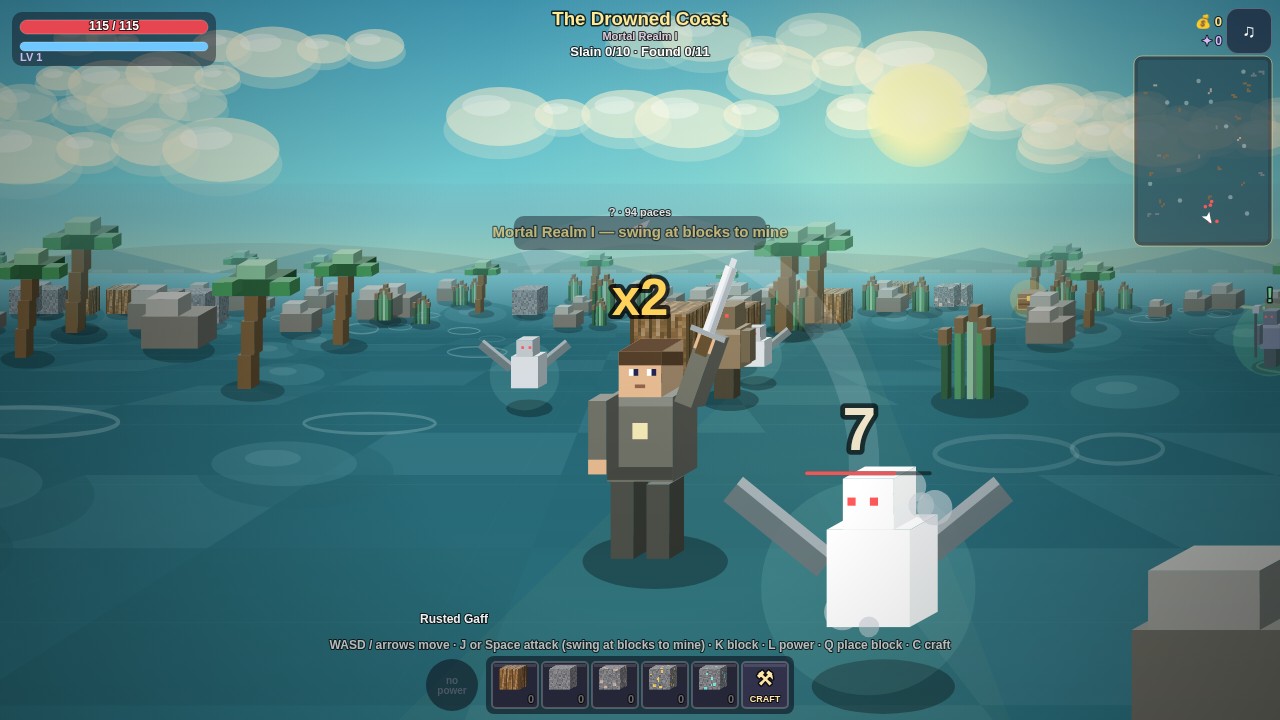
10 Mine and craft on the way to a portal realm
Pauper’s Ascent
By Abraham ↗
Rise from a penniless wanderer through forests, oceans and portal realms. Fight enemies, mine blocks, craft equipment and rescue companions in a blocky action RPG. WASD/arrows or a virtual stick move; J/Space attacks/mines, K/Shift blocks, L/E uses power, Q places blocks and C crafts. On-screen controls support touch.
Before you playBlock mining, crafting and building are the Minecraft overlap; progression is driven by action-RPG battles and equipment.
Computer · Phone & tablet
See game & play ↗| Game | Phone layout | Practical detail |
|---|---|---|
| Kimicraft: Voxel Frontier | Not specified | Local browser saves |
| Hearthblock Wilds | Not specified | Survival and crafting, not only creative building |
| Glintshoal | Not specified | Several separate action buttons |
| Brickscape | Not specified | Shared creative construction |
| Quarrylight | Not specified | Two-thumb movement and actions |
| Cairnshard | Not specified | Dungeon combat rather than open-ended construction |
| Driftmoor: Raft Survival | Not specified | Touch building and sailing; autosave and save slots |
| Sproutstead | Use the touch stick and action, Place and Eat buttons; taps also interact with the world. | A compact early build with a final survival objective. |
| DealerCraft | Keyboard and mouse on desktop; on-screen movement and action controls are shown in the creator’s phone screenshots. | Creator-documented touch support; no physical-phone test by Playground. A farming-and-crafting connection; it does not claim Minecraft’s open-ended building systems or Stardew Valley’s full relationship structure. |
| Pauper’s Ascent | Landscape game view | Creator documents touch controls; no physical-phone test |
Browser games: common questions
Are these official Minecraft mobile games?
No. The comparisons identify specific shared mechanics. These are separate independent projects or explicitly labelled fan projects and ports; they do not carry the franchise’s accounts, purchases or official online services.
Does mobile support mean every phone was tested?
No. Each pick has game-specific phone or touch documentation. Hardware performance varies, and creator testing limits are called out where relevant. A responsive webpage alone was not enough for selection.
Will my progress transfer to another phone?
Only assume this when a game explicitly provides an account, save code or export/import system. Local browser saves can be lost when you clear data or change browsers; use the documented backup option where one exists.
Found your favourite?
Leave a rating on its game page. Or send a friend somewhere new to play.
OVER TO YOU
Comments
Got a thought, a favourite or a recommendation? Join the conversation.
Loading comments…