Playground guide
20 games like Super Mario for mobile browsers
Start with a simple direction-and-jump layout, or choose a more demanding 3D adventure. Portrait support, landscape requirements and demo limits are called out below.
Phone support is based on game-specific creator documentation and existing verified catalogue evidence. These are not official franchise releases or a claim of hands-on testing on every iPhone, Android phone or tablet.
01 For a familiar D-pad and two-button layout
Super Fable Bros. — World 1-1
By INONONO66 ↗
A virtual D-pad and A/B buttons appear automatically on touch devices. Run, jump and use the game’s power-ups through its side-scrolling browser recreation. Pause and mute controls are documented, so you can learn the layout before a timed attempt.
Before you playUnofficial fan recreation. Touch support follows creator documentation; no physical-phone test is claimed.
Computer · Phone & tablet
See game & play ↗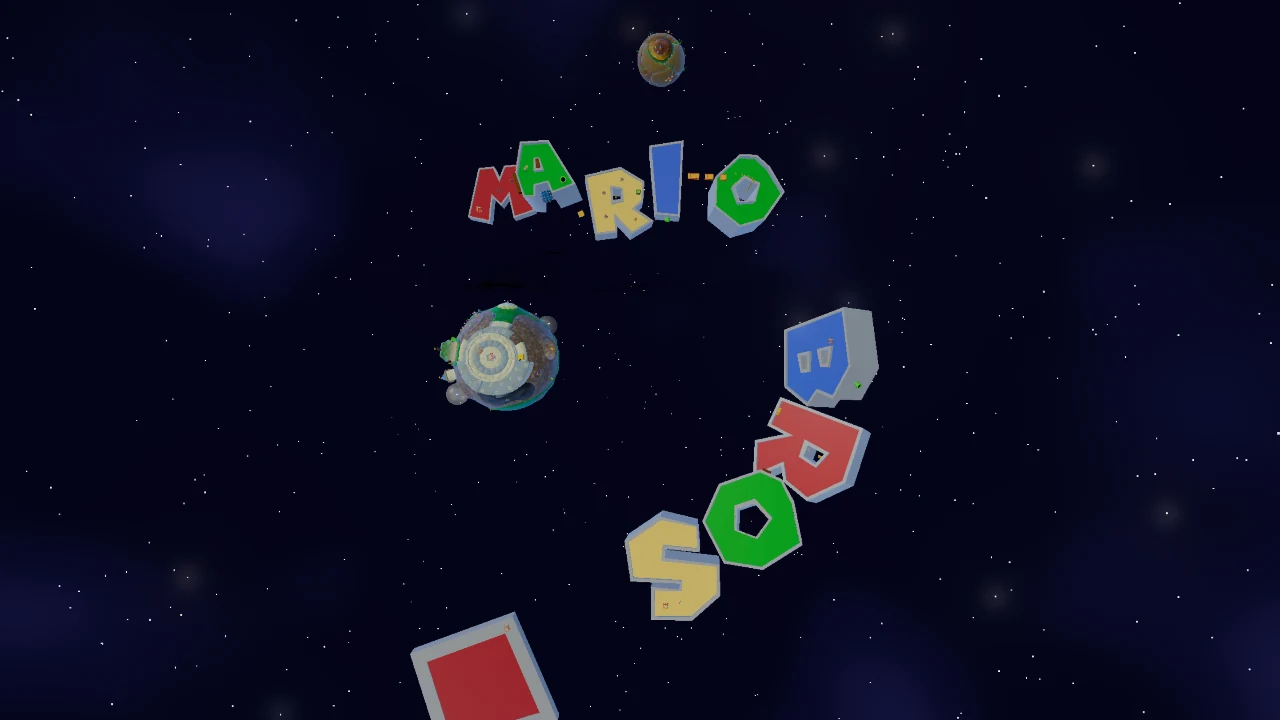
02 For a three-dimensional fan platformer
Super Mario Galaxy Movie Game
By SuperTommy ↗
The creator documents a virtual joystick and A/B touch buttons, alongside desktop and gamepad controls. This is a three-dimensional browser fan project; mobile support does not establish identical performance on every phone.
Before you playMore demanding 3D graphics. Touch support follows creator documentation; no physical-phone test is claimed.
Computer · Phone & tablet · Controller confirmed
See game & play ↗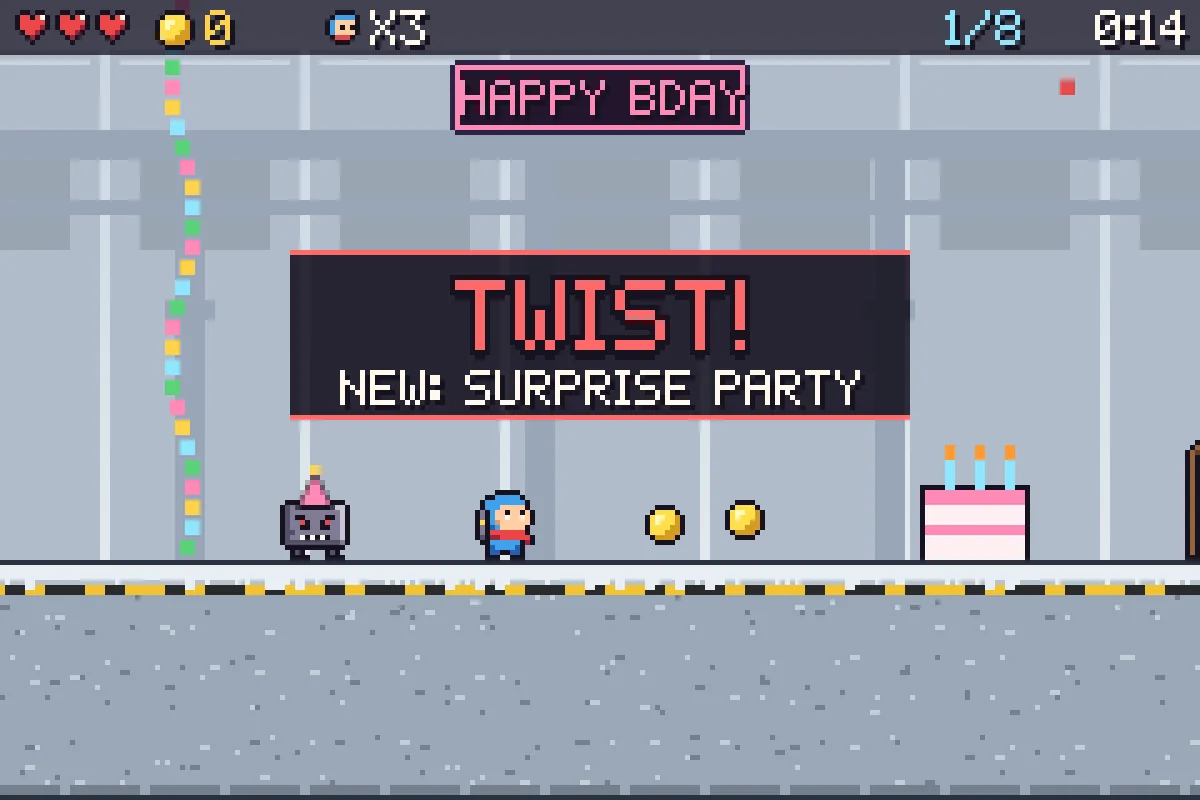
03 For a short platformer that changes the rules
Tropes
By M Dawg ↗
Phone controls are on-screen left, right and jump buttons. TRO(P)ES turns familiar platforming conventions into jokes and surprises, with a short tutorial run before the full set opens. Assist mode offers endless lives, and flashes and screen shake can be adjusted.
Before you playAssist runs do not enter the daily board. Touch support follows creator documentation; no physical-phone test is claimed.
Computer · Phone & tablet · Controller confirmed
See game & play ↗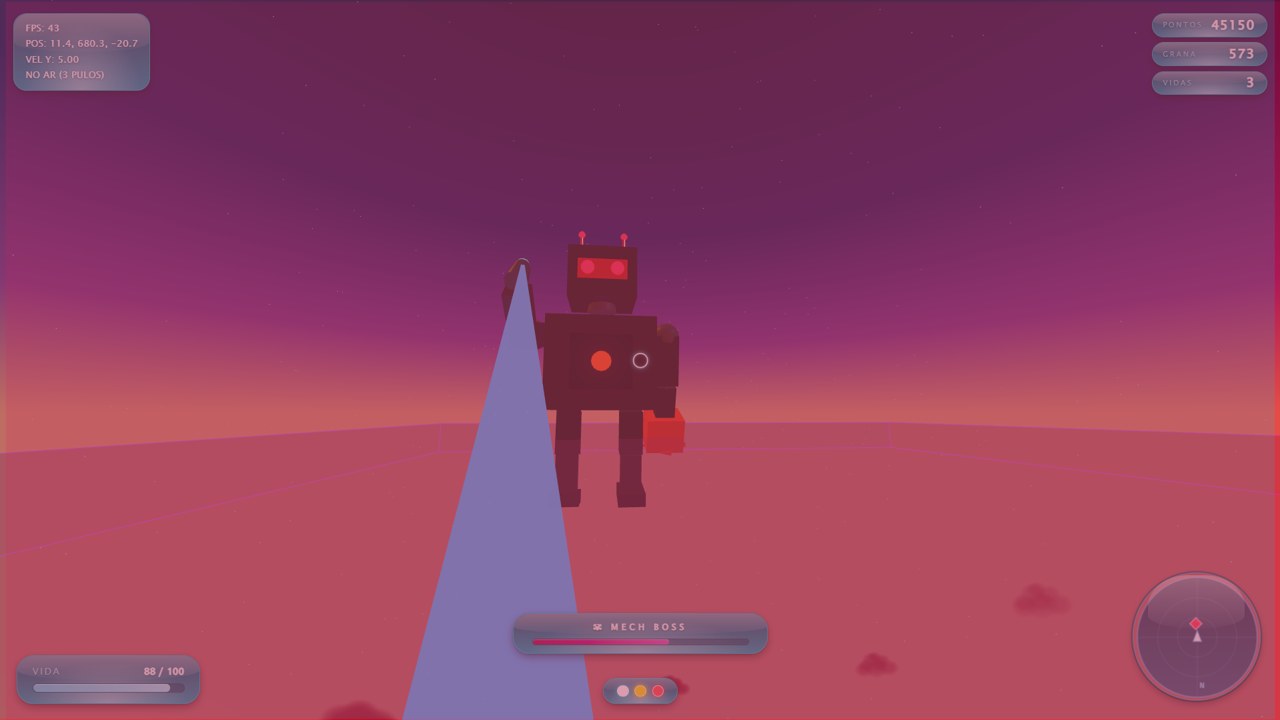
04 For landscape exploration and triple jumps
Aero Frog Skybound
Hold the phone sideways. Move with the left stick, drag the right side to look and use separate shoot and jump buttons; repeated jumps give a double and triple jump. An auto-fire option reduces the number of simultaneous actions.
Before you playPrototype/demo; separate aim and movement. Touch support follows creator documentation; no physical-phone test is claimed.
Computer · Phone & tablet
See game & play ↗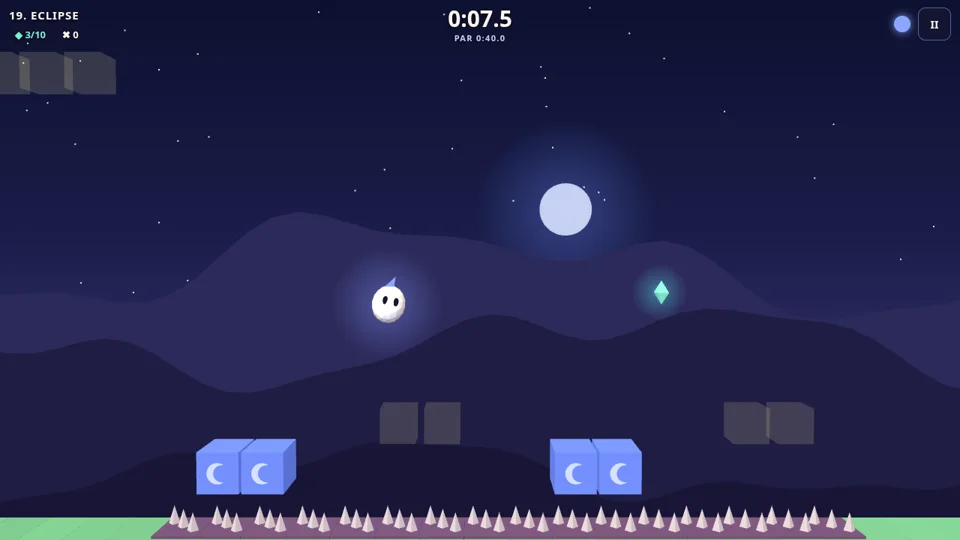
05 For short levels with a day/night switch
Halfglow: Day/Night Platformer
By PN Scripts ↗
Halfglow documents touch controls for its twenty short platforming stages. Swap the world between day and night to change the platforms, then collect coins and gems. The creator estimates individual levels at roughly twenty to ninety seconds, so there are clear stopping points.
Before you playLevel estimates are the creator’s. Touch support follows creator documentation; no physical-phone test is claimed.
Computer · Phone & tablet
See game & play ↗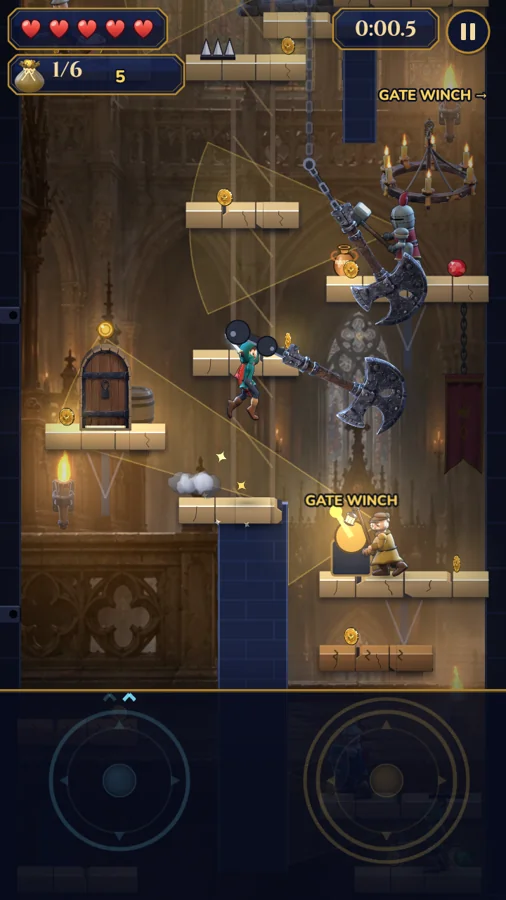
06 For portrait castles and wall kicks
Crown Snatcher
By fitzyyxD ↗
Crown Snatcher explicitly uses a portrait phone layout. Work through twelve castles, wall-kick into hidden routes and unlock a double jump. Movement and jump inputs still need coordinating; portrait orientation is not a claim of one-handed play.
Before you playMovement plus jump controls. Touch support follows creator documentation; no physical-phone test is claimed.
Computer · Phone & tablet
See game & play ↗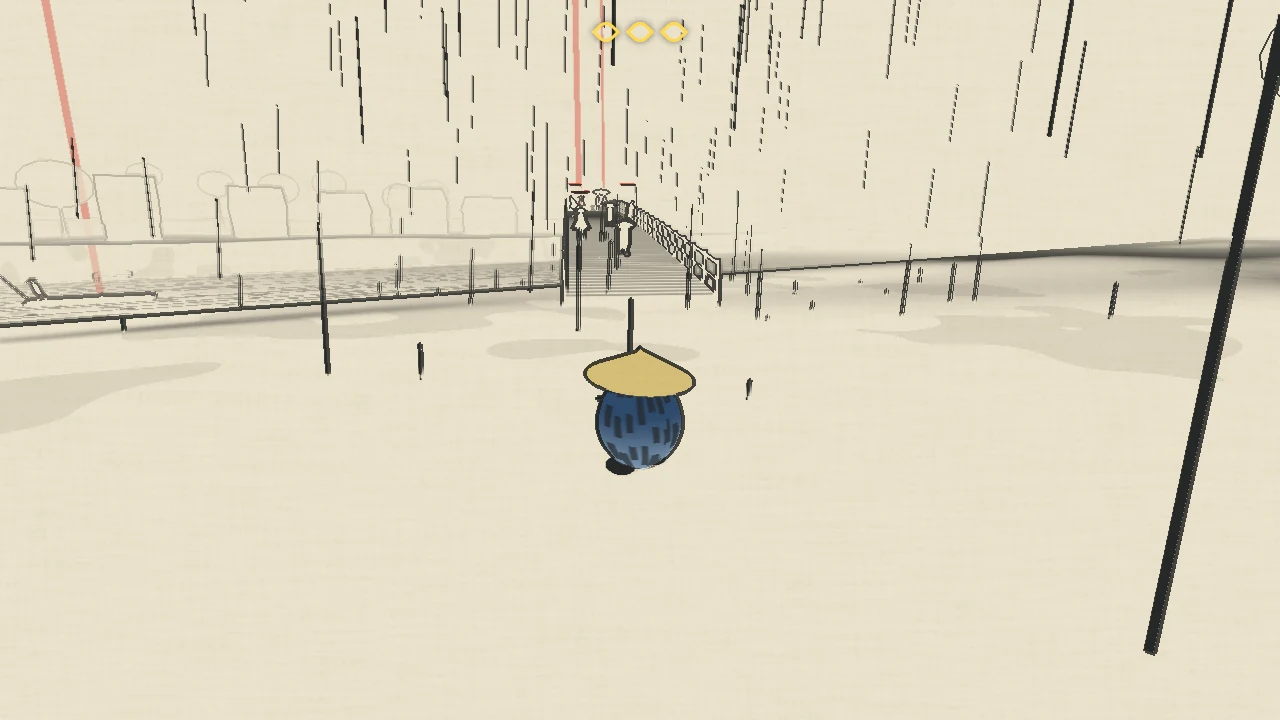
07 For exploring worlds inside paintings
Out of Frame
By Nyxalium ↗
Hold the left thumb on the left half of the screen to create a movement stick, and use the bottom-right jump button. Enter three paintings and put their worlds right. The creator still recommends desktop Chrome or Firefox, so treat touch support as an option with a larger-screen caveat.
Before you playDesktop recommended; flashing imagery. Touch support follows creator documentation; no physical-phone test is claimed.
Computer · Phone & tablet · Controller confirmed
See game & play ↗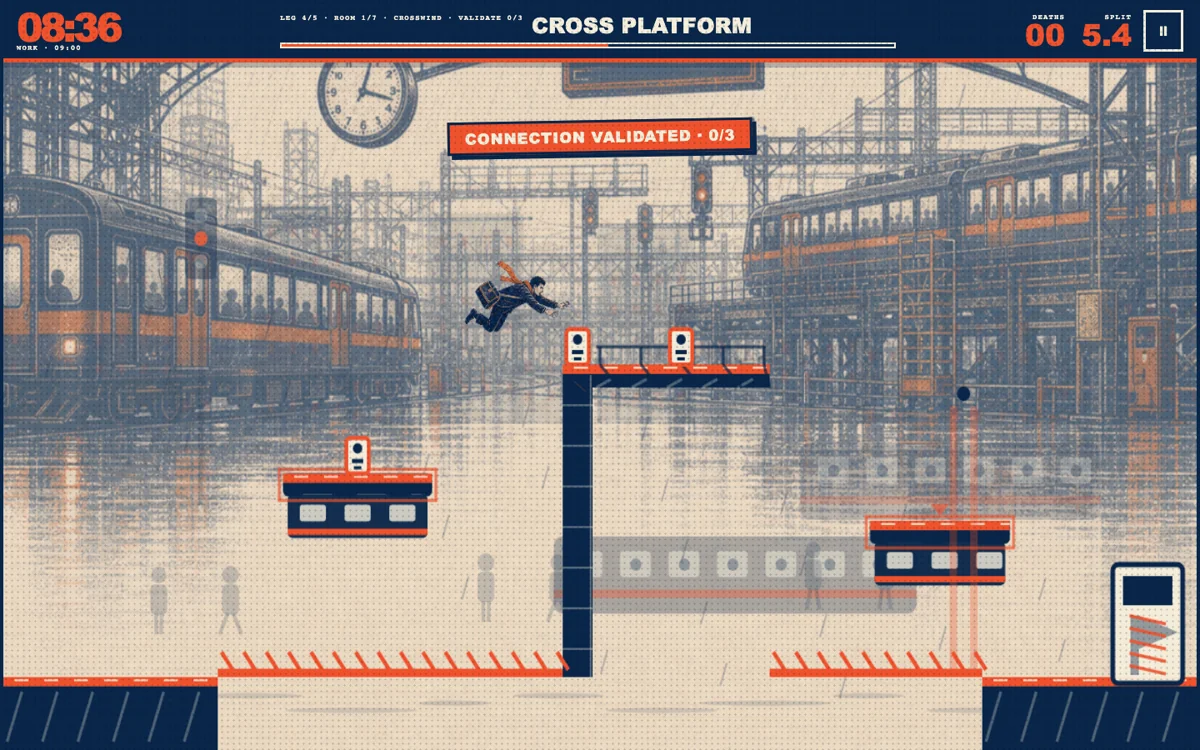
08 Wall-jump through a rush-hour obstacle course
RUNNING LATE
By 0x00000000 ↗
Turn the phone to landscape and use the included touch controls. Hold jump for height, push towards a wall before jumping away, and use the pause or settings controls when needed. Reduced motion is available.
Before you playFor precise jumps and reading moving hazards. Its timed commute and branching routes give familiar platforming a different goal.
Computer · Phone & tablet
See game & play ↗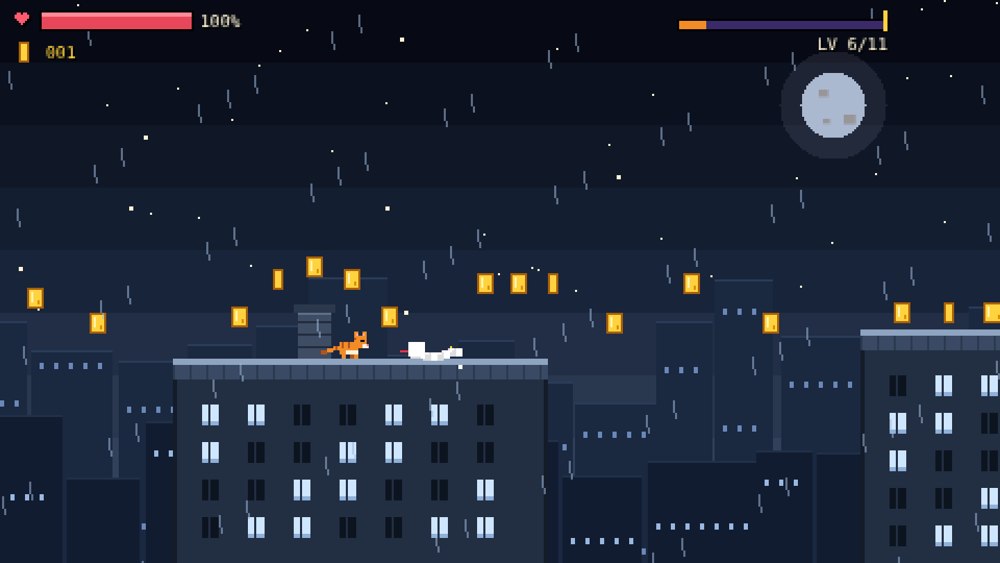
09 Find coins and secrets across eleven rooftop levels
Rooftop Cat
Rotate to landscape and use the on-screen buttons. The creator recommends hiding Safari’s toolbar on iPhone. After a completed level, copy the save code from Settings and keep it somewhere safe; this is the documented way to preserve progress.
Before you playFor a run of discrete levels, collectibles, secrets and movement upgrades. Its combat and rooftop setting give the platforming a different flavour.
Computer · Phone & tablet
See game & play ↗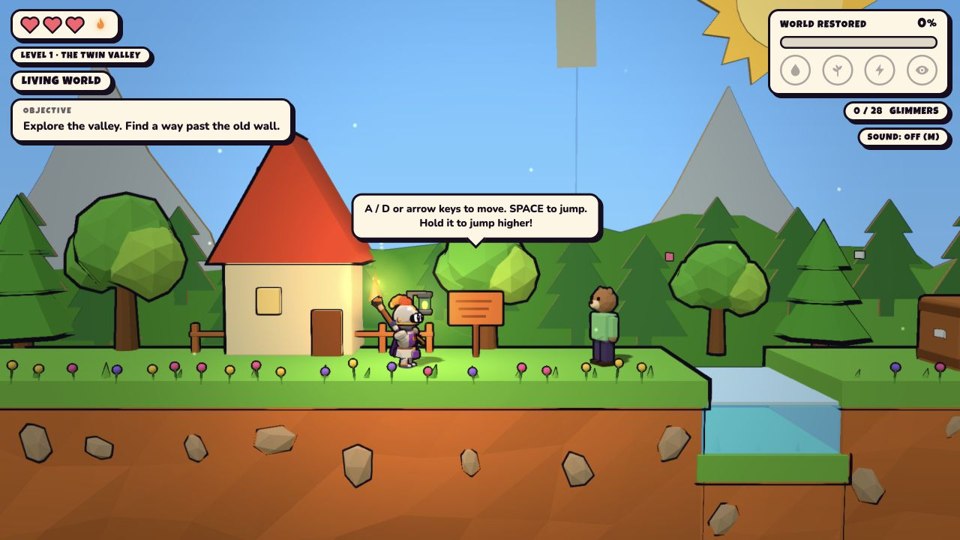
10 Switch between living and burned storybook worlds
Torched Earth
The creator’s phone version displays movement and action buttons automatically. Use them to jump, interact and wield the torch while watching how changes affect the other version of the level.
Before you playFor colourful platform exploration and learning how a level’s special rules open new paths. Its world-switching puzzles are more central than racing to a flag.
Computer · Phone & tablet
See game & play ↗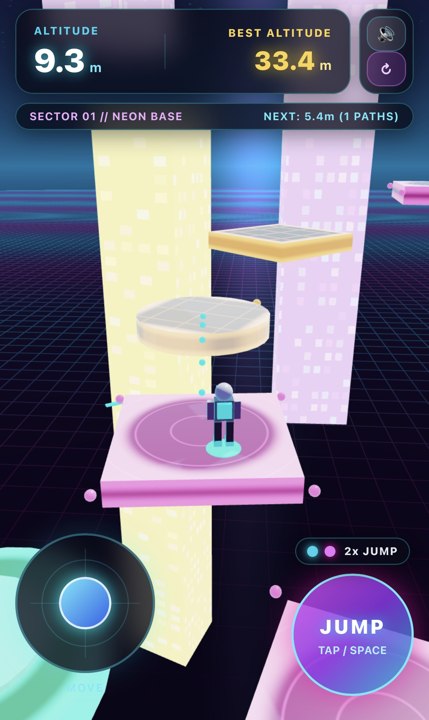
11 Climb a moving three-dimensional obstacle course
Sky Climber 3D
By kenken0014 ↗
Use the phone joystick to move, the jump button to leap and a drag to adjust the camera. The landing marker helps judge depth, but movement and camera control can require both thumbs.
Before you playFor three-dimensional platform placement and timing. This is an endless climb rather than a sequence of Mario-style worlds.
Computer · Phone & tablet
See game & play ↗12 Flip enemies from below, then kick them off the platform
Robomble
By Greg Games ↗
Touch buttons support solo play or an online friend using a separate device and a four-letter code. Same-keyboard local multiplayer is a desktop option. Direct browser-to-browser connections may fail on some networks.
Before you playFor the original Mario Bros. arcade pattern of hitting platforms from underneath and sharing a compact arena. It is a robot-themed original, not a Mario port.
Computer · Phone & tablet
See game & play ↗13 Switch between two rats with different movement abilities
Second Tail
By para1992 ↗
The submitted creator information documents phone support alongside keyboard and controller play. Use the touch controls to move and switch between the rats. The initial download is roughly 190 MB, so allow time and data for it; reduced-motion options are included.
Before you playFor complementary movement abilities, exploration and overcoming a level’s hazards. The two-character structure gives the demo its own puzzle-platforming focus.
Computer · Phone & tablet
See game & play ↗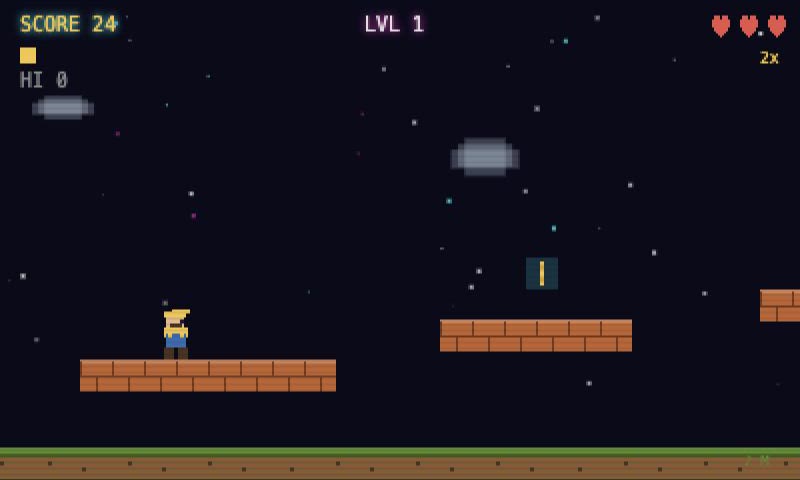
14 Double-jump, stomp enemies and break question blocks
Pixel Jump
On-screen arrows, jump and action buttons cover movement and powers. Keyboard commands remain available on a computer. The public game started during a brief check; no claim of smooth performance on every phone is made.
Before you playFor platforming, enemy stomps and power-up discovery. This is an unofficial independent homage.
Computer · Phone & tablet
See game & play ↗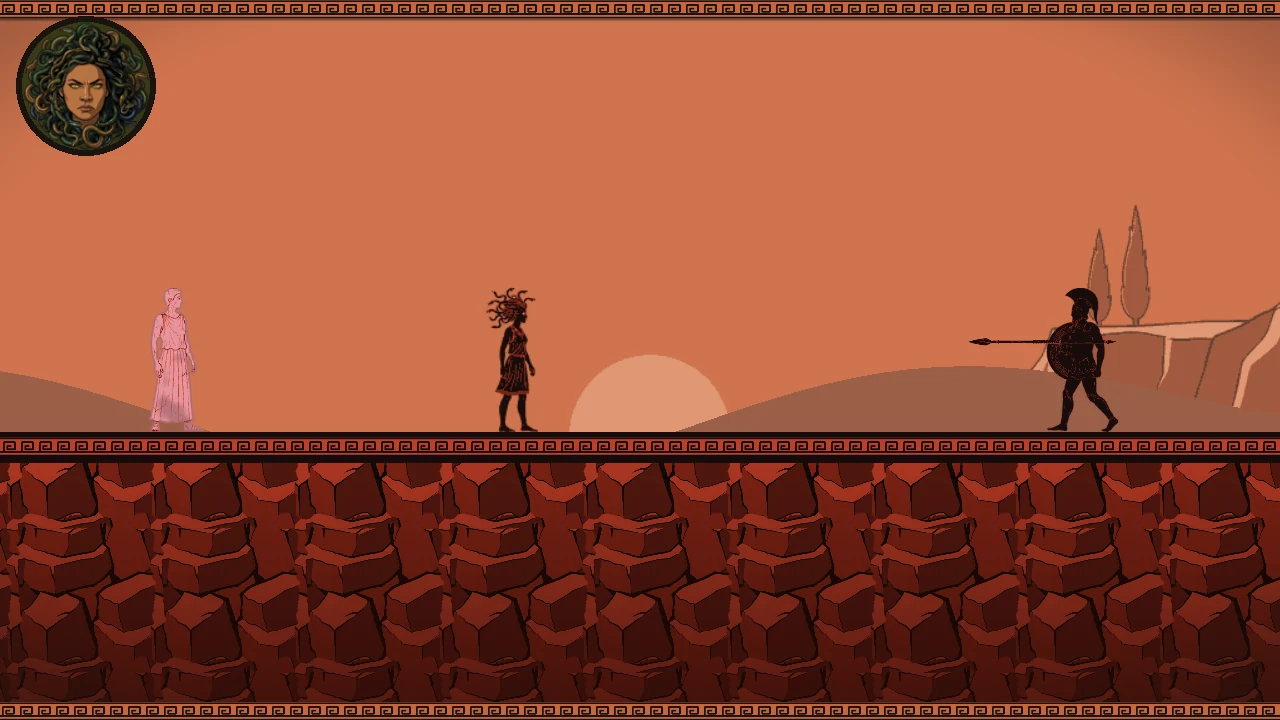
15 Turn an enemy into the next platform
Medusa’s Price
By KingRiot ↗
Turn invading heroes into statues and use them as platforms, bridges and movable blocks. Every petrifying gaze ages Medusa’s portrait, so balance its power against fighting with your snake hair. Use the documented touch movement and combat buttons; no reading is required in the game.
Before you playA more combat-focused platforming alternative: petrified heroes become routes, bridges and movable objects.
Computer · Phone & tablet
See game & play ↗16 Stomp slimes and carry a lantern through three worlds
Lantern Hollow
Jump, wall-jump and dash through forests, caves and ruins. Collect gems and keys, open gates and use a lantern flash alongside platforming and combat. The creator documents on-screen phone controls, while recommending a keyboard for precision.
Before you playThree levels; touch support is documented rather than physically tested here. A compact side-scrolling platform adventure with familiar jumping, collectibles and enemy encounters.
Computer · Phone & tablet
See game & play ↗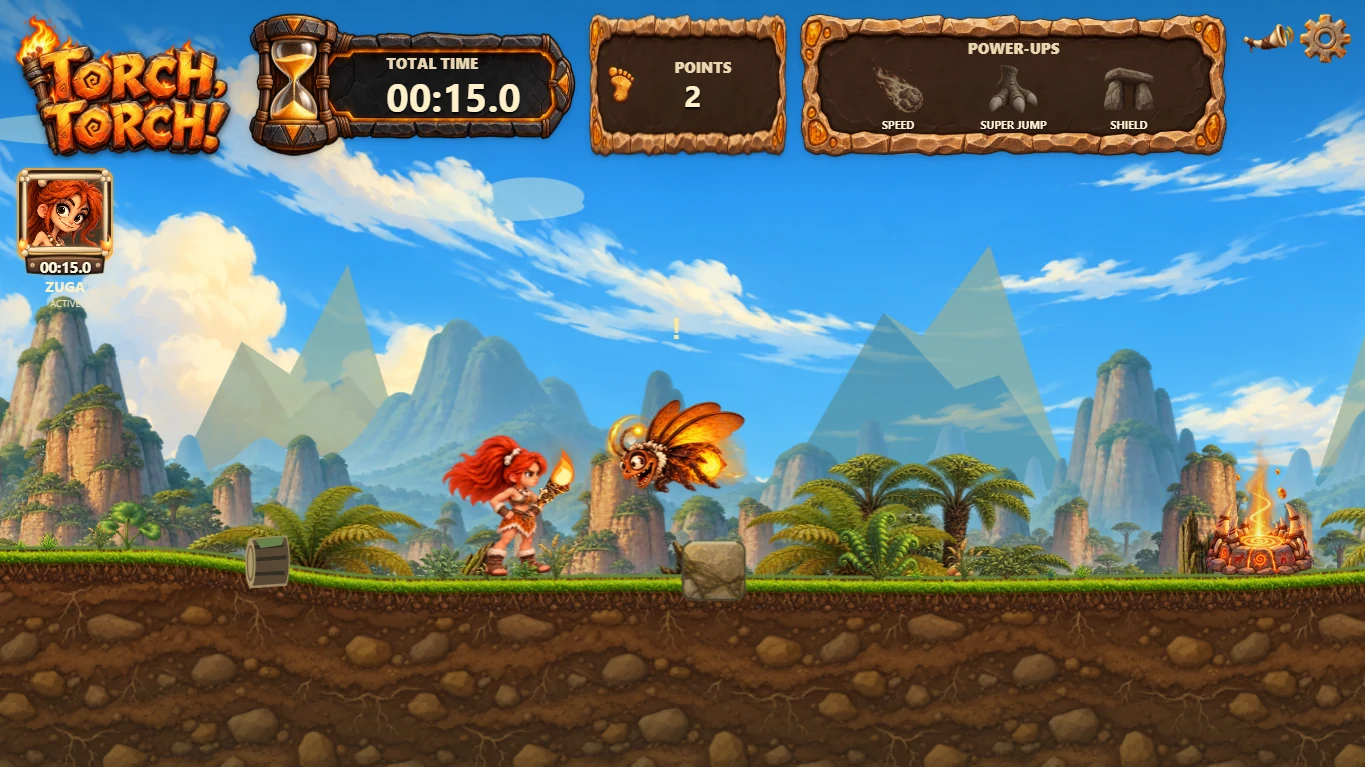
17 Relay a sacred flame across five prehistoric worlds
TORCH, TORCH!
Guide four prehistoric runners through platforms, enemies and hazards, using power-ups and checkpoints to keep the flame moving. Optional touch controls are documented alongside keyboard and gamepad input.
Before you playEnglish is available; check the game’s control screen before starting. For a straightforward platform campaign with colourful worlds and changing characters.
Computer · Phone & tablet · Controller confirmed
See game & play ↗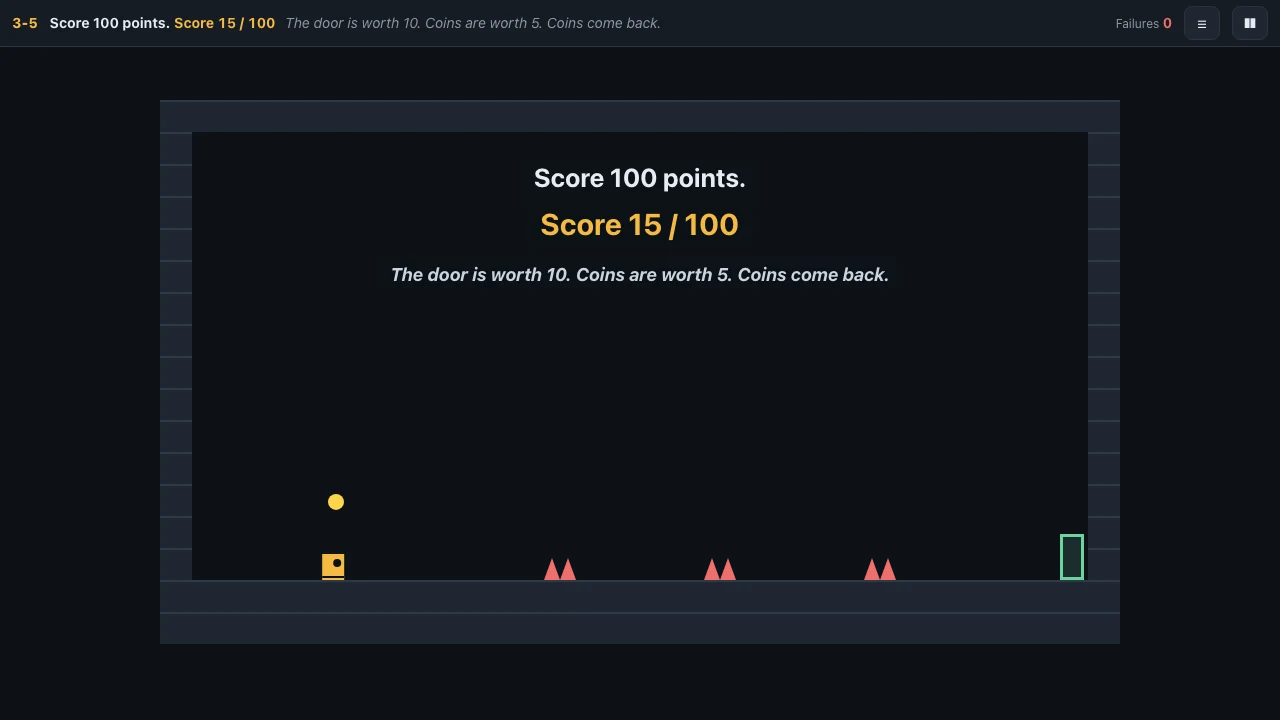
18 Outwit a platformer that keeps changing its rules
Reward Hack
Work through 25 short trick-platform levels where floors collapse, exits move and gravity can change. Every fifth level adds a rule to exploit. Use the documented on-screen movement and action buttons.
Before you playA short-level structure, but no guaranteed completion time is claimed. For jumping challenges with a mischievous twist; expect deliberate traps rather than Mario’s steadier rules.
Computer · Phone & tablet
See game & play ↗
19 Double-jump and dash through nine levels
Hollowstep: Beyond the Gate
By Hollowstep ↗
Cross three worlds using double jumps, dashes and gravity changes while dealing with crumbling platforms and chase sequences. Touch movement and action controls are documented.
Before you playProgress is saved locally in the browser. A level-based movement challenge with the platforming mechanics clearly in the foreground.
Computer · Phone & tablet
See game & play ↗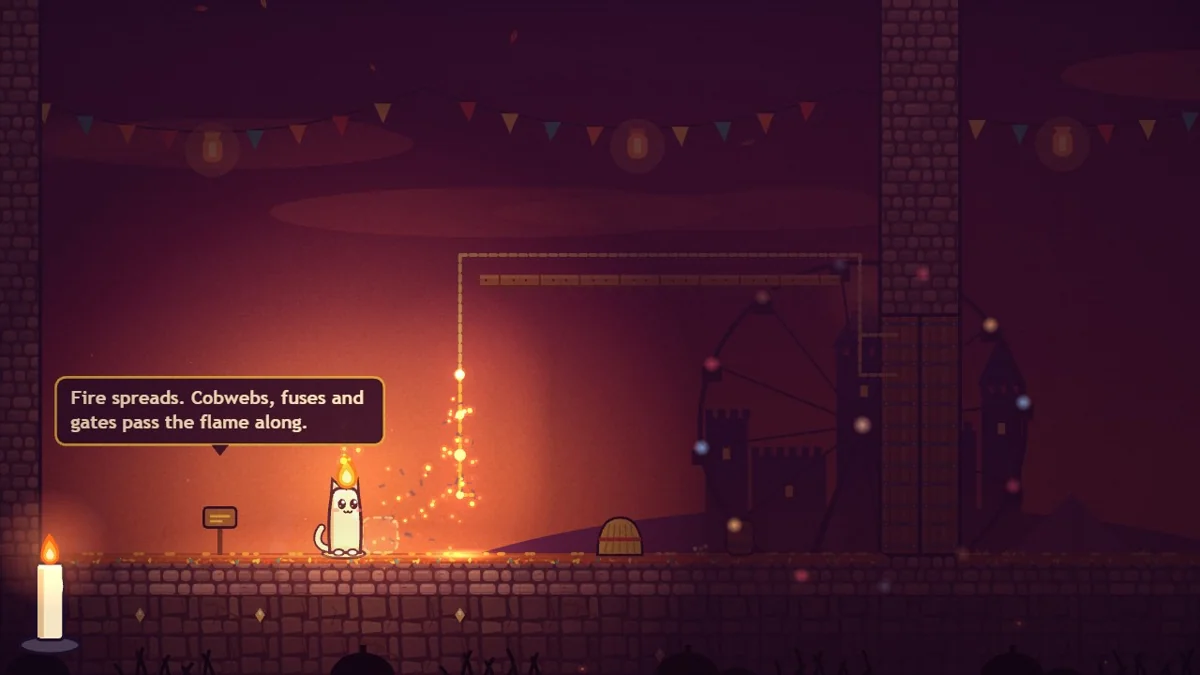
20 Build platforms from the candle-cat’s own wax
WICK
Cross 15 levels as a candle-cat whose wax determines health, height and light. Drip temporary platforms to bridge gaps or climb walls, then recover wax when you can. Landscape iPhone touch controls are documented: thumb pad, JUMP, DRIP and SOAK.
Before you playWax is a limited resource; creating a step can also reduce your next jump. A distinct platforming mechanic built around jumps, checkpoints and environmental hazards.
Computer · Phone & tablet · Controller confirmed
See game & play ↗| Game | Phone layout | Practical detail |
|---|---|---|
| Super Fable Bros. — World 1-1 | Not specified | Unofficial fan recreation |
| Super Mario Galaxy Movie Game | Not specified | More demanding 3D graphics |
| Tropes | Not specified | Assist runs do not enter the daily board |
| Aero Frog Skybound | Landscape | Prototype/demo; separate aim and movement |
| Halfglow: Day/Night Platformer | Not specified | Level estimates are the creator’s |
| Crown Snatcher | Portrait | Movement plus jump controls |
| Out of Frame | Not specified | Desktop recommended; flashing imagery |
| RUNNING LATE | Landscape | Touch controls; death adds to the run timer |
| Rooftop Cat | Landscape | Copy the save code after each completed level |
| Torched Earth | Not specified | On-screen movement and action controls |
| Sky Climber 3D | Not specified | Joystick, jump button and camera drag |
| Robomble | Not specified | Touch solo or online; separate devices for a friend |
| Second Tail | Not specified | Free demo; roughly 190 MB initial download |
| Pixel Jump | Not specified | Documented touch controls; physical phone not tested |
| Medusa’s Price | Use the documented touch movement and combat buttons; no reading is required in the game. | Documented touch controls; physical phone not tested |
| Lantern Hollow | The creator documents on-screen phone controls, while recommending a keyboard for precision. | Three levels; touch support is documented rather than physically tested here. |
| TORCH, TORCH! | Optional touch controls are documented alongside keyboard and gamepad input. | English is available; check the game’s control screen before starting. |
| Reward Hack | Use the documented on-screen movement and action buttons. | A short-level structure, but no guaranteed completion time is claimed. |
| Hollowstep: Beyond the Gate | Touch movement and action controls are documented. | Progress is saved locally in the browser. |
| WICK | Landscape iPhone touch controls are documented: thumb pad, JUMP, DRIP and SOAK. | Wax is a limited resource; creating a step can also reduce your next jump. |
Browser games: common questions
Are these official Super Mario mobile games?
No. The comparisons identify specific shared mechanics. These are separate independent projects or explicitly labelled fan projects and ports; they do not carry the franchise’s accounts, purchases or official online services.
Does mobile support mean every phone was tested?
No. Each pick has game-specific phone or touch documentation. Hardware performance varies, and creator testing limits are called out where relevant. A responsive webpage alone was not enough for selection.
Will my progress transfer to another phone?
Only assume this when a game explicitly provides an account, save code or export/import system. Local browser saves can be lost when you clear data or change browsers; use the documented backup option where one exists.
Found your favourite?
Leave a rating on its game page. Or send a friend somewhere new to play.
OVER TO YOU
Comments
Got a thought, a favourite or a recommendation? Join the conversation.
Loading comments…