Playground guide
10 games like Stardew Valley for mobile browsers
These phone-friendly farms cover tap-to-work plots, season-by-season planning and a portrait farming-and-raiding game. The comparisons concern farming and progression; they do not promise Stardew Valley’s entire town and relationship system.
Phone support is based on game-specific creator documentation and existing verified catalogue evidence. These are not official franchise releases or a claim of hands-on testing on every iPhone, Android phone or tablet.
01 For farming by tapping a tile
Tillbrook: Cozy Farming
By PN Scripts ↗
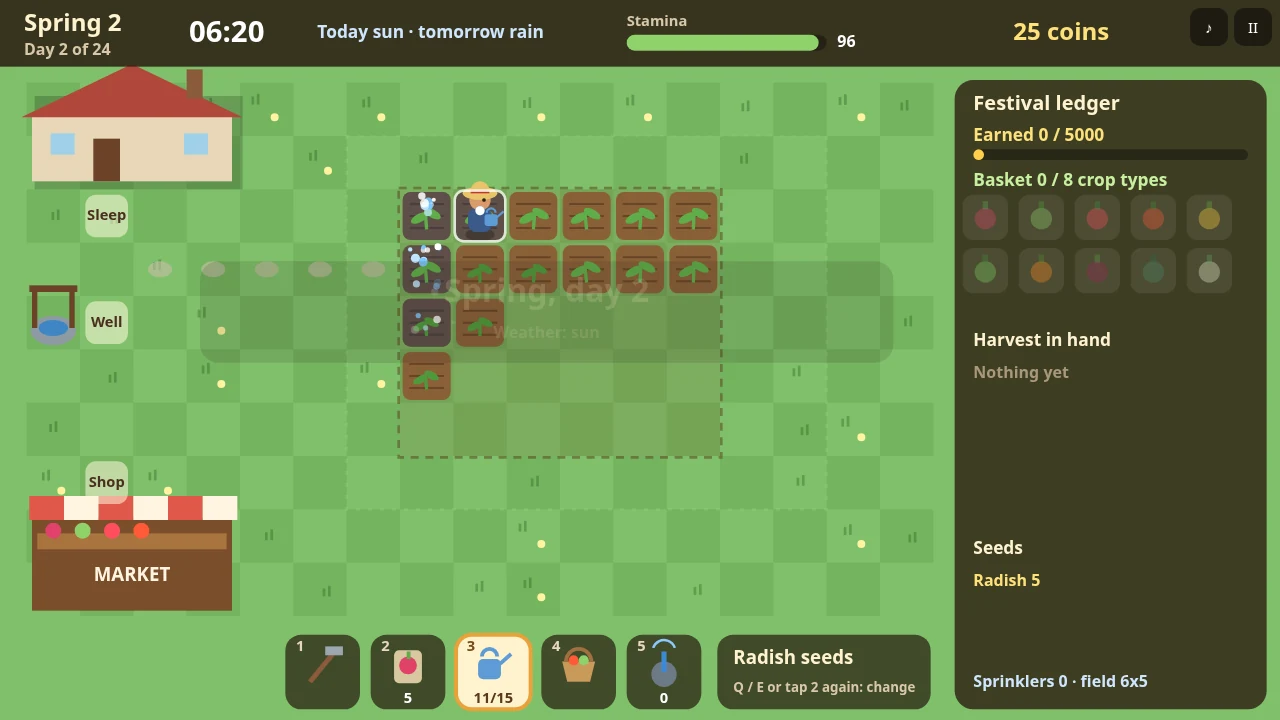
Tap a tile and Tillbrook’s farmer walks there and performs the job. Plant, water, harvest and sell over a short farming year, with days lasting about a minute. Stamina and seasonal goals make planning matter; there is no need to hold a movement stick while tapping tools.
Before you playMinute-long days still advance the farm. Touch support follows creator documentation; no physical-phone test is claimed.
Computer · Phone & tablet
See game & play ↗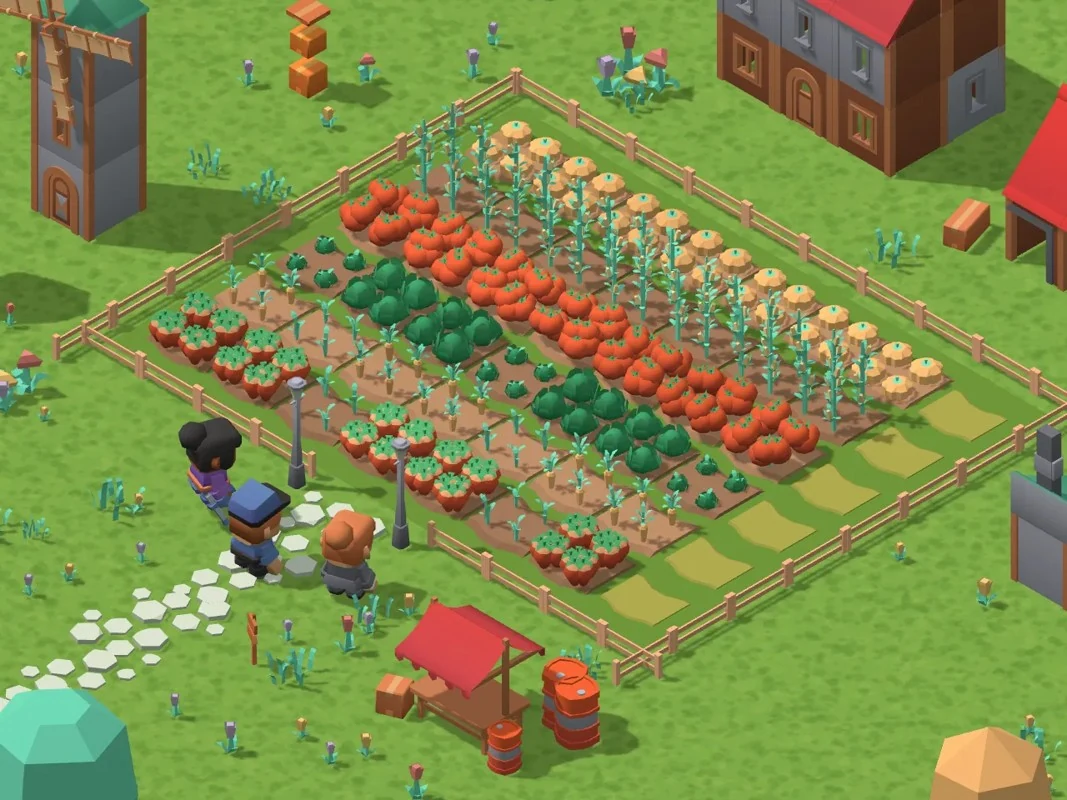
02 For a large action button and a growing farm
Rootstead
By Maxi ↗
Use the big action button to plant, water or harvest the whole field, or tap an individual plot. Drag to look around, pinch to zoom and tap building or visitor bubbles. The creator says progress saves automatically to the Summoned Games player profile every few seconds.
Before you playProfile-based automatic saves. Touch support follows creator documentation; no physical-phone test is claimed.
Computer · Phone & tablet
See game & play ↗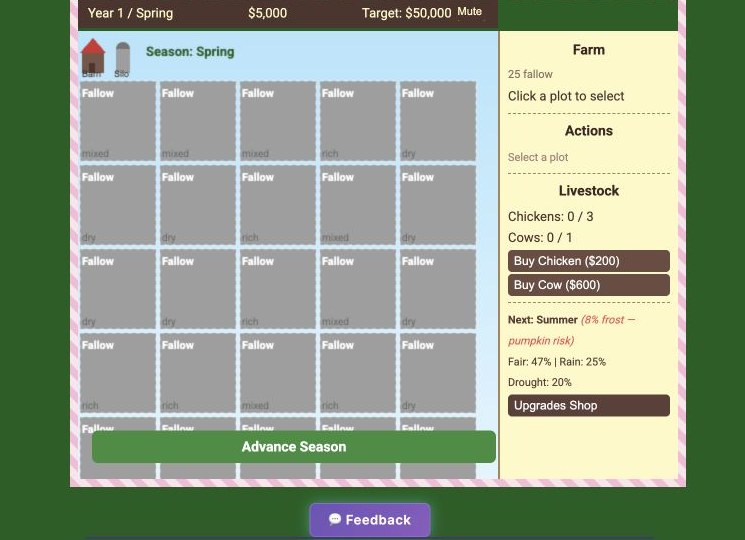
03 For farming decisions taken one season at a time
Homestead
Tap a field, choose a crop and use Advance Season to grow and sell. Homestead reveals weather after you commit, so the emphasis is on planning rather than quick movement. It autosaves at each season advance; starting a new game replaces that save.
Before you playLocal save; New Game overwrites it. Touch support follows creator documentation; no physical-phone test is claimed.
Computer · Phone & tablet
See game & play ↗04 For a portrait farm with seed-raiding trips
Seedlift
By Core Systems Asset Factory ↗
SEEDLIFT’s creator documents an upright layout for a game area of at least 360 by 640 pixels, checked in simulated phone windows rather than on a handset. Touch input covers both the farm and raids for new seeds. Landscape keeps the original wider layout.
Before you playPortrait sizing was simulated by creator. Touch support follows creator documentation; no physical-phone test is claimed.
Computer · Phone & tablet
See game & play ↗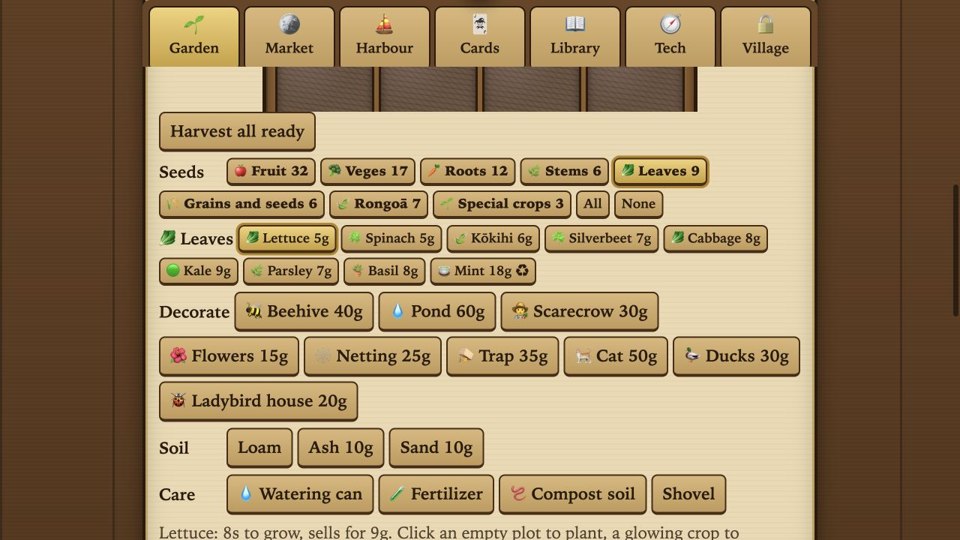
05 For tapping through a coastal farm
TidalPlot
By churbug ↗
Tap plots and menu buttons to work through Tidalplot’s farming systems. The creator lists touchscreen input and English, with a compact interface rather than a continuous two-stick action layout. Use the game’s own section buttons to move between tasks.
Before you playTap-led farming, not a full Stardew-style town. Touch support follows creator documentation; no physical-phone test is claimed.
Computer · Phone & tablet
See game & play ↗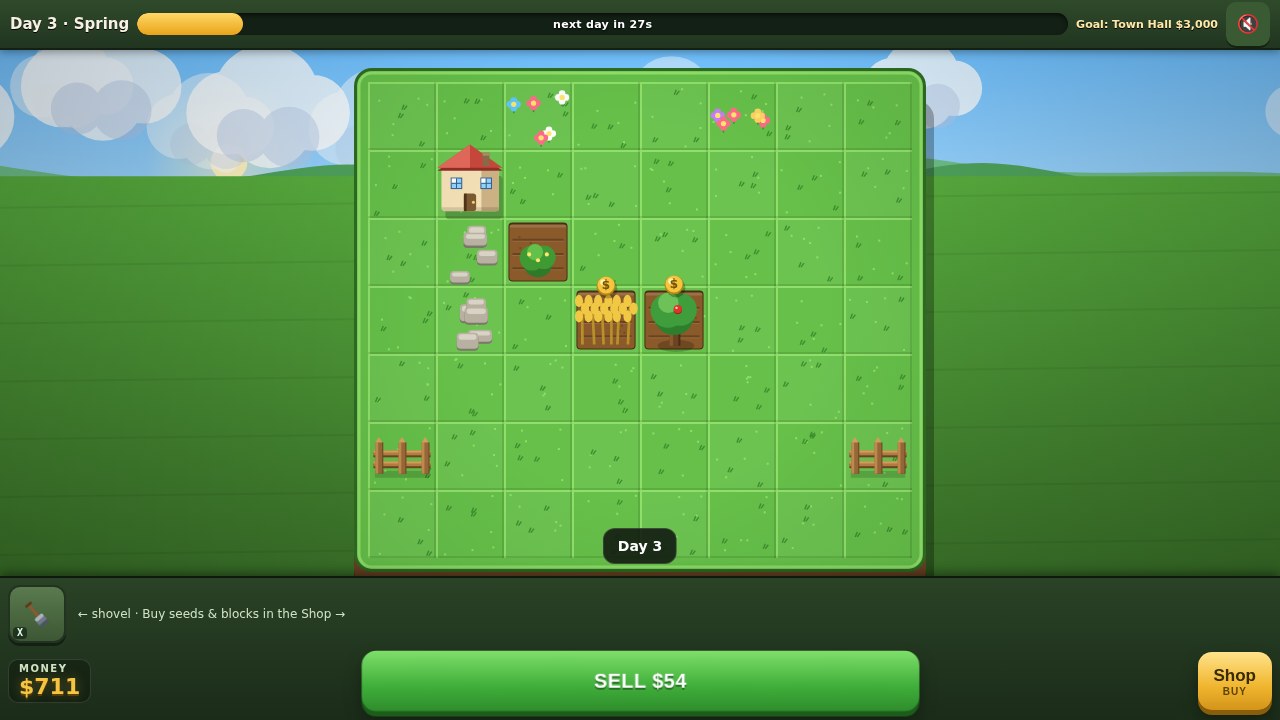
06 For a farm built tile by tile
Farm Town
By Rigid ✅ ↗
Choose a Shop item, select it in the hotbar and tap a tile to plant or place it. Tap a ripe crop to sell that one, or use SELL for everything ready. Days last thirty seconds, and the shovel clears crops or refunds blocks.
Before you playShort real-time farming days. Touch support follows creator documentation; no physical-phone test is claimed.
Computer · Phone & tablet
See game & play ↗07 Settle by the sea before an adventure
Hearthlight
The creator says the browser game plays on a phone but recommends a computer. Party Mode can also use phones as controllers for a larger screen; that is distinct from playing the whole game directly on your phone.
Before you playFor settling into a seaside village, tending a garden and heading out on an adventure. The creator calls it a hobby demo and warns that its full story has not been thoroughly tested by human players.
Computer · Phone & tablet · Controller confirmed
See game & play ↗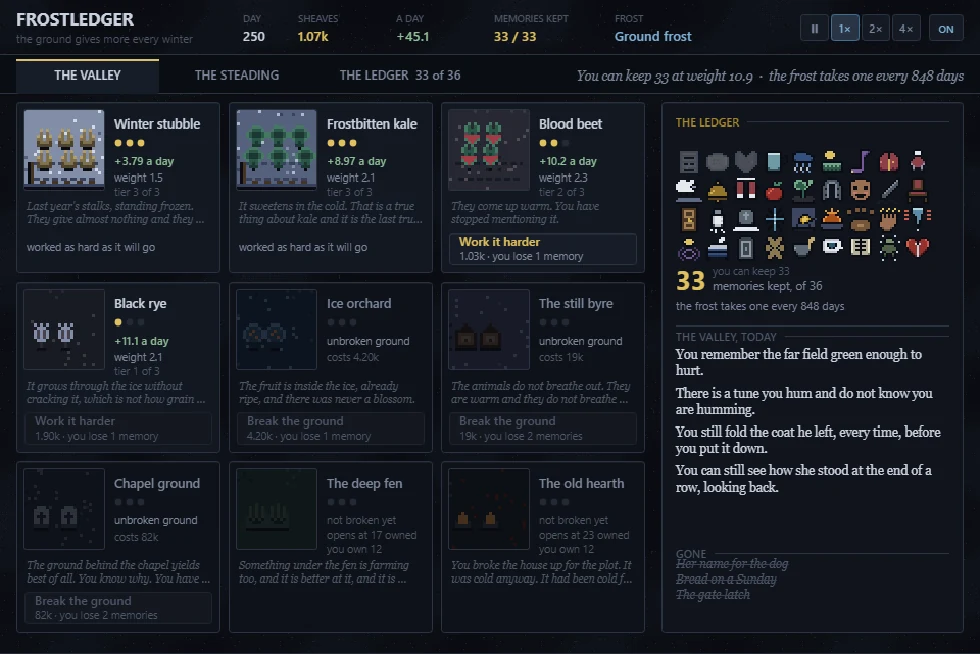
08 Grow a winter farm at the cost of its memories
Frostledger
By CSAF — Core Systems Asset Factory ↗
The creator documents a one-column portrait layout and two-column fields in landscape. Tap an offer to buy it; progress saves in the browser every few seconds. Read each cost before purchasing, because the loss of memories is part of the game.
Before you playFor farm development with a very different mood. This is a dark incremental farming story, not a cosy social-life alternative.
Computer · Phone & tablet
See game & play ↗09 Restore a knitted town from a farm on its outskirts
Yarn Folk
Use the left touch stick to move, drag to look and the Fire, Dash, Jump and Slide buttons for action; tap prompts to talk. Settings can force Phone mode if detection is wrong. The creator asks for a modern browser and a capable device, with a sizeable first 3D load. Saves stay in this browser.
Before you playFor returning to a small farm and helping a town recover one district at a time. Woodland shooting is a substantial part of the loop, so it is a more action-heavy recommendation than Stardew Valley.
Computer · Phone & tablet
See game & play ↗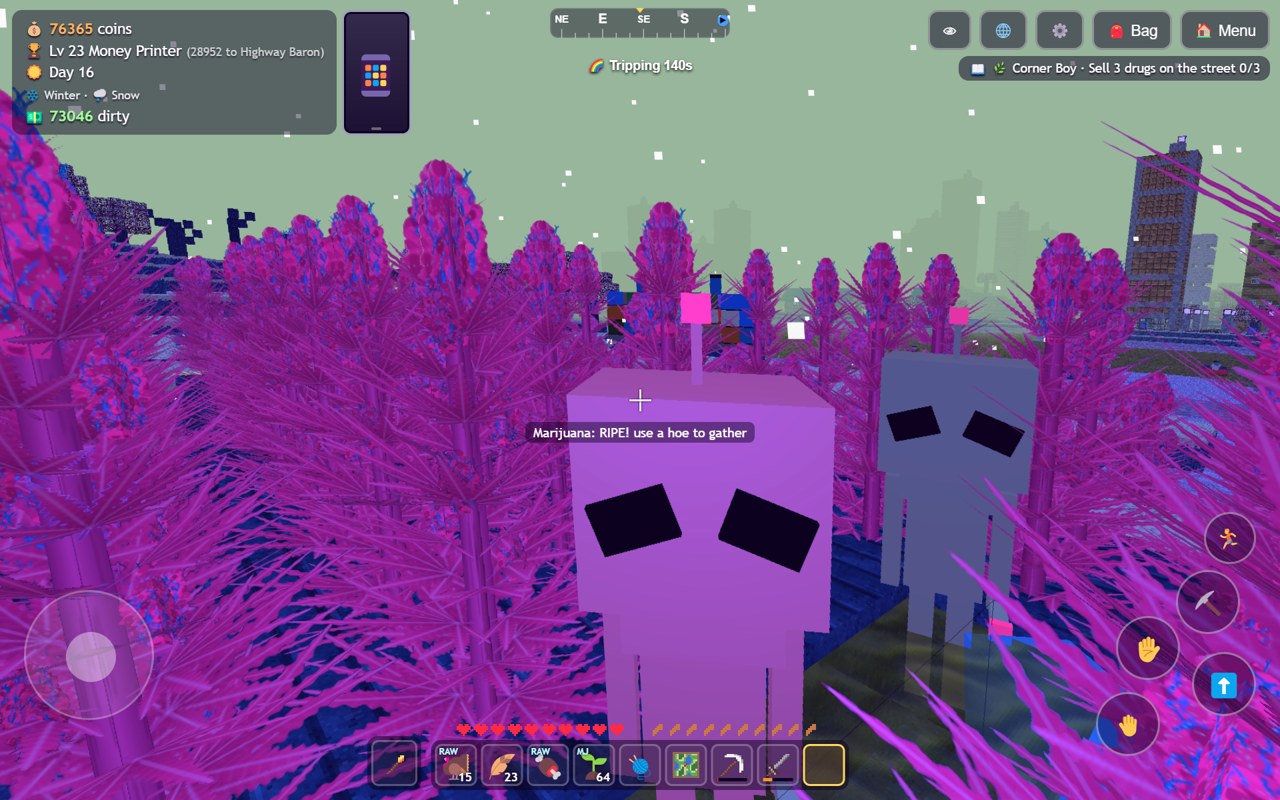
10 For blocky farming, crafting and village trading
DealerCraft
DealerCraft centres on growing crops, making goods and selling them to villagers in a voxel world. The creator’s gameplay gallery shows working on-screen movement and action buttons alongside the farming interface.
Before you playA farming-and-crafting connection; it does not claim Minecraft’s open-ended building systems or Stardew Valley’s full relationship structure.
Computer · Phone & tablet
See game & play ↗| Game | Phone layout | Practical detail |
|---|---|---|
| Tillbrook: Cozy Farming | Not specified | Minute-long days still advance the farm |
| Rootstead | Not specified | Profile-based automatic saves |
| Homestead | Not specified | Local save; New Game overwrites it |
| Seedlift | Portrait or landscape | Portrait sizing was simulated by creator |
| TidalPlot | Not specified | Tap-led farming, not a full Stardew-style town |
| Farm Town | Not specified | Short real-time farming days |
| Hearthlight | Not specified | Desktop recommended; phone-controller mode is separate |
| Frostledger | Portrait or landscape | Local autosave; dark themes and lasting narrative choices |
| Yarn Folk | Not specified | 3D device demands; two-hand action controls; local saves |
| DealerCraft | Keyboard and mouse on desktop; on-screen movement and action controls are shown in the creator’s phone screenshots. | Creator-documented touch support; no physical-phone test by Playground. A farming-and-crafting connection; it does not claim Minecraft’s open-ended building systems or Stardew Valley’s full relationship structure. |
Browser games: common questions
Are these official Stardew Valley mobile games?
No. The comparisons identify specific shared mechanics. These are separate independent projects or explicitly labelled fan projects and ports; they do not carry the franchise’s accounts, purchases or official online services.
Does mobile support mean every phone was tested?
No. Each pick has game-specific phone or touch documentation. Hardware performance varies, and creator testing limits are called out where relevant. A responsive webpage alone was not enough for selection.
Will my progress transfer to another phone?
Only assume this when a game explicitly provides an account, save code or export/import system. Local browser saves can be lost when you clear data or change browsers; use the documented backup option where one exists.
Found your favourite?
Leave a rating on its game page. Or send a friend somewhere new to play.
OVER TO YOU
Comments
Got a thought, a favourite or a recommendation? Join the conversation.
Loading comments…