Mobile browser guide
24 one-handed mobile browser games to play in portrait
A phone game is not automatically a one-handed game. These selections use portrait-compatible layouts and sequential taps, swipes or a single hold-and-release input. None needs you to keep a movement stick pressed with one thumb while aiming or attacking with the other. Each entry distinguishes documented controls and visible layouts from physical phone testing.
Creator instructions, published layouts and input code support the portrait and single-finger selections here. No new physical phone or thumb-reach tests were performed. Comfort still depends on your hand and phone size; the entries identify fast reactions, longer sessions and separate taps where those matter.
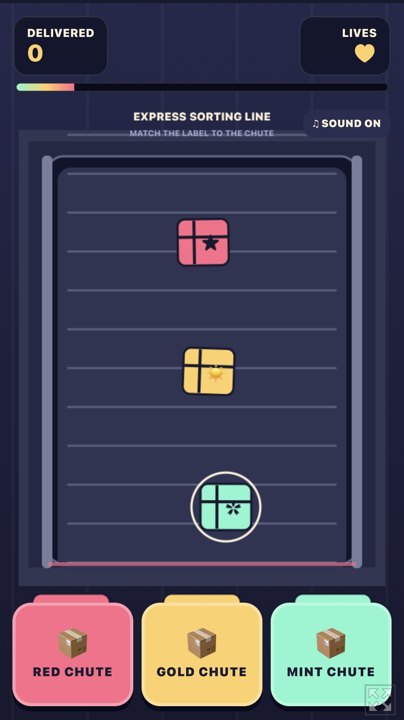
01 Three chutes, one thumb
Panic Parcel: Express Sort
By DRS ↗
Panic Parcel uses a tall 9:16 playfield and three chute buttons along the bottom. Tap the colour matching the incoming package; there is no simultaneous steering or aiming. The conveyor accelerates and three mistakes end the shift.
Why try itThe build explicitly describes one-thumb portrait play, with the main choices grouped at the bottom.
Computer · Phone & tablet
See game & play ↗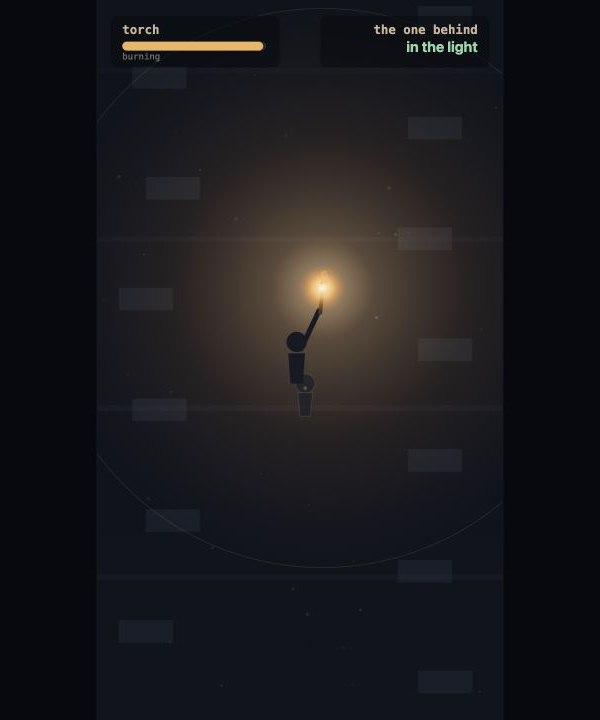
02 Hold to raise the light, release to walk
CARRY
CARRY uses a tall portrait canvas and one input: hold the screen to lift the torch, then release to move. A companion follows behind, making light and progress compete. Route choices are separate taps, not a second action that must be held at the same time.
Why try itThe creator explicitly recommends upright, sound-off, one-finger play.
Computer · Phone & tablet
See game & play ↗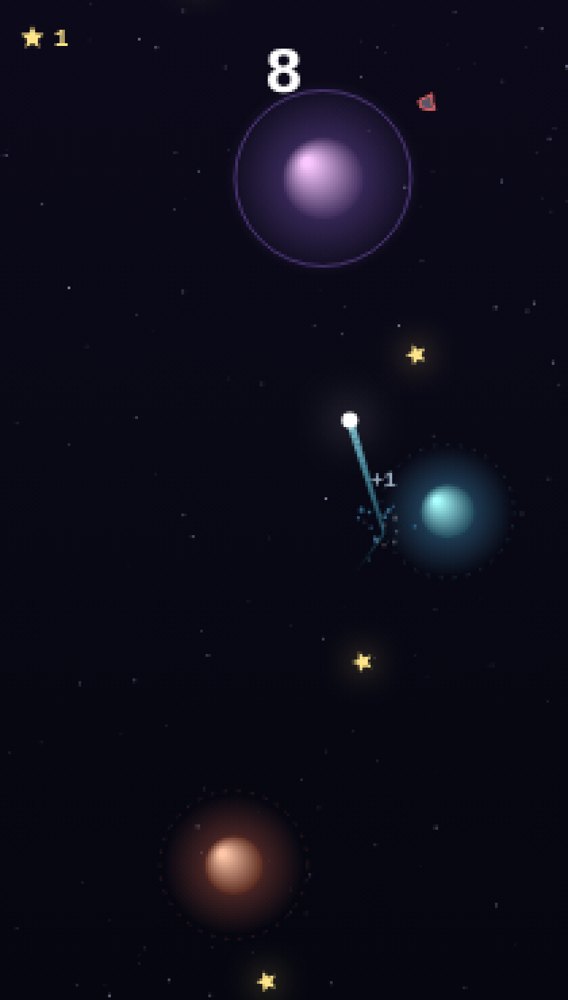
03 Tap anywhere to leave an orbit
Perihelion
Perihelion scales a tall 420-by-740 playfield to the available screen. A single tap releases you from the current planet; timing determines whether you reach the next orbit. Menu choices and trail selection are separate taps.
Why try itThe main action does not depend on reaching opposite-side buttons or holding a virtual joystick.
Computer · Phone & tablet
See game & play ↗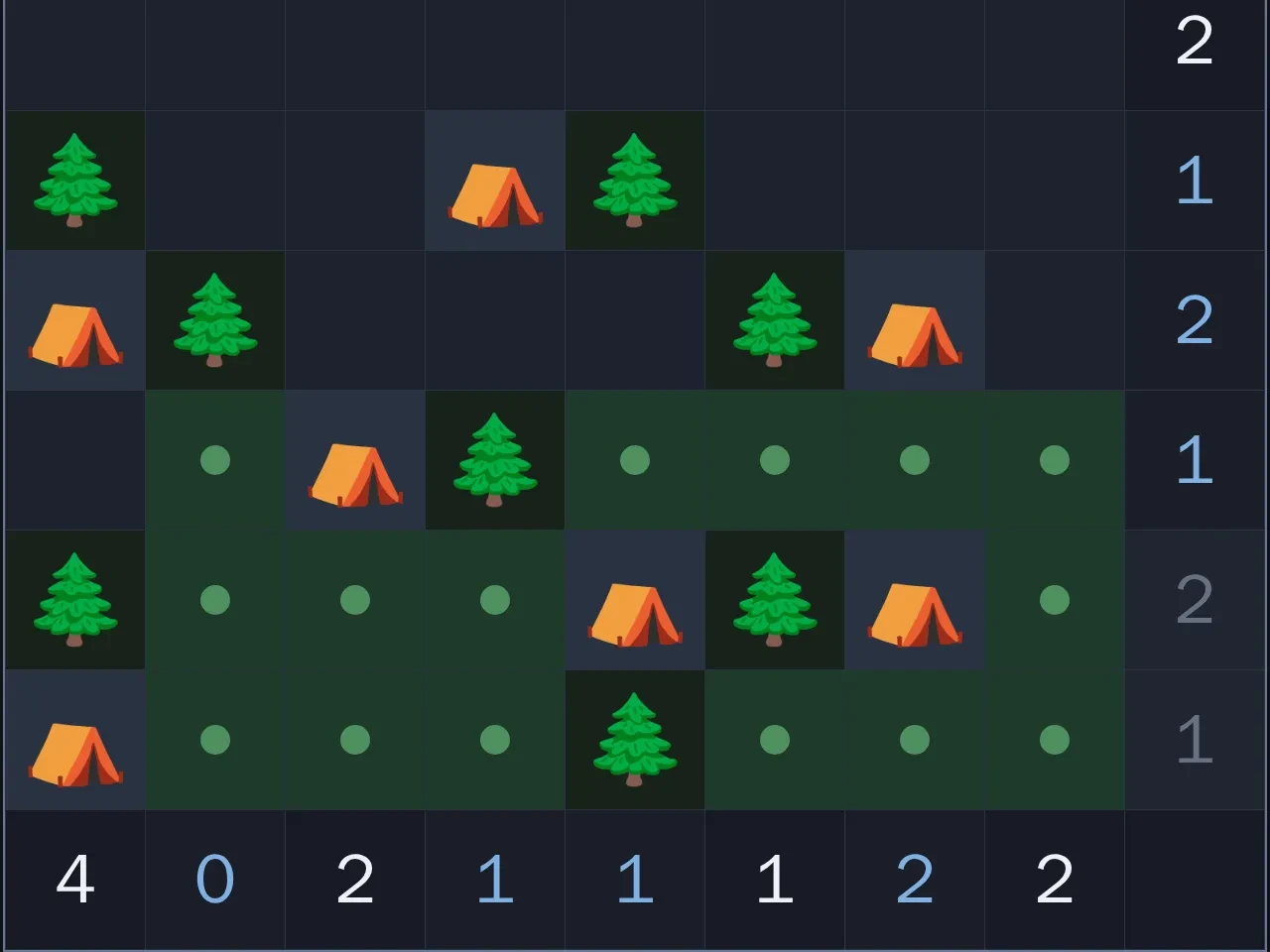
04 A portrait puzzle with time to move your thumb
Tents and Trees
By Maxi ↗
Tents and Trees places a square puzzle above a row of actions in its portrait layout. Tap cells to cycle their state; Undo, Hint and Check are separate buttons. Start with a 6×6 or 8×8 board: larger grids make targets smaller, and the Zoom option may help.
Why try itNo simultaneous controls or time-critical gestures. You can reposition your hand before the next tap, although reaching the upper cells depends on your phone.
Computer · Phone & tablet
See game & play ↗05 For portrait deduction without two-thumb controls
Chronology of a Ghost
By Core Systems Asset Factory ↗
Chronology of a Ghost documents a portrait phone layout. Drag its lamp to alter the shadows, then tap evidence and answers. These actions happen in sequence; there is no movement stick that must be held while another thumb attacks.
Why try itThe four-room mystery has no game-over state and saves progress. One-handed suitability follows the documented layout and control sequence, not a physical-handset test.
Computer · Phone & tablet
See game & play ↗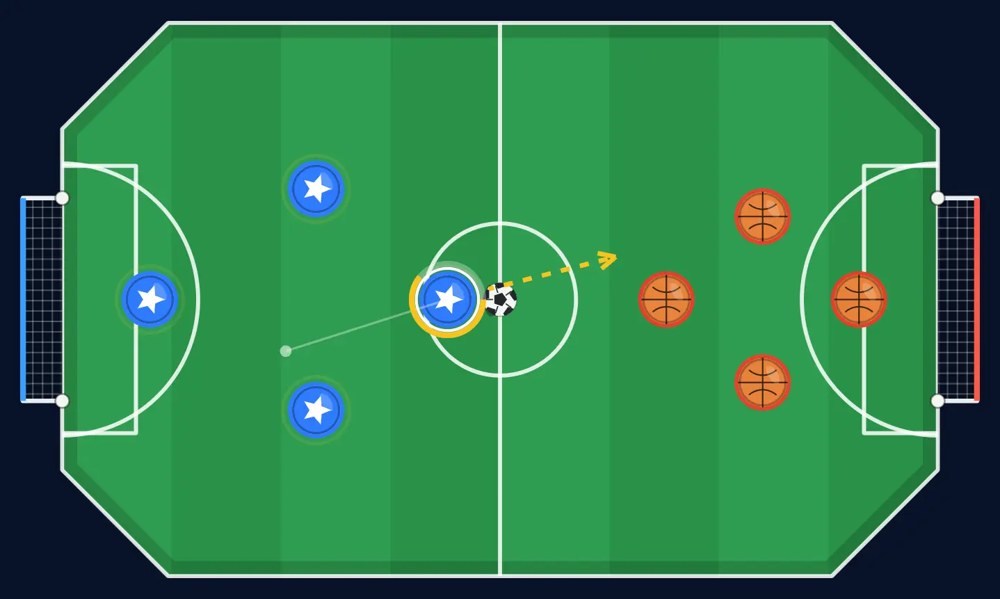
06 For a portrait flick-football board
World Soccer M
By realgame ↗
World Soccer M provides a portrait option. Touch a piece, drag to aim and release the shot, then wait for the physics to resolve before taking the next turn. There is no continuous movement-plus-action combination.
Why try itChoose portrait in the layout settings. Computer, pass-and-play and room-code modes are documented; the article does not claim every phone’s reach comfort was tested.
Computer · Phone & tablet
See game & play ↗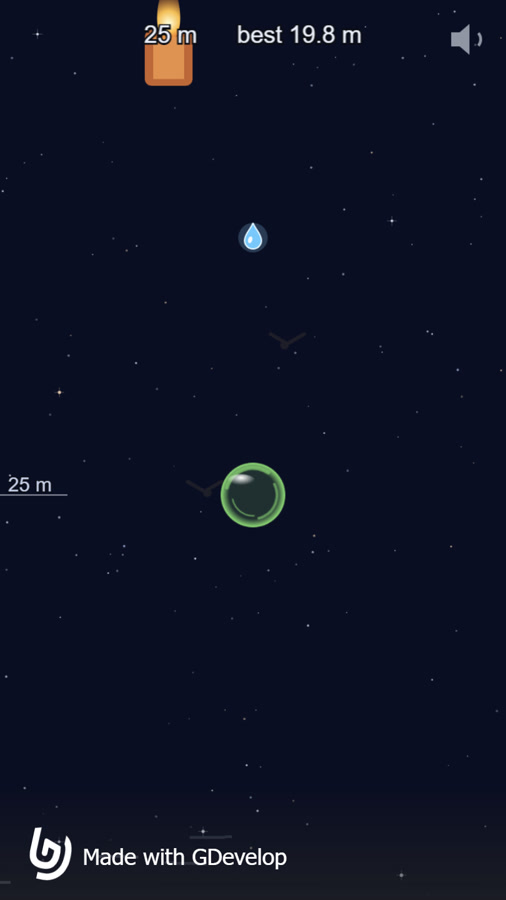
07 Single-finger gusts around a rising bubble
Thin Film
Thin Film uses a tall playfield and one swipe at a time to make wind. Swipe under the bubble to lift it or beside it to redirect it; you never need to hold a movement stick while pressing another button.
Why try itThe creator documents phone swipes and its gameplay gallery shows the portrait playfield. Input suitability is source-verified, not a claim of physical one-handed testing on every phone.
Computer · Phone & tablet
See game & play ↗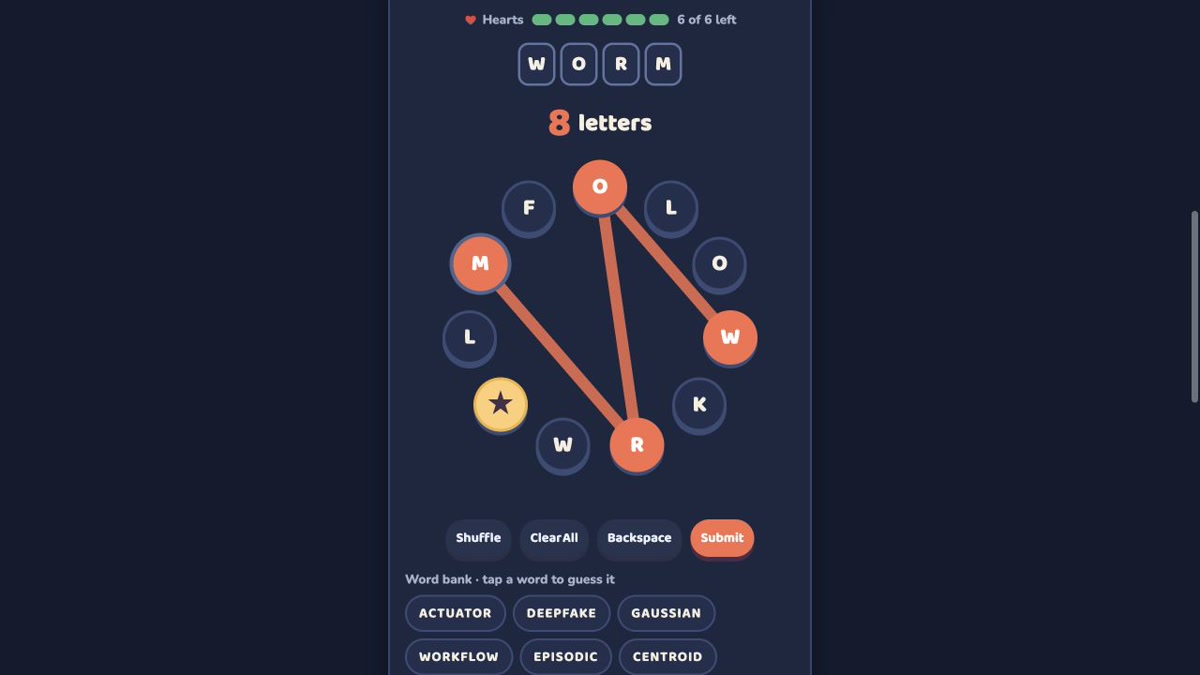
08 Tap letters around a ring
Mochi’s Word Ring
Mochi’s Word Ring places its puzzle in a narrow central layout with letter buttons and sequential word controls. Select letters, submit and use hints without simultaneous presses.
Why try itThe creator explicitly designs the game for phones. A desktop guest check confirmed letter selection in the narrow layout; no physical one-handed phone test is claimed.
Computer · Phone & tablet
See game & play ↗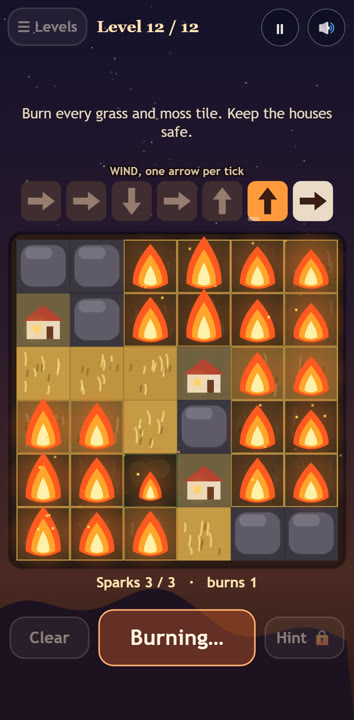
09 Tap sparks into a portrait puzzle board
Kindling
By smokeyai ↗
Choose where to ignite a field so the forecast wind burns every patch of grass without touching a house. Solve lessons, harder levels, daily puzzles and generated practice boards. Tap or click grass to place a spark, then Burn. Space burns, M mutes and Esc pauses; portrait touch play is documented. These are documented controls; no physical-phone playtest is claimed.
Why try itThe creator explicitly documents portrait phone play. Place or remove a spark with a tap, then tap Burn; simultaneous two-thumb controls are unnecessary.
Computer · Phone & tablet
See game & play ↗Creator information, gameplay media and public build source ↗
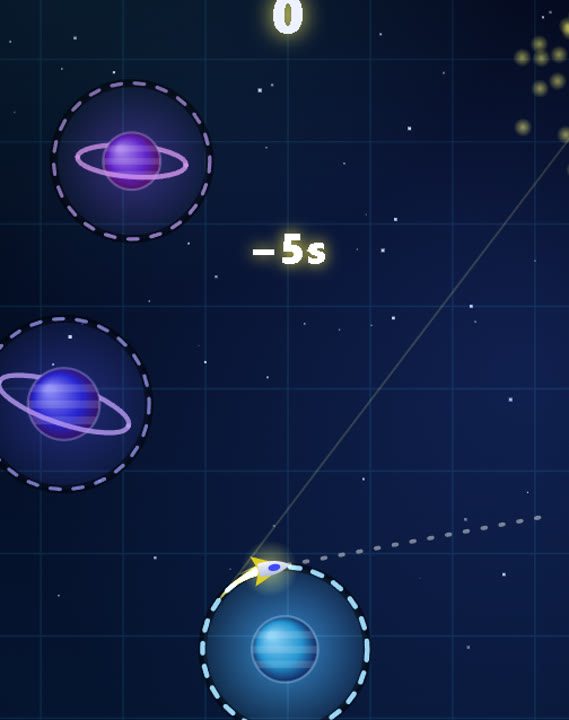
10 Time a single tap between orbiting planets
Orbita
By MG ↗
Time a launch from one orbit to the next and keep a tiny traveller moving through space. Choose difficulty levels and chase a longer run in a one-button arcade prototype. Tap or click the play area, or press Space, to launch; the interface also supports touch. These are documented controls; no physical-phone playtest is claimed.
Why try itThe reviewed portrait interface and current game code use one pointer tap for launch. There is no simultaneous movement-and-aiming control; physical-phone comfort was not tested.
Computer · Phone & tablet
See game & play ↗Creator information, gameplay media and public build source ↗
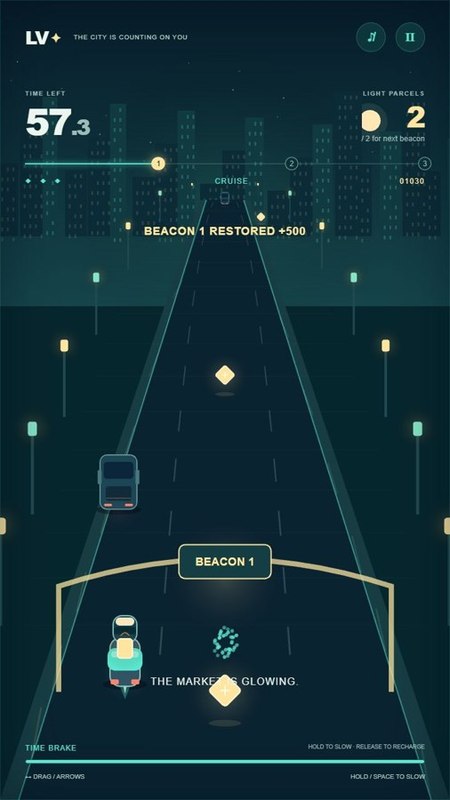
11 Steer and slow time with the same finger
Lantern Velocity
By Jac Ada ↗
Use a portrait 720-by-1280 playfield: drag to steer while holding, then lift your finger to accelerate. The same pointer controls movement and braking.
Why try itThe published input code tracks one active pointer, with no second action button required during steering.
Computer · Phone & tablet
See game & play ↗12 Steer, release a dash and tap Recall
Captain Pandarou · Ricochets
Guide a small boat across five islands. Drag to steer, drag upward and release to dash, then tap the anchor to recall the boat.
Why try itThe creator explicitly designs it for portrait touch play, with actions performed in sequence. It is a longer adventure, not a short-round promise.
Computer · Phone & tablet
See game & play ↗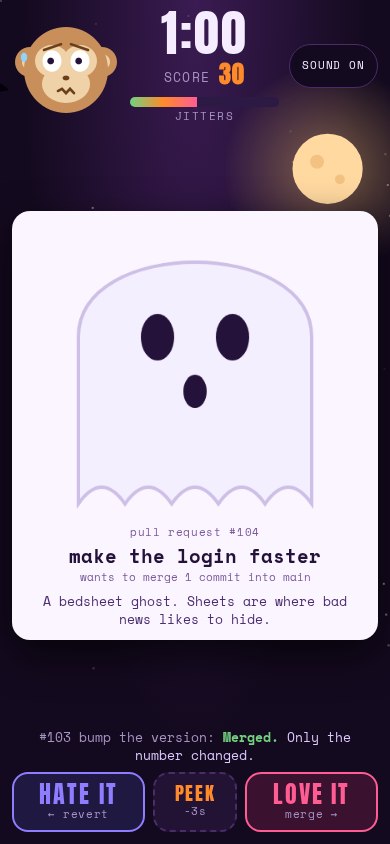
13 Swipe one card at a time
Love It or Revert It
Accept or reject the card in front of you with a single left or right swipe. The page uses a narrow responsive stack, with optional separate decision buttons.
Why try itThe reviewed layout and pointer handlers support one card drag at a time, without simultaneous joystick and action inputs.
Computer · Phone & tablet
See game & play ↗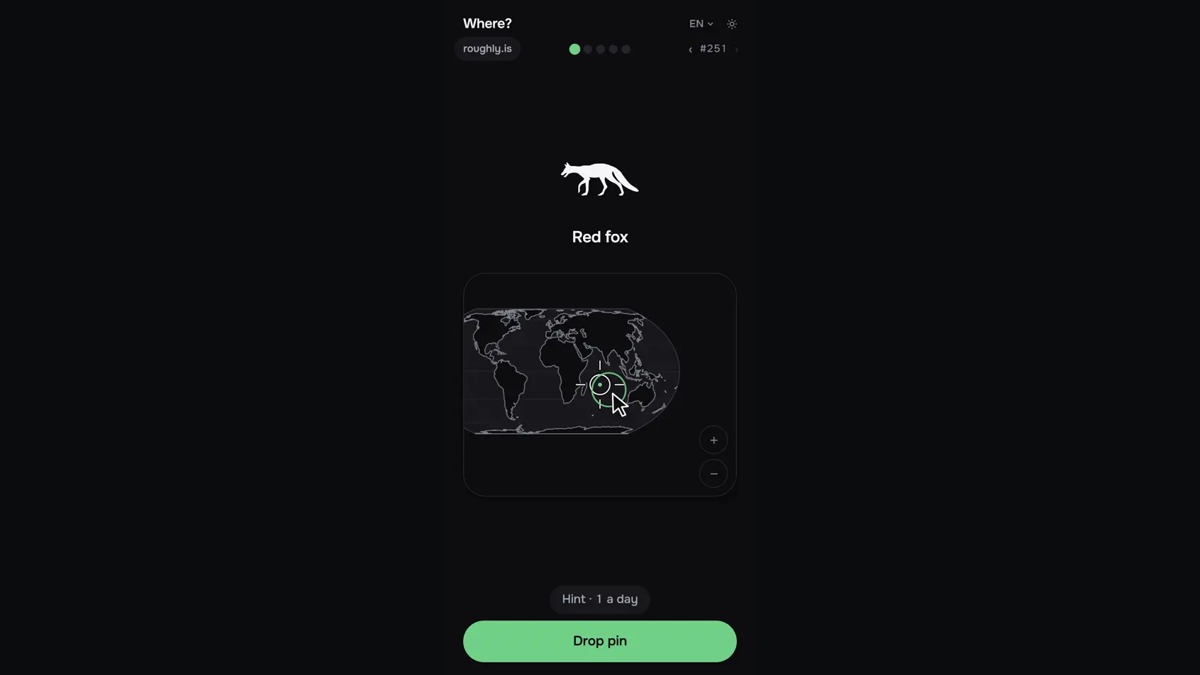
14 For Roughly: Where?
Roughly: Where?
Place animals on an unlabelled world map, then see how far your guess lands from their real range. Five free daily rounds; past-day access is a paid extra. Drag the map under the crosshair, pinch or use keys to zoom, then drop the pin.
Why try itThe creator’s portrait interface and sequential drag/tap controls are shown in its gameplay screenshots; no two-thumb simultaneous input is required.
Computer · Phone & tablet
See game & play ↗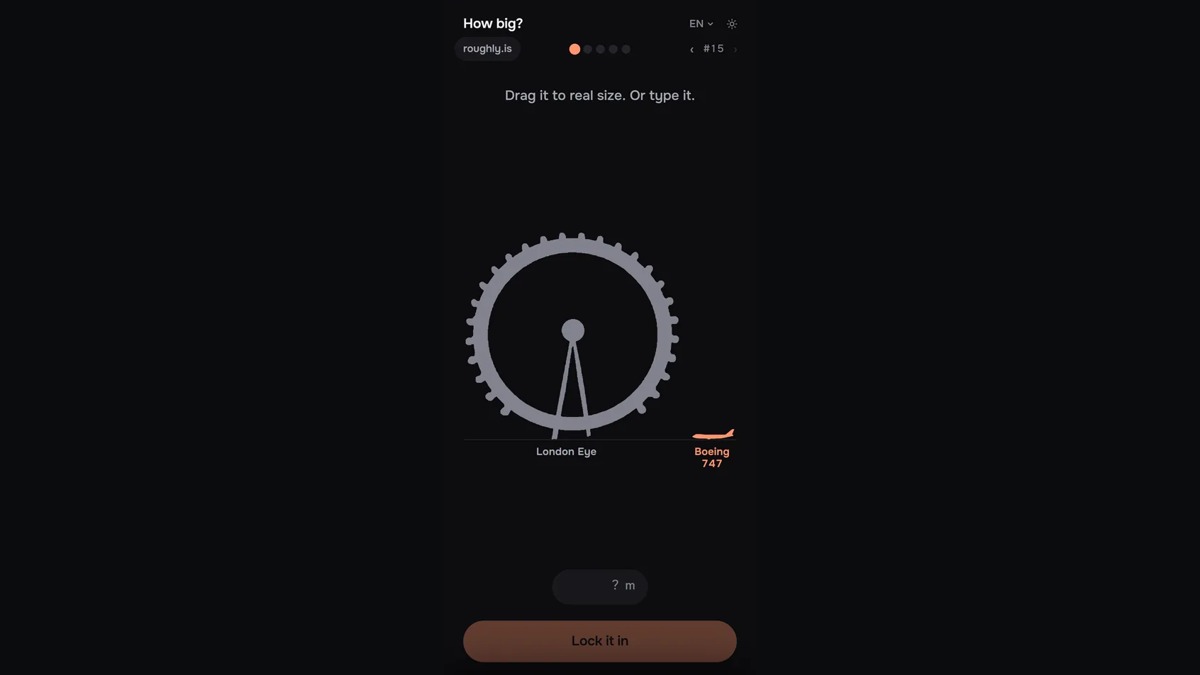
15 For Roughly: How Big?
Roughly: How Big?
Resize a familiar object beside another and estimate its true scale, from animals to rockets. Five free daily rounds; past-day access is a paid extra. Drag to resize the target or type a measurement, then lock in your answer.
Why try itThe creator’s portrait interface and sequential drag/tap controls are shown in its gameplay screenshots; no two-thumb simultaneous input is required.
Computer · Phone & tablet
See game & play ↗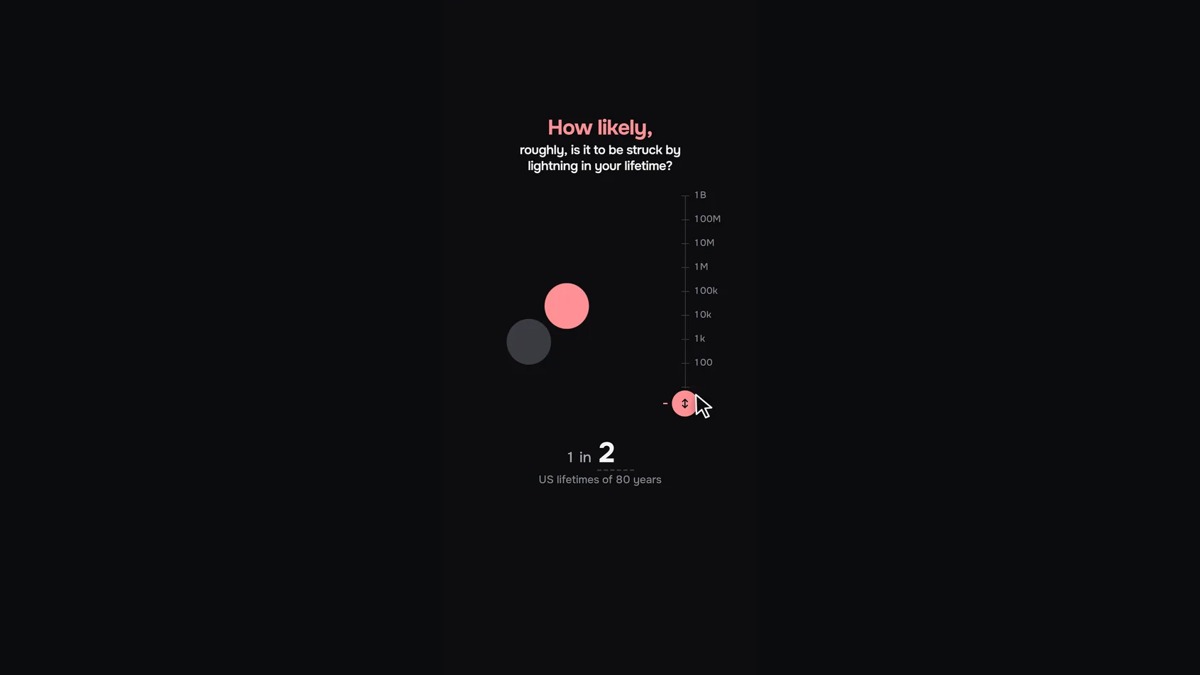
16 For Roughly: How Likely?
Roughly: How Likely?
Estimate the odds of unusual events and compare your reasoning with the game’s sourced answer. Five free daily rounds; past-day access is a paid extra. Drag the probability scale or use the answer field, then lock it in.
Why try itThe creator’s portrait interface and sequential drag/tap controls are shown in its gameplay screenshots; no two-thumb simultaneous input is required.
Computer · Phone & tablet
See game & play ↗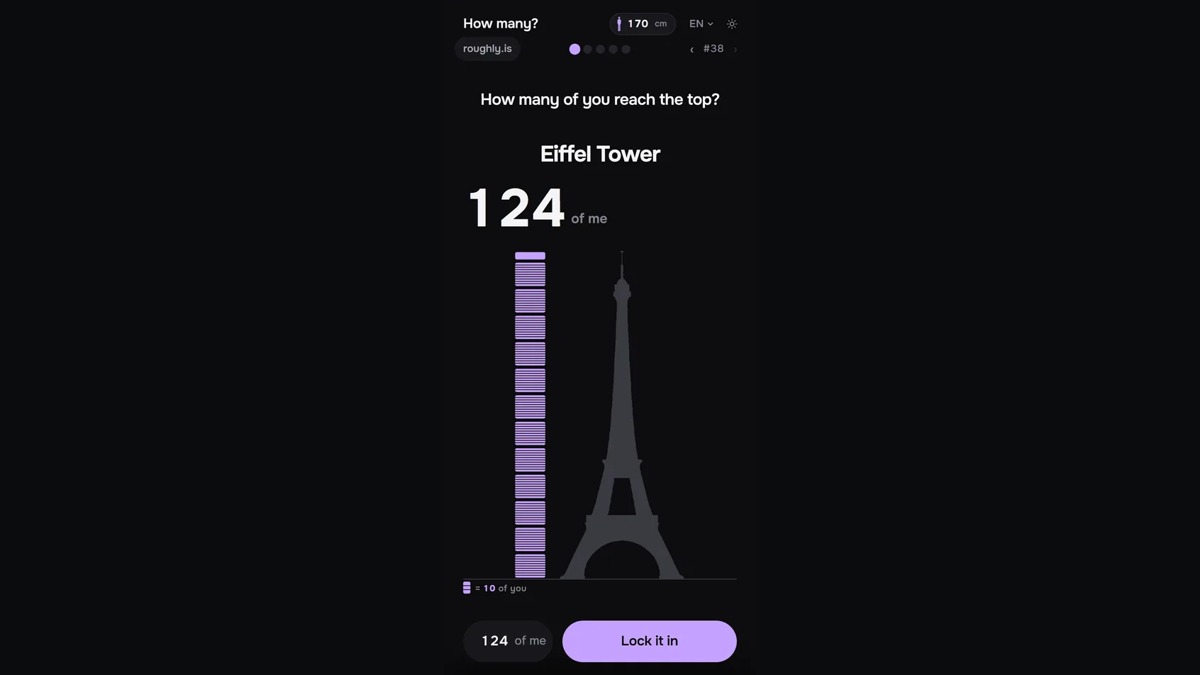
17 For Roughly: How Many?
Roughly: How Many?
Estimate the height of landmarks in people and everyday objects, using a visual stack as your ruler. Five free daily rounds; past-day access is a paid extra. Set a reference height on your device, drag the stack to your estimate, then lock it in.
Why try itThe creator’s portrait interface and sequential drag/tap controls are shown in its gameplay screenshots; no two-thumb simultaneous input is required.
Computer · Phone & tablet
See game & play ↗
18 For Roughly: When?
Roughly: When?
Place inventions, buildings and historical events along a 5,000-year timeline, scoring by how close you get. Five free daily rounds; past-day access is a paid extra. Drag along the timeline and place a pin at your chosen date.
Why try itThe creator’s portrait interface and sequential drag/tap controls are shown in its gameplay screenshots; no two-thumb simultaneous input is required.
Computer · Phone & tablet
See game & play ↗
19 For Roughly: Where From?
Roughly: Where From?
Locate company headquarters from familiar names and logos on an unlabelled world map. Five free daily rounds; past-day access is a paid extra. Drag the map and drop a pin where you think the company is based.
Why try itThe creator’s portrait interface and sequential drag/tap controls are shown in its gameplay screenshots; no two-thumb simultaneous input is required.
Computer · Phone & tablet
See game & play ↗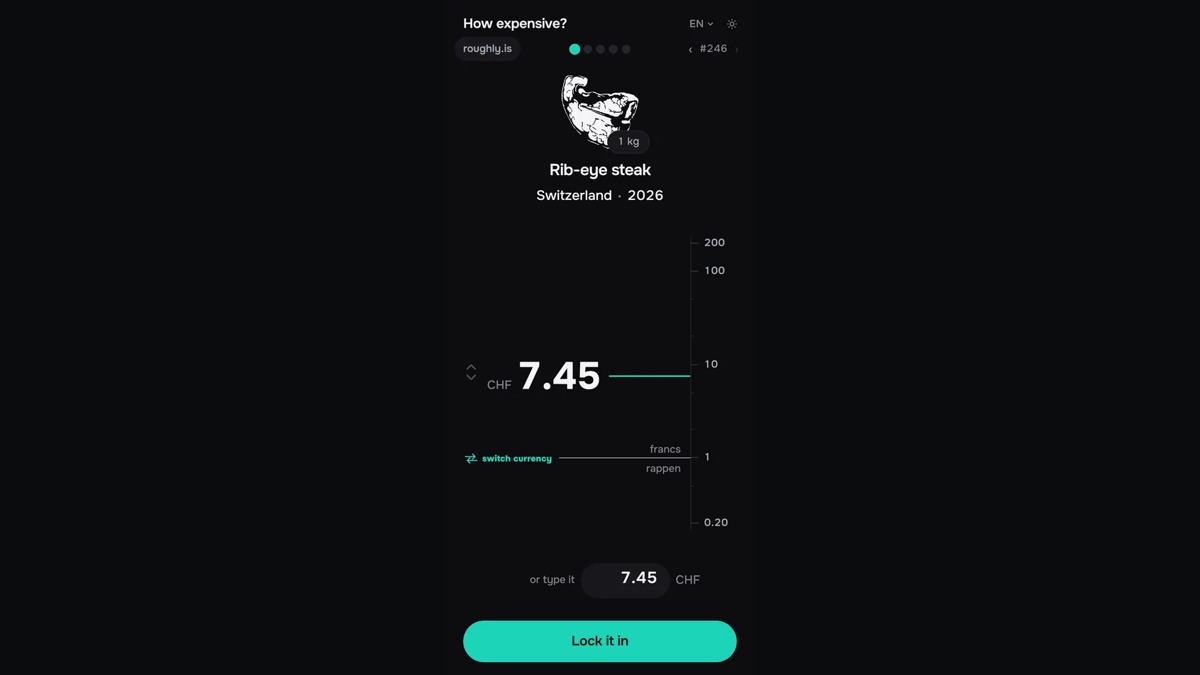
20 For Roughly: How Expensive?
Roughly: How Expensive?
Estimate what an item cost in a particular country and year, then compare your guess with its recorded price. Five free daily rounds; past-day access is a paid extra. Drag the price scale or type an amount, then lock in the estimate.
Why try itThe creator’s portrait interface and sequential drag/tap controls are shown in its gameplay screenshots; no two-thumb simultaneous input is required.
Computer · Phone & tablet
See game & play ↗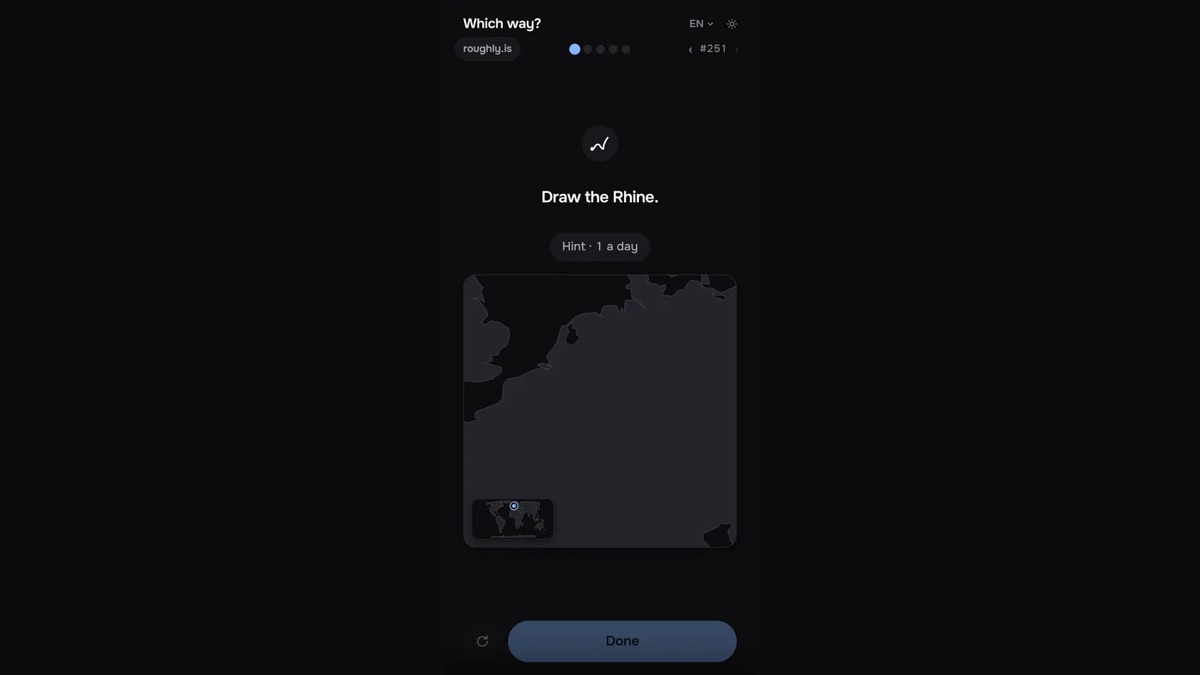
21 For Roughly: Which Way?
Roughly: Which Way?
Draw the course of a river or mountain range on an unlabelled map and compare it with the real route. Five free daily rounds; past-day access is a paid extra. Draw one continuous stroke with a mouse or finger; release to compare the routes.
Why try itThe creator’s portrait interface and sequential drag/tap controls are shown in its gameplay screenshots; no two-thumb simultaneous input is required.
Computer · Phone & tablet
See game & play ↗
22 For Roughly: Who?
Roughly: Who?
Read a real survey question, choose an answer and estimate how many people gave it. Five free daily rounds; past-day access is a paid extra. Choose an option, then drag the percentage field to estimate the published share.
Why try itThe creator’s portrait interface and sequential drag/tap controls are shown in its gameplay screenshots; no two-thumb simultaneous input is required.
Computer · Phone & tablet
See game & play ↗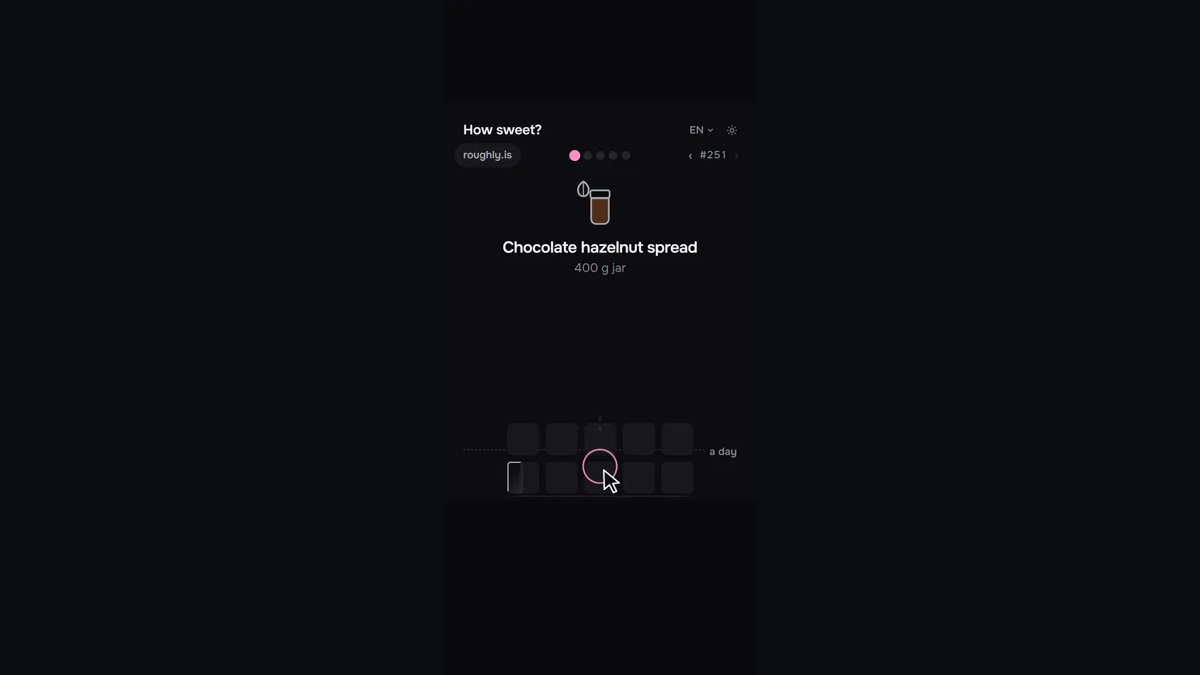
23 For Roughly: How Sweet?
Roughly: How Sweet?
Stack sugar cubes to estimate the sugar in a stated portion of food or drink, then compare the measured amount. Five free daily rounds; past-day access is a paid extra. Drag the cube stack or type an amount; each cube represents four grams.
Why try itThe creator’s portrait interface and sequential drag/tap controls are shown in its gameplay screenshots; no two-thumb simultaneous input is required.
Computer · Phone & tablet
See game & play ↗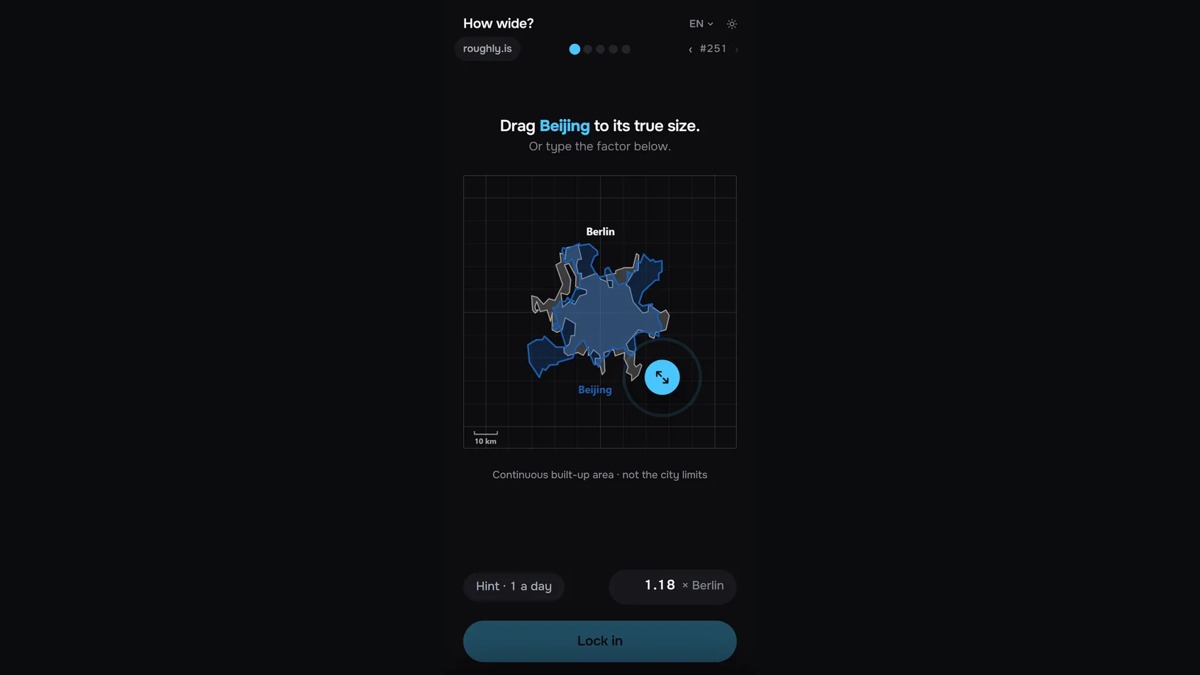
24 For Roughly: How Wide?
Roughly: How Wide?
Resize one city beside another to estimate its continuous built-up area, then reveal their true relative sizes. Five free daily rounds; past-day access is a paid extra. Drag the city’s resize handle or type a factor, then lock it in.
Why try itThe creator’s portrait interface and sequential drag/tap controls are shown in its gameplay screenshots; no two-thumb simultaneous input is required.
Computer · Phone & tablet
See game & play ↗| Game | Portrait evidence | Single-hand action / limitation |
|---|---|---|
| Panic Parcel: Express Sort | 9:16 playfield; creator says one-thumb | Tap one of three bottom chutes |
| CARRY | 720×1280 canvas; creator says upright | Hold screen, release to walk |
| Perihelion | 420×740 canvas scaled to screen | One tap to launch; menus use separate taps |
| Tents and Trees | Vertical layout with board above controls | Tap cells; small boards reduce target crowding |
| Chronology of a Ghost | Creator-documented portrait layout | Drag lamp, then tap evidence and answers |
| World Soccer M | Creator offers portrait and landscape | One drag-and-release shot at a time |
| Thin Film | Tall portrait gameplay frame in creator gallery | Swipe near the bubble; harder swipes can damage it |
| Mochi’s Word Ring | Narrow portrait-friendly puzzle layout; creator phone support | Sequential letter and hint taps; no simultaneous controls |
| Kindling | Creator documents portrait | Tap a spark, then Burn |
| Orbita | Portrait interface and single-pointer code reviewed | One tap launches; physical phone not tested |
| Lantern Velocity | Portrait, single-pointer drag and release. | 75-second missions; physical thumb reach has not been tested. |
| Captain Pandarou · Ricochets | Portrait touch controls; drag and release, then tap Recall. | Phone size and reach comfort vary; no physical one-handed handset test is claimed. |
| Love It or Revert It | Responsive narrow card layout; one horizontal swipe at a time. | A 60-second timer makes it a reaction game rather than a leisurely reading puzzle. |
| Roughly: Where? | Portrait interface | Sequential taps or one-finger drag; no physical-phone test claimed |
| Roughly: How Big? | Portrait interface | Sequential taps or one-finger drag; no physical-phone test claimed |
| Roughly: How Likely? | Portrait interface | Sequential taps or one-finger drag; no physical-phone test claimed |
| Roughly: How Many? | Portrait interface | Sequential taps or one-finger drag; no physical-phone test claimed |
| Roughly: When? | Portrait interface | Sequential taps or one-finger drag; no physical-phone test claimed |
| Roughly: Where From? | Portrait interface | Sequential taps or one-finger drag; no physical-phone test claimed |
| Roughly: How Expensive? | Portrait interface | Sequential taps or one-finger drag; no physical-phone test claimed |
| Roughly: Which Way? | Portrait interface | Sequential taps or one-finger drag; no physical-phone test claimed |
| Roughly: Who? | Portrait interface | Sequential taps or one-finger drag; no physical-phone test claimed |
| Roughly: How Sweet? | Portrait interface | Sequential taps or one-finger drag; no physical-phone test claimed |
| Roughly: How Wide? | Portrait interface | Sequential taps or one-finger drag; no physical-phone test claimed |
Before you play
Does one-handed mean physically tested on a phone?
Here it means the inspected portrait layout and input code support one finger at a time, backed by creator instructions and existing images. We have not performed new physical phone tests. The guide says where reach or small targets may matter.
Why are some mobile games missing?
Touch support and portrait orientation are not enough. Games needing a held movement stick plus attack, aim or jump buttons can require two thumbs. They belong in broader mobile guides, not automatically in this selection.
Which is least dependent on fast reactions?
Tents and Trees lets you consider each move before tapping. Panic Parcel and Perihelion require timing, while CARRY asks you to balance the torch against movement.
Found your favourite?
Leave a rating on its game page. Or send a friend somewhere new to play.
OVER TO YOU
Comments
Got a thought, a favourite or a recommendation? Join the conversation.
Loading comments…