Mobile browser guide
13 free games like GTA for mobile browsers
Looking for games like Grand Theft Auto on your phone without installing another app? These thirteen browser games cover crime and police chases, city exploration, destructive action and driving with friends. All document touch support. The table separates their controls and scope so you can choose the kind of freedom you want.
These are independent browser games, not official GTA mobile editions. Several are still in development. Some selections focus on crime; others offer driving, destruction or city life without a crime campaign. Selections use creator instructions, inspected public interfaces and existing gameplay imagery. Touch support is documented; these are not hands-on tests across every iPhone and Android device.
01 For a 2D city and a choice of steering styles
StreetBound
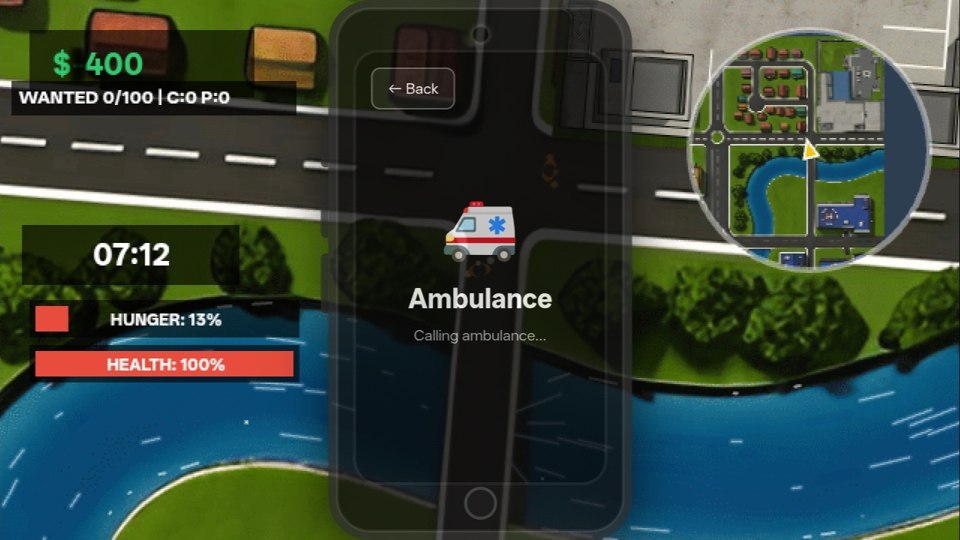
StreetBound is built for mobile as well as desktop, with a top-down city, vehicles, police chases and everyday jobs. Its creator added a choice between screen-relative and car-relative steering after player feedback—a useful setting when driving feels different from what you expect.
Phone controls and setupOpen the minimap, then its gear icon, to find the steering selection described by the creator. Try that before joining a street race. The game is still in development; phone support is documented, but the creator’s low-end-performance claim is not a benchmark from us.
Computer · Phone & tablet
See game & play ↗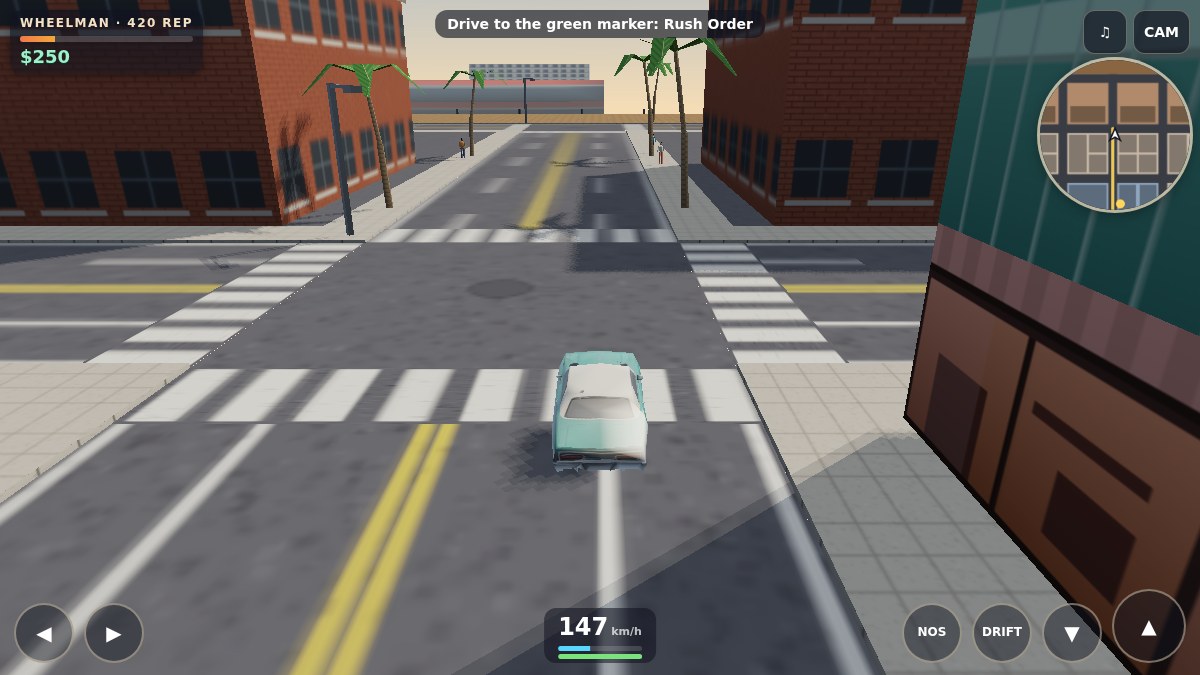
02 For touch driving with jobs and police pursuits
Saltreach Heat
Saltreach Heat keeps you behind the wheel of a teal coupe in a harbour city. The creator describes nine voiced jobs, side work and a police heat system. Its phone interface separates steering, acceleration, braking, drift and nitro, giving each driving action a visible control.
Phone controls and setupLearn gas, brake and steering first; nitro unlocks at the Wheelman rank. Green markers start story jobs, yellow phones lead to side work, and pink Spray Bays repair the car and help shake pursuit. This is a driving-led crime adventure.
Computer · Phone & tablet
See game & play ↗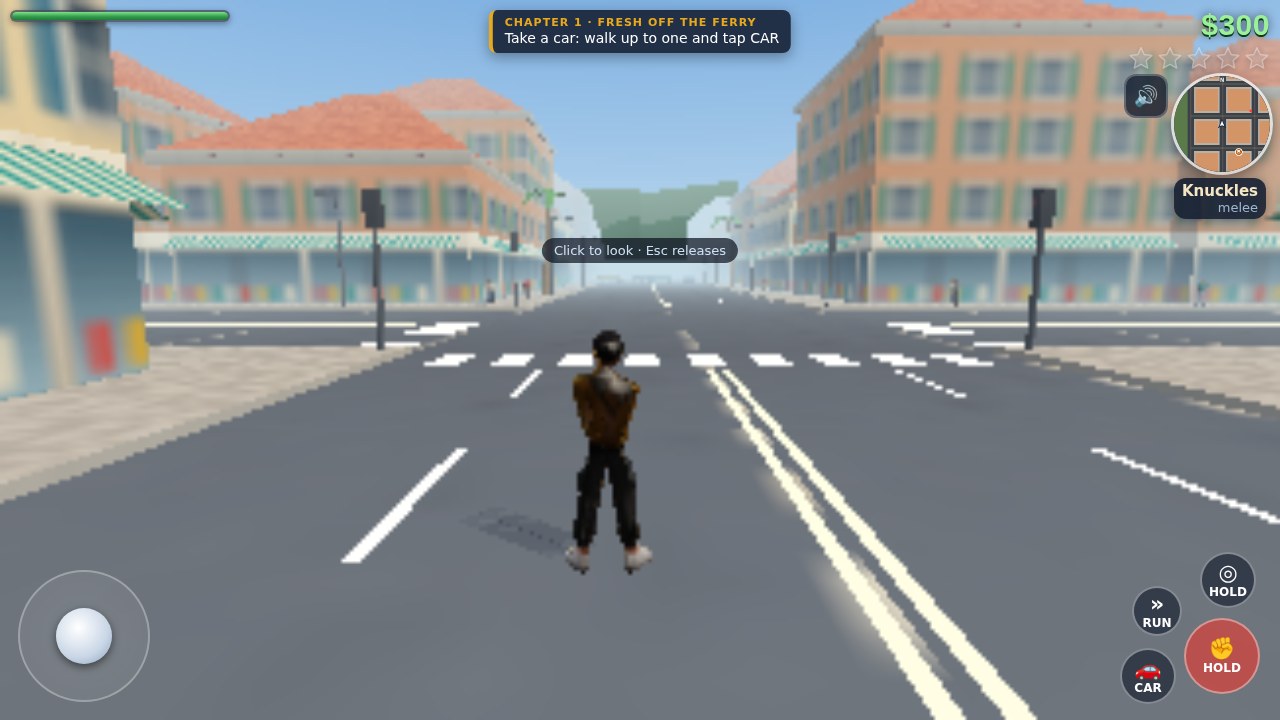
03 For switching between street action and stolen cars
Ravelle Ruckus
Ravelle Ruckus combines on-foot action and driving in Port Ravelle. Rival gangs, a weapon wheel, traffic and escalating police attention give the city-sandbox comparison substance. The creator’s touch instructions use a left stick for movement, a drag on the right for looking, and on-screen action buttons.
Phone controls and setupTake a moment to separate moving from looking before stepping into a fight. Unlike Saltreach’s driving-focused controls, this layout also needs camera movement and street-combat actions, so it asks more of your thumbs.
Computer · Phone & tablet
See game & play ↗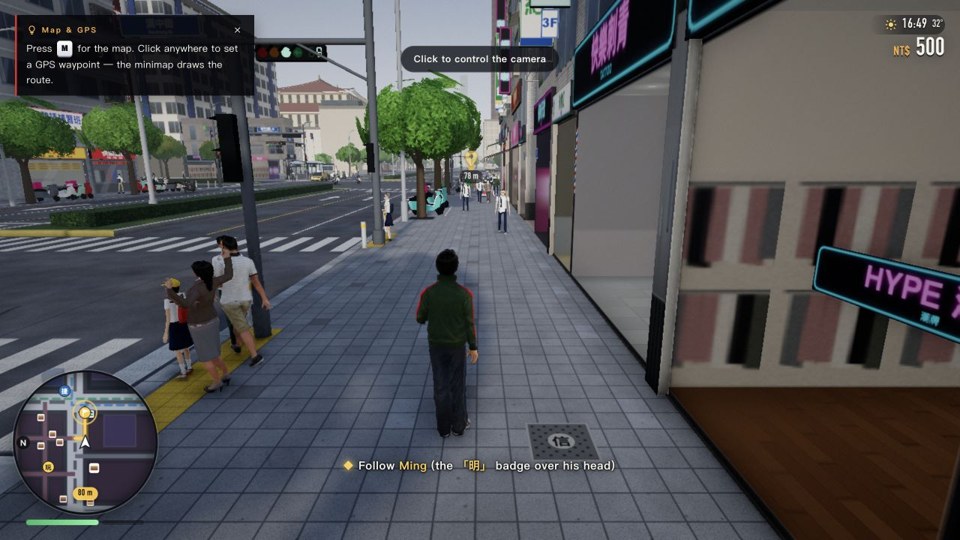
04 For exploring Taipei with touch movement and driving
Taipei Rush
Taipei Rush takes its open world from a real city: ride past night markets, Ximending and Taipei 101. Its English control help explains a left movement stick and right-side camera drag on foot; vehicle controls add gas and brake pedals while the left stick steers.
Phone controls and setupChoose English if needed and read the controls for both walking and driving. On iPhone, the game’s own guidance recommends Safari over an app’s embedded browser, which may have less memory and reload the game. Use your normal browser for the longer city visit.
Computer · Phone & tablet
See game & play ↗05 For a shared city drive with friends
Teleoperator
By Mindblown (@mindblown_ai) ↗
Teleoperator recreates San Francisco streets for an online drive. Pick a robotaxi or supercar, create a room and share its link so friends can join in their own vehicles. The official page explicitly supports phone touch controls. It fits the roaming-and-driving side of GTA rather than missions about crime.
Phone controls and setupKeep an internet connection available for the shared room. The creator also documents a city map and garage; use them to agree on a destination. Phone support does not guarantee the same performance on every handset.
Computer · Phone & tablet
See game & play ↗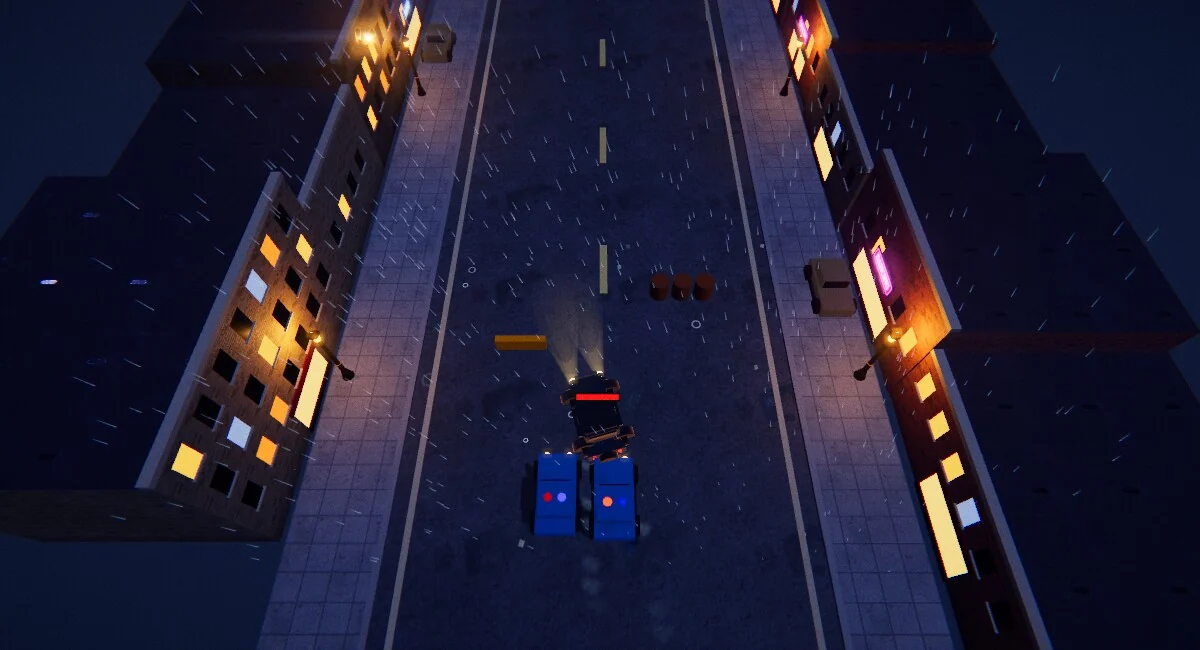
06 For a 1920s mob story with cars and shootouts
Mafioso
Vibe Games Studio’s Mafioso follows Ilona, the younger sister of a made man, through a mob story. The creator describes twelve chapters combining city errands, car chases and shootouts, with voiced dialogue and a double-cross. Its period setting gives the crime-and-driving combination a different flavour.
Phone controls and setupThe browser build adapts its HUD and dialogue around the touch controls. Movement and actions are separate; try a short drive and conversation before committing to a chapter.
Computer · Phone & tablet · Controller confirmed
See game & play ↗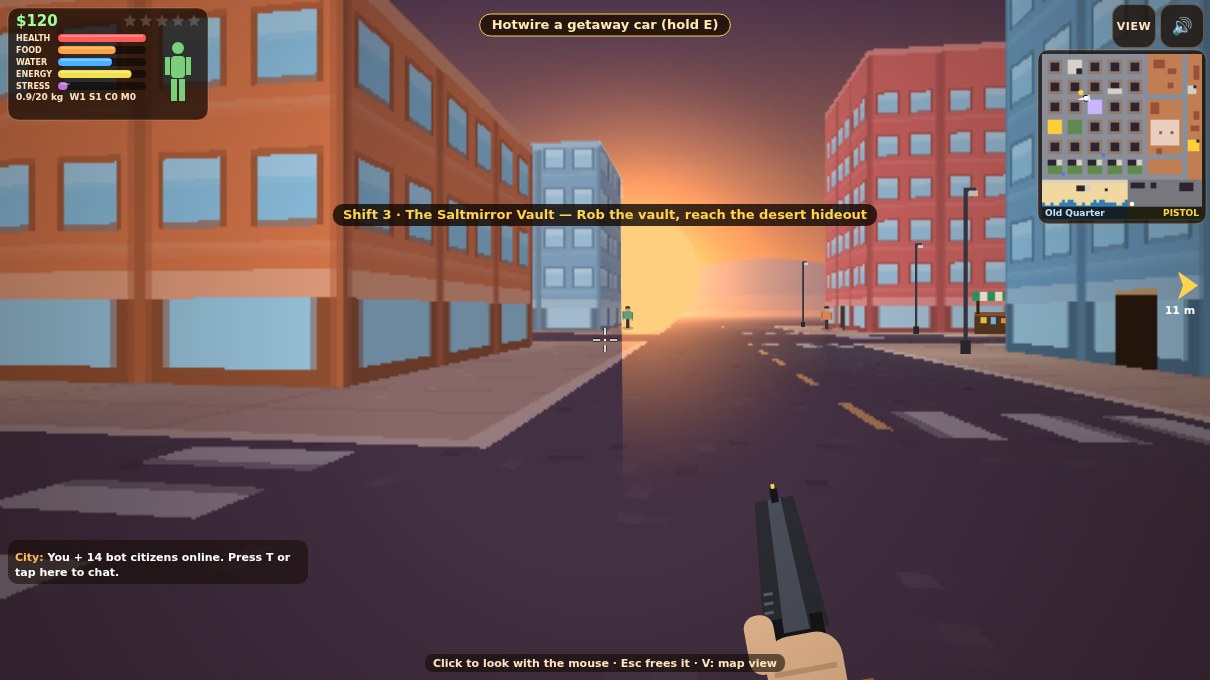
07 For city survival, hotwiring and street trouble
Saltmirror Shifts
Saltmirror Shifts lets you walk or drive through a city, hotwire vehicles and manage fuel, food and health. Its instructions include entering buildings, using supplies, a weapon wheel and changing between first-person and map views. The creator is still polishing the project.
Phone controls and setupUse the stick to move and drag to look. ACT handles interactions, FIRE doubles as the brake in a vehicle, and WHEEL opens weapons and supplies. The creator is still polishing the build.
Computer · Phone & tablet
See game & play ↗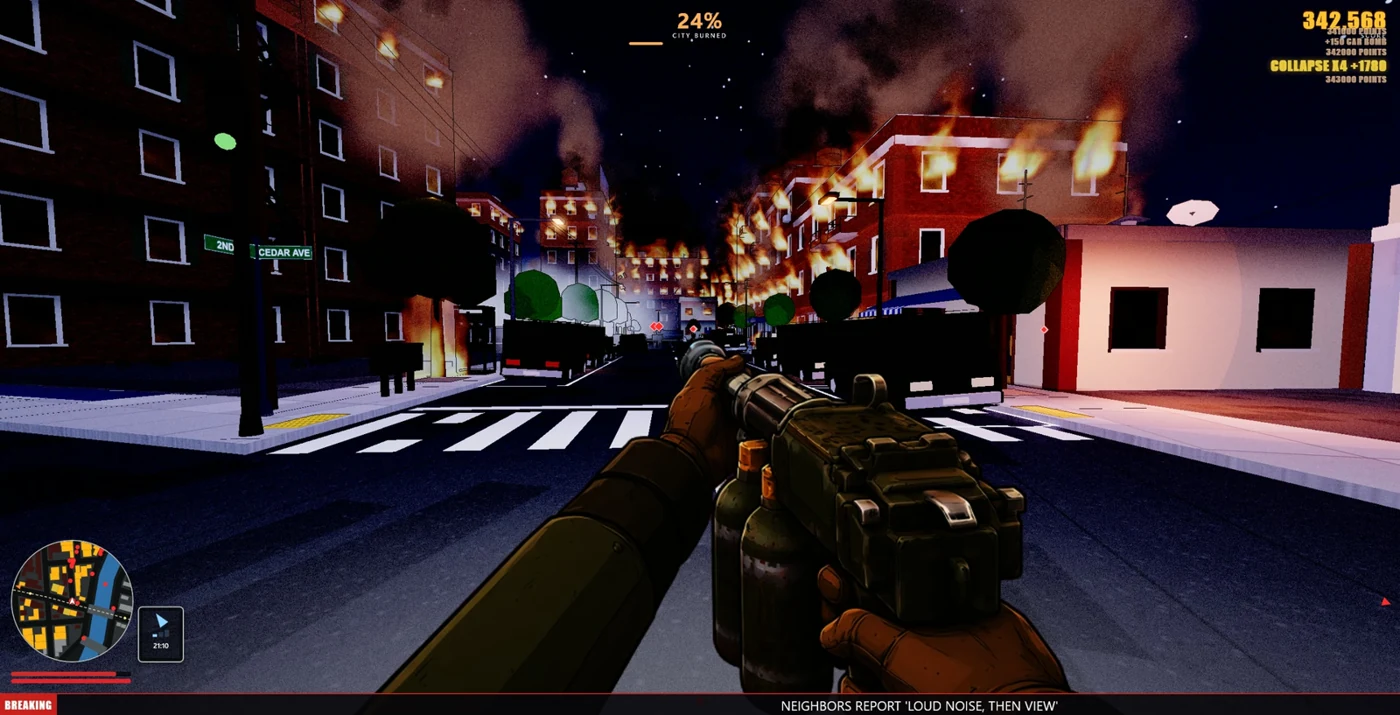
08 For escalating police heat and city destruction
FIRESTARTER - LET IT BURN
FIRESTARTER gives you a flamethrower and a destructible city. Spreading fires build a score multiplier while witnesses and cameras raise the heat, bringing police, roadblocks, SWAT and a helicopter. The creator describes runs of roughly 10–15 minutes, with rooftops and fire escapes offering routes through the city.
Phone controls and setupThe creator documents automatic flame when aimed at a burnable target, plus aim help and a Phone graphics preset. It still needs separate movement and aiming thumbs; it is a first-person destruction game rather than a driving game.
Computer · Phone & tablet · Controller confirmed
See game & play ↗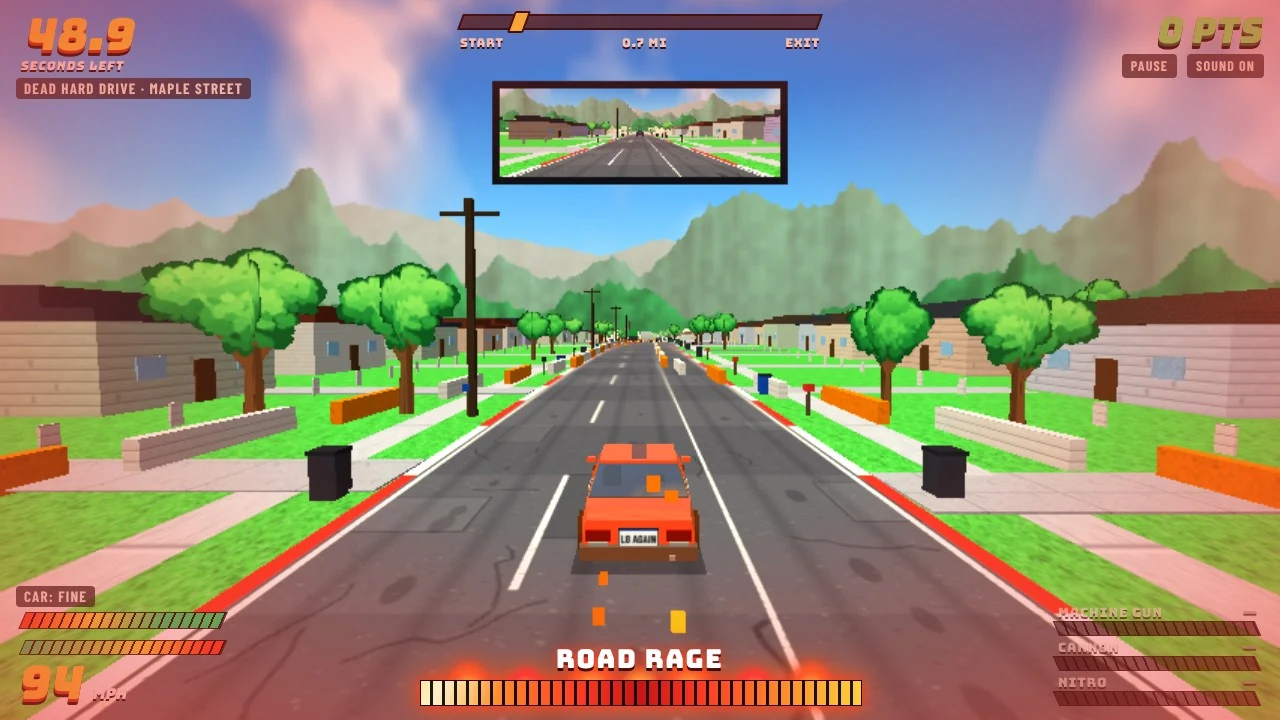
09 For an armed getaway in a very bad work van
Commuter Carnage
PowersDigitalStudios’ Commuter Carnage turns a contractor’s service call into eight chaotic driving detours. Pick up weapons and nitro, avoid police roadblocks and improve the van in Free Drive. The creator describes it as satire and documents keyboard, gamepad and touch controls.
Phone controls and setupThe creator explicitly supports touch as well as keyboard and gamepad. This is an arcade route-and-traffic game: learn the vehicle controls before chasing the clock, rather than expecting on-foot city exploration.
Computer · Phone & tablet
See game & play ↗10 For neon-city driving and a mission list
Threejs-Punk Drive
Anderson Mancini and Sunag’s Threejs-Punk Drive fills a rainy cyberpunk city with cars, collectibles and driving challenges. The creator’s launch announcement lists more than fifty missions and supports desktop and mobile browsers. Its detailed rain and reflections give the night driving a distinctive look.
Phone controls and setupThe launch announcement explicitly includes mobile. This is a detailed graphics-heavy racing game, so start with a brief run on your handset. No claim is made that every phone can run its highest-quality presentation.
Computer · Phone & tablet
See game & play ↗11 For a relaxed Miami Beach drive
Ocean Drive
By Dr Collect ↗
Dr Collect’s Ocean Drive recreates a sunny stretch of Miami Beach for walking, cycling and driving. Get into cars, cruise the waterfront and experiment with vehicle collisions. The creator’s repository documents touch controls and a quality setting for phones.
Phone controls and setupThe creator documents touch controls and a lower quality tier for phones. It suits exploring and driving along the waterfront; crime missions and police pursuits are not its premise.
Computer · Phone & tablet
See game & play ↗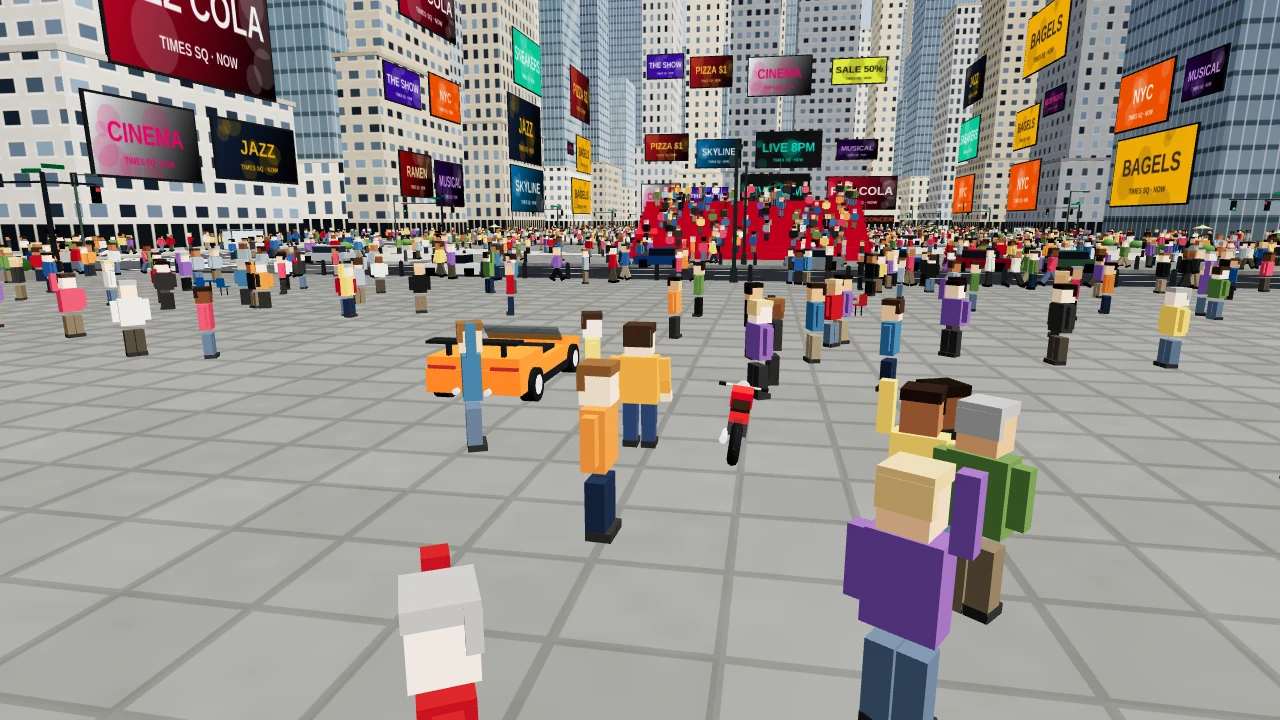
12 For roaming between a city, forest and tech district
Island Walker
INOK Gaming’s Island Walker combines a dense city, Pine Valley Forest and a technology district. Travel by supercar, motorbike, subway or an elevated train, then seek out a space elevator. The creator explicitly describes it as exploration with no missions or timer, and documents desktop and mobile support.
Phone controls and setupThe creator explicitly supports mobile and recommends lowering quality if it runs slowly. This is an exploration sandbox with multiple transport options, not a mission-based crime campaign.
Computer · Phone & tablet
See game & play ↗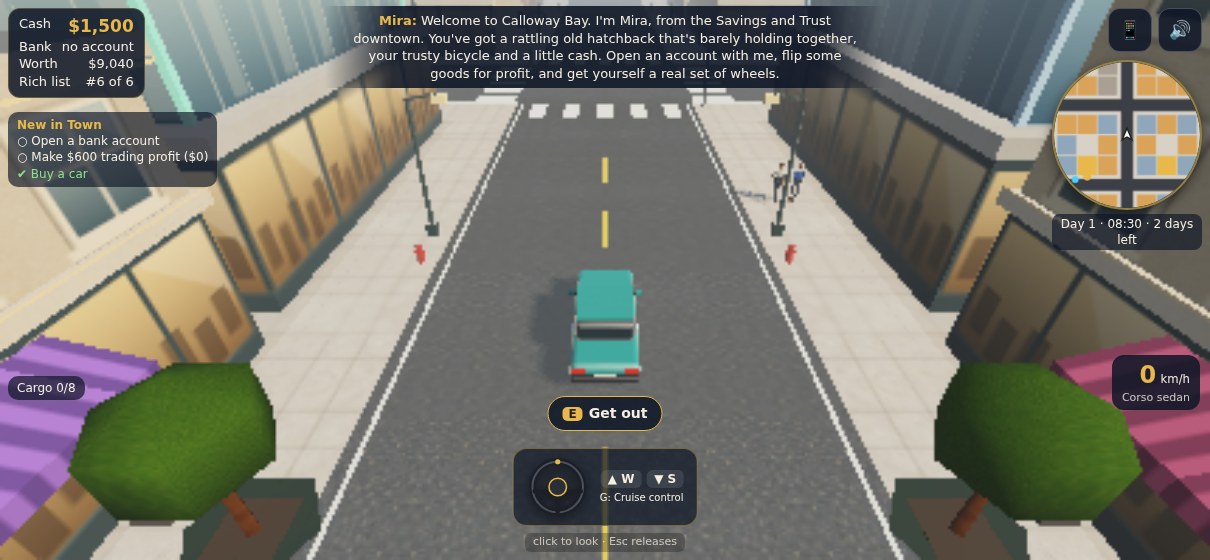
13 For building a life in a harbour city
Calloway Bay: Make It Big
By Mango Many ↗
Mango Many’s Calloway Bay lets you walk or drive around a sunny city and enter shops, homes, banks and showrooms. Trade goods, buy vehicles and property, then open businesses across three timed chapters. Touch controls change from a walking stick to steering and pedals when you enter a vehicle.
Phone controls and setupThe creator documents a stick on foot, a wheel or handlebars in vehicles, and separate GO and REV pedals. It offers trading, property and businesses rather than a crime story.
Computer · Phone & tablet
See game & play ↗| Game | What you do | Touch setup | Useful distinction |
|---|---|---|---|
| StreetBound | 2D city jobs, cars and police chases | Mobile interface; steering setting via minimap gear | Screen-relative or car-relative steering |
| Saltreach Heat | Driving jobs and getaways | Steer, gas, brake, drift and nitro buttons | Nitro unlocks as you progress |
| Ravelle Ruckus | Street combat, cars and wanted levels | Left stick, right-side look and action buttons | Both on-foot and vehicle play |
| Taipei Rush | Explore a real-city-inspired world | Left stick, right-side look; vehicle pedals | English help; use a full browser on iPhone |
| Teleoperator | Drive San Francisco with friends | Creator-documented touch driving | Online room; driving simulation, not crime missions |
| Mafioso | Mob story, chases and shootouts | Touch overlay with movement and action buttons | Dialogue and vehicle modes; two-thumb layout |
| Saltmirror Shifts | Hotwiring, supplies and street combat | Stick, drag-to-look and labelled action buttons | Hold ACT for hotwiring, refuelling or rest |
| FIRESTARTER - LET IT BURN | Destruction and escalating police response | Left-side movement, right-side look; automatic flame | Phone graphics preset; jump and pause buttons |
| Commuter Carnage | Armed driving, roadblocks and van upgrades | Creator-documented mobile driving controls | Timed detours; weapons and van upgrades |
| Threejs-Punk Drive | City driving, missions and collectibles | Creator-documented mobile browser support | Detailed WebGPU city; handset capability matters |
| Ocean Drive | Walking, cycling and coastal driving | Touch movement/look and interaction controls | Phone quality preset; scenic roaming |
| Island Walker | Exploration and varied transport | Creator-documented mobile controls | Lower quality in Settings if needed |
| Calloway Bay: Make It Big | Trading, vehicles, property and businesses | Walking stick; steering wheel and GO/REV pedals | Controls change between walking and vehicles |
Playing GTA-style games on your phone
Can I play GTA itself through these browser links?
These links lead to independent games with related mechanics, not official Grand Theft Auto releases. Choose StreetBound or Ravelle Ruckus for crime-sandbox elements, Saltreach Heat for driving jobs, or Taipei Rush and Teleoperator for city exploration.
Which option should I try first on a phone?
StreetBound is a useful starting point if you want a top-down view and configurable steering. Saltreach Heat is the driving-focused option with separate on-screen pedals. Choose Ravelle Ruckus if you also want on-foot action and are comfortable moving and looking with different thumbs.
Do I need to download an app or an APK?
The linked versions run in a browser. Use the Playground listing’s Play link to reach the creator’s page, then its browser-play option. No separate APK or app-store installation is needed for these versions.
Can I play with a friend on another phone?
Teleoperator explicitly offers shared online rooms: create one and send the link to a friend. That is a documented feature, not a claim that public rooms are always busy. We do not assume that a platform-wide “play with friends” button makes every other game multiplayer.
Why do touch steering schemes feel different?
Some games steer relative to the car, while others interpret directions relative to the screen. StreetBound’s creator documents a selector under the minimap’s gear icon. Other games may combine a stick with separate gas and brake buttons, so check their own control help.
Will these work on every iPhone and Android phone?
They document touch input, but browser features and device performance vary. Start in your usual browser and try a short session before committing to a long run. Taipei Rush specifically provides guidance for opening in Safari instead of an embedded app browser.
Can I play offline or move my save to another phone?
This guide does not establish offline play or cloud saves for all these games. Teleoperator’s shared rooms need a connection. Check a game’s own save options before clearing browser data or switching devices; a touch interface alone does not establish how progress is stored.
Found your favourite?
Leave a rating on its game page. Or send a friend somewhere new to play.
OVER TO YOU
Comments
Got a thought, a favourite or a recommendation? Join the conversation.
Loading comments…